SYNCFUSION A2UI
Build agent-driven interfaces with Syncfusion A2UI
Turn structured AI responses into interactive application UI with Syncfusion components, and design those interfaces visually with A2UI Composer.
Two focused ways to build with A2UI
Use the runtime components when you are building the application experience. Use Composer when you want to design, preview, and refine the interface definition first.
UI
Syncfusion A2UI Components
Render structured A2UI definitions as interactive Syncfusion UI inside your application.
- Use supported Syncfusion components as reusable A2UI building blocks.
- Render structured surfaces produced by an A2UI-compatible agent.
- Handle updates and user interactions as the experience evolves.
Syncfusion A2UI Composer
Design and refine A2UI surfaces visually before connecting them to your application workflow.
- Start from a natural-language prompt or a ready-made template.
- Preview the interface with real Syncfusion components.
- Refine with AI or JSON edits, then copy the A2UI definition.
Design the surface. Render it in the application.
Composer and the runtime solve different parts of the same A2UI workflow.
Design time
Optional authoring path
A2UI Composer
Preview and refine
A2UI Composer
Preview and refine
A2UI JSON
Structured definition
Handoff: use the composed definition in the app directly or bind it to the agent as the expected UI structure.
Runtime
Application experience
User request
Intent or action
AI agent / backend
Emits A2UI messages
Syncfusion renderer
Maps the surface
Interactive UI
Rendered in the app
Design the surface. Render it in the application.
Composer and the runtime solve different parts of the same A2UI workflow.
Option2: Two panel with a JSON bridge
Design time
Describe the UI
Preview and refine
Export definition
{ }
Use in app or bind to agent
Runtime
User request
Agent emits A2UI
Syncfusion renders UI
Use familiar application components in agent-driven experiences
A2UI surfaces can be composed from supported Syncfusion controls across common enterprise interface needs.
D
Data Grid
Tree Grid
V
Visualization
Charts · Maps
I
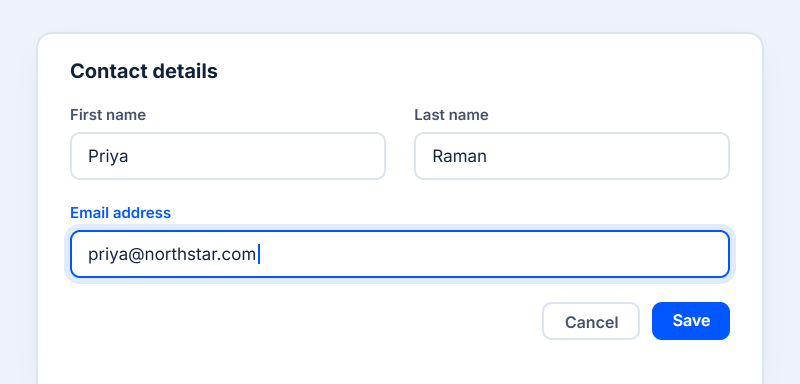
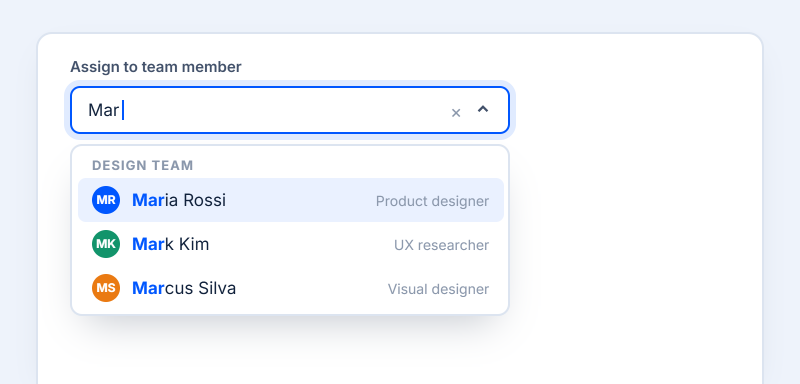
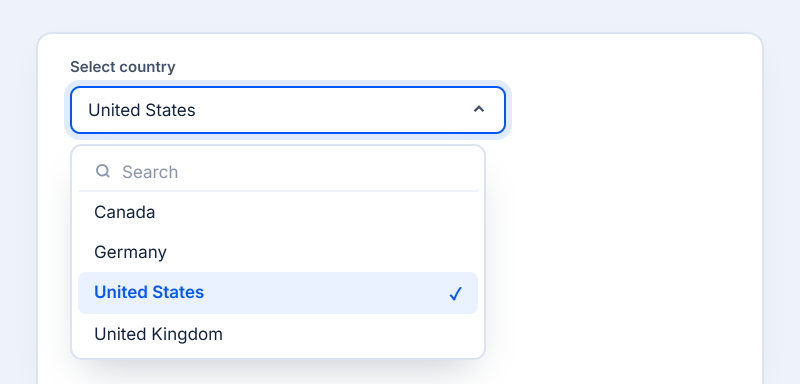
Inputs
TextBox · Dropdown
S
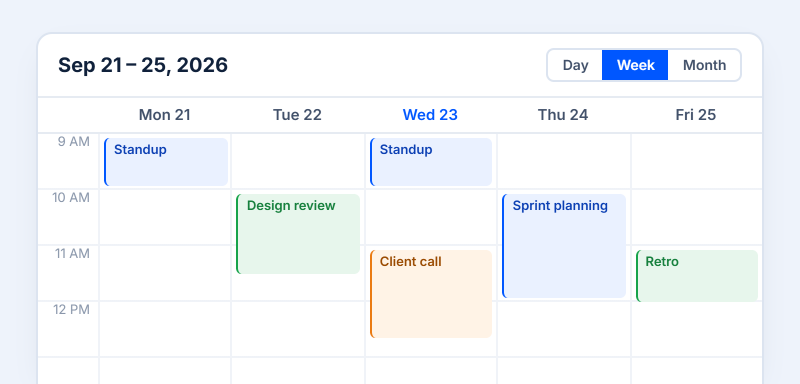
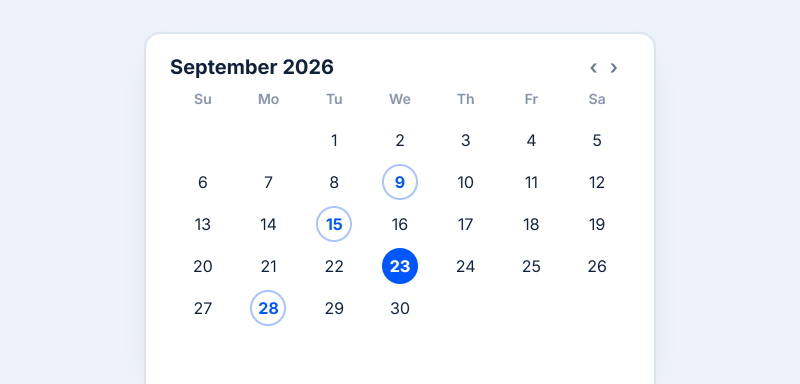
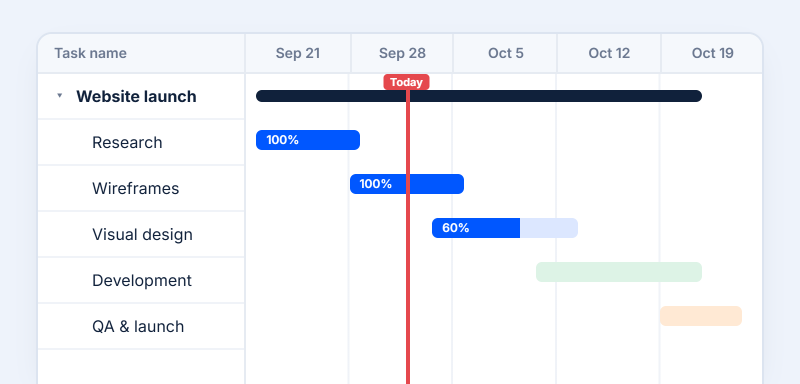
Scheduling
Calendar · Scheduler
N
Navigation
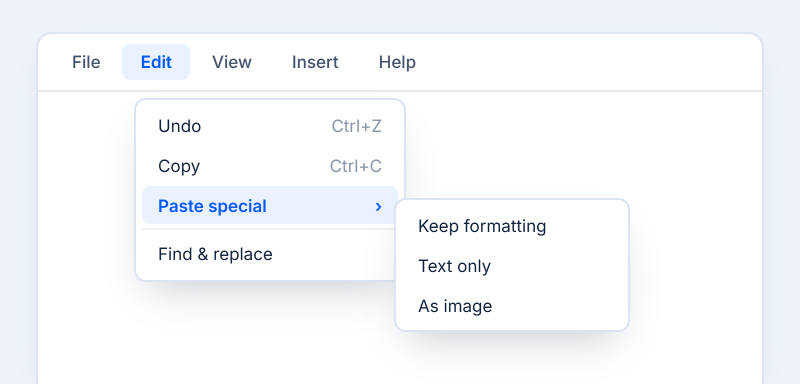
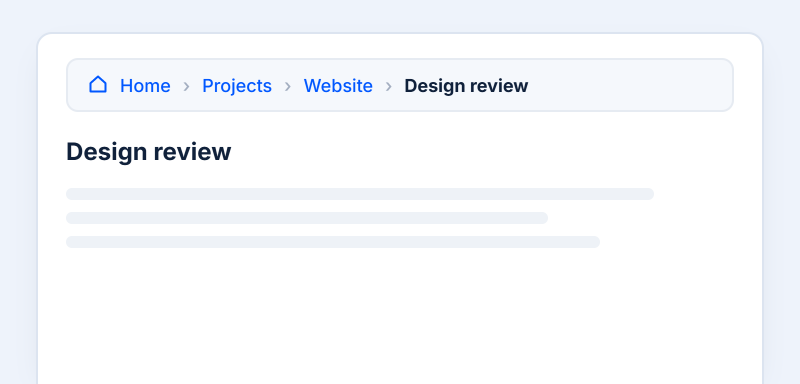
Menu · Breadcrumb
L
Layout
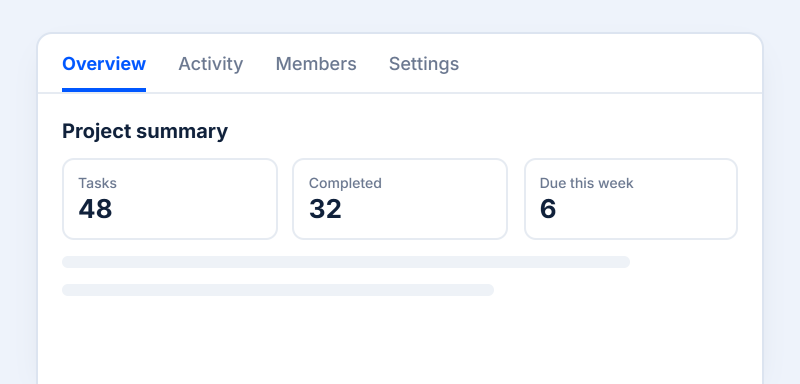
Tabs · Cards
Use familiar application components in agent-driven experiences
A2UI surfaces can be composed from supported Syncfusion controls across common enterprise interface needs.
-
Data & Visualization
-
Input Components
-
Scheduling Components
-
Navigation Components
-
Layout Components
-
Viewer/Editor Components
Data & Visualization Components
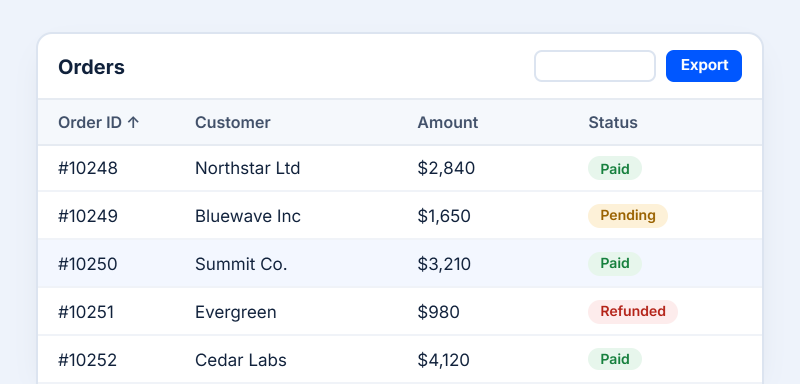
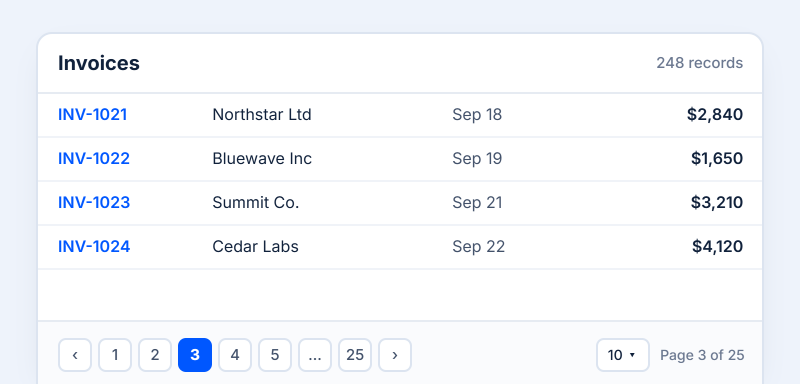
Data Grid
Display and organize records in rows and columns.
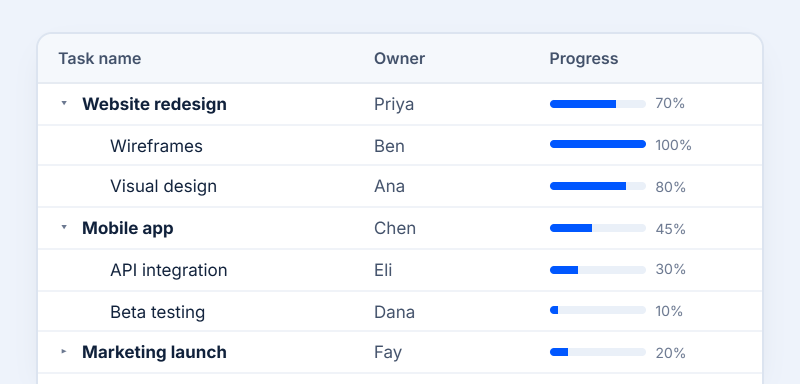
Tree Grid
Explore records with parent-child relationships.
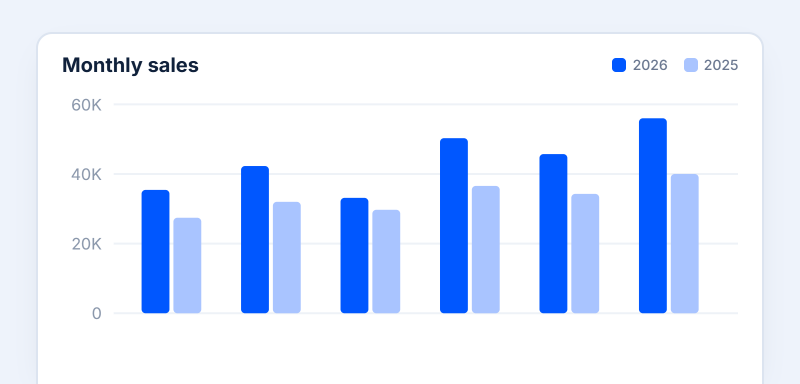
Chart
Show patterns and comparisons in your data.
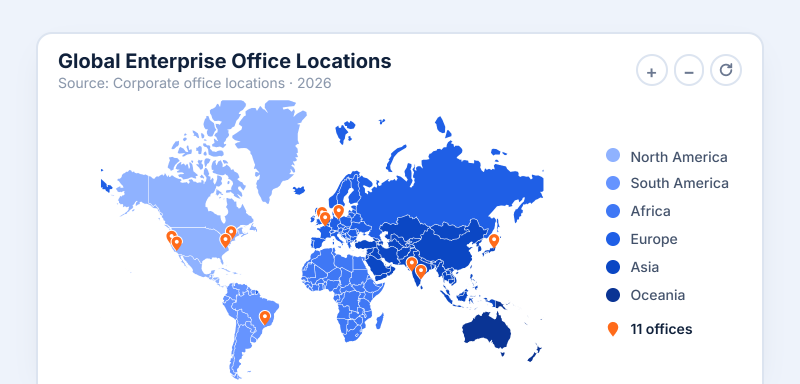
Map
Present data in a map-based geographic view.
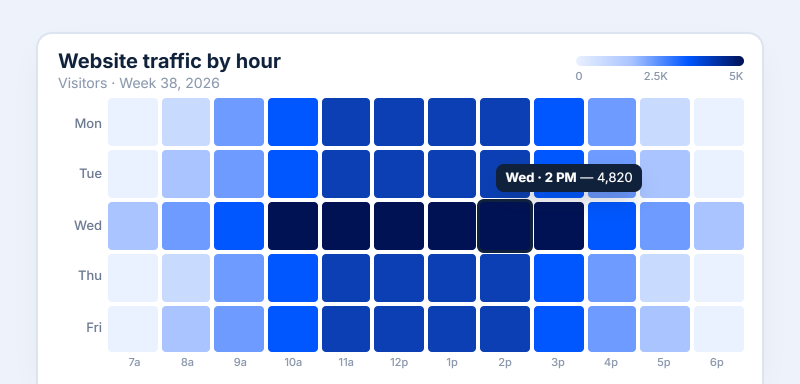
HeatMap
Color-coded matrix to reveal data patterns.
Layout Components
Skeleton
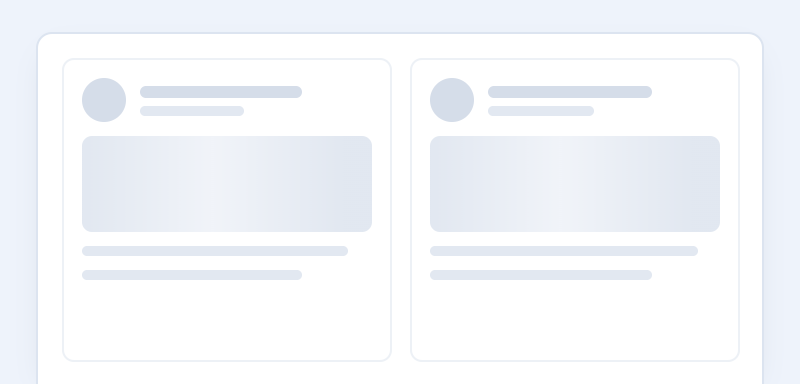
Placeholder with shimmer while content loads.
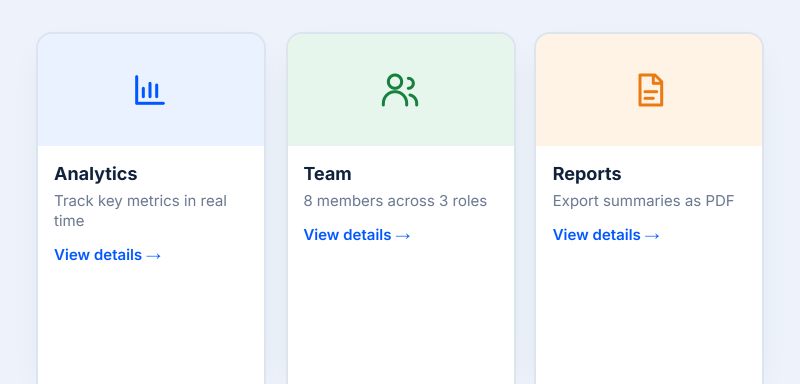
Tabs
Switch between related views in one place.
Card
Group related information in a single container.
Document Solutions
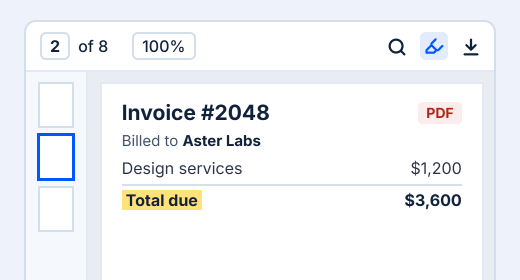
PDF Viewer
View, annotate, and fill forms in PDF files.
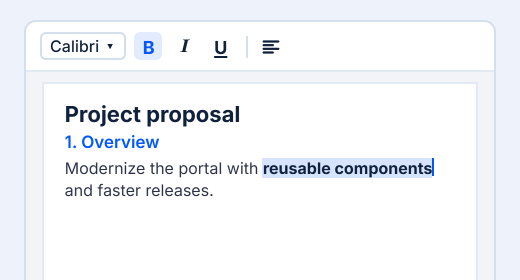
DOCX Editor
Create, edit, and format Word documents.
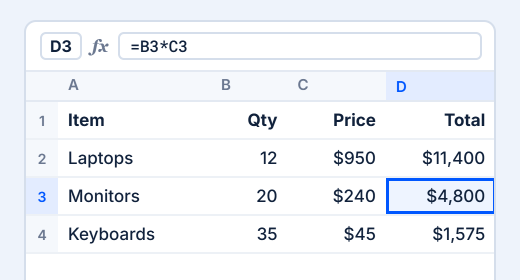
Spreadsheet Editor
See A2UI turn into real application UI
An agent can return a structured component definition, and the Syncfusion renderer maps it to the corresponding interactive component in the application.
{
"id": "orders-grid",
"component": "SyncfusionDataGrid",
"dataSource": { "path": "/orders" },
"allowPaging": true,
"allowSorting": true,
"columns": [
{ "field": "id", "headerText": "Order ID" },
{ "field": "customer", "headerText": "Customer" },
{ "field": "amount", "headerText": "Amount" }
]
}
Rendered result
|
Order ID
|
Customer
|
Amount
|
|---|---|---|
|
1001 |
Aster Labs |
$1,240 |
|
1002 |
Bluewater |
$860 |
|
1003 |
Maple Works |
$2,150 |
|
1004 |
Northline |
$620 |
Create A2UI interfaces from prompts and templates
Describe the interface you need, preview it with Syncfusion components, refine the experience, and generate a ready-to-use A2UI definition for your application.
Describe
Start with a prompt or starter template.
Preview
See it rendered with Syncfusion components.
Refine
Adjust the layout, components, and data.
Copy
Take the generated A2UI definition into your application.
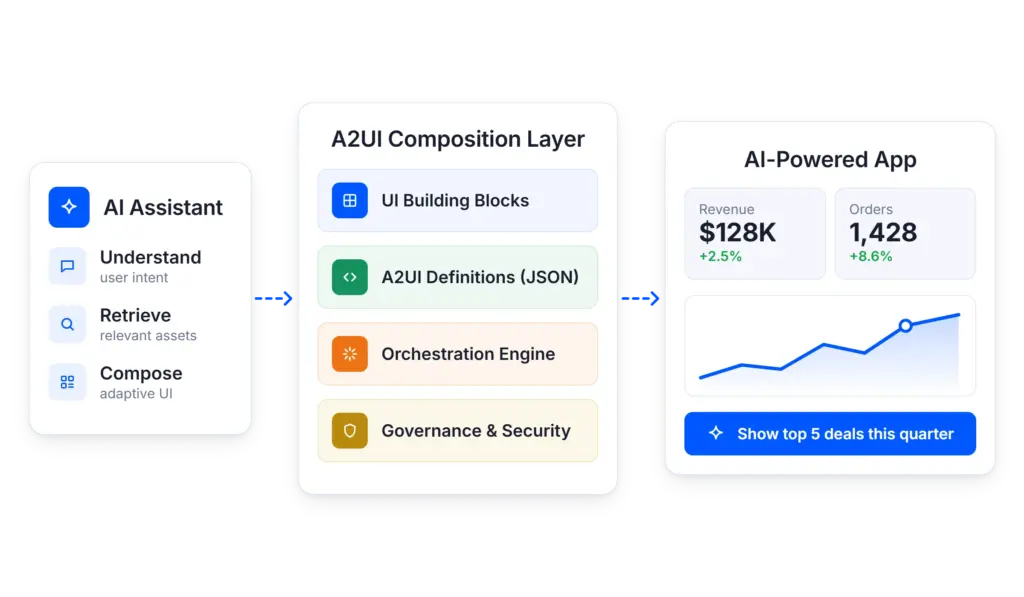
Structured, reusable, and easier to govern
Use trusted UI building blocks and explicit interface definitions instead of relying on an agent to invent every screen from scratch.
Structured
A2UI definitions make the interface explicit and inspectable, giving teams a clearer contract between the agent and the application.
Reusable
Use the same supported components and interface patterns across multiple agent workflows instead of rebuilding each experience.
Consistent
Render agent-driven interfaces with the same Syncfusion building blocks used elsewhere in the application.
Design with Composer. Render with Syncfusion A2UI
Use the tools independently or together to build structured, interactive agent-driven application experiences.