
 Arunachalam Kandasamy Raja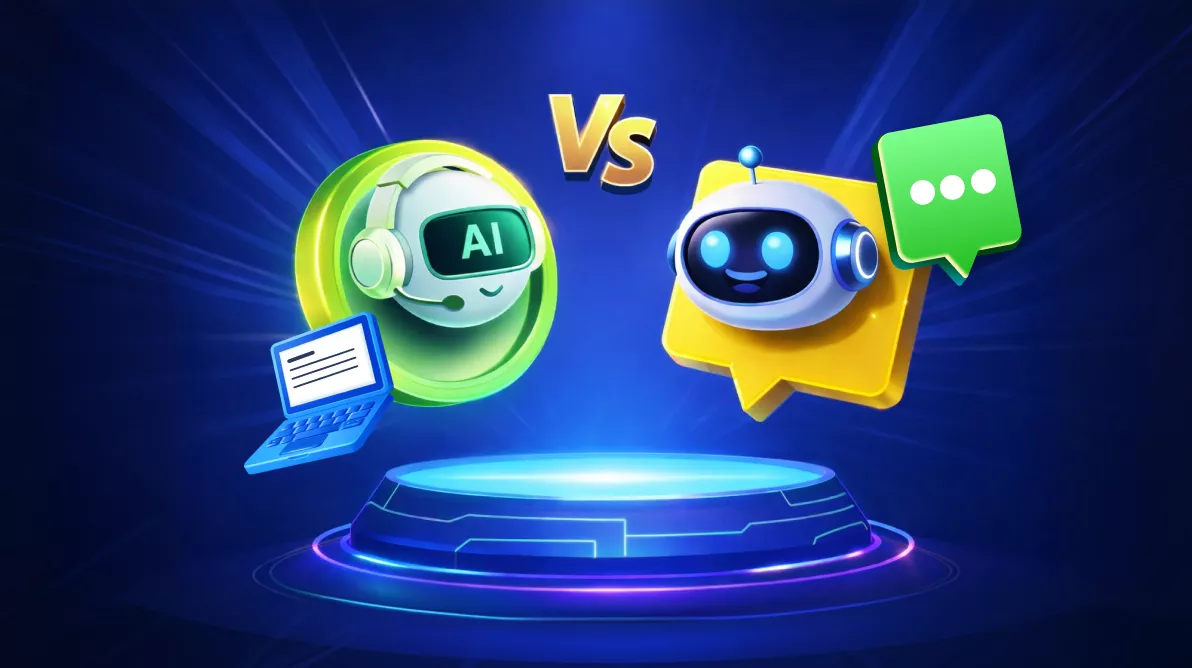
TL;DR: AI chatbots focus on conversational interfaces, while AI agents extend LLM capabilities with planning, tool usage, and autonomous task execution. Although both rely on similar AI models, their architectures and application patterns differ significantly. This guide compares chatbots and agents and helps developers decide which approach fits modern applications in 2026.
Conversational interfaces are now standard in modern applications. Whether you’re building support tools, productivity apps, or internal systems, users expect natural language interaction.
Early chatbots relied on rule-based logic and predefined flows. As NLP improved, chatbots became more flexible and could understand intent and generate natural responses.
LLMs advanced this further, enabling chatbots capable of rich, contextual interaction. They also enabled something more powerful: AI agents, which don’t just respond, but reason and act.
While both use LLMs, their architecture and purpose differ. This article explains those differences so you can choose the right approach for your application.
What are AI Chatbots?
An AI chatbot is software designed to simulate human conversation through natural language. Modern Chatbots use natural language processing (NLP) and large language models (LLMs) to understand queries and generate relevant responses.
Unlike older rule-based predecessors, today’s AI chatbots:
- Understand user intent from natural language (not just keywords).
- Maintain context across conversations.
- Generate dynamic, contextual responses.
- Pull data from backend systems when needed.
Key characteristic
Chatbots are reactive. They respond to user messages but do not independently initiate complex actions or workflows.
Core architecture
Most AI chatbot systems are built around these components:
- Natural Language Understanding (NLU)
Processes user input to determine intent and extract entities.
Example: “What’s the status of my order?” → Order-status intent + order ID extraction. - Dialogue management
Controls conversation flow and determines the next appropriate response. - Response generation
Creates responses using templates, structured logic, or LLMs (increasingly common). - Backend integrations
Accesses databases or APIs to retrieve information, such as order status.
Example workflow
User: “Can you help me reset my password?“:
- NLP layer interprets intent (
password_reset_request). - Dialogue manager determines the appropriate response path.
- System checks if additional info is needed (
email,username). - Chatbot generates a response.
- If the user provides details, a backend API may be triggered.
Note: The chatbot responds to user input, it does not proactively inspect account health or take independent action.
What are AI Agents?
An AI agent autonomously performs tasks, makes decisions, and interacts with external systems to achieve specific goals. They extend beyond conversation. They integrate with tools, execute actions, and operate with independence.
Unlike chatbots that wait for prompts, AI agents:
- Plan multi-step tasks.
- Decide which tools or APIs to use.
- Execute actions across different systems.
- Remember previous interactions and outcomes.
- Adjust strategies based on results and feedback.
This enables agents to perform tasks requiring reasoning, planning, and iterative execution, not just respond to questions.
Core capabilities
- Autonomous decision making
Agents determine the steps required to complete a task without human instructions. - Planning and reasoning
LLMs help agents break down complex problems into actionable subtasks. - Tool usage
Agents interact with APIs, databases, search engines, code interpreters, and more. - Memory systems
Agents store information beyond single conversations across tasks and sessions. - Execution loops
Agents continuously evaluate their progress and adjust actions until the task is completed. If one approach doesn’t work, they try another.
Example scenario
User: “Research the latest trends in AI developer tools and create a summary report.”
- Plan the task: Break it into subtasks, search for sources, identify trends, extract insights, compile a report.
- Execute searches: Use web search tools to find recent articles, GitHub repos, and discussions.
- Analyze the results: Read through sources and extract key trends.
- Synthesize findings: Identify patterns and important developments.
- Generate the report: Compile everything into a structured summary document.
- Deliver results: Present the completed report to you.
This involves planning, tool usage, information synthesis, and content creation, far beyond chatbot capabilities.
Core differences between AI Agents and AI Chatbots
| Feature | AI Chatbots (Reactive) | AI Agents (Autonomous) |
| Primary Role | Conversational interaction | Autonomous task execution |
| Autonomy | Low (user-driven) | High (goal-driven) |
| Interaction Model | Respond to user messages | Execute tasks to achieve goals |
| Decision Making | Predefined or limited logic | Dynamic reasoning with LLMs |
| Task Execution | Minimal or none | Multi-step workflows |
| Tool Usage | Limited integrations | Extensive tool orchestration |
| Memory Handling | Session-based context | Persistent or long-term memory |
| Complexity | Moderate | High |
| Example Applications | Support assistants, FAQ bots | Research agents, coding assistants |
| Risks | Hallucinated answers | Tool misuse, runaway loops, cost/latency spikes |
| SLAs | Response quality & deflection | Task completion, cycle-time, correctness |
Architecture comparison
AI Chatbot architecture
A typical chatbot architecture centers on processing user messages and generating appropriate responses. Key components include:
- NLP or LLM processing layer.
- Intent detection and entity extraction.
- Dialogue state management.
- Response generation (template-based or LLM-generated).
- Backend integrations for data retrieval.
The architecture prioritizes conversation orchestration, managing turns in a dialogue, maintaining context, and providing relevant responses.
AI Agent architecture
Built for autonomy and workflow execution. Key components include:
- Reasoning engine to choose next actions.
- Planning module to break tasks into steps.
- Tool execution system for API/database interactions.
- Memory layer for long-term context.
- Execution loop to evaluate and adjust.
This enables agents to operate independently across multiple systems.
Real-world use cases
AI Chatbot use cases
Chatbots excel in scenarios focused on user interaction and information delivery:
- Customer support automation: Answering common questions, troubleshooting issues, and routing complex queries.
- Website virtual assistants: Helping visitors navigate products, find information, or complete purchases.
- Knowledge base interfaces: Making documentation searchable through conversation.
- FAQ automation: Handling repetitive questions at scale.
- Internal helpdesk bots: Supporting employees with IT issues, HR questions, or policy lookups.
These systems improve response times and accessibility within conversational boundaries.
AI Agent use cases
Agents shine when autonomous task execution and workflow automation are needed:
- Autonomous research assistants: Gathering information from multiple sources, synthesizing findings, and generating reports.
- AI coding assistants: Writing code, debugging issues, running tests, and deploying changes.
- Workflow automation systems: Orchestrating multi-step business processes across different tools.
- Data analysis agents: Collect data, perform analysis, generate visualizations, and produce insights.
- Task orchestration platforms: Managing complex workflows requiring decisions about which tools to use and when.
These systems reduce manual work by performing sophisticated tasks across multiple systems.
When to use each technology
Use Chatbots when,
- You need efficient communication with users.
- The task is conversational in nature.
- You want simpler maintenance and faster deployment.
- Users expect guided flows or quick answers.
Use Agents when,
- Tasks require planning and multi-step completion.
- Work spans multiple tools or systems.
- The workflow is ambiguous and requires reasoning.
- You want minimal human involvement after goal definition.
Agents require more infrastructure, but offer more capability.
Advantages and limitations
AI Chatbots
Here’s what the Chatbots offer:
- Simpler architecture that’s easier to reason about.
- Lower infrastructure and operational requirements.
- Faster to deploy and iterate on.
- Well-understood patterns and frameworks.
- Effective for conversational interfaces where users drive interaction.
Below are the limitations,
- Limited autonomy, can’t independently complete complex tasks.
- Struggle with multi-step workflows requiring planning.
- Depend on user prompts to take action.
- Tool integration possible but limited compared to agents.
AI Agents
Here’s what the AI Agents offer:
- Autonomous decision-making and task execution.
- Handle complex workflows spanning multiple systems.
- Extensive integration with tools, APIs, and external services.
- Adaptive reasoning—can adjust approach based on results.
- Capable of significantly reducing manual work.
Below are the limitations,
- Higher system complexity requiring sophisticated design.
- Increased infrastructure and monitoring requirements.
- More difficult to predict behavior and control outcomes.
- Requires governance, safety measures, and oversight.
- Longer development and testing cycles.
Developer perspective: Implementation considerations
Building AI Chatbots
When building chatbots, developers typically work with conversational frameworks and NLP services.
Common tools and platforms:
- Dialogflow: Google’s NLP platform for building conversational interfaces.
- Microsoft Bot Framework: Comprehensive framework for enterprise chatbots.
- Rasa: Open-source framework with strong NLU and dialogue management.
- OpenAI APIs: LLM-powered chatbot capabilities with function calling.
These platforms provide features like intent detection, entity extraction, dialogue state management, and conversation orchestration out of the box.
Building AI Agents
AI agents require frameworks designed specifically for reasoning, planning, and tool execution.
Popular agent frameworks:
- LangChain: Comprehensive framework for building LLM applications with tool integration.
- AutoGen: Microsoft’s framework for multi-agent systems.
- CrewAI: Framework for orchestrating role-based AI agents.
- Semantic Kernel: Microsoft’s SDK for integrating LLMs with conventional programming.
These frameworks support critical agent capabilities:
- Tool calling: Defining and executing functions that the agent can use.
- Agent execution loops: ReAct patterns, planning loops, and iterative execution.
- Memory systems: Short-term and long-term memory management.
- Multi-agent collaboration: Coordinating multiple specialized agents.
Building agents typically requires more sophisticated usage, careful tool design, and robust error handling compared to chatbots.
The future of conversational and autonomous AI
The Modern systems increasingly combine chatbots and agents. The chatbot acts as the conversational layer, while agents perform complex tasks behind the scenes.
This hybrid approach provides:
- Natural interaction.
- Autonomous execution.
- Shared context and continuity.
As frameworks mature, more developers will adopt these blended systems.
Frequently Asked Questions
Yes. Many teams begin with a chatbot to handle conversation and information retrieval, then extend it with agent capabilities such as planning, tool usage, and workflow execution. This phased approach reduces initial complexity and lets you introduce autonomy only when your application and infrastructure are ready.Can I start with a chatbot and later upgrade it into an AI agent?
Not always. Some tasks only need a short‑term task context. Long‑term or persistent memory becomes useful when the agent must recall past actions, preferences, or task histories. Developers should enable memory only when it improves performance or user experience, since it introduces additional storage, privacy, and governance requirements.Do AI agents always require long-term memory to work correctly?
Define a clear, minimal set of tools that map directly to the agent’s responsibilities. Each tool should have strict input/output schemas, validation rules, rate limits, and safety checks. Limiting tool scope helps contain agent behavior, improves traceability, and reduces risk while still allowing autonomous action where it’s safe and valuable.How do I decide which tools or APIs my AI agent should be allowed to access?
Conclusion
Thank you for reading! AI chatbots and AI agents offer two distinct approaches to building intelligent systems.
- Chatbots support conversational UI and guided assistance.
- Agents enable autonomous, multi-step workflow execution.
Developers should choose based on the problem:
- Use chatbots for conversation.
- Use agents for automation and complex workflows.
- Use hybrid architectures when both are needed.
As AI evolves, the most effective applications will blend both approaches, delivering natural interaction and autonomous action.



 No spam, just valuable updates.