
Robotic Process Automation Succinctly®

CHAPTER 1
RPA Fundamentals
Overview
RPA is all about how to use software programs and scripts to type in words, perform mouse clicks, open files, read file contents, open desktop and web applications, and enter data, so some processing can take place that is repetitive, tedious, and time-consuming.
The term digital workforce is sometimes used when referring to what RPA does and the scope it covers.
More than a set of specific programs, libraries, and tools, RPA is about techniques and how to apply them to automate specific tasks.
There are many proprietary software applications and frameworks on the market that claim to have a one-size-fits-all solution to all business process automation needs. Several key players in this market offer out-of-the-box RPA solutions that can be customized for different automation tasks by using a drag-and-drop (low-code) approach. The goal of this book is not to give you insights on those proprietary solutions, but instead to explain and highlight how you can use open-source resources and a few easy-to-learn techniques to achieve the same results as you would using proprietary software.
With the rise of relatively easy-to-learn dynamic programming languages such as Python, RPA is now within the reach of anyone who has intermediate programming knowledge, and who has a curious mind and desire to learn how to automate repetitive tasks.
Even if you have minimal programming knowledge, picking up a language like Python is a very straightforward process, and frankly, quite enjoyable.
The goal is not to discourage you or your organization from exploring, checking, and testing proprietary RPA software, which still offers a great level of abstraction from a Python code-centric approach to RPA. Instead, the goal is to give you insights on how you can use existing, top-performing and state-of-the-art open-source libraries to achieve the same results—possibly in even less time—at a fraction of the cost of using and deploying proprietary software.
Proprietary software offers amazing value, but it does come with a heavy price tag. Think of licenses, training, ongoing maintenance fees, professional services, and support. If your organization needs to see the immediate benefits of using RPA and has the budget, this might be the best option.
If you have a bit more time to invest in learning how to implement an RPA solution, would like to be completely in control of your RPA strategy and techniques, and do not want to have any dependencies with third-party offerings, then writing your own RPA code is probably the best long-term strategy and investment you can make.
In this book, we will explore how we can use Python and some RPA techniques to automate some common and repetitive business tasks, which in the long run can be of great benefit to your organization.
Basic concepts
The R in RPA stands for robotic. Now, that’s not a typical Japanese robot that you might have seen in an automobile factory placing doors into car frames, or one that walks around bipedal, like a human.
Robotic, in this case, refers to a software script. It is nothing other than another computer program that contains line-by-line instructions to carry out a specific task.
The difference though, compared to a regular computer program, is that an RPA script should perform specific steps that would be similar or the same as a human would perform when doing a repetitive task on a computer.
The P in RPA stands for process, which is nothing other than tasks that need to be executed multiple times.
The A in RPA stands for automation, which consists of putting together a set of instructions that a computer can perform to automate a series of manual tasks, over and over.
In the RPA world, automation tasks are carried out by executing scripts or programs that are designed with a single, specific purpose in mind.
This means that if we intend to automate the reading and extraction of data contained within PDF files, we should not use the same script to automate another task that is not related to the first one.
Therefore, when you think about a series of manual tasks to automate, make sure that the script you will create is for a specific purpose. Every RPA script should focus on solving a single problem.
Getting started
You can download all the finished code examples that will be implemented throughout this book here.
We’ll be implementing the various RPA scripts throughout this book with Python. Although we could use any other programming language such as Java, C#, or C++, which are faster to execute, Python offers great out-of-the-box tooling, libraries, and support for many RPA-related tasks.
Python is also easier to learn, and even though it doesn’t execute as fast as Java, C#, or C++, it gets the job done with fewer lines of code.
If you don’t have Python installed, make sure you install it first. All the examples laid out in this book will be done on a computer running the Windows 10 operating system.
However, as Python is an OS-independent language that can be executed on multiple operating systems, you should be able to port some of the examples that are non-Windows specific to other operating systems with few or no changes.
In your browser, navigate to the official Python website to download the right Python executable for your operating system.
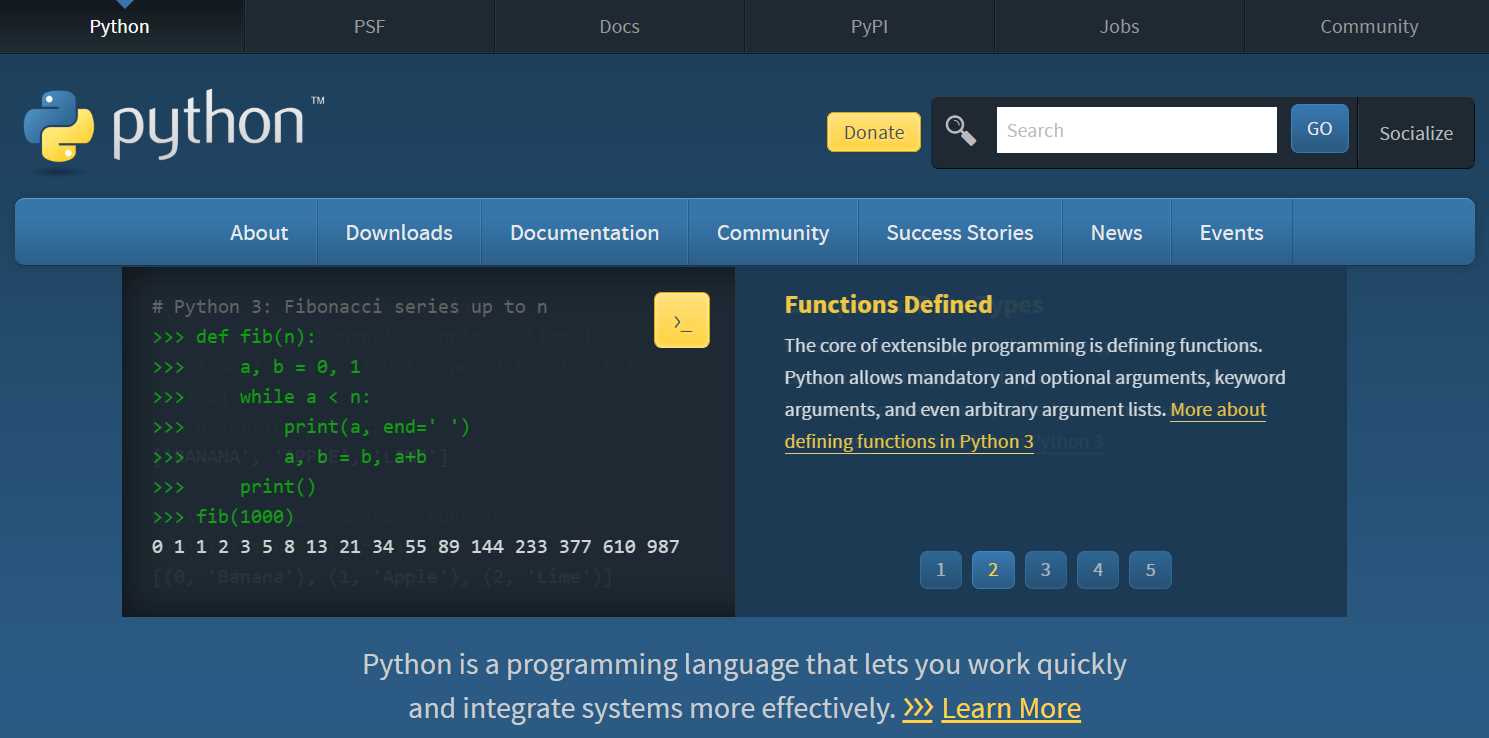
Figure 1-a: The Python Website
Go to the Downloads section and select the appropriate installer for your platform. If you are using Windows, then choose the latest option available.
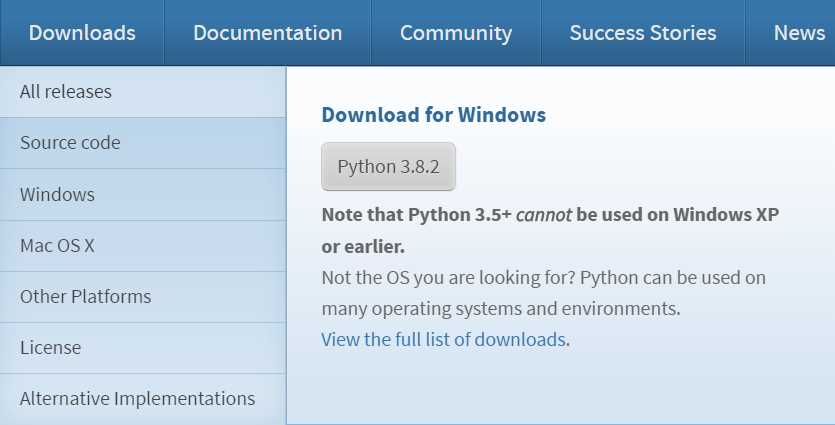
Figure 1-b: The Python Downloads Section
All the code that we will be writing throughout this book is compatible with Python 3.6 and later, so if you already have Python 3.6.X installed, you don’t necessarily need to install the latest version.
If you do not have Python installed, once you have downloaded the installer or installation files, simply follow the installation instructions or steps, which for Windows consist of a few clicks using an intuitive setup wizard.
You can choose the default installation or upgrade option, or do a custom install, where you can choose the location and what features to install. In my case, I’ve chosen the upgrade option. So, follow the steps and you should be good to go. I use a 32-bit version of Python for compatibilty reasons, but you can use a 64-bit version if you wish.
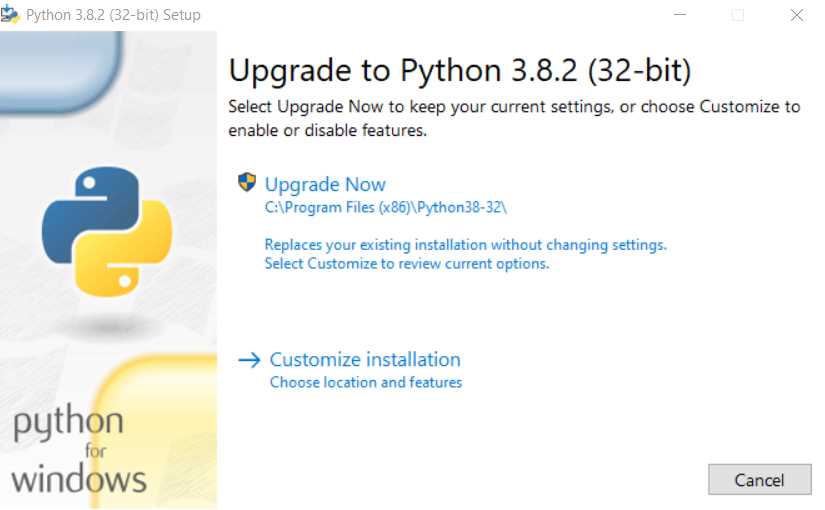
Figure 1-c: The Python Installation Wizard (Windows)
With Python installed and up to date, we are ready to start exploring the world of RPA.
Summary
At this stage, you should have a fundamental understanding of what RPA is, what it is intended for, and what benefits it offers.
You should also have Python installed on your computer, which is going to be the programming language for the RPA scripts we will be writing throughout this book.
Next, we are going to dive right into file automation, which is perhaps the most important aspect of RPA—without it, we can’t automate any processes.
File automation is an essential aspect of RPA. We need to understand how to traverse directories and subfolders, and be able to find files, read their contents, and extract data, which can then be used to automate a manual data entry process on another web or software application.


- 1800+ high-performance UI components.
- Includes popular controls such as Grid, Chart, Scheduler, and more.
- 24x5 unlimited support by developers.