
Prism 4 Succinctly®

CHAPTER 2
Getting What's Needed
What is needed to use the Prism 4 Framework?
The Prism 4 framework can be used to with any version of Microsoft Visual Studio 2008 and above. As you already know, it can be used with WPF, Silverlight and Phone 7 or 8 solutions. Here is a list of applications that we will use in this book:
Applications that we'll use with Microsoft Prism 4:
- Microsoft Visual Studio 2012 Express. or greater.
- Syncfusion Essential Studio Enterprise Edition
- Microsoft Expression Studio 4 Ultimate
- Microsoft Expression Blend 4.
- Microsoft Expression Design 4.
- NUnit (Unit Test Application).
What is the Cost of the Prism 4 Framework?
First things first. What is the cost of the Prism 4 framework? One of the things that you'll like most about Prism 4 is the cost, its free. All you have to do is go the web site and download the framework. Let's do that now.
Downloading Microsoft Prism 4.1:
Prism 4.1 can be downloaded from the Microsoft Download Center at: http://www.microsoft.com/en-us/download/details.aspx?id=28950.
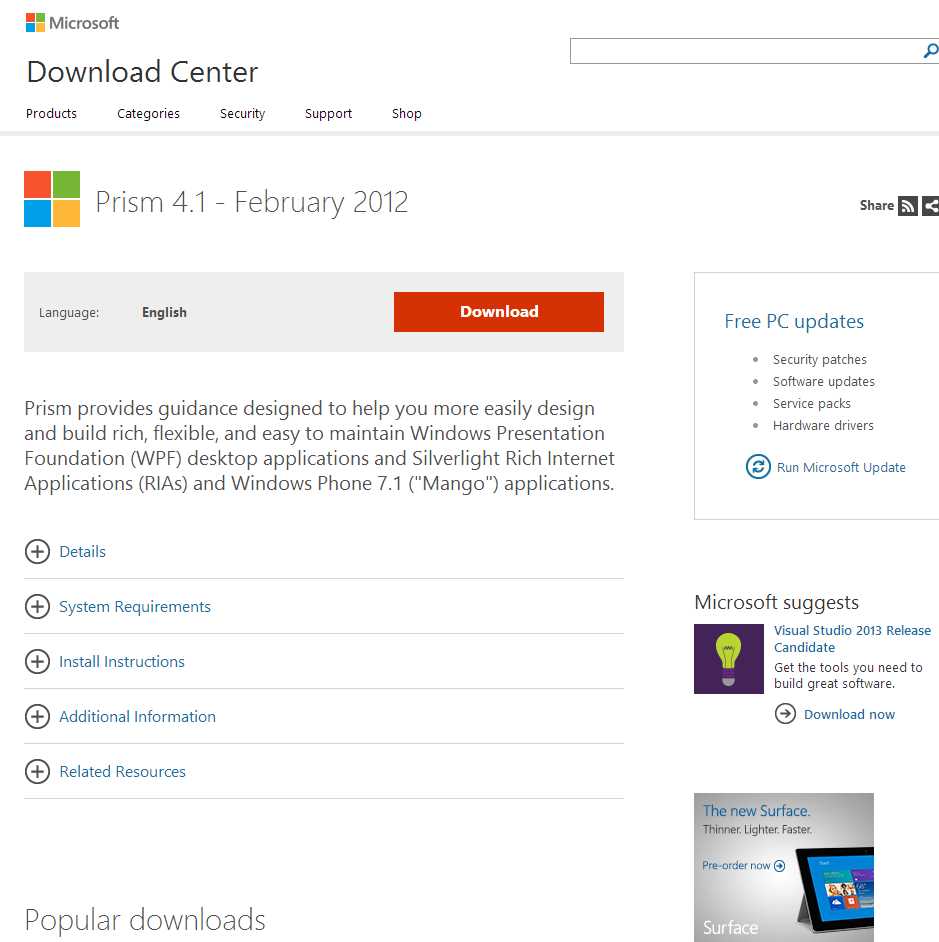
- Microsoft Prism 4 Download Site
The download includes:
- Prism 4.1 DLLs.
- Numerous Quick Start Solutions for WPF and Silverlight.
- The Prism 4 reference manual for C# and Visual Basic .NET.
- Two Reference Implementations (Stock Trader and MVVM).
- Other Resources.
We'll be working with Prism version 4.1. To start the download click the Download button. After the download has finished, run the Prism4.1_Source exe file in the downloads folder of your computer. You will be asked to accept the license agreement and to determine where the files are to be loaded. Click the OK button to extract the files to the selected location.
After the files are extracted, you will be able to either automatically associate Prism 4 DLL files with Visual Studio projects or to do so manually.
Note: I move the Prism 4 DLL files to a centraliized folder that also contains other DLLs that are used on a regular basis in my Prism 4 solutions
Getting the Other Applications:
Before we start the project there are a few things that we should address. First I used Visual Studio Professional or higher for the demo solutions. If you don't have Visual Studio 2012 Professional or higher, Visual Studio Express 2012 for Windows Desktop is a free version of the application that can be used.
If you don't have a copy of Visual Studio 2012, you can get the express version at http://www.microsoft.com/visualstudio/eng/downloads#d-express-windows-desktop/.
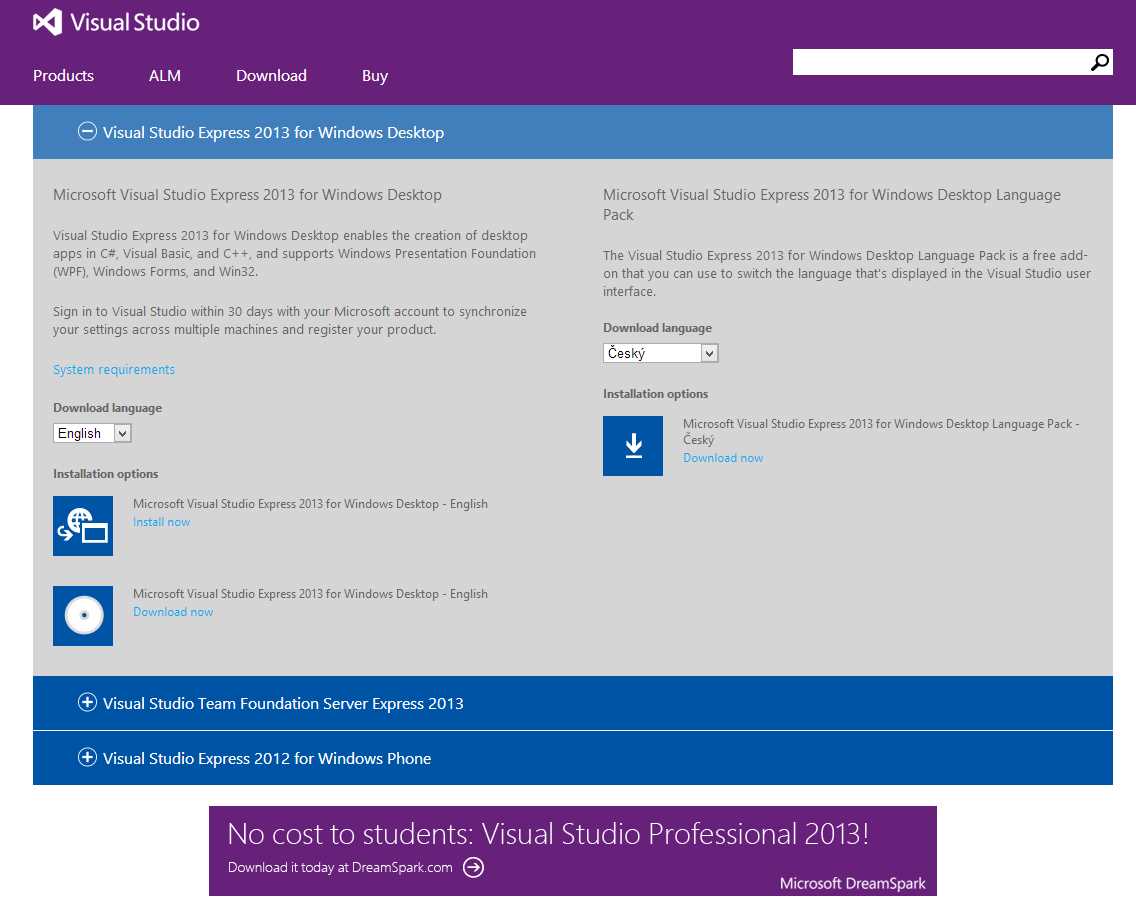
- Visual Studio Express 2012 for Windows Desktop Download Site
We'll also use Microsoft Expression Studio 4 Ultimate. If you don't have a copy you can download a 60 day trial version at http://www.microsoft.com/en-us/download/details.aspx?id=5915.
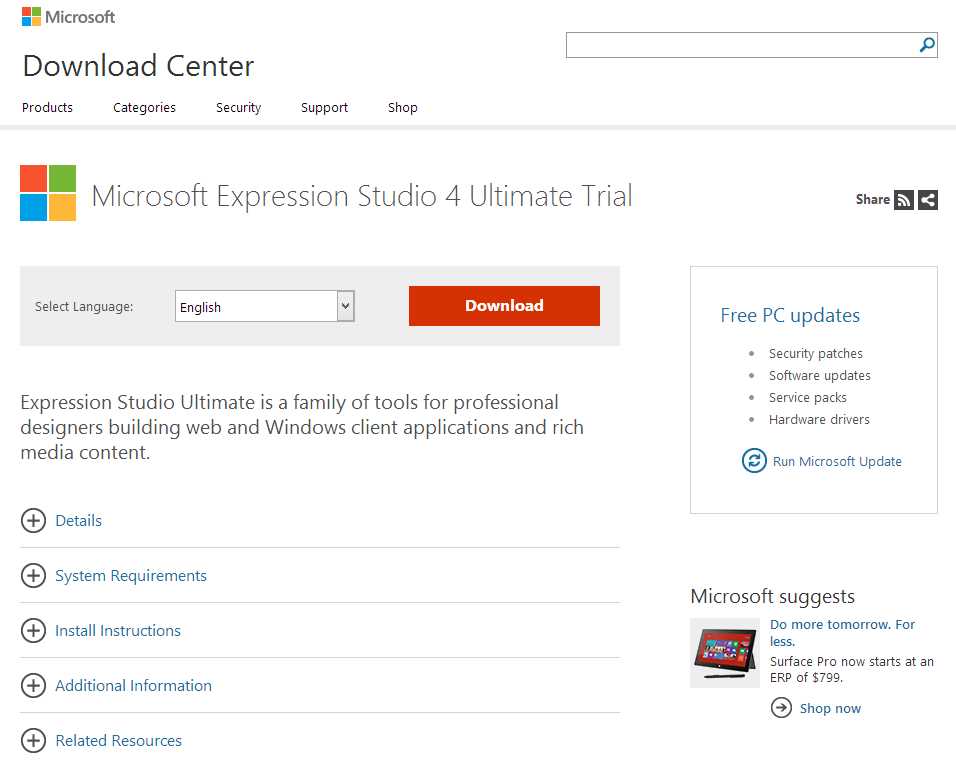
- Microsoft Expression Studio 4 Ultimate Trial Site
We'll also use Syncfusion's Essential Studio Enterprise Edition control suite in this book A 30 day evaluation of the suite can be downloaded at: http://www.syncfusion.com/downloads/evaluation.
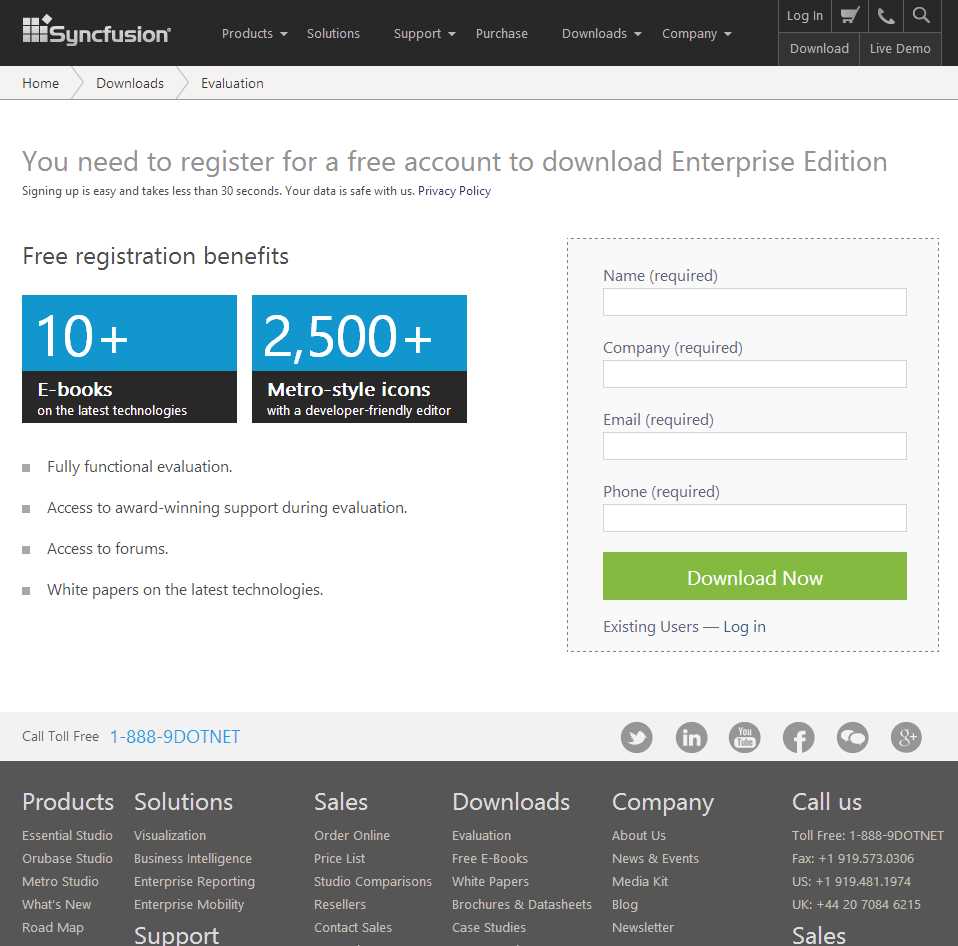
- The Syncfusion Download Site
If you want to run the unit tests in the solution, I used NUnit as the unit test application. A free copy of NUnit can be downloaded at http://www.nunit.org/index.php?p=download.
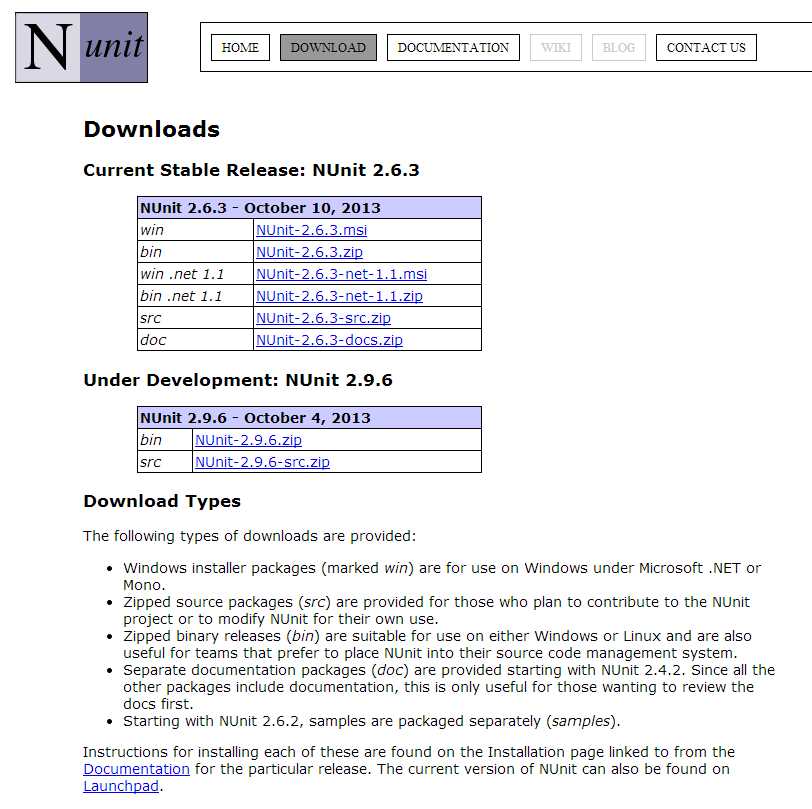
- NUnit Download Site
Now that we have Prism 4 and the other applications that are needed, we'll talk about how to build a Hello World solution with WPF and Prism 4.


- 1800+ high-performance UI components.
- Includes popular controls such as Grid, Chart, Scheduler, and more.
- 24x5 unlimited support by developers.