
Node.js Succinctly®

CHAPTER 5
Functions
This chapter will described some basic Node.js programming to create a function.
Creating Function
Declaring a function in Node.js is simple. Here is a function style in Node.js
function function_name(par) { // code } |
function_name is a function name. par is function parameter.
Let’s write a function called myfunction.
function myfunction(){ console.log('calling myfunction'); } |
How to call it? You could call it by writing the function name with ().
myfunction(); |
Save it into a file called function1.js. Run it using Node.js:
Node function1.js |
You can see the output of the program in the following image:
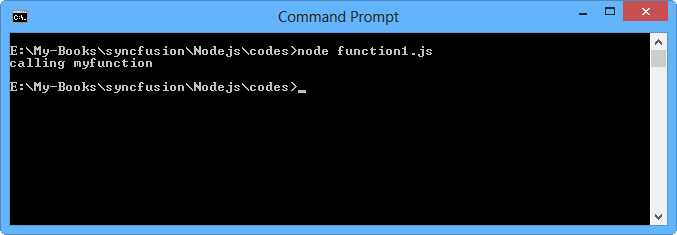
Figure 29: Running a simple program calling the function
Function with a Returning Value
You may want to create a function that has a return value. It is easy because you just call return into your function.
We can use return <value> at the end of our functions.
function getCurrentCity(){ return 'Berlin'; } |
Now the function has a return value so we need to get a return value when calling the function.
var ret = getCurrentCity(); console.log(ret); |
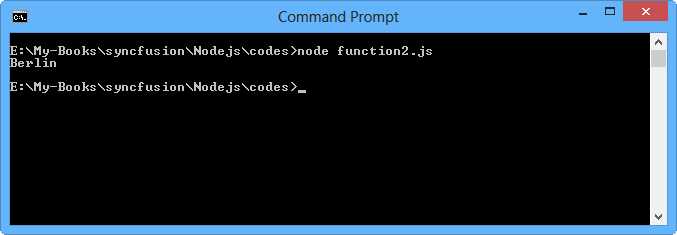
Figure 30: Program output for a function with returning value
Function with Parameters and a Returning Value
You also could create a function with parameters and a returning value. Here is a code illustration:
function add(a,b){ return a+b; } |
You can use it in your code as follows:
var result = add(10,15); console.log(result); |
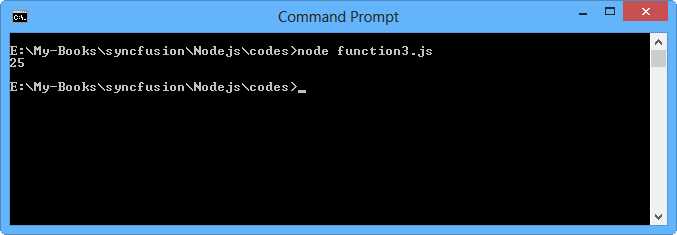
Figure 31: Program output for a function with parameter and returning a value
Callback Function
A callback function is a function that is called through a function pointer. If you pass the pointer (address) of a function as an argument to another and that pointer is used to call the function it points to, it is said that a callback is made.
How to write a callback function in Node.js?
You can write this code for implementing a callback function:
function perform(a,b,callback){ var c = a*b + a; callback(c); } |
You can see callback is a function pointer.
Now you can call a callback function in your code.
perform(10,5,function(result){ console.log(result); }) |
Values 10 and 5 are function parameters. We also pass a function with parameter result. This parameter is used to get a return value from the callback function.
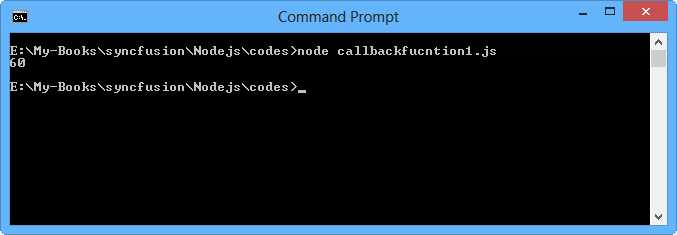
Figure 32: Program output for a callback function
You can define a callback function with many parameters, for example, check this code:
function perform(a,b,callback){ // do processing var errorCode = 102; callback(errorCode,'Internal server error'); } |
Then use this callback function in code as follows:
perform(10,5,function(errCode,msg){ if(errCode){ console.log(msg); } }) |
First check the errCode value. If it has a value, then the code will write the message msg in the console.
This function is very useful when you want to implement a long process. The caller will be notified if the process was done.
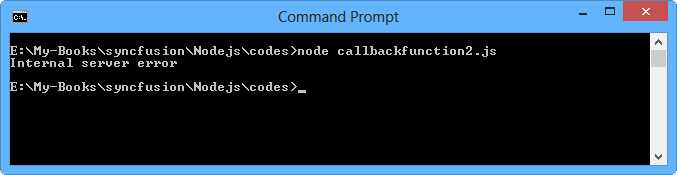
Figure 33: Running a callback function program with a returning value


- 1800+ high-performance UI components.
- Includes popular controls such as Grid, Chart, Scheduler, and more.
- 24x5 unlimited support by developers.