
GitHub Succinctly®

CHAPTER 7
Browsing GitHub
Although searching is a powerful feature of GitHub, you can also explore the many interesting projects and see the latest trends. Under your account icon, pull down the menu and select Explore. You will see a screen similar to the following:
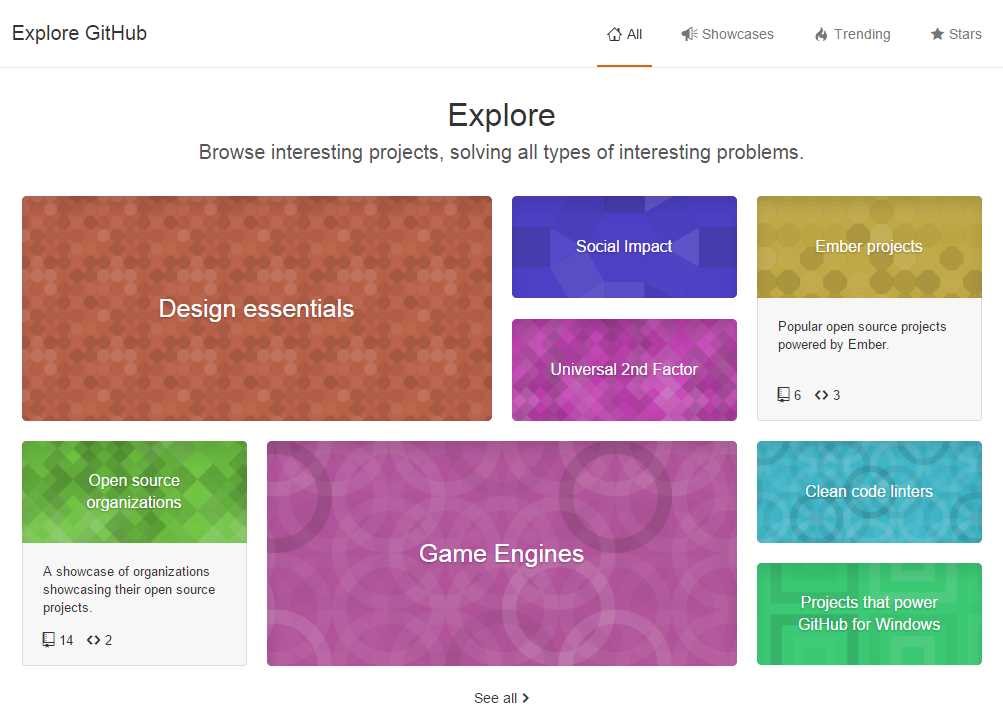
Figure 29: GitHub Explore topics
You can click on any of the boxes to see the most-starred repositories in the various categories. The category list may change depending on the latest trends and activity in GitHub.
Below the categories, you’ll find the trending repositories (based on activity for the week).

Figure 30: Trending repositories
The next menu option, Showcases, shows various topics of interest and lets you explore the various repositories within them.

Figure 31: Showcases
You can click on any box to see the repositories within. For example, the following screen appears when you choose the Open data box.
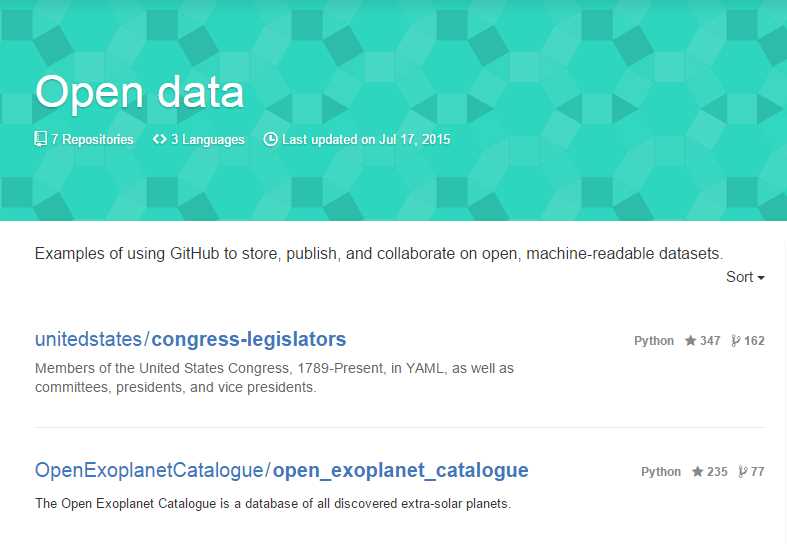
Figure 32: Open data repositories
Sometimes, you might just want to explore GitHub and see what other developers are actively working on. Or you might not quite know what the search words are, but seeing the categories can help you find a useful repository. The Showcases and Trending repositories can be a nice alternative to searching by keywords.
Stars
The Stars menu option will show a list of any repositories that you have starred:

Figure 33: Starred repositories
Summary
Exploring GitHub can be a fun exercise, and you never know what goodies you might find, including those you probably never even thought to search for.


- 1800+ high-performance UI components.
- Includes popular controls such as Grid, Chart, Scheduler, and more.
- 24x5 unlimited support by developers.