
Delphi Succinctly®

CHAPTER 4
The Object Pascal Language
Let’s take a journey into the wonderful world of the Object Pascal language.
Pascal is a strongly-typed language, and it tends to be simple, elegant, and clean. It is often used as a learning language thanks to these features. Nevertheless, it is also extremely flexible, since it supports different coding styles and paradigms like procedural and object-oriented programming.
The Delphi incarnation of Object Pascal language is powerful and stuffed with many features, like anonymous methods, generics, and operator overloading. If you have used Pascal at school, nowadays the language—especially in Delphi—is a lot more than that.
Note: Always keep in mind that Pascal is a case-insensitive language, like Visual Basic. However, I recommend that you maintain consistency in the names used as identifiers. Delphi will help in this task through the Code Insight technology and by proposing a list of identifiers valid in the given context. This helps you quickly complete the instructions in code.
Fundamental Elements
Comments
Even if every compiler in the world always ignores them or strips them away, comments are essential to document the most delicate parts of your code, and the first element explained in any programming book.
Delphi supports single-line comments that begin with //, or classic Pascal multi-line comments using curly braces {…}, or the (*…*) character sequence:
Code Listing 2: Comments
// This is a single line comment (* This is a multi-line comment that spans more than one row. *) { Hey, this is a multiline comment, too. Choose your favorite style } |
Compiler Directives
Sometimes you will see some comments with a strange form like this:
Code Listing 3: Compiler Directives
{$APPTYPE CONSOLE} {$R MyResourceFile.res} |
These are not comments, but directives. They are options to influence the compilation process. For example, {$R MyResourceFile.res} tells the compiler to embed the specified resource file and its contents in the executable.
Program structure
Each type of project in Delphi has a main program file with the basic organization shown in Code Listing 4.
Code Listing 4: Program Structure
program ProjectName; begin // TODO: Put your main logic here… end. |
The keyword program denotes the presence of a runnable application, but you can also see something like library (for dynamic-link libraries) or package (for Delphi packages that are bundles of classes and components with runtime and design time support).
Note: Regardless of the type of project, you can always select [Project|View Source] from the main menu to open up the main program source file.
The begin…end code block contains the instructions that are executed at program startup and are actually the entry point of your application.
Tip: I do not recommend putting a lot of code inside the main program file. Your logic should be implemented using the best, most popular programming practices. This means creating separate modules, where each contains the data types and classes that take care of a specific aspect of your model (e.g. data storage, logging, security, etc.)
So, how do you create code modules in Delphi?
Units as Modules
You must place every line of Pascal code inside a unit. Aside from the main program file, a unit is the minimal structure necessary to accommodate any line of code, and each unit is saved in a separate Pascal file (meaning a file with a “.pas” extension).
Code Listing 5: Basic Unit Structure
unit MyModule; interface implementation end. |
The unit keyword is followed by an identifier that acts as a sort of namespace for all the elements the unit contains.
Note: The name of the unit must always coincide with the name of the file. For example, if the unit is named “MyModule,” it must be saved in a file called “MyModule.pas.” You can always use a dotted notation if you prefer, like “MyCompany.MyModule,” to create a sort of namespace.
Though it seems strange, the keyword end actually ends the unit.
Inside there are two main sections, interface and implementation. Each element in the interface section is visible outside the unit so other modules (read “units”) can access it, while everything in the implementation represents a “black box” not available outside the unit.
Functions and Procedures
Suppose you want to create a unit that contains some shared utility (global) routines using a procedural coding style. You can declare and implement your routines inside the implementation section:
Code Listing 6: Global Functions
unit MyUtilities; interface // Function declaration implementation // Function implementation begin Result := AValue + AValue; end; end. |
This example shows a static linked routine that takes a string as a parameter, then concatenates the string to itself and returns the value as a result.
Note: If you are curious about the meaning of the const keyword before the AValue parameter declaration, it prevents the function to change the value of that variable. This constraint allows the compiler to apply an optimization by trusting the function not to change the value and so passing safely a pointer to the string value, without creating a copy of the whole string.
You use the function keyword if your routine has a return value, otherwise you must use procedure. When you call a function that returns a value, you have the freedom of choosing whether to use the returned value or not.
In the example code, the function DoubleString is visible and can be used in other units since its declaration appears also in the interface section. It is, to all effects, a global function. To make the function private to the unit, simply remove it from the interface section.
Importing Units
To use an element that is already declared in another unit, you must add a uses clause to your unit, followed by a comma-separated lists of the units you want to import.
Note: Always remember that you can import only what is declared in the interface section of a unit; everything in the implementation section will remain hidden.
Look at Code Listing 7 to see how this works.
Code Listing 7: Uses Clause Sample
unit MyBusinessLogic; interface uses MyUtilities; implementation // Routine implementation var SomeText: string; begin SomeText := DoubleString('Double this string'); WriteLn(SomeText); end; end. |
As you can see, the DoSomething() procedure can call DoubleString()because the unit that contains the function is listed above in the uses clause; if omitted, you would get one of the most frequent errors at build time: “Undeclared identifier.”
Variable Declarations
Every time you declare a variable in Delphi, you must assign it a type, since Pascal is a strong-typed language.
We have already used a string variable in some previous example to save a sequence of characters.
If variables are declared inside a procedure or a function, they are local, and therefore not visible outside that routine. If you put a variable declaration in the implementation section of a unit, you make them global to the whole unit. If you place a declaration in the interface section, every other unit that imports it can also access the variable.
Local variables must be declared before the begin…end block that marks the body part of procedures and functions, so you cannot declare variables “inline” (like you do in C#, for example).
Note: Every identifier must be valid to be accepted by the Delphi compiler without complaints. To do that, never start a name with a number or use a reserved word for your units, routines, types and variables.
Variable Assignments
Before using any variable, you must assign a value to it using the := operator.
Here are some samples of variable declarations and assignments:
Code Listing 8: Variable Declarations and Assignments
// Variable declarations Number: Integer; begin Number := 123; end; end. |
Each variable assignment is required to be type-safe: you must assign a variable only values that belongs to the same type, or a descendant type (if it is an object), or a value that cannot lead to data loss. If the code does not meet these conditions, Delphi will issue a compiler error when you build your code.
Basic Data Types
Delphi provides a set of primitive types. The name comes from the fact that these are built-in types the compiler knows, and they can be used to declare variables or create more complex types, like records and classes.
Whenever you want to introduce a new type, use the type keyword. You will see some usage of it in the rest of this chapter.
Integer Types
Delphi uses Integer types to store non-floating point values. I have summed up them in Table 2.
Table 2: Integer Data Types
Type Identifier | Range | Size |
ShortInt | -128..127 | Signed 8-bit |
SmallInt | -32768..32767 | Signed 16-bit |
Integer | -2147483648..2147483647 | Signed 32-bit |
Int64 | -2^63..2^63-1 | Signed 64-bit |
Byte | 0..255 | Unsigned 8-bit |
Word | 0..65535 | Unsigned 16-bit |
Cardinal | 0..4294967295 | Unsigned 32-bit |
UInt64 | 0..2^64-1 | Unsigned 64-bit |
Boolean Types
Delphi provides a Boolean type to express Boolean values and perform standard Boolean logical operations.
Note: There are also other Boolean types available (ByteBool, WordBool, LongBool) but they exist for backward compatibility.
Code Listing 9: Boolean Type
// Variable declaration Proceed: Boolean; // Usage Proceed := False; if Proceed then |
Enumerated Types
Enumerated types are an ordinal integer-based type that associates a set of identifiers to integer values. Here is a sample demonstration:
Code Listing 10: Enumerated Type
// Type declaration // Variable declaration Season: TSeason; // Usage |
Characters and Strings
Delphi provides a Char type that is an alias for the WideChar type and represents a 16-bit Unicode character. The String type is an alias for a UnicodeString and it contains zero or more Unicode characters.
Code Listing 11: Character and String Types
// Variable declaration SomeChar: Char; |
If you have to work with ANSI code pages, you can use the AnsiChar and AnsiString types; this happens often if you have to import functions from third-party DLLs or other legacy systems.
Delphi lets you assign an AnsiString to a UnicodeString doing an implicit conversion. The opposite could lead to data loss, since Delphi could be unable to convert a Unicode character if the current ANSI code page misses it.
The rest of the world is (or should be) Unicode compliant by now, so if you are not dealing with these scenarios and don’t have to provide some backward compatibility, stick with the common Char and String types.
Note: Be warned, Delphi string indexing is actually different on desktop and mobile compilers: it is 1-based on the desktop and 0-based on mobile. If you use RTL string functions to access characters in a string, pay attention to this aspect or, even better, use the TStringHelper static class and its methods to perform string manipulations in a safe mode.
Subrange Types
You can also define your own range-limited ordinal types specifying the lower and upper bounds, as shown in Code Listing 12.
Code Listing 12: Subrange Types
// Type declaration TMonthDay = 1..31; MonthDay: TMonthDay; |
Real Types
Real types are used to store approximated floating-point values. Here is a complete list of the types that belong to this family:
Table 3: Real Data Types
Type Identifier | Range | Significant digits | Size (bytes) |
Single | 1.5e-45 .. 3.4e+38 | 7-8 | 4 |
Double | 5.0e-324 .. 1.7e+308 | 15-16 | 8 |
Real | 5.0e-324 .. 1.7e+308 | 15-16 | 8 |
Extended | 3.4e-4932..1.1e+4932 5.0e-324..1.7e+308 | 10-20 (32-bit) 15-16 (64-bit) | 10 (32-bit) 8 (64-bit) |
Comp | -263+1 .. 263-1 | 10-20 | 8 |
Currency | -922337203685477.5808 | 10-20 | 8 |
Note: The Currency data type is stored as a 64-bit integer to minimize rounding errors when used for calculations that involve money values.
Array Types
You can declare arrays that contain elements of any kind, whether static, with a fixed length and a specified range, or dynamic, with a variable length that you can adjust at runtime by calling the SetLength function.
Code Listing 13: Arrays
var // Fixed length array. // Dynamic array. // Basic usage IntArray[10] := 200; // Dynamic array usage DynArray[0] := 'D'; |
Set Types
Object Pascal has a specific syntax support for set types, which is a collection of elements all belonging to the same type. The number of elements you can have in a set variable depends on the base type: if you create a set of Byte elements, you can store up to 255 byte-value elements in it.
The order of the values is not significant, and elements can only be added to the same set once. Think of it as the software representation of a Venn diagram.
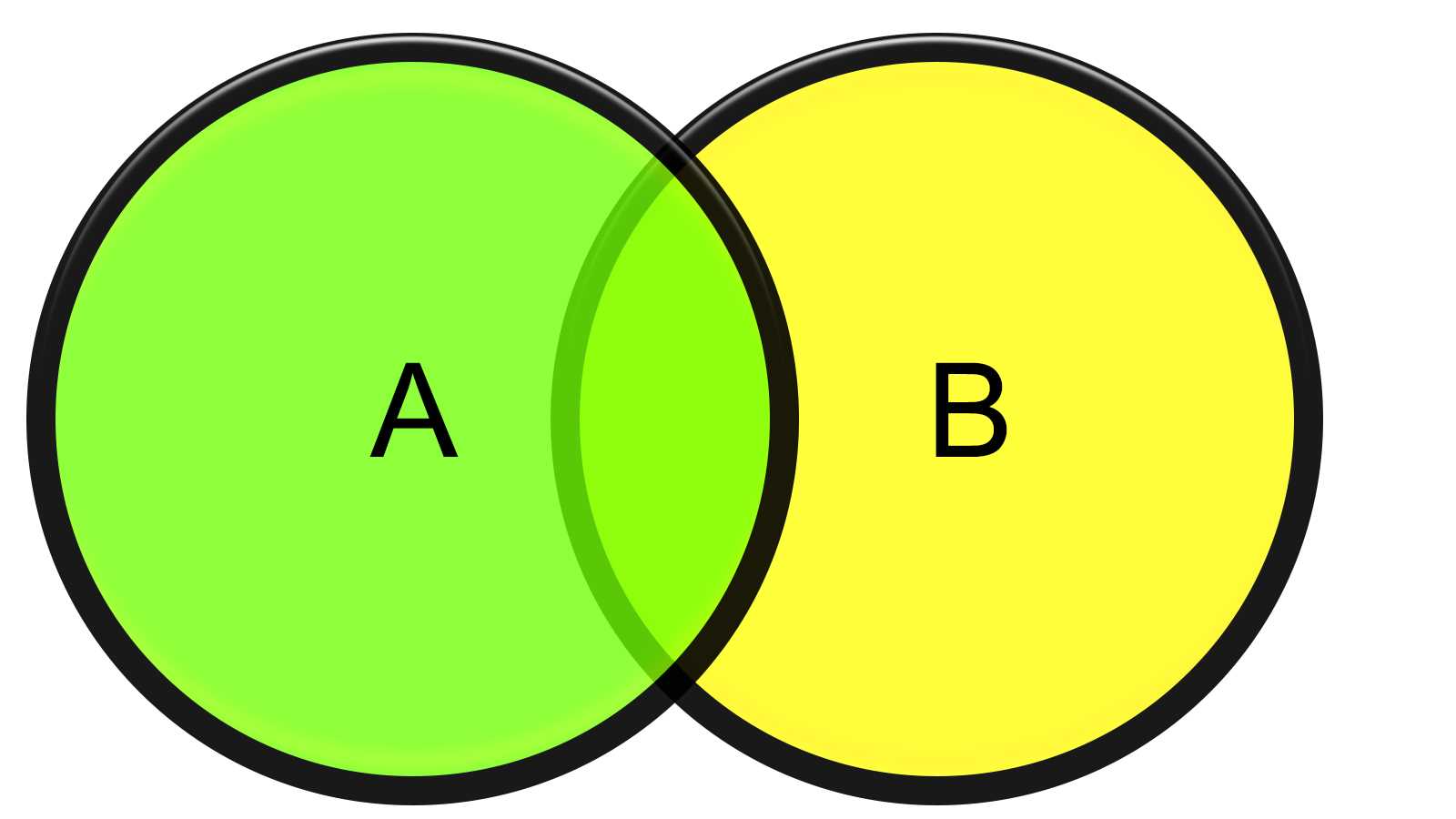
Figure 21: Venn Diagram
After declaring your set, you can initialize it, add and remove a subset of elements, find the intersection, and more.
Code Listing 14: Set Types
var CharSet: set of Char; // Defines the initial set. CharSet := ['a', 'b', 'c']; // Add a subset of items to the initial set. CharSet := CharSet + ['x', 'y', 'z']; // Removes a subset of items. CharSet := CharSet - ['a', 'x']; |
We’ll examine which operators can be applied to set values later in this chapter.
Record Types
Object Pascal allows you to create record types. Records are a way to group a set of variables into a single structure when their values represent a single piece of information.
For example, we can think of a TDateTime value as a group of two variables that respectively contain date and time pieces of information. You can also declare a TPoint record type to hold the X and Y values that represent a position.
Code Listing 15: Record Types
// Defines the record type. type TPoint = record X: Integer; Y: Integer; end; // Declares a record variable. var P: TPoint; |
Tip: I recommend using a record type when the number of fields is limited and you can keep the structure as simple as possible. If you have to represent the state of a more complex object or move around references, records become inefficient and you should create a class instead.
Operators
As any other traditional programming language, Object Pascal supports many operators you can use to make calculations, concatenations and logical comparisons.
Arithmetical Operators
The following tables summarizes all the operators available in Object Pascal language, grouped by category.
Table 4: Arithmetical Operators
Operator Name | Symbol | Example of Usage |
|---|---|---|
Addition | + | A + B |
Subtraction | - | A—B |
Multiplication | * | A * B |
Division (real values) | / | A / 2 |
Division (integer values) | div | Width div 2 |
Remainder (integer values) | mod | Height mod 2 |
If you use integer values for addition, subtraction, and multiplication and integer division, the result type of the expression is again an integer value. If you apply a real division, the expression returns a floating point (real) value.
Comparison Operators
This set of operators allows you to express a condition that compares two type-compatible values and returns a Boolean result:
Table 5: Comparison Operators
Operator Name | Symbol | Example of Usage |
Equality | = | A = B |
Inequality | <> | A <> B |
Less or equal than | <= | A <= B |
Less than | < | A < B |
Greater than | > | A > B |
Greater or equal than | >= | A >= B |
You can use them for integer and real values but also for chars and strings: the alphabetical order will determine the result.
Boolean Operators
You can implement Boolean logic using the operators listed in Table 6.
Table 6: Boolean Operators
Operator Name | Symbol | Example of Usage |
|---|---|---|
Negation | not | not (Proceed) |
Logical AND | and | Valid and NotEmpty |
Logical OR | or | A or B |
Exclusive OR | xor | A xor B |
Note: Delphi uses something called Boolean short-circuit evaluation to determine the resulting value of a Boolean expression. Evaluation goes from left to right in the expression, and as soon as the result can be determined, evaluation stops and the expression value is returned. You can toggle this mode on (which is the default) or off (using “Complete Boolean Evaluation” instead) through the compiler directive {$B+}.
Set Operators
Some comparison and arithmetic operators can be used in expressions that include Set values and elements.
Table 7: Set Operators
Operator Name | Symbol | Example of Usage |
Union | + | SetA + SetB |
Difference | - | SetA—SetB |
Intersection | * | SetA * SetB |
Subset | <= | SmallSet <= LargeSet |
Superset | >= | LargeSet >= SmallSet |
Equality | = | SetA = SetB |
Inequality | <> | SetA <> SetB |
Membership | in | Element in SetA |
Pointer Operators
You make use of Pointer Operators when you need to specify the memory address of some value, including the address of procedures and functions. Alternately, you can use pointer operators to remove a reference to an address to get to the effective value.
Table 8: Pointer Operators
Operator Name | Symbol | Example of Usage |
|---|---|---|
Address of | @ | @MyValue |
Value of | ^ | ^MyPointer |
Note: When you work with objects in Delphi, you are actually using references, which is nothing more than a pointer variable that contains the address to the object you want to manipulate. To keep the code clear and readable, you can omit the ^ operator to access object members (properties, fields, and methods).
Special Operators
There are further operators to mention that become handy in some special occasions.
Suppose you have to use a reserved word for the name of a procedure you want to export, because you are required to, or you want to give a meaningful name to something that coincides with a keyword. How can you do that without getting any errors?
Simply put an ampersand (&) symbol before the identifier.
Code Listing 16: “&” Special Operator
procedure &Begin; begin // TODO: Put your code here... end; // Here we call the procedure. &Begin(); |
Most programming languages support “escape sequences” to put some special characters into strings. In Delphi you can achieve this using the # character:
Code Listing 17: Character Codes
// We put a line break using the ASCII codes for CR+LF sequence. Text := 'This is the first line,'#13#10'and this is the second one'; // Here we put a TAB character. Text := 'Field Name:'#9'Field Value'; |
Structured Statements
Object Pascal supports many structured statements to let you implement loops, jumps, and conditional branching in your code.
Simple and Compound Statements
Object Pascal uses semi-colons (;) to terminate each statement. If you want to group one or more instructions together, you must enclose them in a begin…end block, creating a compound statement.
Code Listing 18: Simple and Compound Statements
// A single instruction. WriteLn('Some text...'); // A block of more instructions. begin WriteLn('The first line.'); WriteLn('The second line.'); WriteLn('The third line.'); end; |
If-Then-Else Statement
The basic If-Then-Else statement has the following form.
Code Listing 19: If-Then-Else Statement
if Condition then |
The Condition part can be a Boolean variable or an expression that leads to a Boolean result.
When the condition is met, Delphi executes the simple or compound statement that follows the then keyword, otherwise it executes the statement after the else keyword. The else part is optional.
Case Statement
If you need to chain more if statements to specify what should be done when an expression assumes a set of values, use a case statement to avoid making your code cluttered and unreadable.
Code Listing 20: Case Statement
case Choice of 1: begin // TODO: Instructions here... end; 2: begin // TODO: Instructions here... end; 3: begin // TODO: Instructions here... end; else begin // TODO: Instructions here... end; end; |
Note: Only scalar type variables can be used with the Case statement, and any case must be labelled with a constant value, so you cannot use object references or floating point values. If you think this is a big limitation, be aware that using many case statements is discouraged and considered an “anti-pattern.” It is better to use object-oriented programming and virtual methods to model a similar business logic.
Loop Statements
Object Pascal provides different statements to implement different kinds of loops in your code.
If you want to repeat a statement until a condition is met, you can write something similar to the following code.
Code Listing 21: Repeat Loop
repeat WriteLn('Enter a value (0..9): '); ReadLn(I); until (I >= 0) and (I <= 9); |
If you want to check the condition before entering the loop statement, you can use the while structure.
Code Listing 22: While Loop
while not Eof(InputFile) do begin ReadLn(InputFile, Line); Process(Line); end; |
If you have an explicit number of iterations to do, you can use the for loop structure.
Code Listing 23: For Loop
// Forward loop. for I := 1 to 63 do if Data[I] > Max then Max := Data[I]; // Backward loop. for I := 63 downto 1 do if Data[I] < Min then |
If you have a data type that provides an iterator, like arrays, strings, or collections, you can use the for…in loop.
Code Listing 24: Enumerator Loop
var SomeChar: Char; // Iterates each char in a string. WriteLn(SomeChar); |
Exception Handling
Delphi includes support for exception handling. Exceptions let you write neat code while dealing with runtime errors.
Wrap the code to protect from errors between try...except and exception handling between except...end.
Code Listing 25: Exception Handling
try R := A div B; except on E:EDivByZero do begin Writeln('Division by zero - ', E.ClassName, ': ', E.Message); end; on E:Exception do begin Writeln('Unexpected error - ', E.ClassName, ': ', E.Message); end; end; |
Through the on...do construct you can filter specific hierarchies of exceptions and store a reference to the Exception object that holds information about the issue.
Summary
If you thought that Object Pascal was the MS-DOS Turbo Pascal language you learned at school many years ago, you have to think again.
As you can see, Object Pascal—and especially the dialect used in Delphi—has been extended over the years with a lot of new features that are typical of any modern programming language. Like C# or Java, you can find support for operator overloading, anonymous methods, closures, generics and so on, and many more features are added in every new release of Delphi.
Object Pascal offers a balanced mix of powerful tools, a clear and readable syntax, without getting too verbose.
If you want to become an expert of Object Pascal and learn all of the most interesting details, check out the Object Pascal Handbook by Marco Cantù, the Delphi Product Manager.


- 1800+ high-performance UI components.
- Includes popular controls such as Grid, Chart, Scheduler, and more.
- 24x5 unlimited support by developers.