Overview
The .NET MAUI doughnut chart (a.k.a. .NET MAUI donut chart) is a circular graphic ideal for displaying proportional values in different categories. The doughnut chart supports animation and interactive features such as tooltip and selection.
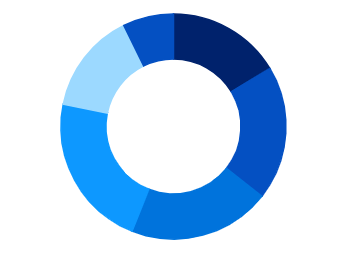
Key features
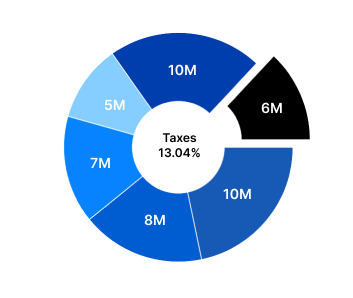
Doughnut hole customization
Any view can be added to the center of the doughnut chart.
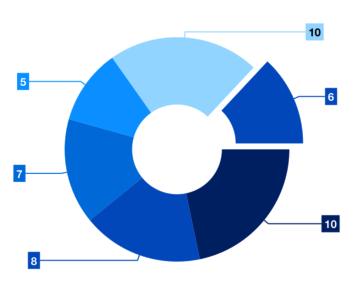
Explode segments
Explode a single segment of the .NET MAUI doughnut chart to differentiate it from others.
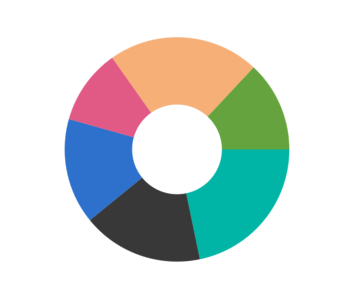
UI styling
Customize the look and feel of the doughnut using built-in APIs.

Start and end angles
Customize the start angle and end angle of the chart to create a semi-doughnut chart.

Custom inner radius
Making the inner radius 0 will change the doughnut chart to a pie chart. You can customize both the radius and inner radius of the doughnut.
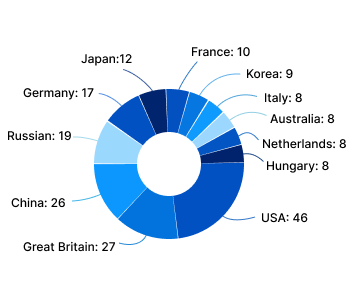
Smart labels
Arrange data labels smartly to avoid overlapping when the data point values are in a close range.
Code example
<ContentPage xmlns="http://schemas.microsoft.com/dotnet/2021/maui"
        xmlns:x="http://schemas.microsoft.com/winfx/2009/xaml"
        x:Class="ChartExample.MainPage"
        xmlns:local="using:ChartExample"
        xmlns:chart="clr-namespace:Syncfusion.Maui.Charts;assembly=Syncfusion.Maui.Charts">

    <Grid>
        <chart:SfCircularChart  HorizontalOptions="FillAndExpand" VerticalOptions="FillAndExpand">
            <!--Setting BindingContext-->
            <chart:SfCircularChart.BindingContext>
                <local:ViewModel/>
            </chart:SfCircularChart.BindingContext>

            <!--Adding Doughnut Series to the .NET MAUI Circular Chart.-->
            <chart:DoughnutSeries
                        ItemsSource="{Binding Data}"
                        XBindingPath="Month"
                        YBindingPath="Target">
            </chart:DoughnutSeries>
        </chart:SfCircularChart>
    </Grid>
</ContentPage>
public class Model
{
public string Month { get; set; }
public double Target { get; set; }
public Model(string xValue, double yValue)
{
Month = xValue;
Target = yValue;
}
}
public class ViewModel
{
public ObservableCollection<Model> Data { get; set; }
public ViewModel()
{
Data = new ObservableCollection<Model>()
{
new Model("Jan", 50),
new Model("Feb", 70),
new Model("Mar", 65),
new Model("Apr", 57),
new Model("May", 48),
};
}
}Learning resources


.NET MAUI Doughnut Chart User Guide
Learn more about the available options to customize .NET MAUI doughnut charts.