Markdown Editor - A Fast and User-Friendly Way to Create Structured Content with Ease!
A lightweight and intuitive markdown editor that simplifies content creation with rich formatting options.
Trusted by the world's leading companies






Overview
The Markdown Editor is an intuitive and lightweight component that provides an option for MD-to-HTML conversion. It allows content to be in the markdown format. The typed markdown content can be previewed using a third-party plugin.
Key Features of Markdown Editor
Markdown Syntax
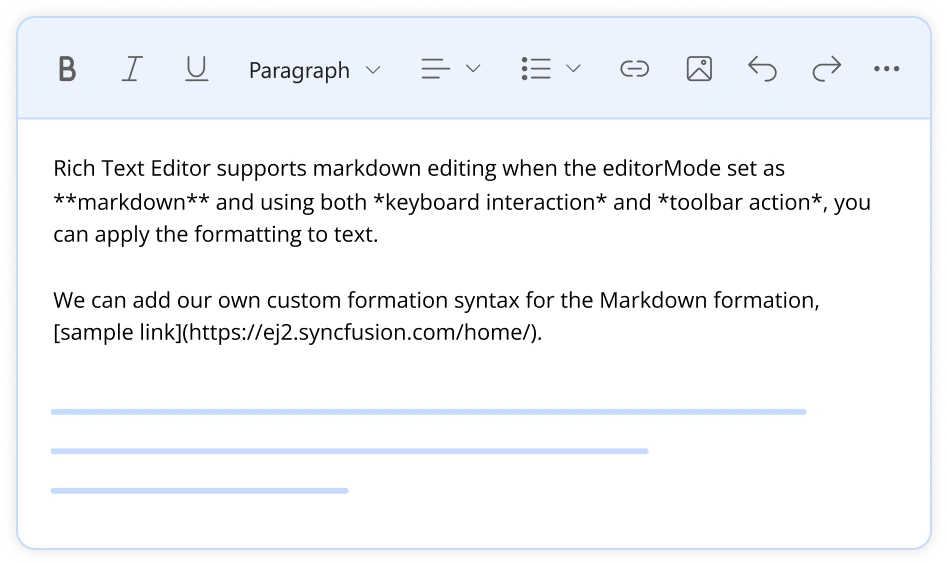
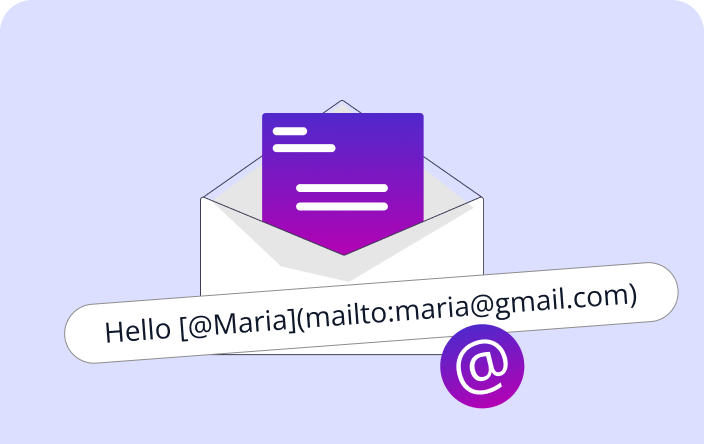
The WYSIWYG Markdown Editor supports customized markdown syntax (MD syntax) and maps it to built-in commands, allowing users to extend or modify markdown rules for a tailored editing experience while ensuring seamless integration with the editor's formatting tools.
Toolbar with a Rich Set of Tools
The Markdown Editor toolbar provides a variety of commands for editing and formatting content. You can format text, insert images, add headers, insert hyperlinks, create lists, and preview results. The commands are grouped together based on related functionality.
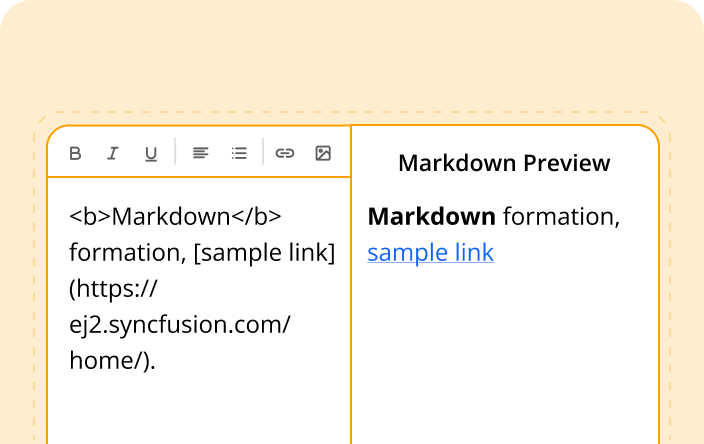
Markdown Preview
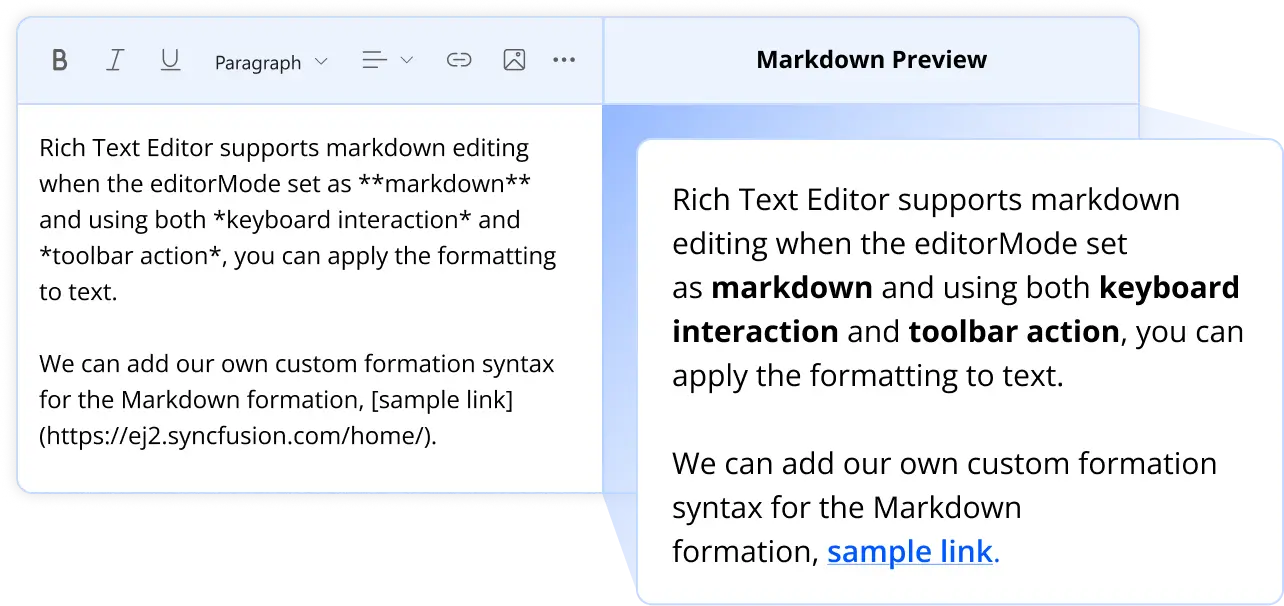
Integrating third-party markdown parsers like marked.js or remark allows you to preview markdown content as HTML in a rich text editor by converting markdown syntax into formatted HTML in real time. This enables users to write markdown on one side of the editor while instantly viewing the rendered output, improving readability and editing efficiency.
Editing Experience
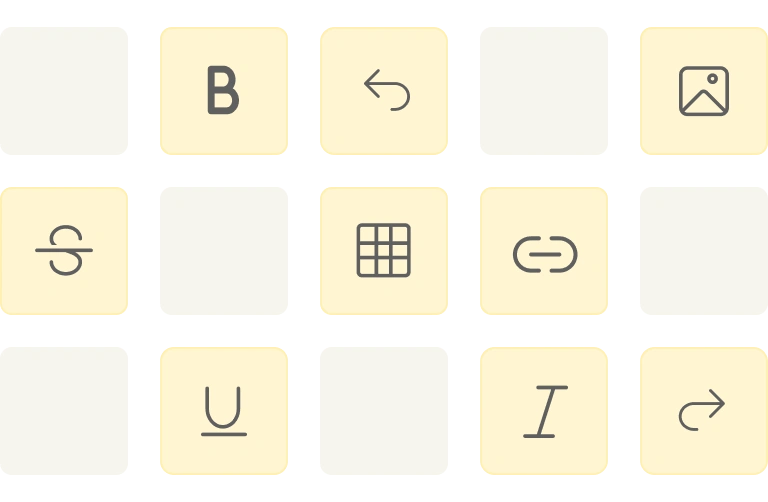
The Markdown Editor component offers a comprehensive set of tools and options to enhance the markdown editing experience, enabling users to apply rich text formatting such as bold, italics, underline, and strikethrough. It also supports inserting images, tables, and links, ensuring a seamless and efficient content creation process with markdown syntax.
Localization
Enabling localization in the Markdown Editor allows users from different locales to customize text direction, language, and numbering formats based on their preferences.

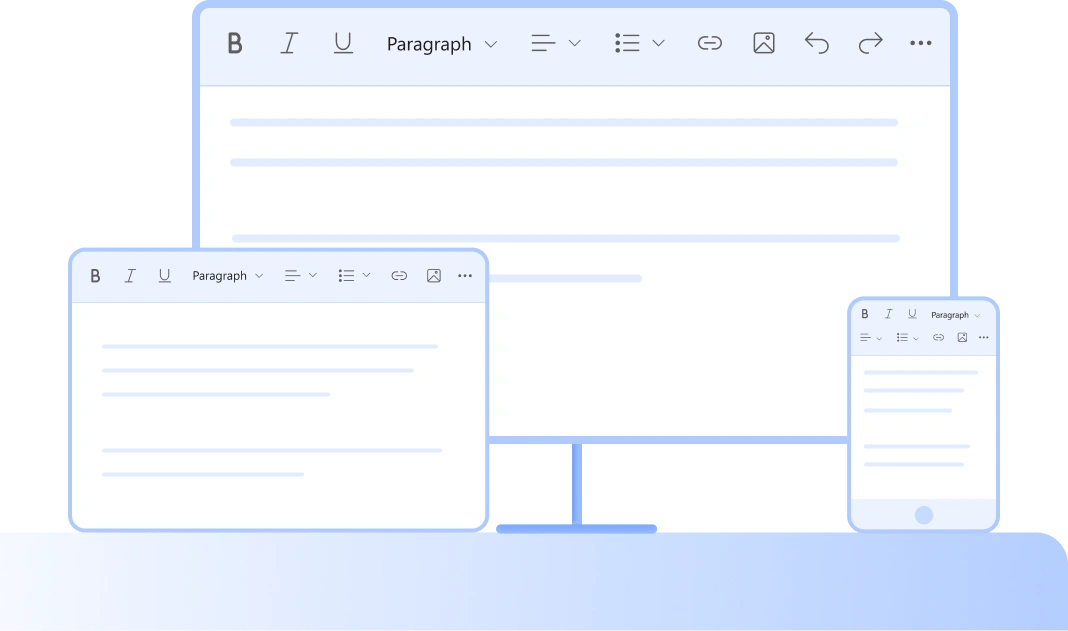
Adapts to Any Resolution
The Markdown Editor has a highly responsive layout and an optimized design for desktops, touch screens, and smartphones. It works well on all mobile phones that use iOS, Android, or Windows OS
Built-in and Customizable Themes
The Markdown Editor ships with several built-in themes, such as Tailwind CSS, Bootstrap 5, Bootstrap 4, Bootstrap, Material, Fabric, Fluent, and High Contrast.
Accessibility
The Markdown Editor view has complete WAI-ARIA accessibility support. The rich text editor UI includes high-contrast visual elements that help visually impaired people have a better viewing experience. Also, valid UI descriptions are easily accessible through assistive technologies such as screen readers.

Frequently Asked Questions
The Markdown Editor is a component that enables users to write content in markdown, a lightweight markup language. It provides a user-friendly interface with various formatting tools, facilitating easy content creation and editing.
To enable markdown mode, set the editorMode property to “Markdown” when initializing the Rich Text Editor. Here's an example:
let editMode = new RichTextEditor({
editorMode: 'Markdown'
});
The Syncfusion Markdown Editor supports live preview functionality. By integrating third-party libraries like marked.js, you can convert markdown content into HTML and display it in real-time, providing an immediate visual representation of the formatted content.
Yes, the Syncfusion Markdown Editor allows customization of the default Markdown syntax. You can override the default syntax by configuring the RichTextEditorMarkdownOptions properties.
The Markdown Editor allows you to restrict the content's maximum number of characters. This can be useful for scenarios where content length needs to be controlled. You can set this limit using the appropriate configuration options in the editor's settings.