Hi HT,
Thanks for using syncfusion products,
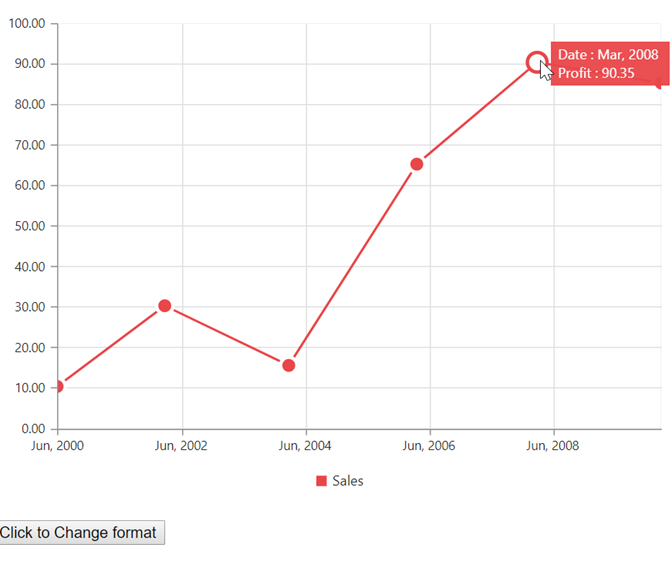
We have analyzed your query. There is no option to change the format like n1, or n2 into the ej.format() function dynamically. If you want change the format tooltip, you can use lableFormat property in the primaryYAxis options. By default tooltip takes format from axis label format, so you can change in label format options. As for your requirement, we have prepared a sample with button click. In that button, we have changed the axis label format dynamically. Kindly find the code snippet below to achieve this requirement.
|
HTML:
<ej-chart id="chartcontainer" [primaryYAxis.labelFormat]='labelFormat' >
</ej-chart>
<button id='button' (click)='click()'>Click to Change format</button>
TS:
export class AppComponent {
labelFormat : string = 'n2';
click() {
this.labelFormat = 'n4';
}
} |
Screenshot:
Initial label format n2:
Dynamically change the label format:
Sample for your reference, can be find from below link,
https://www.syncfusion.com/downloads/support/forum/137356/ze/angular-ej1-1731302622
Kindly revert us, if you have any concerns.
Thanks,
Baby