


Spreadsheet Editor SDK

Embed Excel-Like Spreadsheet Editing in Your Applications

Our Spreadsheet Editor SDK lets you create, edit, and manage spreadsheets with ease, delivering Excel-style data analysis, visualization, and full Excel file compatibility within your applications while still providing high performance.

  • 4.5 / 5
    600+ Reviews
  • 4.5 / 5
    800+ Reviews
  • 4.5 / 5
    700+ Reviews
  • 4.5 / 5
    600+ Reviews
  • 4.5 / 5
    800+ Reviews
  • 4.5 / 5
    700+ Reviews

Trusted by the world's leading companies

Trusted companies
Trusted companies

Why do you need our Spreadsheet Editor SDK?

The SDK delivers secure, high‑performance, Excel‑style editing directly within your application, eliminating the need to rely on external tools or handle multiple spreadsheet versions. With precise WYSIWYG editing, advanced data processing, and enterprise‑level security, our Spreadsheet Editor SDK enables you to build powerful, data‑driven solutions with confidence and ease.

Try demo

Experience complete Excel-like editing by uploading your own Excel files, trying formulas and functions, analyzing data, applying formatting, and exporting the results as Excel.

Enterprise-ready Spreadsheet editing

Edit Content

Designed for Speed and Scale

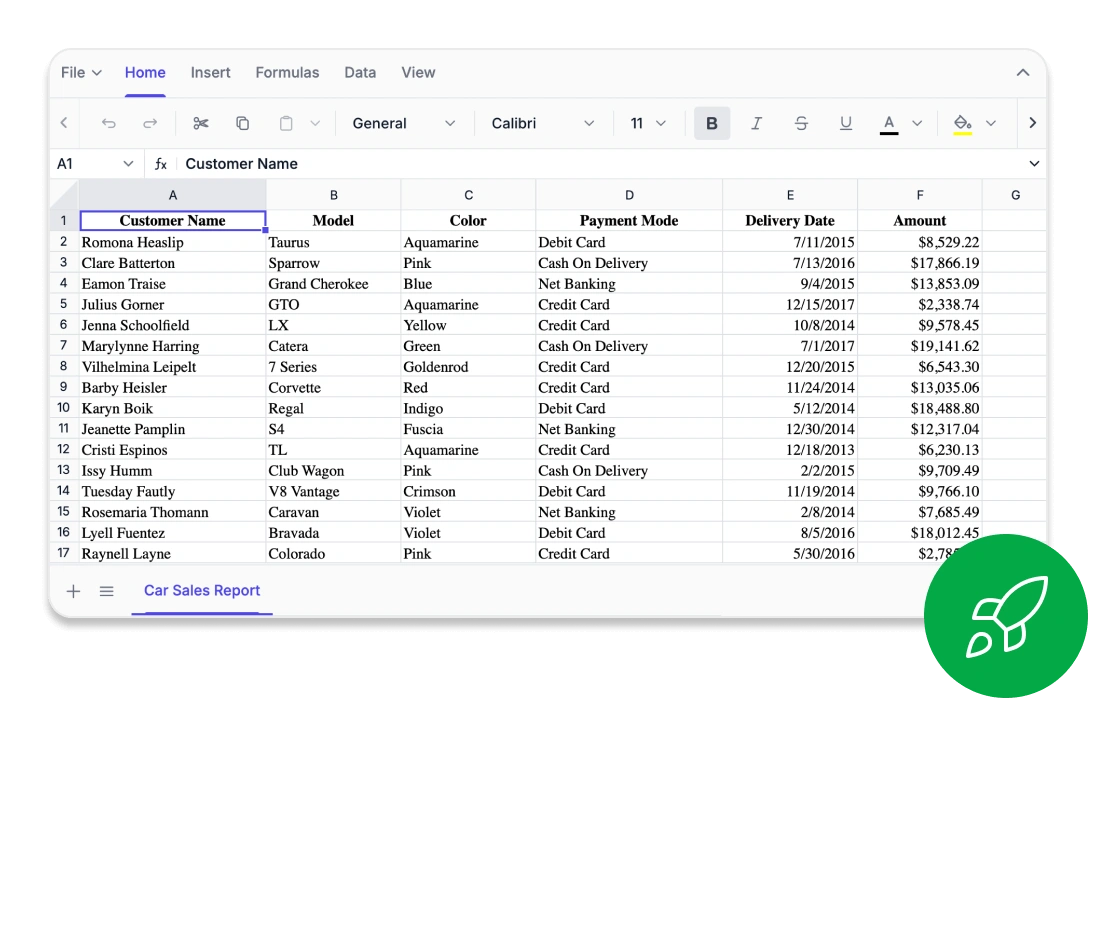
Experience exceptional speed while editing, calculating, or scrolling through even the largest spreadsheets. Our Spreadsheet Editor SDK is powered by a high-performance engine that delivers instant interactions and maintains smooth responsiveness across demanding datasets. Whether you are working with real-time business data or complex analytical models, performance remains consistently fluid.
  • Smart row and column virtualization for efficient navigation of large datasets
  • Instant rendering and recalculation for smooth and responsive editing
unrivaled-large-datasets
Edit Content

Every Cell Perfectly Aligned

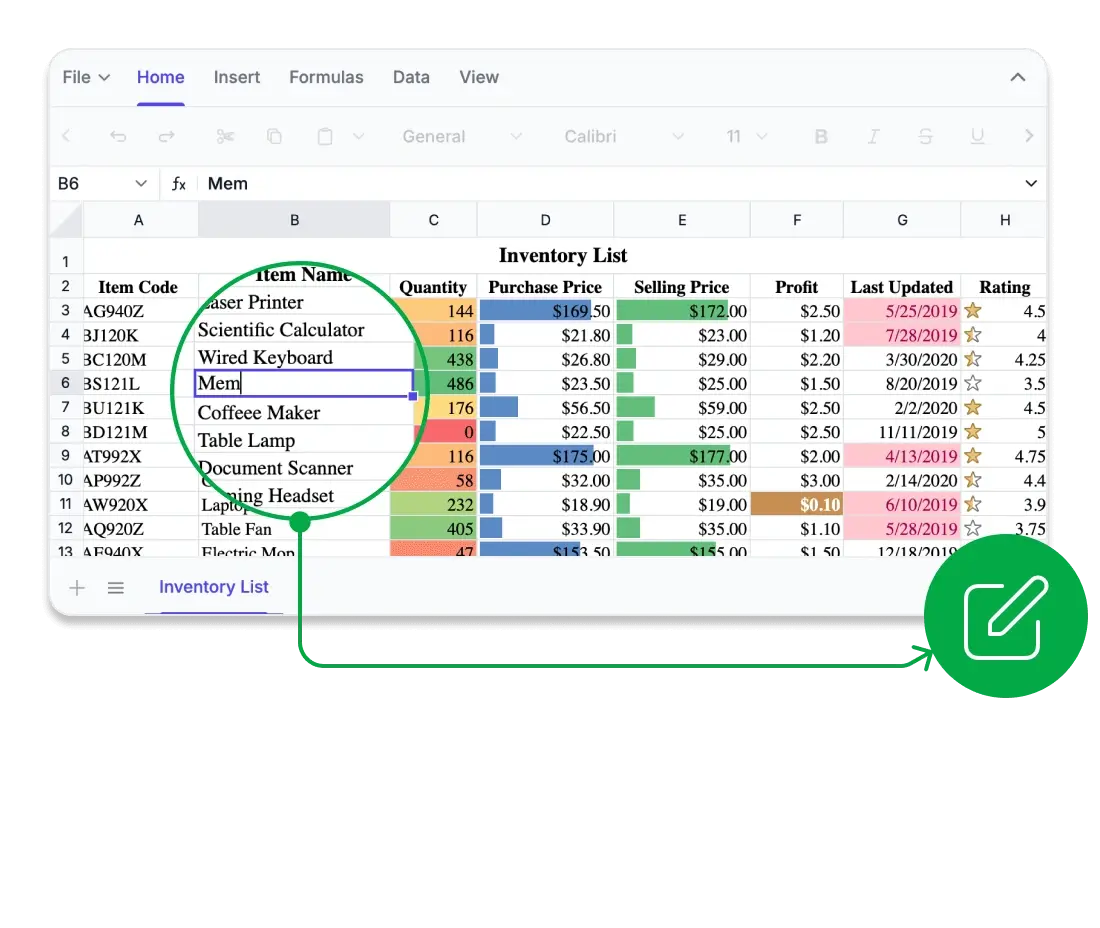
Edit with confidence directly in your browser. The Syncfusion Spreadsheet Editor SDK provides true WYSIWYG fidelity, ensuring that what you see matches exactly what you get. Every font, border, and formula result is rendered with pixel-perfect accuracy. Whether you use it for financial modeling, reporting, or academic data visualization, every cell performs exactly as intended.
  • True WYSIWYG rendering for Excel, CSV, and PDF
  • Detailed layout control with freeze panes, custom views, precise print settings, and consistent rendering
edit-in-browser
Edit Content

Compatibility for Confident Computation

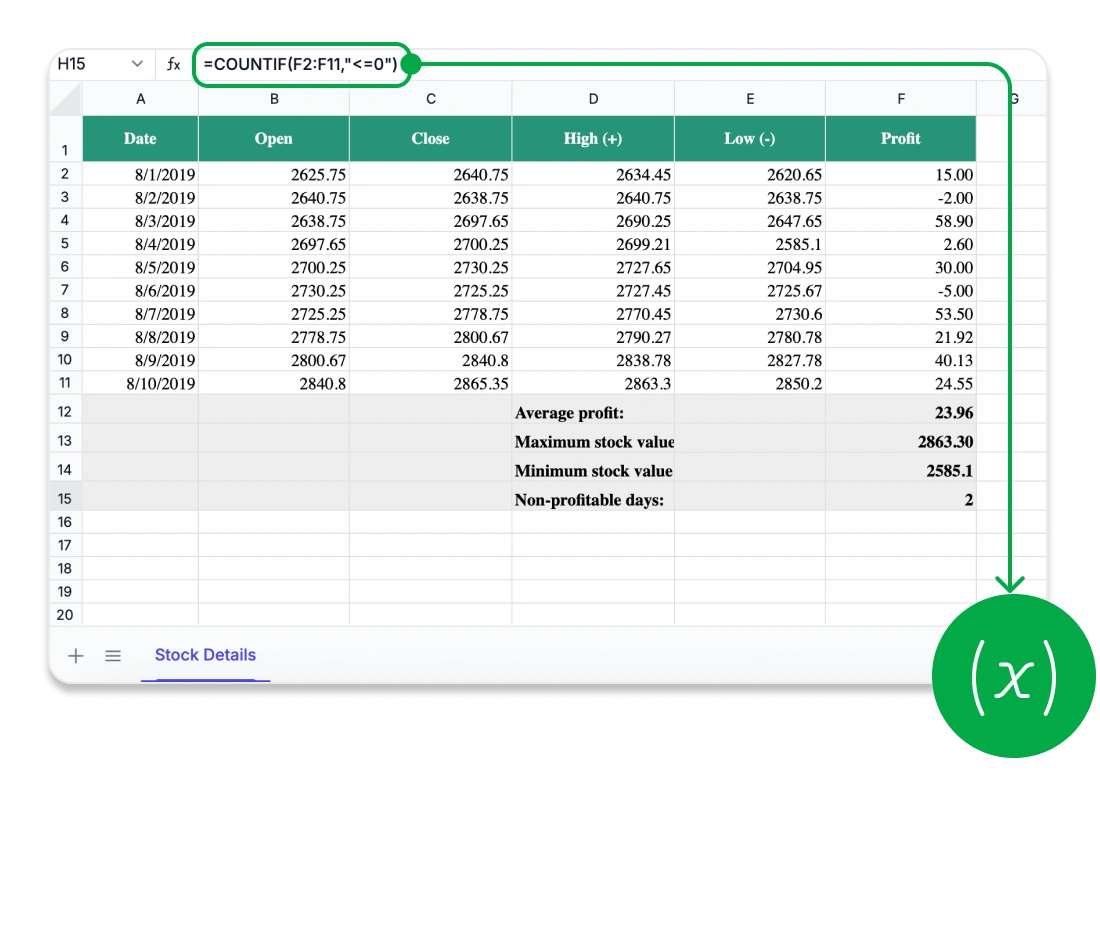
Unlock analytical capabilities directly inside your web and desktop applications. The Syncfusion Spreadsheet Editor SDK includes a robust formula engine that delivers accurate, real-time results and supports essential capabilities such as named ranges, user-defined functions, and optimized calculation modes. Developers can choose between automatic or manual recalculation to maintain performance in large, data-heavy scenarios.
  • Advanced financial, logical, and lookup operations
  • Custom formulas with full cross-sheet computation support
  • Extensive formula set designed for advanced analytical workflows
excel-like-formulas
Edit Content

Security You Can Trust

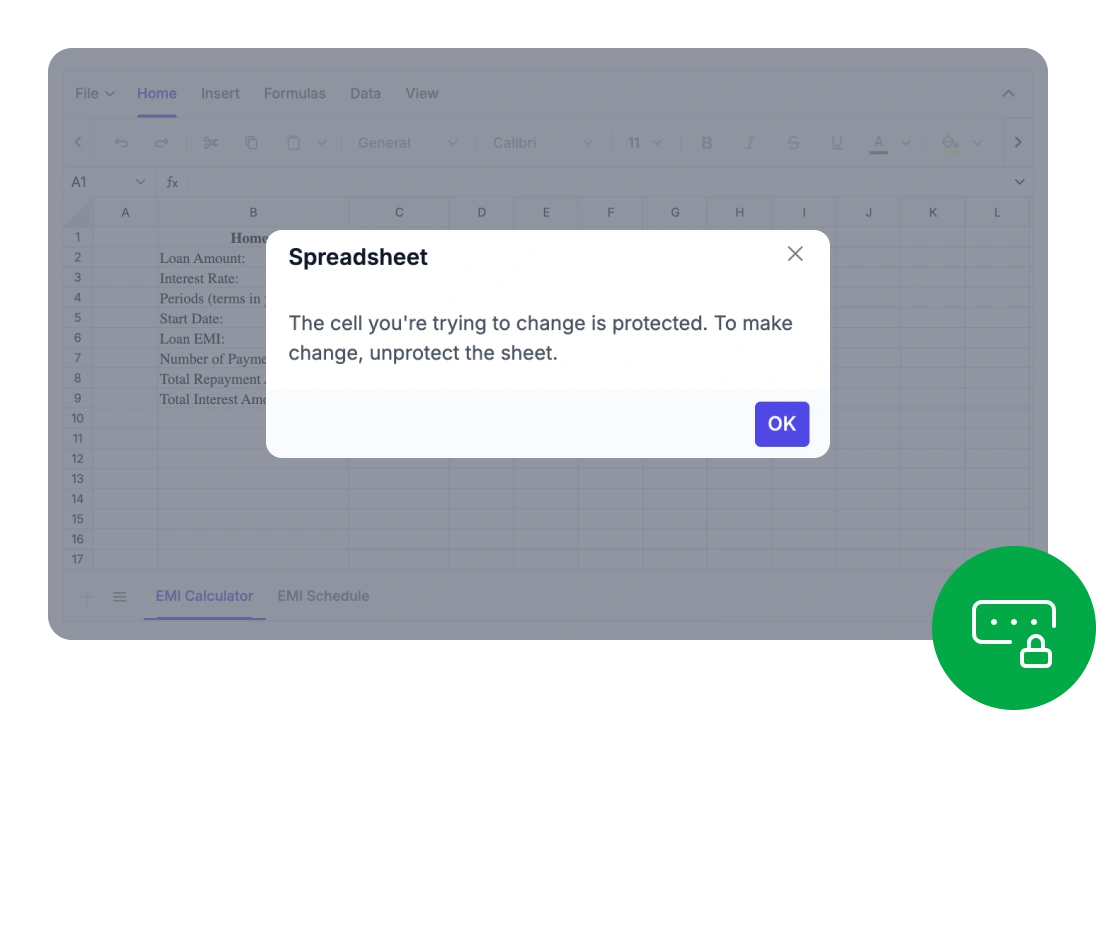
Protect your important spreadsheet data with enterprise-grade security and robust protection features. The Syncfusion Spreadsheet Editor SDK ensures that all data stays within your application environment, supporting secure and compliant workflows across various industries. Control user actions, from editing selected cells to adding or removing sheets, while maintaining the structure and integrity of your workbooks.
  • Zero data exposure to external or third-party services
  • Developers can set detailed access permissions, securing entire workbooks or individual sheets with password-based restrictions
password-encryption

Works Across All Major UI Stacks

Our solution offers seamless compatibility with all major frameworks, ensuring easy integration across any stack.
Blazor framework
React framework
Angular framework
dotnet-core
JavaScript framework
Vue framework
supported-framework
uwp

Comprehensive
Spreadsheet Capabilities

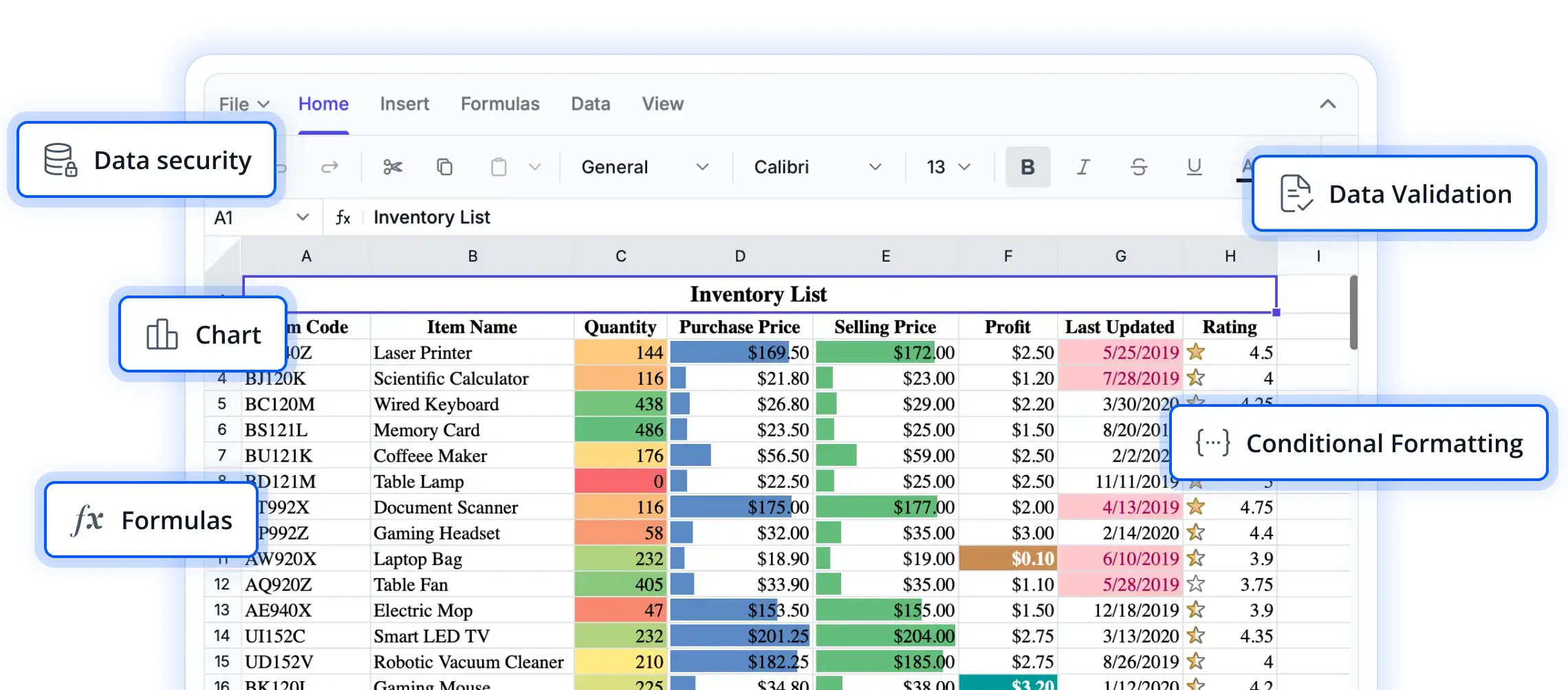
With advanced formulas, rich formatting, intuitive ribbon controls, and secure data export, the Syncfusion Spreadsheet Editor SDK provides everything users need for powerful in-browser data management.

Provide a complete Excel-like experience with all the essential features users expect.

  • Rich editing and formula support: Create and modify data using a wide range of built-in formulas, cell references, and automatic calculations.
  • Data sorting and filtering: Quickly organize large datasets and uncover key insights using advanced filtering options.
  • Image and chart embedding: Add and position images or charts to visually represent data directly within the spreadsheet.
  • Styling and formatting tools: Customize cell appearance with colors, borders, number formats, and conditional formatting.

Provide users with a familiar and intuitive interface for smooth spreadsheet editing.

  • Excel-inspired ribbon interface: Access editing, formatting, and review tools through a modern tabbed toolbar.
  • Contextual menus and shortcuts: Improve productivity with right-click actions and keyboard shortcuts.
  • Customizable ribbon tabs: Developers can add, remove, or rearrange tabs and commands to match application-specific workflows.

Connect your spreadsheet to diverse data sources and share results effortlessly.

  • Flexible data sources: Bring in data from local files, remote endpoints, databases, or web services without any manual formatting.
  • Standards-based format compatibility: Ensure smooth collaboration by supporting widely used spreadsheet formats.
  • Professional report output: Generate visually consistent PDF reports ready for printing or distribution.
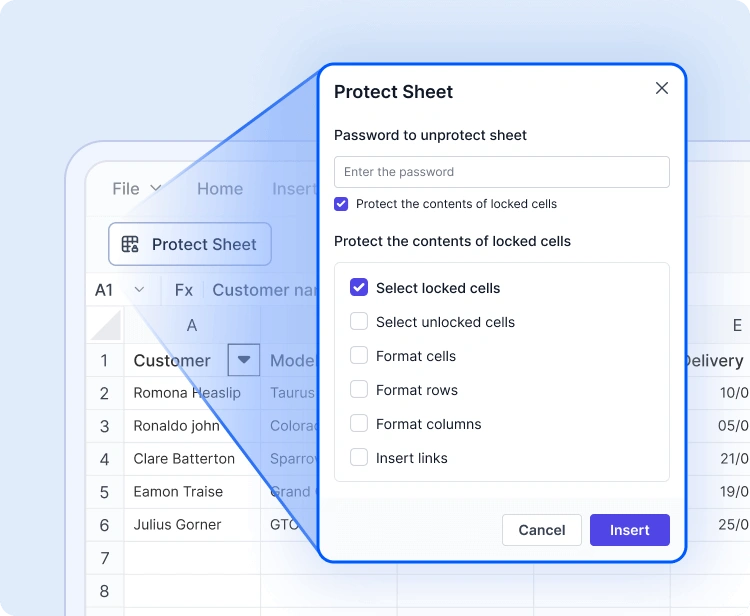
Advanced Spreadsheet Operations

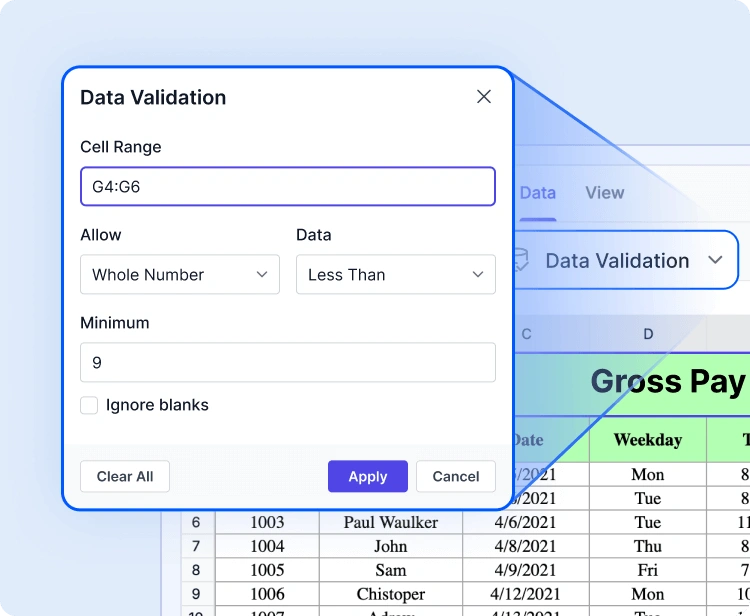
With built-in protection, formula handling, and dynamic data capabilities, the Syncfusion Spreadsheet Editor SDK allows developers and users to manage complex data workflows with efficiency and security.

Industry-tailored solutions

Our Spreadsheet Editor SDK supports professionals across various industries in organizing, analyzing, and sharing data directly within the application. Built for accuracy, flexibility, and secure data processing, it enhances how teams work with spreadsheets.

No credit card required

Easy Integration and Customization

Designed for modern development needs, the Spreadsheet Editor SDK is quick to integrate, highly extensible, and adaptable to complex application workflows.

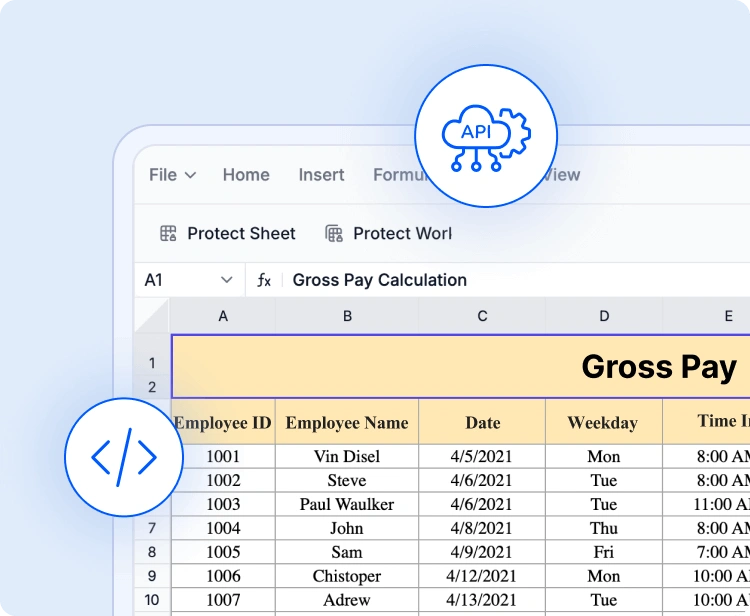
  • Integrate business logic seamlessly through a flexible API and extensible event-lifecycle hooks.
  • A developer-friendly structure supported by comprehensive documentation and enterprise assistance for smooth onboarding.
  • Interactive demos and sample applications to accelerate Spreadsheet Editor integration.

See Why Developers Love Syncfusion

These real-time stories highlight the impact of our Spreadsheet Editor SDK.

The best way to demonstrate our commitment is through the experiences and feedback of those who have used our Spreadsheet Editor.

Spreadsheet Editor SDK FAQs

If you’re new to Spreadsheet Editor SDK or have questions, our FAQ will help you learn more about its features and capabilities.

Elevate your web and desktop applications to Excel-like powerhouse. The Syncfusion Spreadsheet Editor SDK empowers you with:

  • Seamless data analysis and visualization like in Microsoft Excel.
  • Compatibility with Microsoft Excel file formats.
  • Highly intuitive user interfaces.
  • Flexible data binding with support to use local and remote data source services.
  • Support for freeze panes, keyboard shortcuts, and all the common Excel features.
  • Support for all modern browsers.
  • Touch-friendly and responsive UI.
  • Expansive learning resources such as demos and documentation to help you get started quickly with Spreadsheet.

The Spreadsheet Editor SDK is more than just a control; it’s a feature-rich solution for organizing and analyzing data in tabular formats. It provides all common Excel features, including data binding, selection, formulas, editing, formatting, resizing, sorting, importing, and exporting.

No, this is a commercial product and requires a paid license. Syncfusion provides a trial period for evaluation. However, a free community license is also available for companies and individuals whose organizations have less than $1 million USD in annual gross revenue, 5 or fewer developers, and 10 or fewer total employees.
Comprehensive documentation, code samples, API references, and community forums are available to support developers at every stage of integration.
Use the Save As option in the File menu or the save method. The Spreadsheet control lets you save or export worksheets in Excel (XLSX, XLS), CSV, and PDF formats.
You can find our Spreadsheet demo, which demonstrates how to render and configure the Spreadsheet.
The Spreadsheet Editor SDK supports JSON, OData, WCF, and RESTful web services with the help of a data manager.
Syncfusion offers a feature-rich, high-performance Spreadsheet with reliable support, flexible licensing, and seamless integration-making it a superior choice over many alternatives.

Trusted by the Industry, Recognized
for Excellence

We don’t just say we’re great — independent awards and industry leaders back it up.
We are honored to be recognized for our product innovation, customer support, and overall excellence by top organizations worldwide.

awards_new