Looking for Kendo React Scheduler Alternative?
Edit Recurring Events Effortlessly with Syncfusion React Scheduler
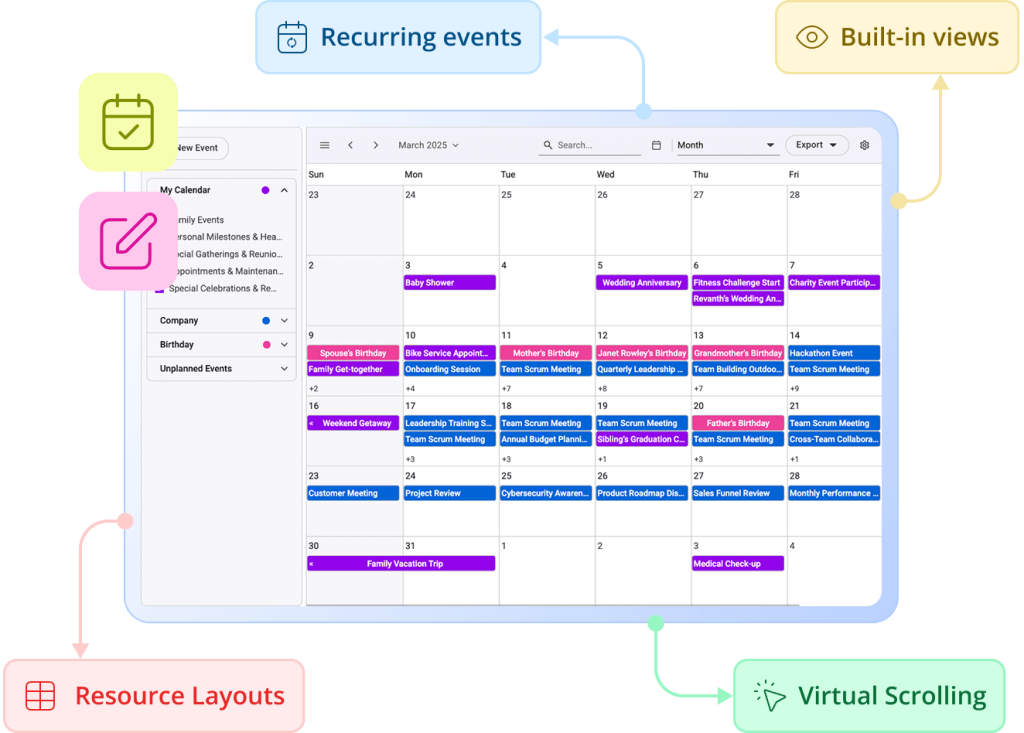
Transform your React apps with enterprise-grade scheduling. Syncfusion's React Event Calendar delivers drag-and-drop appointments, recurring events, and inline editing. Export to Excel/ICS, responsive design, and advanced resource grouping with full customization. Perfect for booking systems and professional calendar solutions.
-
Upto 2.5x Faster Rendering
-
3x Lighter Memory Footprint
-
24/5 Premium Support
-
Upto 2.5x Faster Rendering
-
3x Lighter Memory Footprint
-
24/5 Premium Support
Trusted by the world's leading companies


Performance Benchmark
Syncfusion clearly outperforms Kendo in terms of speed, memory efficiency, and overall responsiveness.
Week View (1000 Events)
Syncfusion React Scheduler
Kendo React Scheduler
Initial Load
Add Event
Update Event
Delete Event
Memory Usage (Initial Load – 1k Events)
Timeline Month (60 Resources & 1000 Events)
Syncfusion React Scheduler
Kendo React Scheduler
Initial Load
Add Event
Update Event
Delete Event
Flexible View Modes
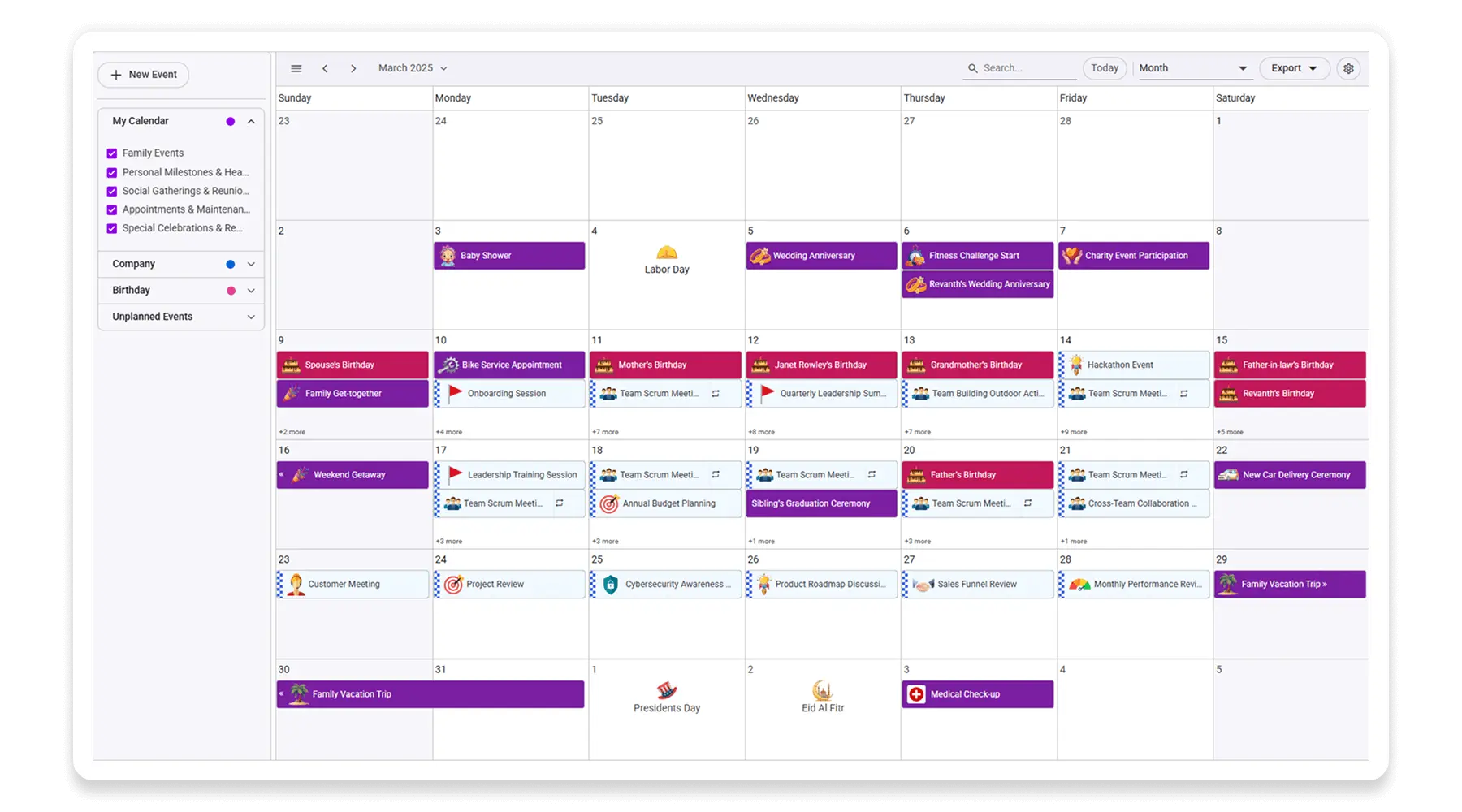
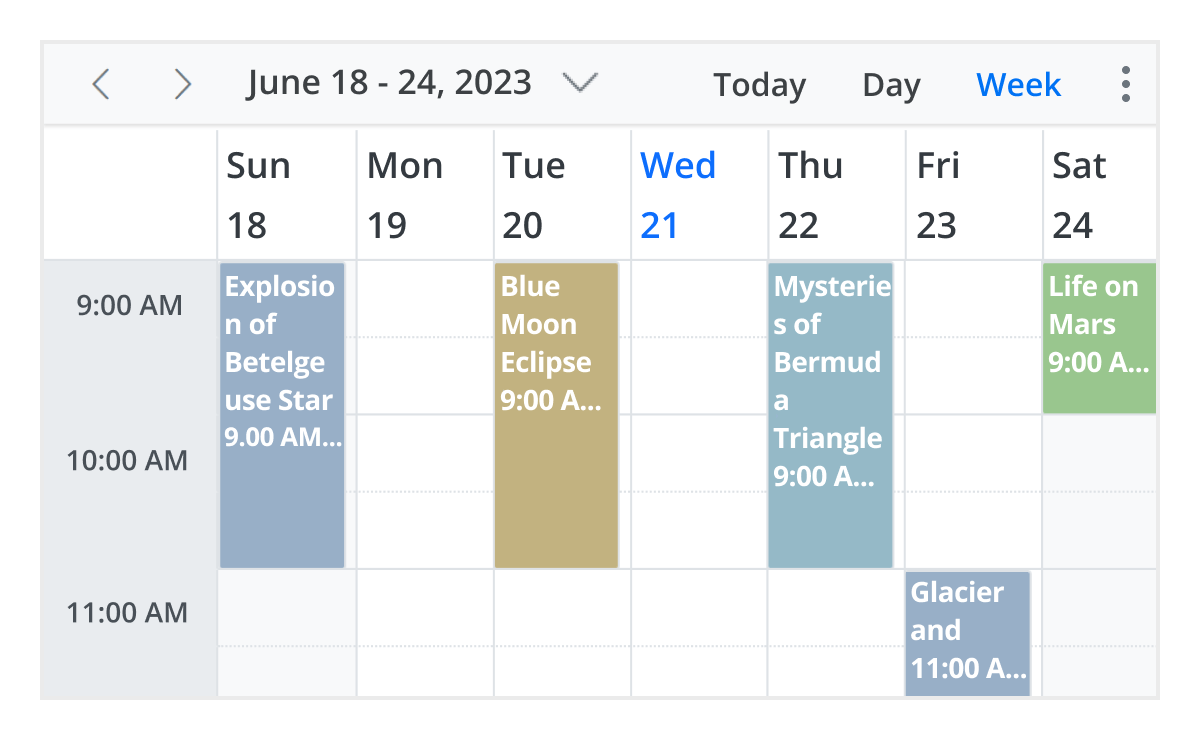
Choose from 12 flexible React Scheduler view modes—Day, Week, Month, Timeline, Agenda, and more. Each view is fully customizable, responsive, and designed to support diverse scheduling needs, from daily task tracking to long-term planning.
Smart Resource Grouping
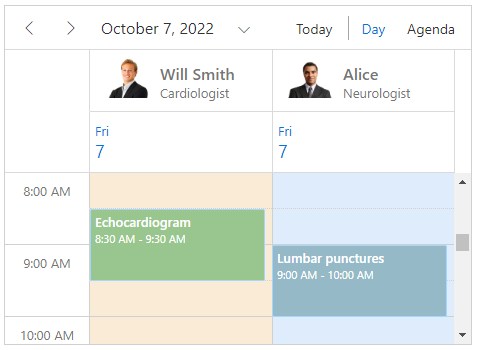
Simplify scheduling with advanced React Scheduler resource grouping—supporting single/multi-level hierarchies, shared events, dynamic resource updates, customizable headers, and compact mobile layouts. Bind data from local or remote sources and group by date, timeline, or hierarchy effortlessly.
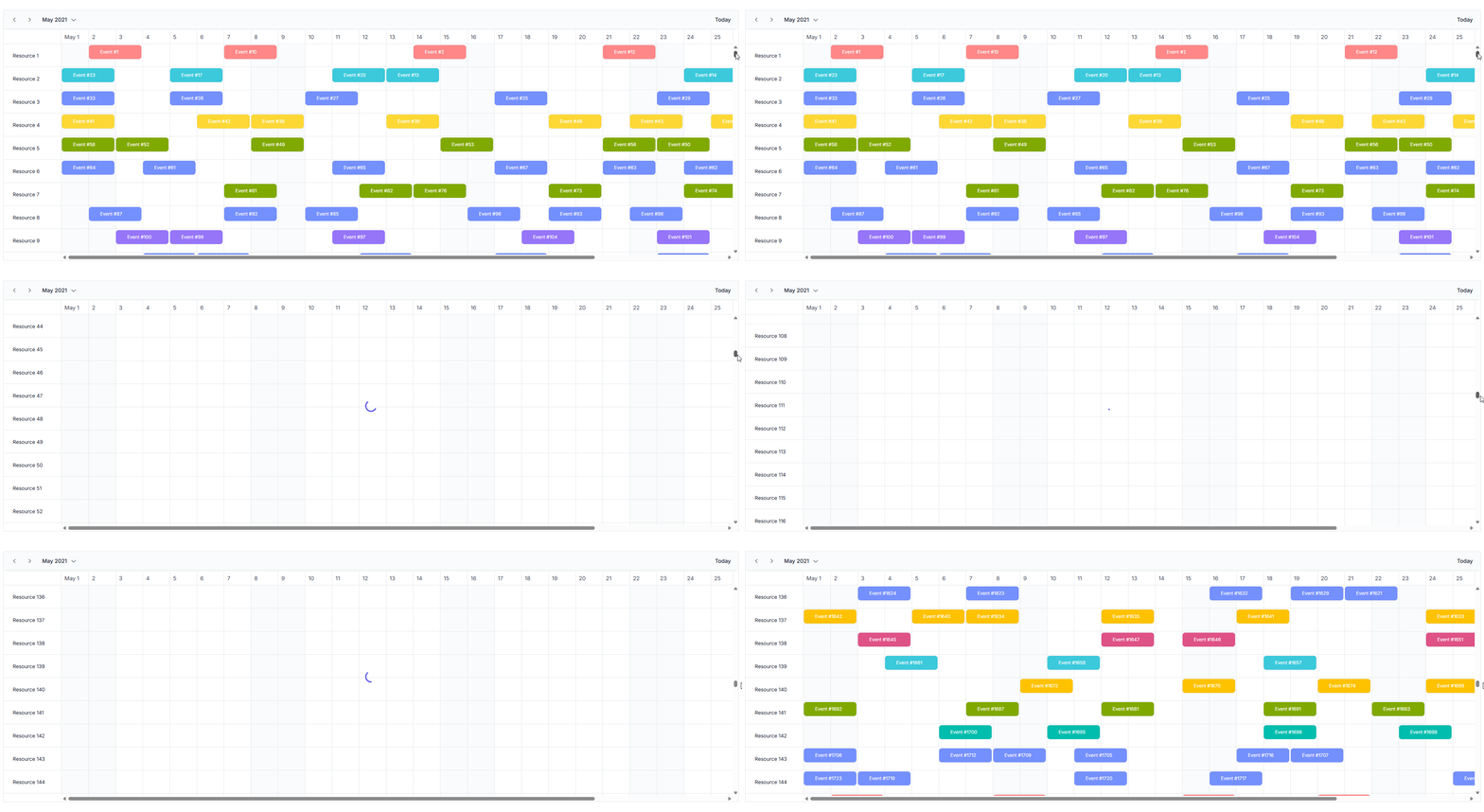
Instant Load with Virtualization
Experience seamless performance with React Scheduler virtual scrolling—instantly load thousands of events and resources as you scroll. This ensures smooth navigation and fast rendering, even with large datasets and complex scheduling scenarios.
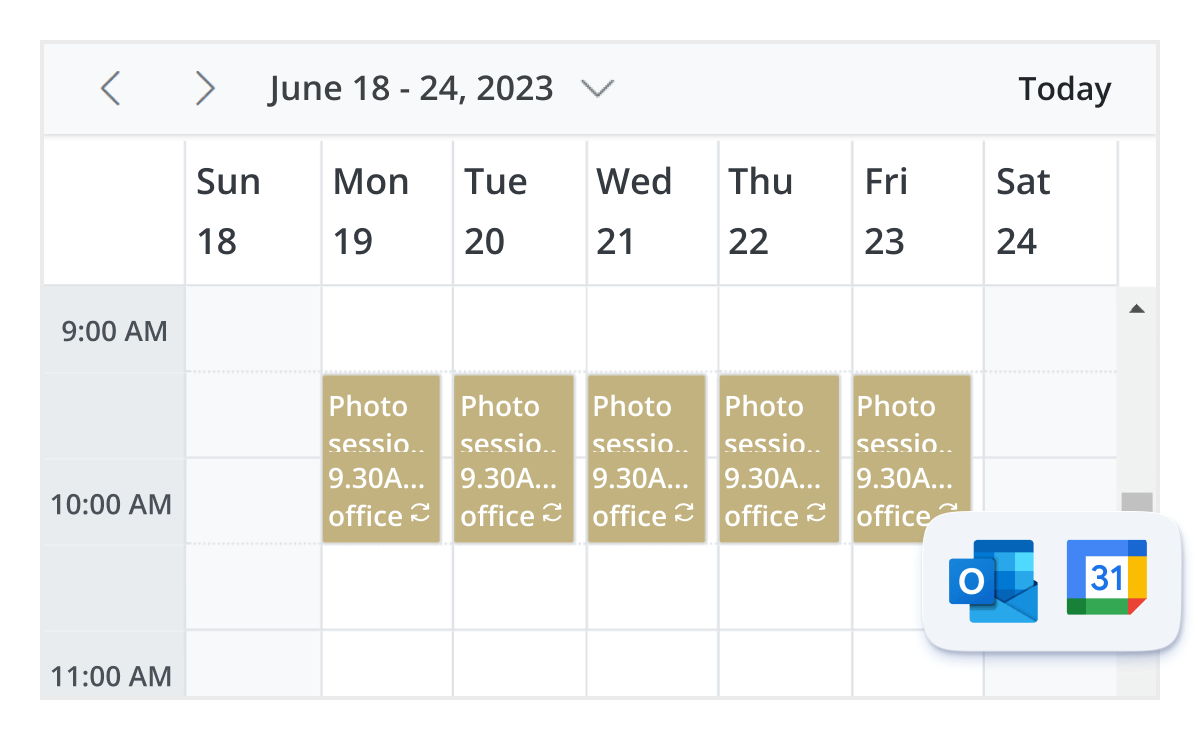
Recurring Scheduling Made Simple
Easily manage recurring events with the Syncfusion Scheduler for React. Configure daily, weekly, or yearly patterns using the built-in recurrence editor. Whether embedded in the Scheduler or used standalone, it simplifies rule generation for appointments. Ideal for calendar apps, booking systems, and enterprise scheduling.
Enterprise React Scheduler Made Simple
Build production-ready scheduling applications with enterprise features, accessibility compliance, and seamless React ecosystem integration.
Why Syncfusion is the Right Pick for You?
24+ Years Proven
Mature, stable, and trusted by enterprises in mission-critical applications for nearly two decades.
Secure and Private
No external calls or data sharing—everything processes on your server for maximum security and compliance.
Continuous Development
Actively maintained with regular updates and feature enhancements based on real customer feedback.
Backed by Global Trust
Trusted by 1M+ developers, 36K+ companies, and 400+ Fortune 500 enterprises over 24+ years of innovation and excellence.
Microsoft Collaboration
We actively collaborate with Microsoft to advance the .NET developer ecosystem. Our free and open-source .NET MAUI Toolkit is a key contribution, empowering developers to build modern cross-platform apps with ease.
Enterprise-Proven Solutions
Our UI components power high-scale SaaS platforms, trusted to handle millions of user interactions daily. Syncfusion’s reliability is proven in our own enterprise products, including BoldDesk and BoldSign, solutions that are widely adopted and loved by customers across industries.
Developer Support That Never Lets You Down
Kendo Scheduler users often face slow support and strict ticket limits. Syncfusion turns that around with fast, unlimited support and rich documentation that speeds up your development.
Documentation
Easy-to-follow guides, detailed API references, and real-world code examples via GitHub, NuGet, and our official docs.
Dedicated support
Unlimited tickets and fast 24-hour guaranteed responses via live chat, forums, and our support portal.
Community Engagement
A thriving developer community, frequently updated samples, and constantly evolving documentation.
What Developers Say About Kendo Scheduler And How Syncfusion Solves It
Developers struggle with limited access to docs, and a steep learning curve in KendoReact Scheduler. Syncfusion fixes this with clear docs, and beginner-friendly tools.
“Sometimes it is hard to find the API documents on the website. Even as a registered user, I see messages about buying Progressive tools and applications.”
— G2 userSyncfusion provides clear, publicly accessible API documentation without login barriers or upsell interruptions. Developers can easily find what they need, stay focused, and build faster—without distractions or hidden costs.
“We can't use multi Kendo Editor on a single page, It makes the page heavy and increases loading time.”
— G2 userSyncfusion offers lightweight, modular editors optimized for performance. Multiple instances can run smoothly on a single page without compromising load speed or responsiveness.
“Still have some accessibility issues particularly in the most complex wrappers such as the Kendo Scheduler and Kendo Grid.”
— G2 userSyncfusion solves this with built-in accessibility features like ARIA support and keyboard navigation—no manual HTML tweaks needed.
Feature-by-Feature Comparison
Choosing the right Scheduler component can make or break your app’s productivity features. Here’s how Syncfusion React Scheduler and Kendo React Scheduler compare across performance, customization, and developer experience:
Features
Syncfusion React Scheduler
Kendo React Scheduler
Local, Remote, and Custom CRUD Binding
Yes
Yes
Day, Week, Work Week, Month, Agenda, Timeline Views
Yes
Lacks Month Agenda View
Year View (Standard & Timeline)
Yes
Lacks Year, Horizontal and Vertical Timeline views
Extended Views (eg., 3-day, 2-week
Yes
Yes
Header Rows in Timeline Views
Yes
No
Show/Hide All-Day Row
Yes
No
Hide Empty Agenda Dates
Yes
No
Custom Weeks in Month View
Yes
No
Set First Month in Year View
Yes
No
Cut, Copy, Paste Events
Yes
No
Responsive/Adaptive Rows
Yes
Yes
Time Scale Customization
Yes
Yes
Week Number Display
Yes
No
First Day of Week
Yes
Yes
Custom Workdays
Yes
No
Custom Start/End Hours
Yes
Yes
Work Hours Customization
Yes
Yes
Custom Toolbar
Yes
No
Time Zone Support
Yes
Yes
Calendar Modes (Gregorian/Islamic)
Yes
Lacks Islamic calendar
Touch Support
Yes
Yes
All-day Events
Yes
Yes
Recurring Events
Yes
Lacks Editing Future occurrences
Inline Editing
Yes
No
Tooltips
Yes
Yes
Sorting
Yes
No
Time Slot Blocking
Yes
Yes
Conflict-Free Scheduling
Yes
No
Quick Create/Edit Popups, "+n-more" Popup
Yes
No
Customizing Quick Windows
Yes
No
Built-in Editor, Customization, Field Validation
Yes
Yes
Drag and Drop Single/Multiple Events, External Drag, Recurrence Validation
Yes
Lacks Multiple event drag and drop, external drag and drop, recurrence validation.
Resize Events
Yes
Yes
Resource Scheduling, Grouping (Vertical/Horizontal), Sharing
Yes
Yes
Resource-Specific Workdays
Yes
No
Virtual Scrolling, Compact View
Yes
No
ICS, Excel, Print
Yes
Lacks Excel Export and Print
Accessibility, Keyboard, Localization, RTL
Yes
Yes
State Persistence
Yes
No
Built-in, Custom, Light/Dark Themes
Yes
Yes
What Our Customers Say
Real feedback from developers who rely on Syncfusion every day.
The controls are very easy to use and mostly work on the client side for better user experience. Controls handles large datasets seamlessly. Look and feel of controls is great.
I am thoroughly impressed with this application. The customer support team is not only highly responsive but also excels in providing practical examples and samples. I wholeheartedly recommend this application to others. I've particularly utilized the Schedule Module with self-modifications and finding it exceptionally user-friendly.
G2 Recognition Highlights
Syncfusion
Kendo
Total User Reviews
608
241
Rating
⭐ 4.5 / 5
⭐ 4.4 / 5
Community Trust
Broad user base with proven satisfaction
Limited review volume—insufficient for strong conclusions
Need more information?
Get detailed documentation, explore live demos, or speak with our experts to find the perfect solution for your needs.
Plan, Schedule, and Succeed with Syncfusion
Deliver a polished scheduling experience in your React apps with Syncfusion’s powerful Scheduler component—free to try today.