From Idea to Enterprise UI in Minutes with the
Syncfusion Agentic UI Builder
Quickly generate complete dashboards, enterprise layouts, and full application interfaces using simple prompts. The Agentic UI Builder interprets your description, automatically creates layouts, selects the right Syncfusion components, and generates working code for modern frameworks like React, Angular, and Blazor.
Build Enterprise UI Faster with AI
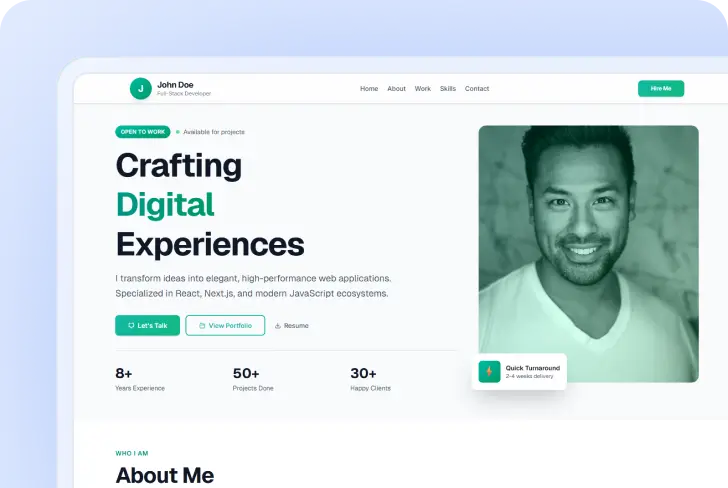
Turn natural language prompts into complete application layouts. From portfolio sites to analytics dashboards and AI chatbot pages, the Agentic UI Builder generates fully structured UI using Syncfusion components. Here are a few examples built with the Syncfusion Agentic UI Builder.
Portfolio Landing Page
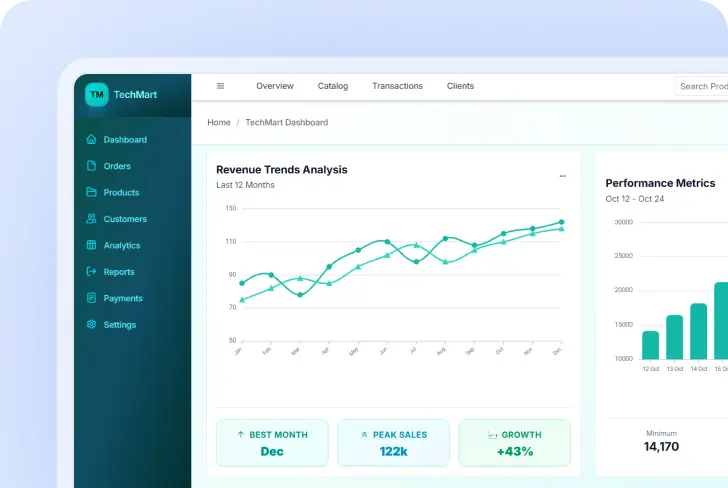
E-commerce Dashboard Page
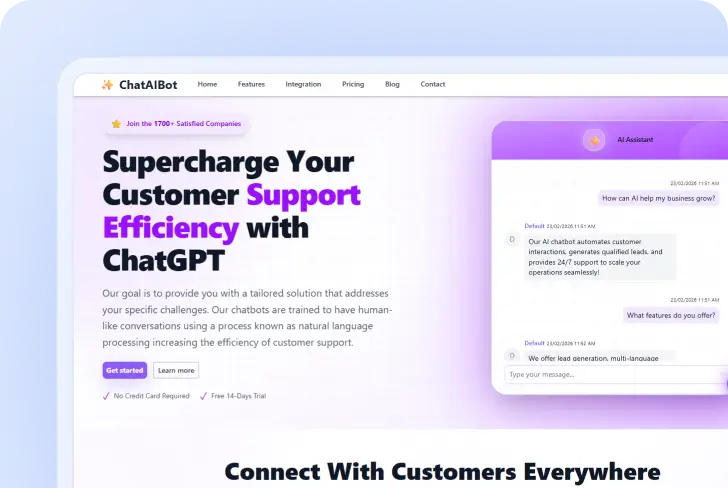
AI Chatbot Page
Your Intelligent UI Builder Assistant
Let the builder handle routine UI tasks so you can concentrate on core functionality. The assistant can:
-
Generate complete dashboards, pages, and enterprise UI layouts from natural language requests.
-
Automatically select and configure appropriate Syncfusion UI components.
-
Produce structured UI code aligned with Syncfusion component APIs.
-
Reduce manual layout design and repetitive UI scaffolding work.
-
Apply themes and design configurations consistently across your project.
-
Maintain clean structure and predictable patterns throughout your codebase.
Powered by Syncfusion MCP Server
The Agentic UI Builder, available as an add-on to Syncfusion Essential Studio®, connects to the Syncfusion MCP server, which provides AI models with structured knowledge about Syncfusion components, APIs, and usage patterns.
Why Use Agentic UI Builder
Generic AI tools often generate unreliable UI snippets from outdated training data and struggle with production-ready interfaces. The Agentic UI Builder uses the Syncfusion MCP server to connect with verified Syncfusion documentation and more than 1,600 component APIs, which leads to accurate UI code and dependable interface generation.
Rapid Interface Generation
Generate complex layouts, dashboards, and full UI structures within seconds using natural‑language prompts. This dramatically speeds up early development and eliminates time‑consuming manual setup.
Reduced Manual Configuration
The builder automatically configures Syncfusion components, layouts, and settings to streamline UI setup. This eliminates repetitive configuration work and ensures consistent structure across the project.
Faster Prototyping
Quickly turn ideas into functional UI prototypes that teams can review and iterate on. This accelerates decision‑making and helps refine concepts much earlier in the development cycle.
Enterprise‑Ready Components
Generated layouts use Syncfusion’s reliable, production‑grade components designed for enterprise applications. This ensures performance, scalability, and faster transition from prototype to production.
How It Works
Get started in minutes with our simple, 4-step process:
Step 1
Step 1:
Describe the Interface
Provide a prompt such as: Create a project management dashboard with a grid, charts, and filters.
Step 2

Step 2
The AI Generates the Layout
The builder analyzes the request and selects the most appropriate Syncfusion components and layout patterns.
Step 3

Step 3
Get Working UI Code
The UI Builder generates ready-to-use UI code that can be integrated directly into your application.
Step 4

Step 4
Customize and Extend
Developers can refine the generated layout and extend functionality based on project requirements.
Works with Your Favorite IDEs
Syncfusion MCP servers integrate directly with modern, AI-enabled IDEs, enabling real-time, component-aware code generation inside your development workflow.
VS Code
Full MCP integration with Visual Studio Code. Install globally or per-workspace.
Code Studio
Works with Syncfusion Code Studio’s enhanced AI capabilities and full MCP integration.
JetBrains IDEs
Compatible with JetBrains IDEs through AI Assistants with MCP support.
Cursor
Native support for Cursor IDE with enhanced AI capabilities and MCP integration.
Build Enterprise Apps Faster with Syncfusion
Generate enterprise-ready UI layouts faster using the Agentic UI Builder powered by Syncfusion MCP Server.
- Gain 30% to 50% extra productivity
- Works with your existing IDE
- No additional charges
Frequently Asked Questions
The Agentic UI Builder is an AI-powered tool that generates complete UI implementations from naturallanguage prompts. It creates layouts, components, and styling automatically using Syncfusion components and documentation.
Follow the installation guide to set up the Syncfusion MCP server in your development environment. Once installed, the Agentic UI Builder becomes available inside your AI-enabled IDE.
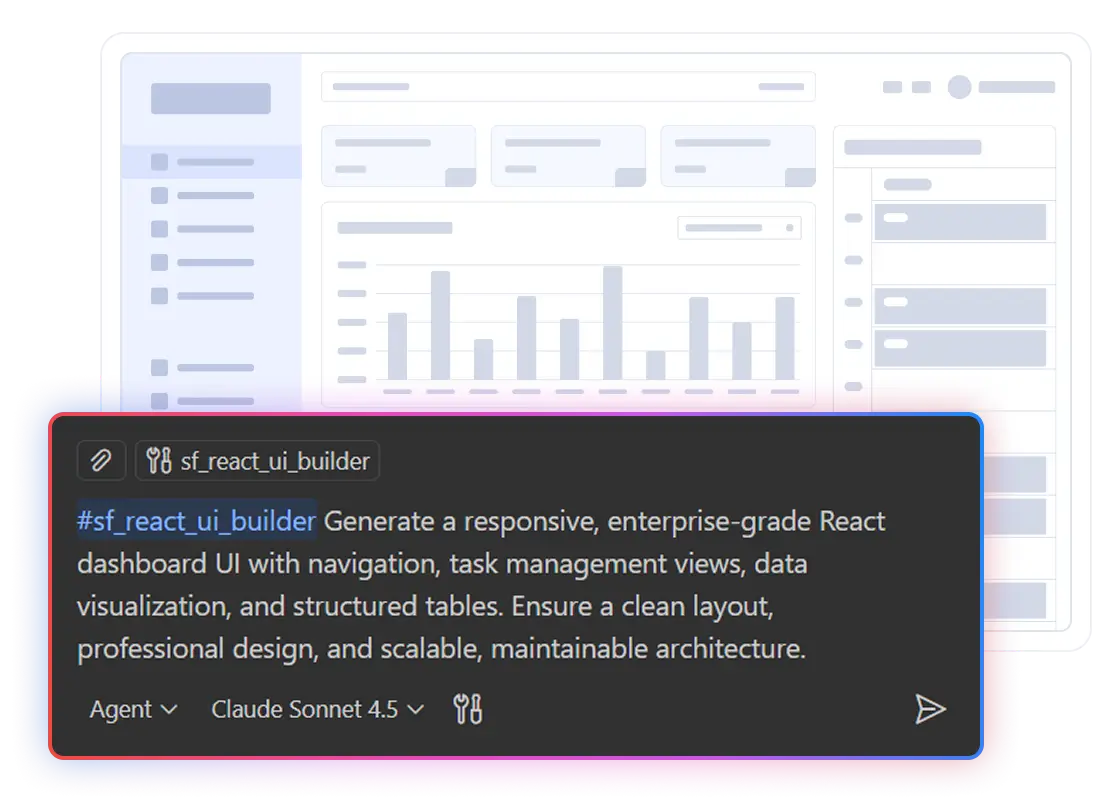
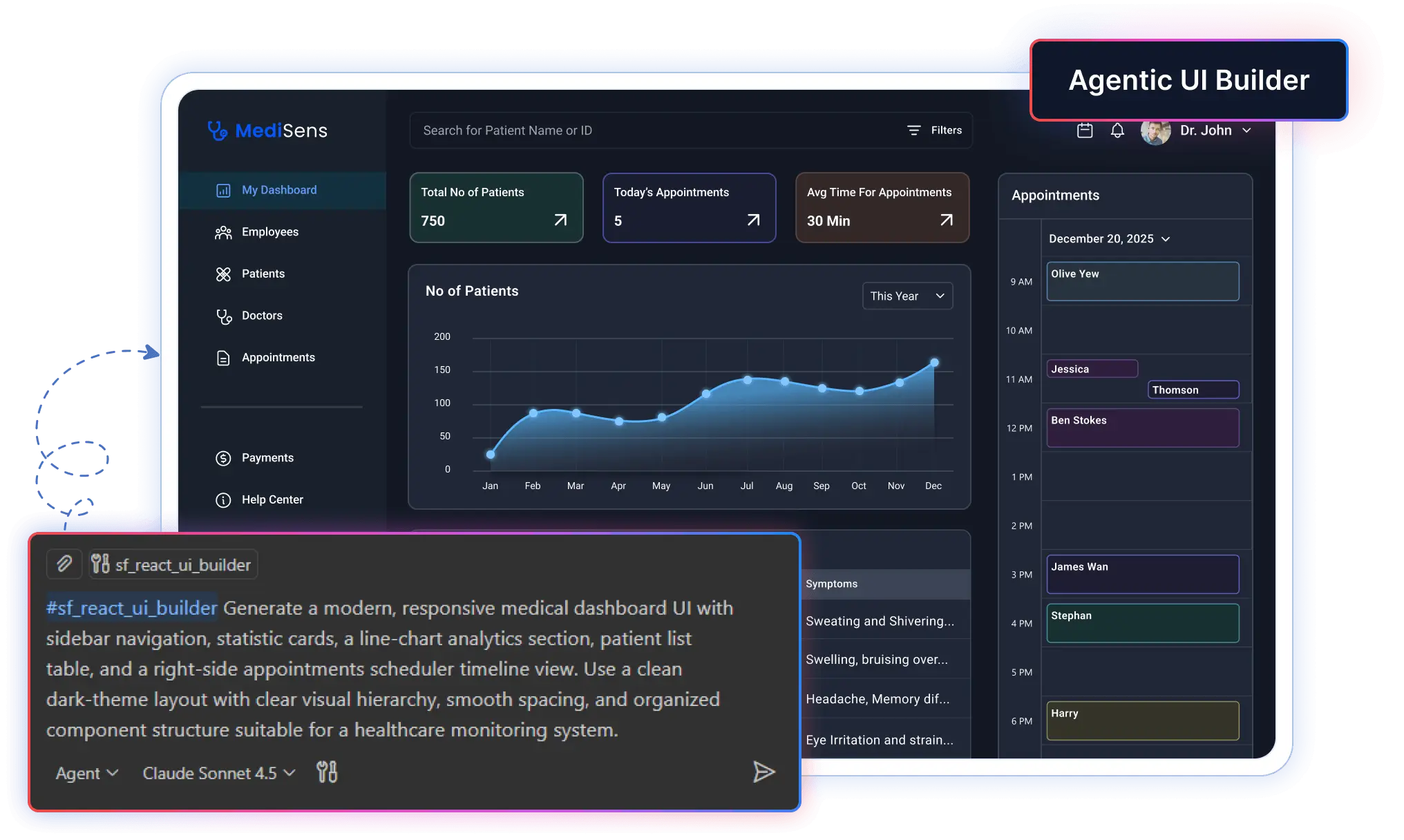
After installation, open your AI assistant in the IDE and describe what you want to build. You can use a tool command, such as #sf_react_ui_builder, or include the keyword “Syncfusion” in your prompt to invoke the correct generator.
It produces a full UI structure, including layout, components, and styling. All elements are aligned with Syncfusion documentation and recommended usage patterns.
Use Agentic UI Builder for creating complete pages, dashboards, and full interfaces from scratch with coordinated tools for layout, components, styling, and icons. Use the AI Coding Assistants for integrating Syncfusion component knowledge directly into your development workflow. It’s perfect for implementing individual components, troubleshooting integration issues, and accessing API documentation on demand.
For optimal accuracy and code quality, advanced models such as Claude Sonnet 4.5, GPT5, and Gemini 3 Pro are recommended.
Absolutely! The Agentic UI Builder for Syncfusion® integrates seamlessly with existing React, Angular, and Blazor projects. Simply enable the builder in your IDE to access intelligent component suggestions and best practices tailored for Syncfusion® components. Whether you’re starting fresh or enhancing an existing application, the agentic assistants adapt to your workflow and help you efficiently integrate enterprise‑grade Syncfusion® UI components.
The tools don't access project files or workspace contents directly. User prompts are not stored or used for training. The MCP server acts as a knowledge bridge while respecting your privacy.
The Agentic UI Builder generates code suggestions that align with your existing project structure and coding conventions. The agentic assistants provide implementation guidance directly through your IDE’s AI experience, allowing you to review and approve changes before they are applied. You remain fully in control. The Agentic UI Builder offers context‑aware recommendations for Syncfusion components, but all code modifications require your explicit approval through your IDE interface.
The Agentic UI Builder for Syncfusion is free to use with unlimited access. It connects your development environment to Syncfusion’s enterprise UI component library and documentation, enabling intelligent guidance and recommendations. All code suggestions and generation occur through your IDE’s AI assistant, such as Claude in Cursor or GitHub Copilot, so there are no additional charges, usage limits, token caps, or request restrictions from Syncfusion.