From Idea to Enterprise UI in Minutes with
Syncfusion MCP Servers

Build enterprise-grade applications faster with Syncfusion MCP Servers, powering an Agentic UI Builder to generate full dashboards, layouts, and application pages, along with an AI Coding Assistant that writes, fixes, and integrates Syncfusion components with precision.

Agentic UI Builder

Build Modern UIs Faster with Syncfusion

Enterprises rely on our UI libraries to build large scale applications used by millions of users. Our MCP Servers extend that proven product knowledge inside your IDE and help you move from idea to production faster.

Vector

Agentic UI Builder

Generate complete dashboards, layouts, and enterprise interfaces instantly.

Vector

AI Coding Assistant

Get precise, context-aware Syncfusion code inside your IDE.

Syncfusion MCP Servers - Reliable AI Assistance
for Enterprise UI Development

The Syncfusion MCP Servers empower your AI assistant with real knowledge of Syncfusion components, enabling precise, production-ready code generation directly within your development environment. Instead of producing generic or unreliable suggestions, your AI assistant deliver accurate implementations aligned with Syncfusion’s architecture and best practices.

Edit Content

Agentic UI Builder

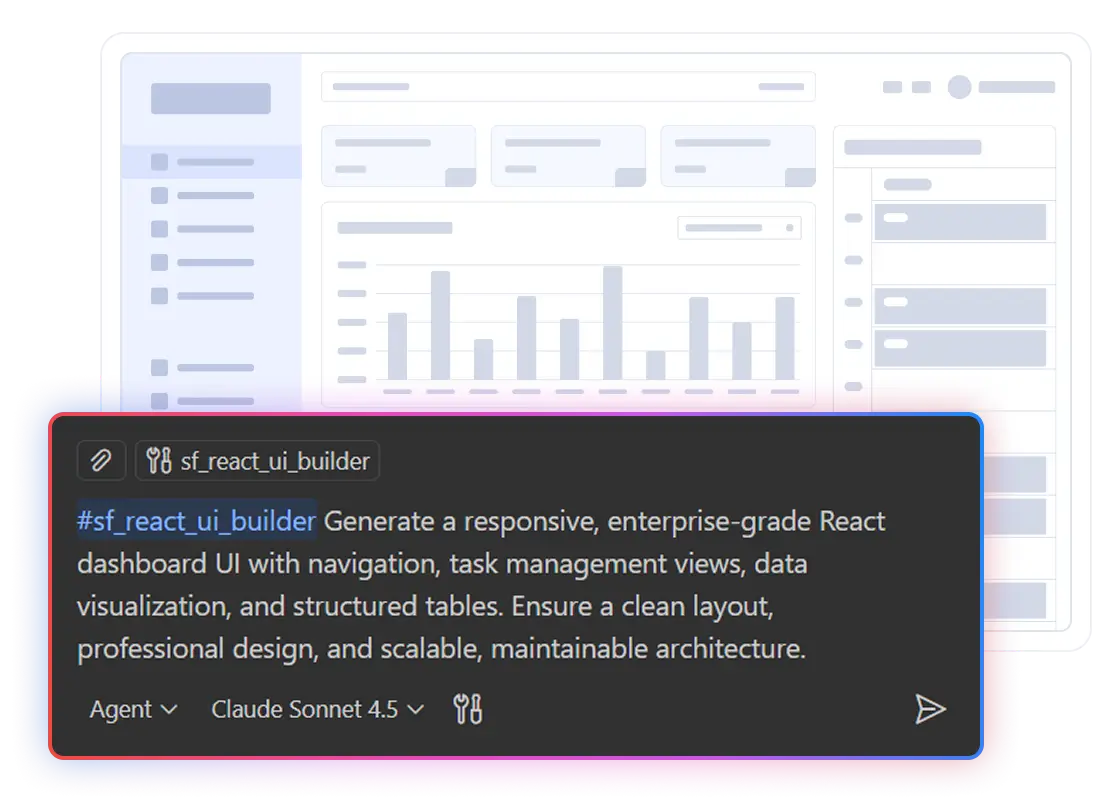
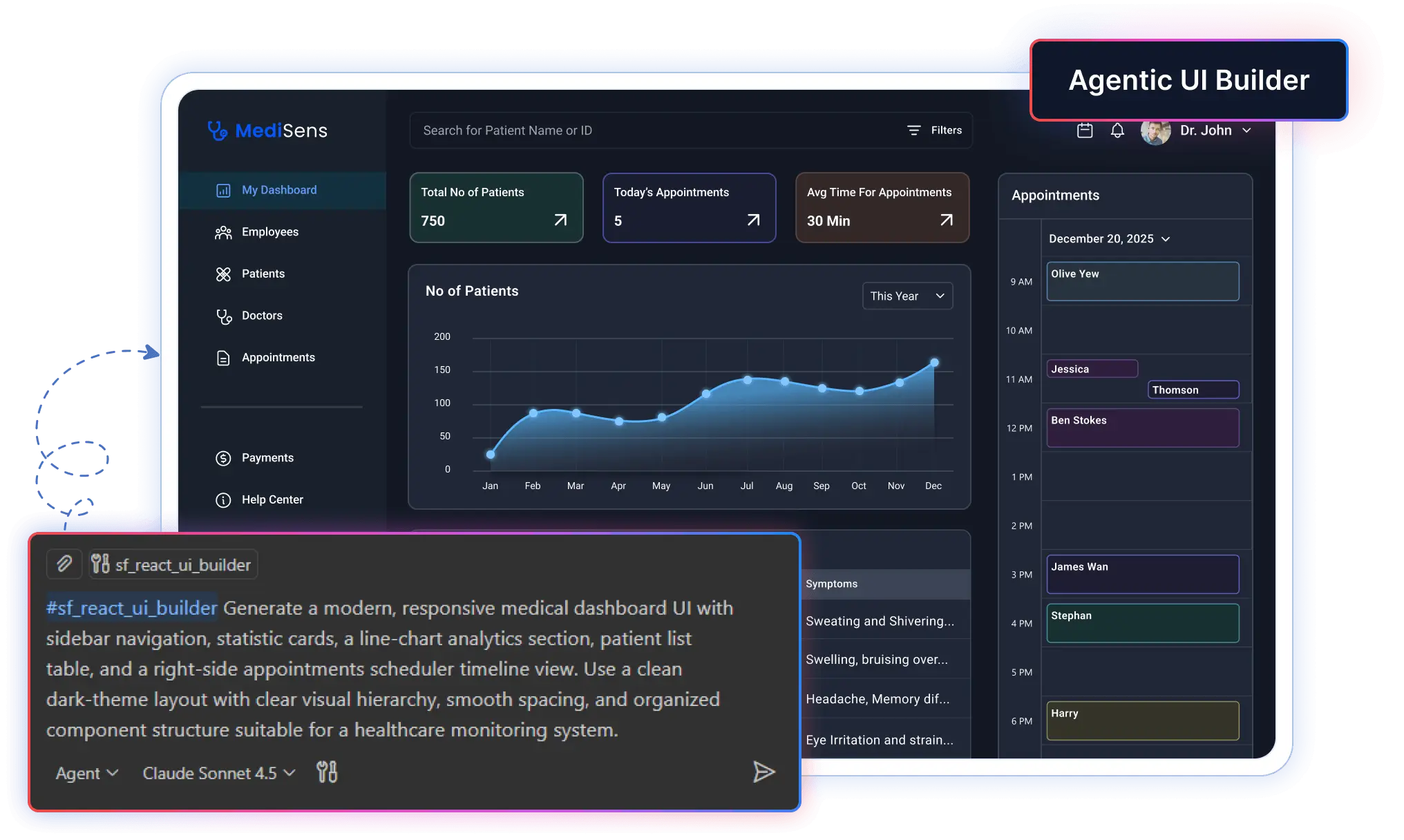
Generate complete dashboards, pages, and enterprise layouts instantly. The Agentic UI Builder intelligently coordinates layouts, components, styling, and integration creating production-ready interfaces from a simple prompt. 

Select a UI Builder
Agentic UI Builder for React
Agentic UI Builder for Angular
Agentic UI Builder for Blazor
Please select a UI Builder from the dropdown.
Looking for prompt ideas?
agentic Builder
agentic Builder

Supported Frameworks

  • React
  • Angular
  • Blazor

More coming soon..

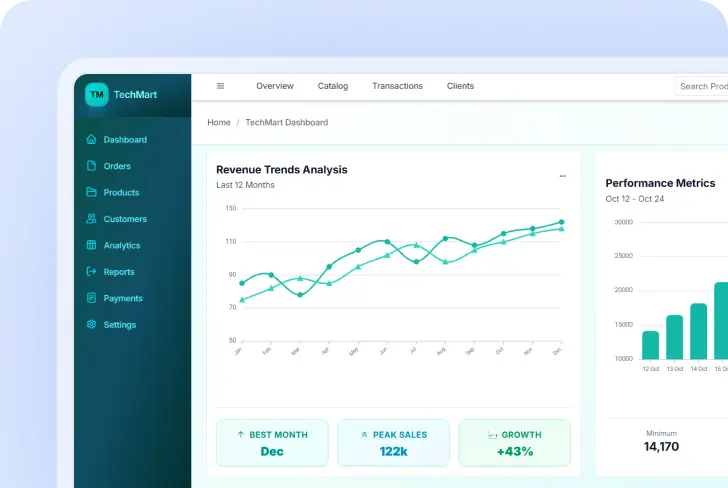
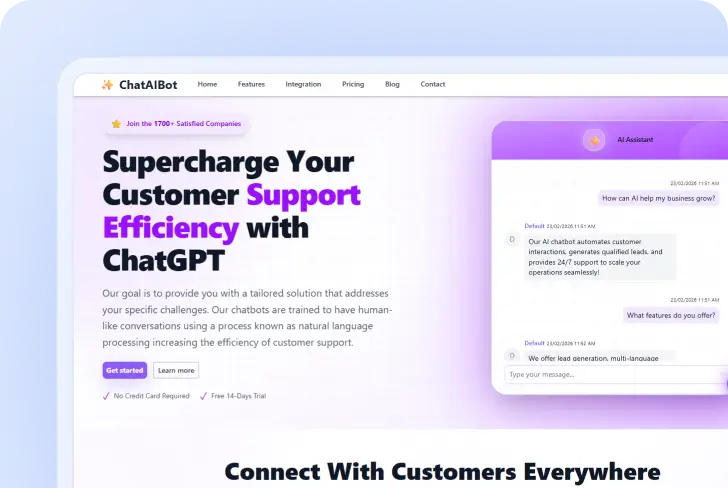
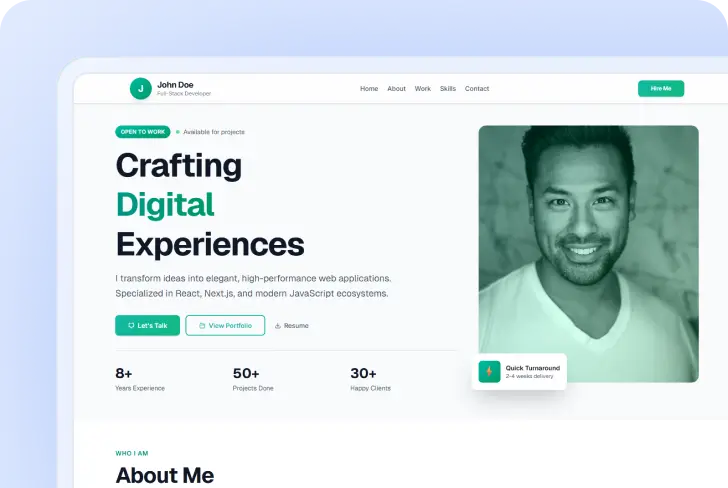
Example Layouts Built with Agentic UI Builder

Transform natural language prompts into production-ready UI applications. 

Edit Content

AI Coding Assistant

Accelerate development with context-aware AI assistance built specifically for Syncfusion components. Generate precise code, fix issues, and integrate complex components faster directly inside your IDE. 

Select an AI Coding Assistant
React Assistant
Angular Assistant
Blazor Assistant
JavaScript Assistant
Vue Assistant
ASP.NET Core Assistant
.NET MAUI Assistant
WPF Assistant
WinUI Assistant
WinForms Assistant
ASP.NET MVC Assistant
Document SDK Assistant
PDF Viewer SDK Assistant
Spreadsheet Editor SDK Assistant
Please select an AI Coding Assistant from the dropdown.
Looking for prompt ideas?
AI Coding Assistant
AI Coding Assistant

Supported Frameworks & SDKs

  • React
  • Angular
  • Blazor
  • JavaScript
  • Vue
  • ASP.NET Core
  • .NET MAUI
  • WPF
  • WinUI
  • WinForms
  • ASP .NET MVC
  • Document SDK
  • PDF Viewer SDK
  • Spreadsheet Editor SDK

Why Syncfusion MCP Delivers Superior Results?

Generic AI tools often generate unreliable snippets from outdated training data. Syncfusion MCP Servers provide a direct connection to verified Syncfusion documentation and 1,600+ component APIs. 
The result? Your IDE becomes a precision code generator.

Smart Tool Orchestration

Intelligently switches between layout building and precise coding to deliver the right help instantly.

Deep Syncfusion Component Awareness

Leverage 1,600+ verified Syncfusion APIs and patterns directly via MCP, eliminating hallucinations with documentation-based code generation.

10X Development Speed

Deliver projects faster than ever with ready-to-deploy components and reliable code generation that supercharges productivity.

Use any LLM

Use any large language models like GPT and Claude, through the Syncfusion MCP server to get the precise, framework-informed answers tailored to your framework.

Instant UI Generation

Instantly generate stunning, enterprise-grade UI layouts. The AI automates complex design decisions and recommends the perfect Syncfusion components to bring your vision to life.

Enterprise-Ready by Default

Ensure top-tier performance, accessibility, and scalability with built-in enterprise best practices for every component.

How It Works

Get started in minutes with our simple 3-step process

Step 1

Profile submission

Step 1

Connect MCP Server

Install the required Syncfusion MCP Servers to connect your AI assistant to verified Syncfusion documentation and component APIs.

Step 2

Step 2

Describe What You Need

Example: "Create a React dashboard with DataGrid, charts, and filters."

Step 3

HR Review

Step 3

AI Generates Complete Working Code

Agentic UI Builder generates layouts. Coding Assistant refines logic.

Step 4

Step 4

Review and Use Instantly

Accept suggestions directly inside your IDE.

Works With Your Favorite IDEs

Syncfusion MCP Servers integrate directly with modern AI-enabled IDEs, enabling real-time component-aware code generation inside your development workflow.

VS Code

Full MCP integration with Visual Studio Code. Install globally or per-workspace.

Code Studio

Native support for Cursor IDE with enhanced AI capabilities and MCP integration.

Code Studio

Syncfusion Code Studio with enhanced AI capabilities and full MCP integration.

JetBrains IDEs

Compatible with JetBrains IDEs through AI Assistant with Model Context Protocol support.

Build Enterprise Apps Faster with Syncfusion

Start using Syncfusion MCP Servers and Agentic UI Builder today.

Frequently Asked Questions

Use Agentic UI Builder for creating complete pages, dashboards, and full interfaces from scratch with coordinated tools for layout, components, styling, and icons. Use AI Coding Assistant for integrating Syncfusion® component knowledge directly into your development workflow, perfect for implementing individual components, troubleshooting integration issues, and accessing API documentation on-demand.

You need Node.js >= 18, a compatible MCP client (VS Code, Cursor, Code Studio), a Syncfusion API key, and an active Syncfusion license (commercial, community, or trial).

Syncfusion MCP Servers are free with unlimited usage. The MCP server connects your development environment to Syncfusion’s enterprise component library and documentation. All code generation happens through your IDE’s AI assistant (like Claude in Cursor or GitHub Copilot), so there are no additional charges, token limits, or request caps from Syncfusion. You’ll only pay for your AI provider’s service if you’re using a paid IDE or LLM subscription.

The tools don't access project files or workspace contents directly. User prompts are not stored or used for training. The MCP server acts as a knowledge bridge while respecting your privacy.

Syncfusion MCP Servers generate code suggestions that respect your project structure and coding conventions. The assistants provide implementation guidance through your IDE’s AI, allowing you to review and accept changes before they’re applied. You maintain full control — the MCP server provides context and recommendations, but all code modifications require your approval through your IDE’s interface.

For optimal results, use high-performance models like Claude Sonnet 4.5 (recommended), GPT-5, or Gemini 3 Pro. These models better understand complex component relationships.

  • Yes, you can deploy an application that uses Syncfusion components to unlimited clients. We only license on a per-developer basis and do not charge any runtime, royalty, or deployment fees. More about licensing.

Absolutely! Syncfusion MCP Servers integrate seamlessly with any existing React, Angular, Blazor project. Simply install the required MCP server in your IDE, and you’ll have instant access to intelligent component suggestions, implementation patterns, and best practices for Syncfusion components. Whether you’re starting fresh or enhancing an existing application, the assistants adapt to your workflow and help you integrate enterprise-grade components efficiently.