


Spreadsheet Editor SDK
Embed Excel-Like Spreadsheet Editing in Your Applications
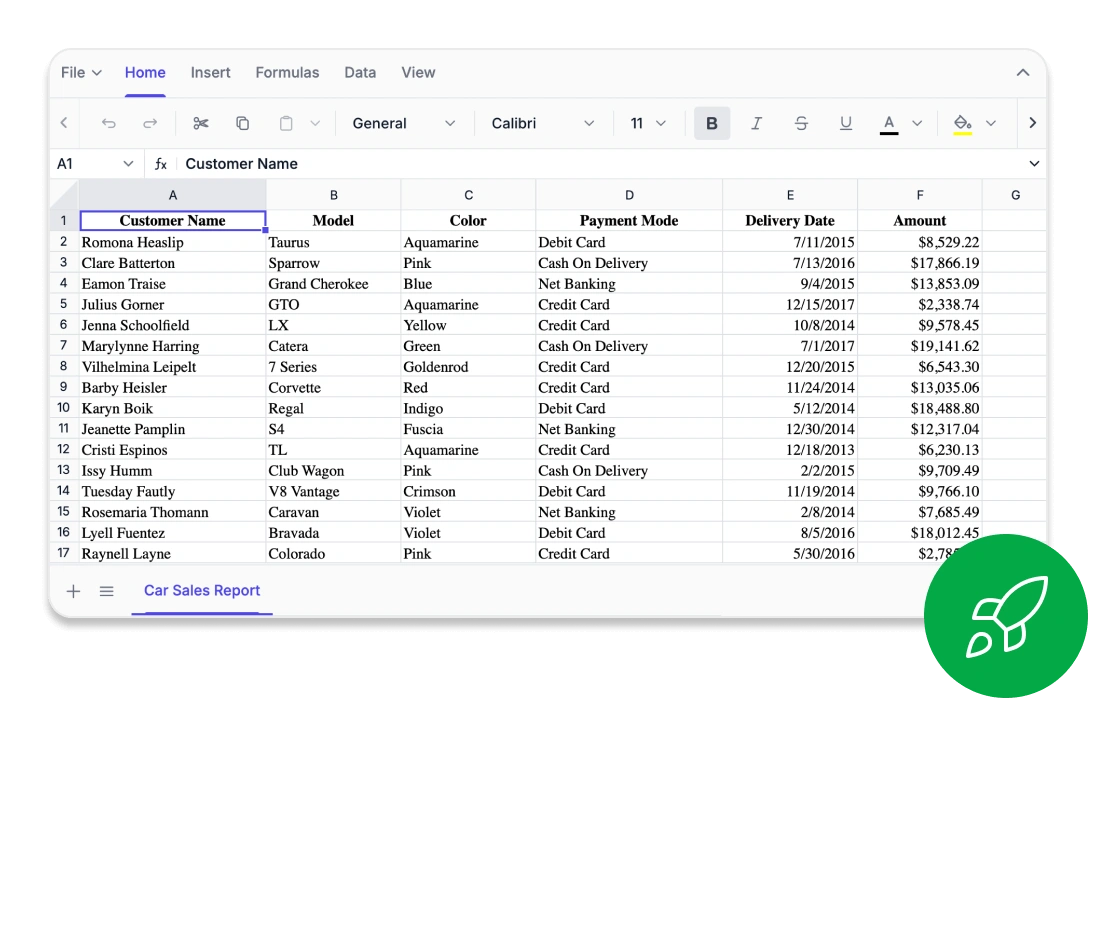
Our Spreadsheet Editor SDK lets you create, edit, and manage spreadsheets with ease, delivering Excel-style data analysis, visualization, and full Excel file compatibility within your applications while still providing high performance.
- Excel-style editing workflow
- Browser-based computation and functions
- Designed for enterprise-level protection
Trusted by the world's leading companies
Why do you need our Spreadsheet Editor SDK?
The SDK delivers secure, high‑performance, Excel‑style editing directly within your application, eliminating the need to rely on external tools or handle multiple spreadsheet versions. With precise WYSIWYG editing, advanced data processing, and enterprise‑level security, our Spreadsheet Editor SDK enables you to build powerful, data‑driven solutions with confidence and ease.
Experience complete Excel-like editing by uploading your own Excel files, trying formulas and functions, analyzing data, applying formatting, and exporting the results as Excel.
Enterprise-ready Spreadsheet editing
-
Fully Optimized For Editing
Lightning-Fast Performance -
Accurate to the Source
Precise Editing -
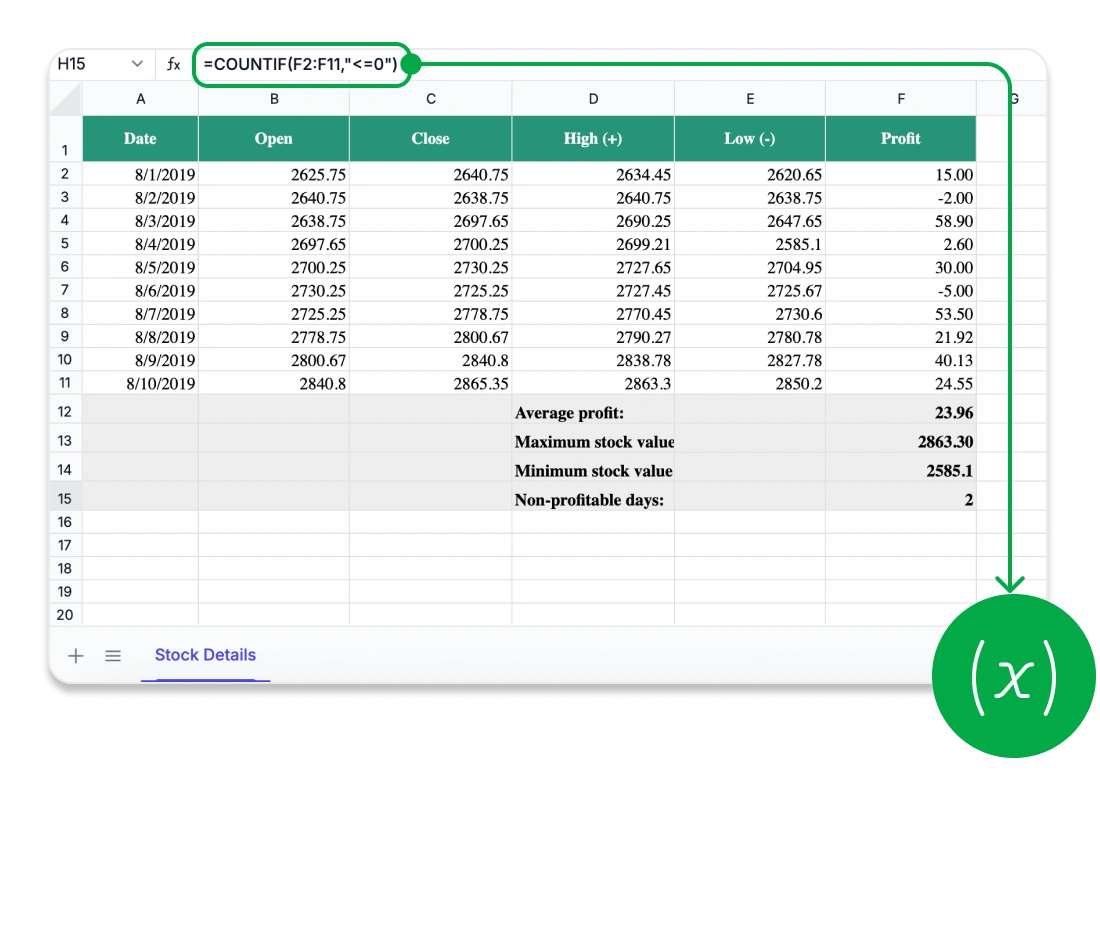
Wide Excel Formula
Powerful Formulas -
Data Remains in Your App
Data Security and Control
Designed for Speed and Scale
-
Smart row and column virtualization for efficient navigation of large datasets
-
Instant rendering and recalculation for smooth and responsive editing
Every Cell Perfectly Aligned
-
True WYSIWYG rendering for Excel, CSV, and PDF
-
Detailed layout control with freeze panes, custom views, precise print settings, and consistent rendering
Compatibility for Confident Computation
-
Advanced financial, logical, and lookup operations
-
Custom formulas with full cross-sheet computation support
-
Extensive formula set designed for advanced analytical workflows
Security You Can Trust
-
Zero data exposure to external or third-party services
-
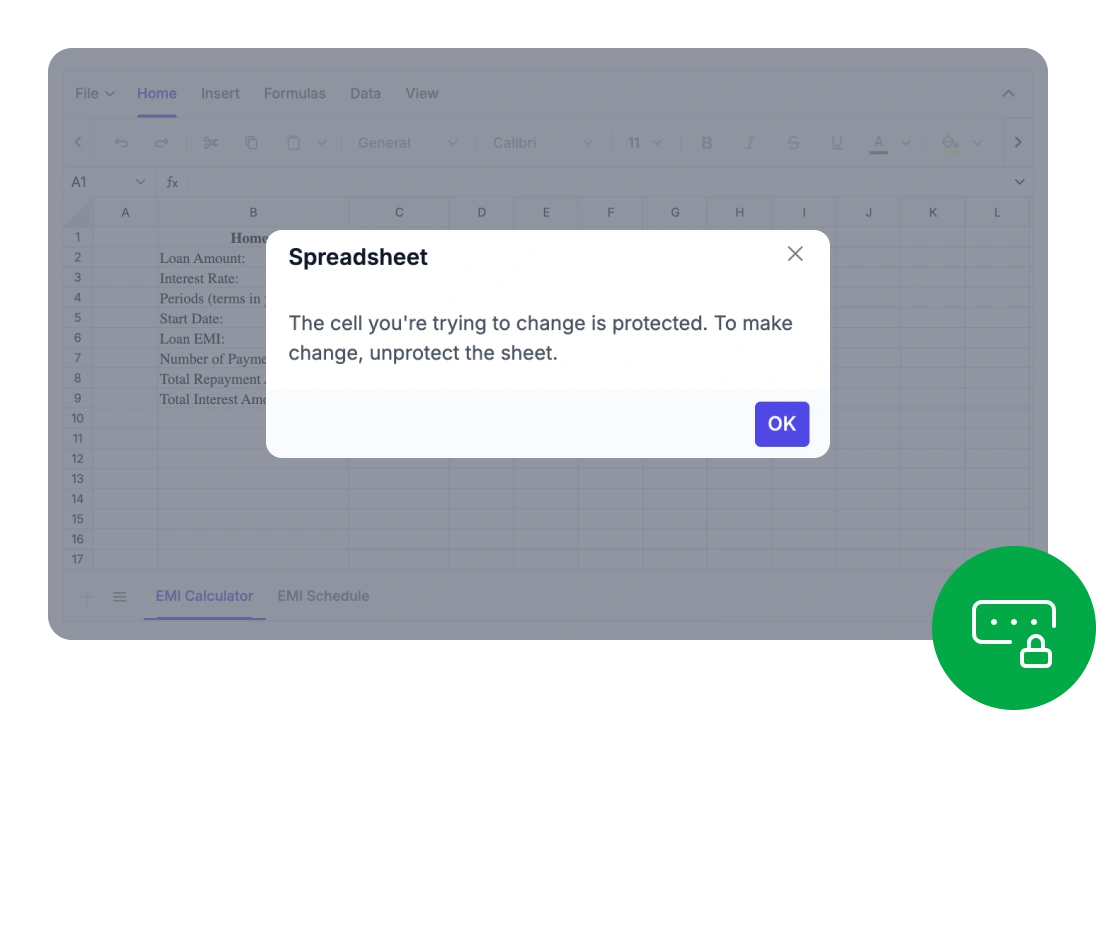
Developers can set detailed access permissions, securing entire workbooks or individual sheets with password-based restrictions
Works Across All Major UI Stacks
Comprehensive
Spreadsheet Capabilities
With advanced formulas, rich formatting, intuitive ribbon controls, and secure data export, the Syncfusion Spreadsheet Editor SDK provides everything users need for powerful in-browser data management.
Provide a complete Excel-like experience with all the essential features users expect.
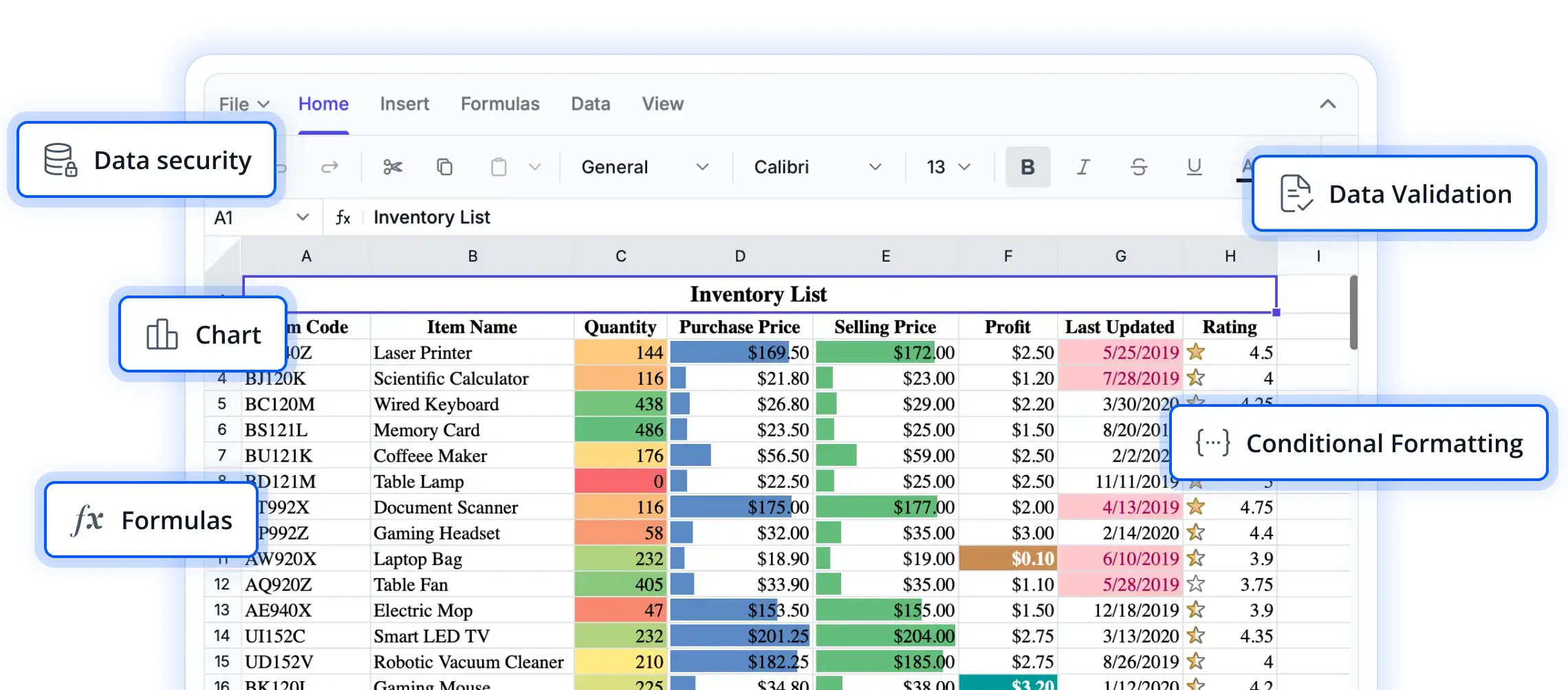
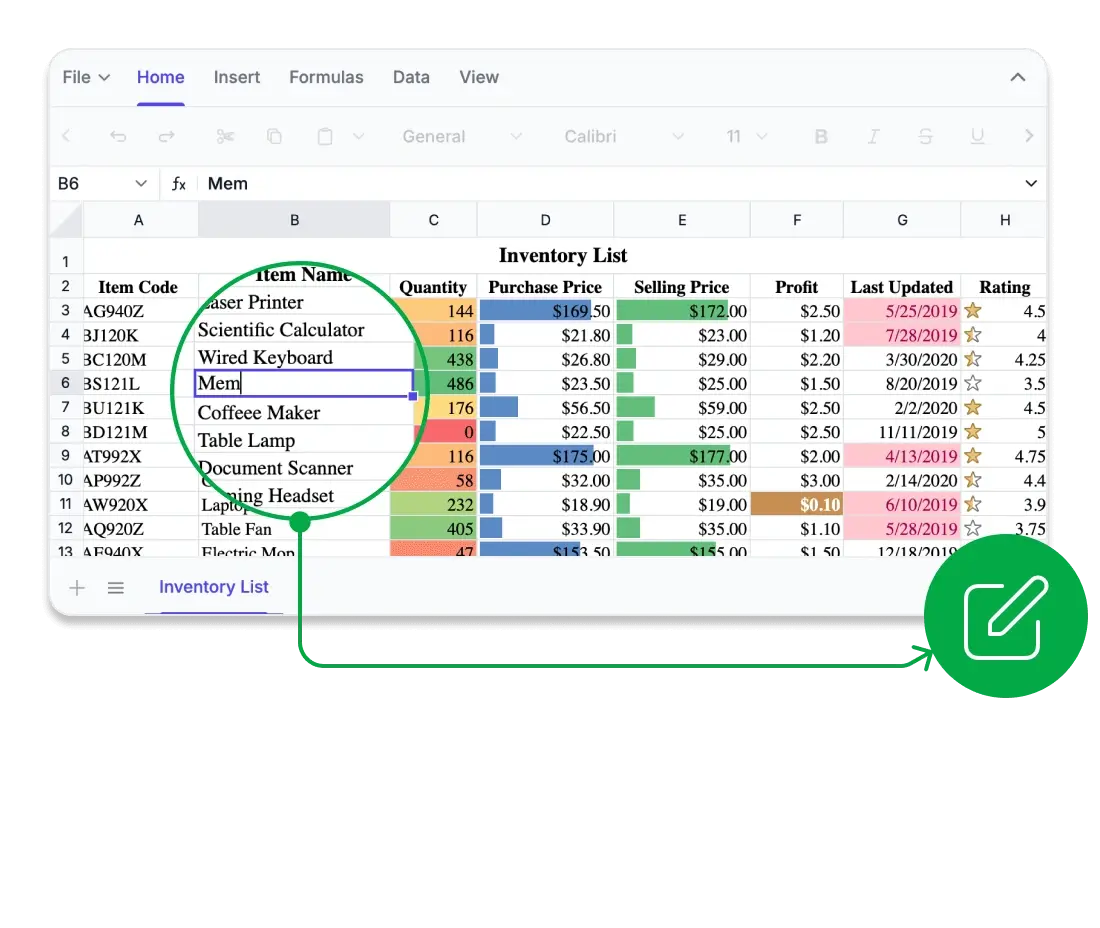
- Rich editing and formula support: Create and modify data using a wide range of built-in formulas, cell references, and automatic calculations.
- Data sorting and filtering: Quickly organize large datasets and uncover key insights using advanced filtering options.
- Image and chart embedding: Add and position images or charts to visually represent data directly within the spreadsheet.
- Styling and formatting tools: Customize cell appearance with colors, borders, number formats, and conditional formatting.
Provide users with a familiar and intuitive interface for smooth spreadsheet editing.
- Excel-inspired ribbon interface: Access editing, formatting, and review tools through a modern tabbed toolbar.
- Contextual menus and shortcuts: Improve productivity with right-click actions and keyboard shortcuts.
- Customizable ribbon tabs: Developers can add, remove, or rearrange tabs and commands to match application-specific workflows.
Connect your spreadsheet to diverse data sources and share results effortlessly.
- Flexible data sources: Bring in data from local files, remote endpoints, databases, or web services without any manual formatting.
- Standards-based format compatibility: Ensure smooth collaboration by supporting widely used spreadsheet formats.
- Professional report output: Generate visually consistent PDF reports ready for printing or distribution.
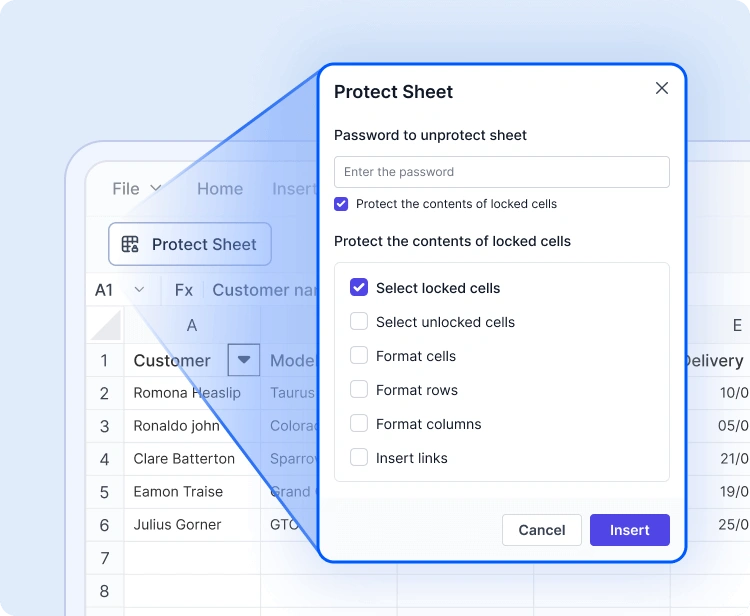
Advanced Spreadsheet Operations
With built-in protection, formula handling, and dynamic data capabilities, the Syncfusion Spreadsheet Editor SDK allows developers and users to manage complex data workflows with efficiency and security.
Sheet and Workbook Protection
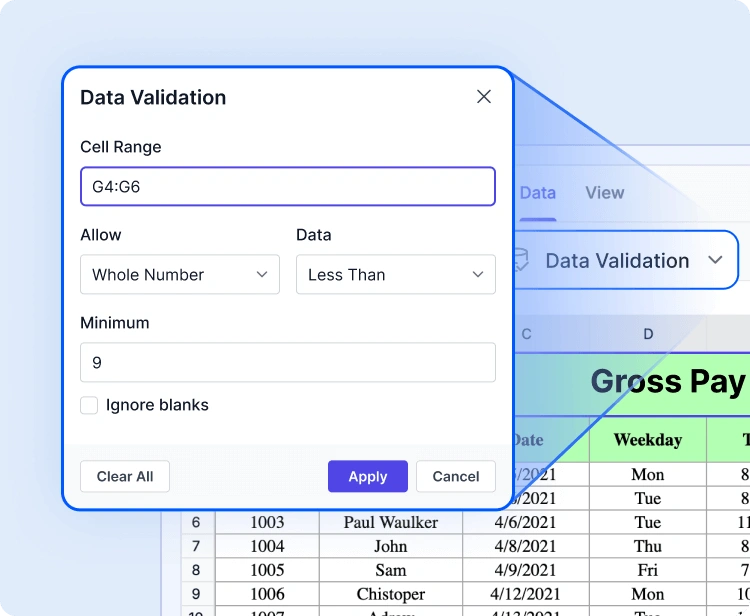
Data Validation and Conditional Formatting
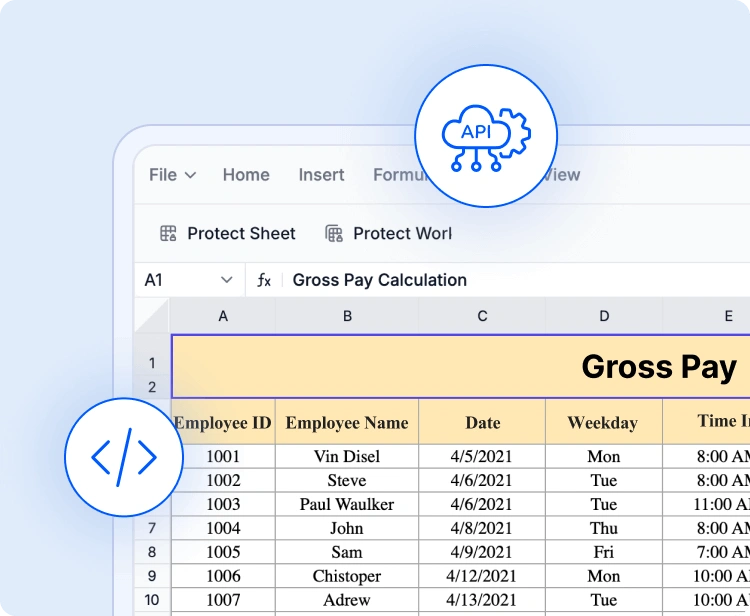
API-driven File Operations
Industry-tailored solutions
Our Spreadsheet Editor SDK supports professionals across various industries in organizing, analyzing, and sharing data directly within the application. Built for accuracy, flexibility, and secure data processing, it enhances how teams work with spreadsheets.
Sales
Sales and marketing teams can track KPIs, campaign metrics, and revenue performance through dynamic data tables and charts, enabling data-driven decisions without needing to switch between different tools.
Healthcare
Healthcare analysts can securely record and interpret patient metrics, medical statistics, or laboratory data using customizable sheets with advanced formulas and protection features that support HIPAA-ready workflows.
Finance
Finance teams can manage detailed financial models, budgets, and forecasts using built-in formula support, conditional formatting, and data validation, ensuring accuracy and compliance in every calculation.
Education
Educators and students can arrange grades, attendance records, or research datasets in an interactive spreadsheet environment, making learning, monitoring, and reporting more intuitive.
Easy Integration and Customization
Designed for modern development needs, the Spreadsheet Editor SDK is quick to integrate, highly extensible, and adaptable to complex application workflows.
-
Integrate business logic seamlessly through a flexible API and extensible event-lifecycle hooks.
-
A developer-friendly structure supported by comprehensive documentation and enterprise assistance for smooth onboarding.
-
Interactive demos and sample applications to accelerate Spreadsheet Editor integration.
Accessibility and Global Readiness
See Why Developers Love Syncfusion
These real-time stories highlight the impact of our Spreadsheet Editor SDK.
The best way to demonstrate our commitment is through the experiences and feedback of those who have used our Spreadsheet Editor.
Spreadsheet Editor SDK FAQs
If you’re new to Spreadsheet Editor SDK or have questions, our FAQ will help you learn more about its features and capabilities.
Elevate your web and desktop applications to Excel-like powerhouse. The Syncfusion Spreadsheet Editor SDK empowers you with:
- Seamless data analysis and visualization like in Microsoft Excel.
- Compatibility with Microsoft Excel file formats.
- Highly intuitive user interfaces.
- Flexible data binding with support to use local and remote data source services.
- Support for freeze panes, keyboard shortcuts, and all the common Excel features.
- Support for all modern browsers.
- Touch-friendly and responsive UI.
Expansive learning resources such as demos and documentation to help you get started quickly with Spreadsheet.
The Spreadsheet Editor SDK is more than just a control; it’s a feature-rich solution for organizing and analyzing data in tabular formats. It provides all common Excel features, including data binding, selection, formulas, editing, formatting, resizing, sorting, importing, and exporting.
Trusted by the Industry, Recognized
for Excellence
We don’t just say we’re great — independent awards and industry leaders back it up.
We are honored to be recognized for our product innovation, customer support, and overall excellence by top organizations worldwide.