Looking for a Nutrient PDF Viewer Alternative?
Precision PDF Viewing & Seamless Performance
with Syncfusion PDF Viewer
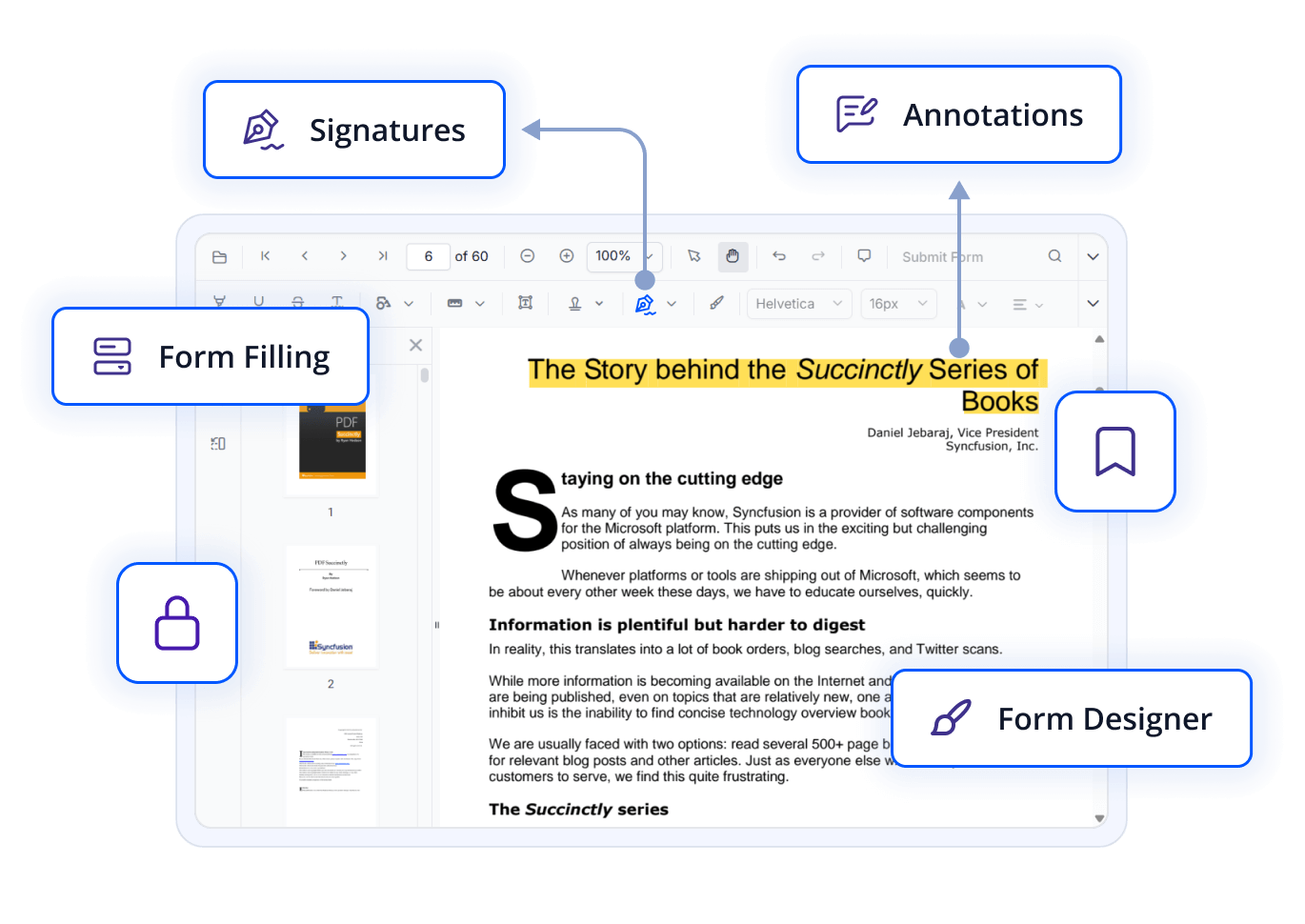
Seamlessly embed a powerful and interactive PDF viewing experience into your React apps. Includes built-in features like annotations, form filling, text search, zooming, printing, and responsive design — ideal for document workflows, e-signatures, and review systems.
-
1.8x Faster Downloads
-
Up to 2x Faster Text Search
-
24/5 Premium Support
-
1.8x Faster Downloads
-
Up to 2x Faster Text Search
-
24/5 Premium Support
Trusted by the world's leading companies


Explore Syncfusion React PDF Viewer Demo
Syncfusion’s React PDF Viewer delivers a responsive and feature-rich interface for viewing, annotating, and filling PDF forms in web apps. With customizable UI and secure document handling, it’s ideal for integrating PDF workflows into modern React applications.
Performance Benchmark
Syncfusion outperformed Nutrient PDF Viewer across key operations—loading, search, and download.
Performance Testing with 50MB document
Feature Category
Syncfusion React PDF Viewer
Nutrient PDF Viewer
Document Loading
Zooming (100% to 400%)
Text Search (Full text search completion in a document)
Download
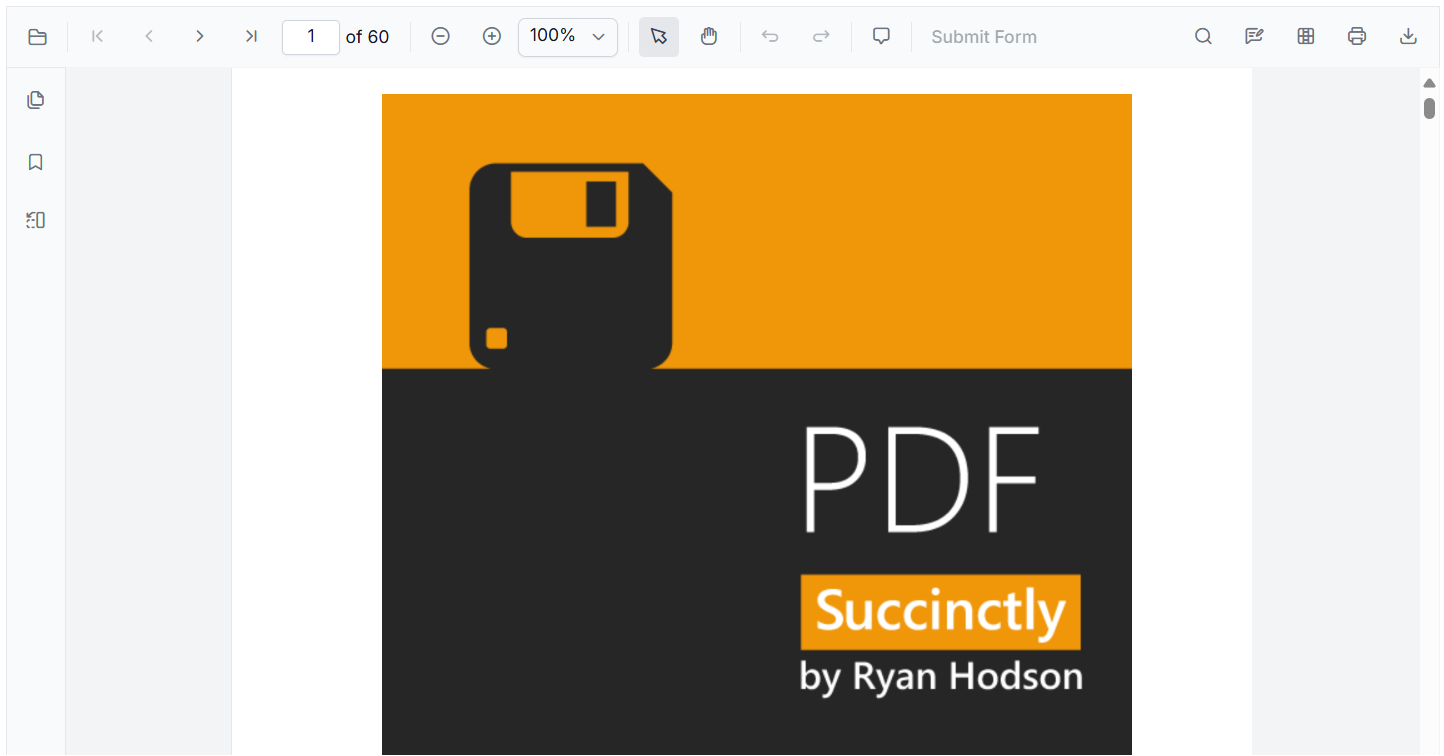
Comprehensive PDF Interaction
View, print, zoom, scroll, search, and select text in PDFs with a responsive, modular viewer optimized for all devices.
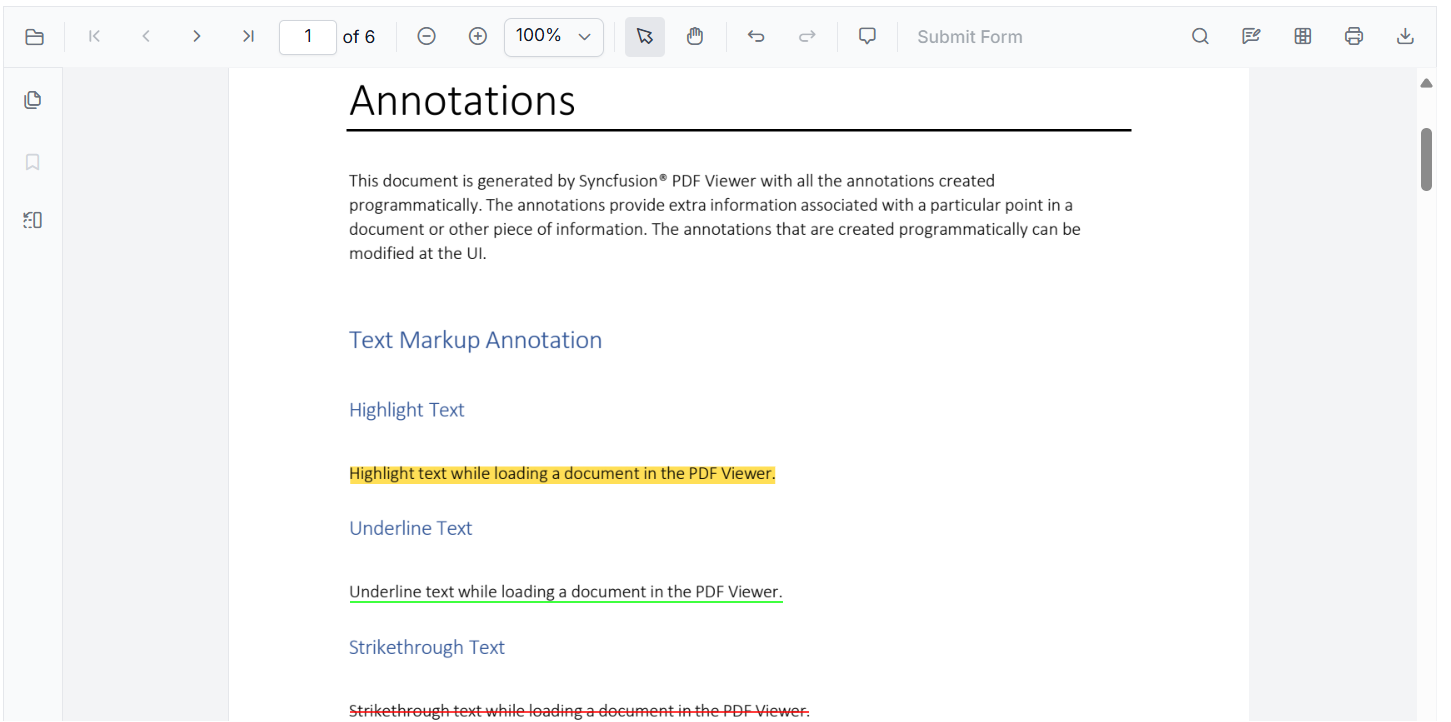
Advanced Annotation Tools
Annotate PDFs with text markup, shapes, stamps, ink, sticky notes, and measurement tools. Export/import annotations in JSON format.
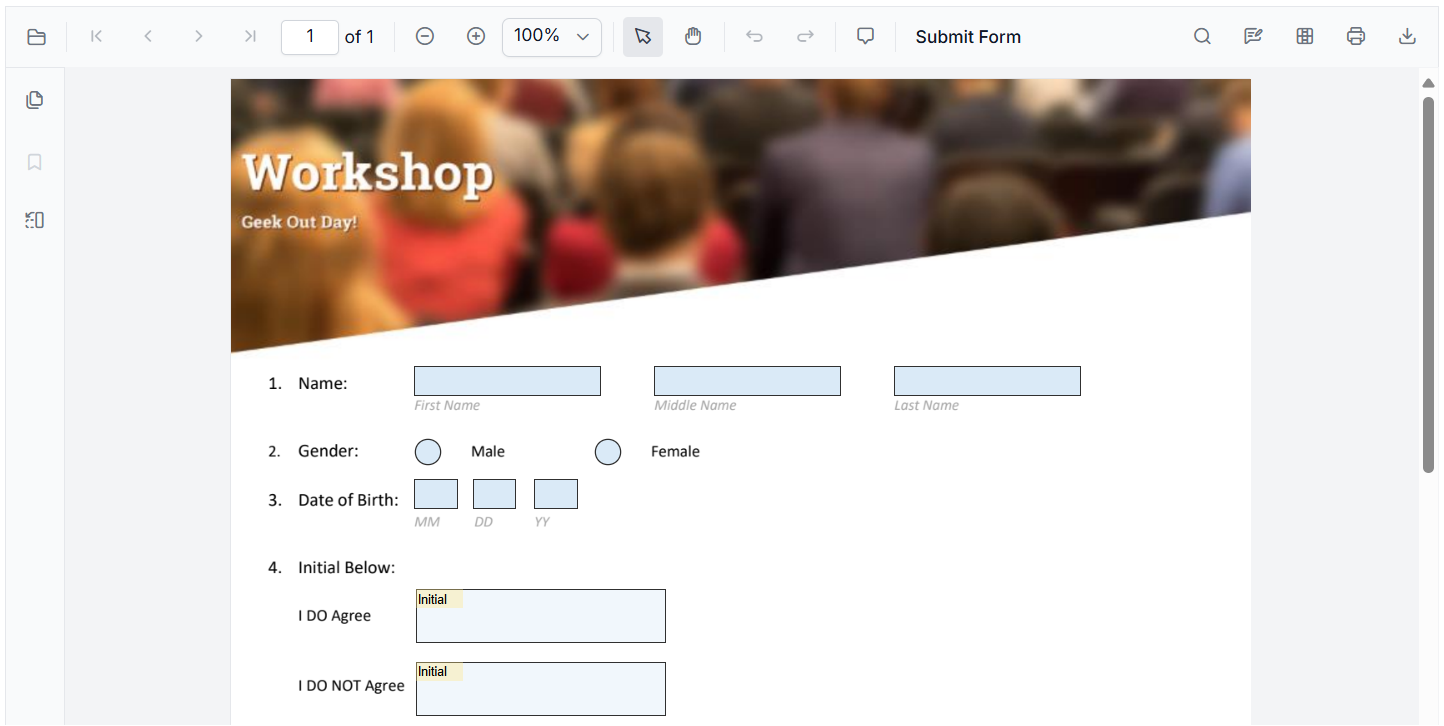
Extensive Form Field Support
Fill, design, and manage form fields like text boxes, checkboxes, and signatures. Supports import/export in JSON, XFDF, FDF, and XML.
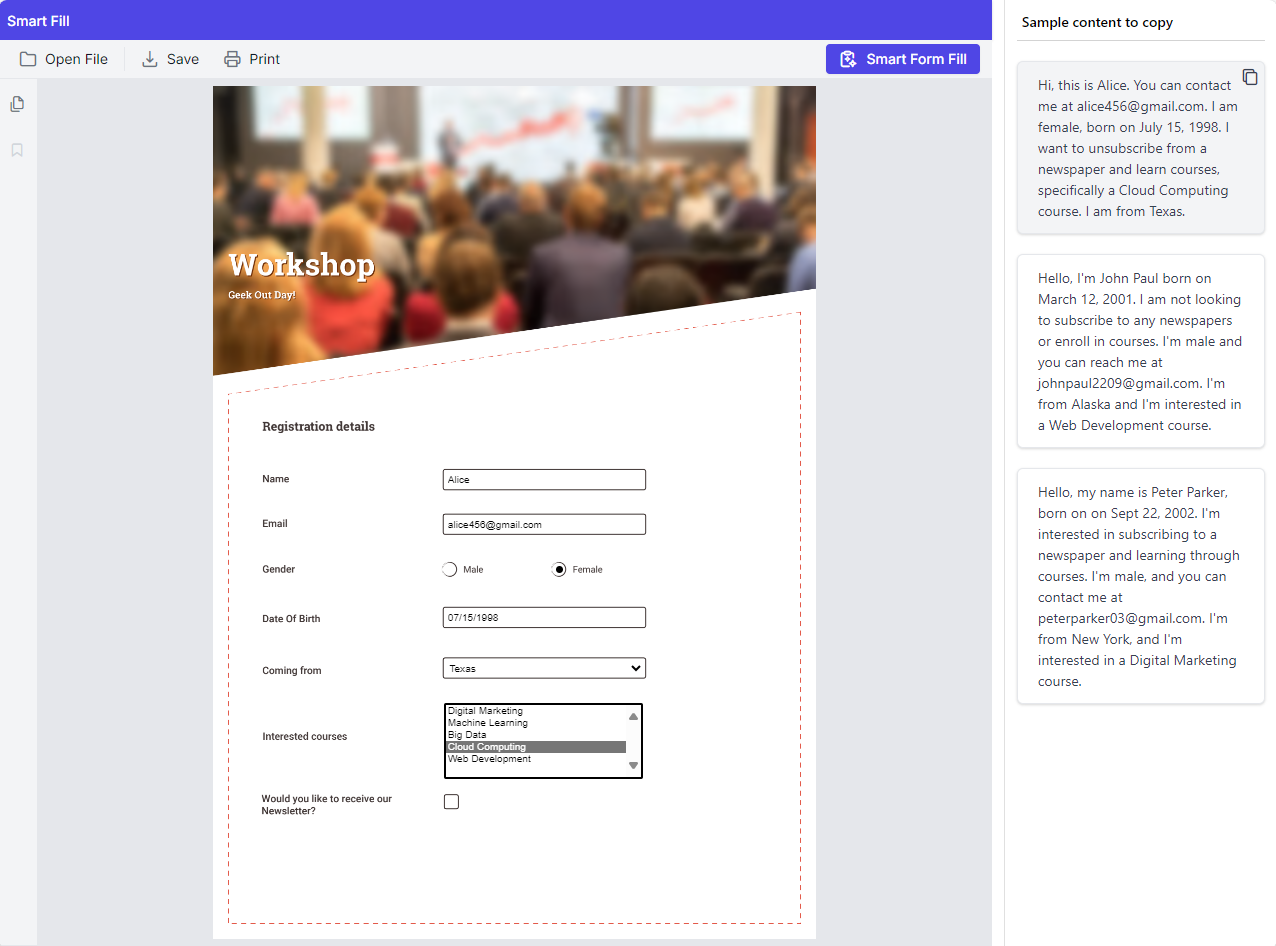
Intelligent Document Processing
Instantly summarize documents and redact sensitive data using AI. Smart form filling simplifies user input with clipboard or prompts.
Built for Users Who Demand More
Designed for power users who need advanced tools for navigation, annotation, page organization, signatures, text extraction, and printing—streamlining every aspect of PDF interaction.
Why Syncfusion is the Right Pick for You?
24+ Years Proven
Mature, stable, and trusted by enterprises in mission-critical applications for nearly two decades.
Secure and Private
No external calls or data sharing—everything processes on your server for maximum security and compliance.
Continuous Development
Actively maintained with regular updates and feature enhancements based on real customer feedback.
Backed by Global Trust
Trusted by 1M+ developers, 36K+ companies, and 400+ Fortune 500 enterprises over 24+ years of innovation and excellence.
Microsoft Collaboration
We actively collaborate with Microsoft to advance the .NET developer ecosystem. Our free and open-source.NET MAUI Toolkit is a key contribution, empowering developers to build modern cross-platform apps with ease.
Enterprise-Proven Solutions
Our UI components power high-scale SaaS platforms, trusted to handle millions of user interactions daily. Syncfusion’s reliability is proven in our own enterprise products, including BoldDesk and BoldSign, solutions that are widely adopted and loved by customers across industries.
Developer Support That Never Lets You Down
Documentation
Easy-to-follow guides, detailed API references, and real-world code examples via GitHub, NuGet, and our official docs.
Dedicated support
Unlimited tickets and fast 24-hour guaranteed responses via live chat, forums, and our support portal.
Community Engagement
A thriving developer community, frequently updated samples, and constantly evolving documentation.
Feature-by-Feature Comparison
Choosing the right PDF Viewer can dramatically impact your application's responsiveness. Here's how Syncfusion and Nutrient PDF Viewer compare across core document processing tasks:
Features
Syncfusion React PDF Viewer
Nutrient PDF Viewer
Navigation & Pages
Bookmarks, Thumbnails, Page Organization
Bookmarks, Thumbnails, Page Organization + Split Page
Display Modes
Continuous, Single Page
Continuous, Single, Double Page, Flip Scroll
Zoom Options
Zoom/Pan, Pinch Zoom
Zoom/Pan, Pinch Zoom + Marquee Zoom
Accessibility & RTL
Supported
Supported
Annotations
Standard (Text, Shapes, Ink, FreeText)
Advanced (Stamp with Text, Redaction, CallOut, Media, Attachments)
Forms
Form Filling, Form Designer
Form Filling, Form Designer
Toolbar Customization
Full customization via JSX API
Customization via JS API
PDF Layer Support
Not available
Available
What Our Customers Say
Real feedback from developers who rely on Syncfusion every day.
Syncfusion Recognition Highlights
G2
Capterra
Total User Reviews
600+
800+
Rating
⭐ 4.5 / 5
⭐ 4.5 / 5
Need more information?
Get detailed documentation, explore live demos, or speak with our experts to find the perfect solution for your needs.
Fast, Feature-Rich, and Fully Customizable PDF Viewer for your React Apps
From simple viewing to advanced document interaction, Syncfusion’s Web PDF Viewer provides a complete solution for embedding PDFs in your web applications—try it out with a free trial today.