
 Jeyasri Murugan
TL;DR: Elevate your mobile apps with Xamarin to .NET MAUI migration, achieving 40% faster launches, 25% smaller apps, and unified cross-platform coding. Follow our step-by-step blueprint to navigate the process smoothly and avoid common migration pitfalls.
What if you could launch your mobile apps 40% faster, reduce their size by 25%, and simplify your development workflow, all with a single migration?
That’s exactly what developers achieve by moving from Xamarin to .NET MAUI. But here’s the catch: while Microsoft ended Xamarin support in May 2024, many teams are still stuck in the old ecosystem, missing out on these game-changing performance improvements.
In this guide, we’ll show you not just how to migrate, but how to do it strategically to maximize your performance gains while avoiding the common pitfalls that trip up 70% of migration projects.

Xamarin to .NET MAUI migration challenges and how to overcome them
Relearning the project structure
Xamarin: Developers are used to creating separate projects for each platform, such as Android and iOS, which often results in platform-specific folders and logic.
.NET MAUI: You can create cross-platform applications (Windows, Android, iOS, and macOS) with a single project and shared codebase.
Challenge: Teams used to platform-specific folders in Xamarin.Forms and logic must now adapt to .NET MAUI’s consolidated format.
Tip: Start with a new .NET MAUI template and migrate features gradually. This helps to clean up legacy code and adopt the .NET MAUI way of structuring apps.
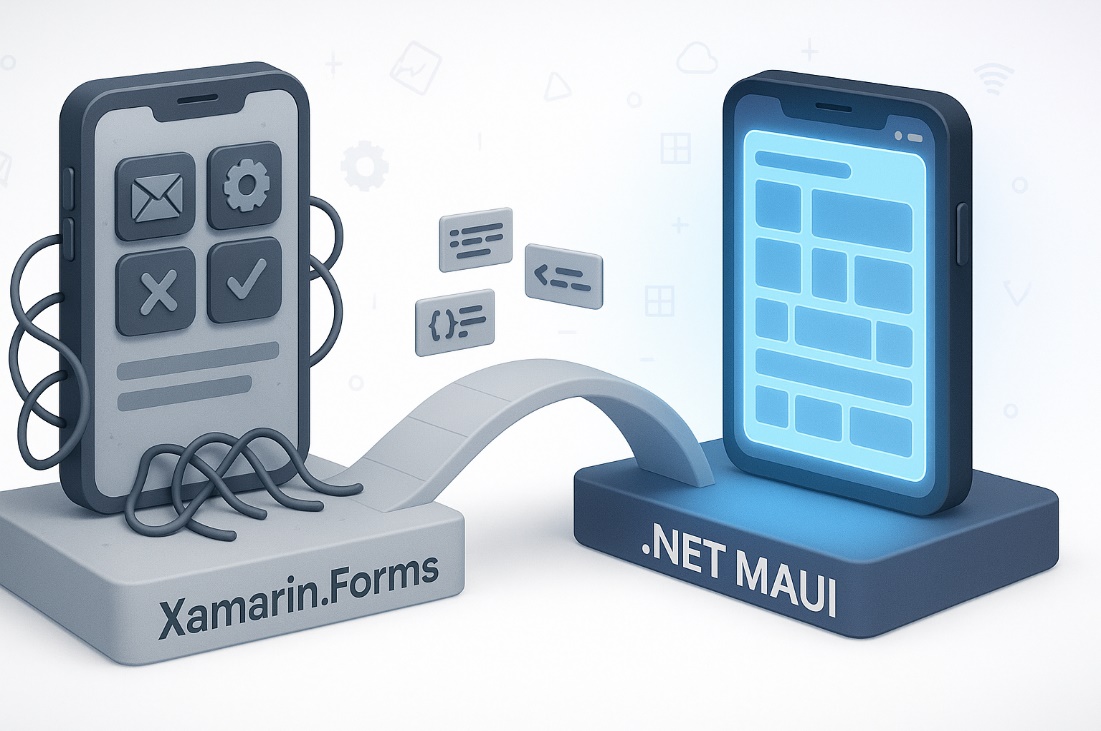
Custom renderer to handler transition
Xamarin.Forms: Multiple projects require the creation of custom renderers for platform-specific UI.
.NET MAUI: Introduces handlers for better performance, flexibility and reducing time consumption.
Challenge: Need to reimplement the custom renderers using the new handler architecture in .NET MAUI.
Tip: Identify frequently customized controls and prioritize converting them to handlers in .NET MAUI.

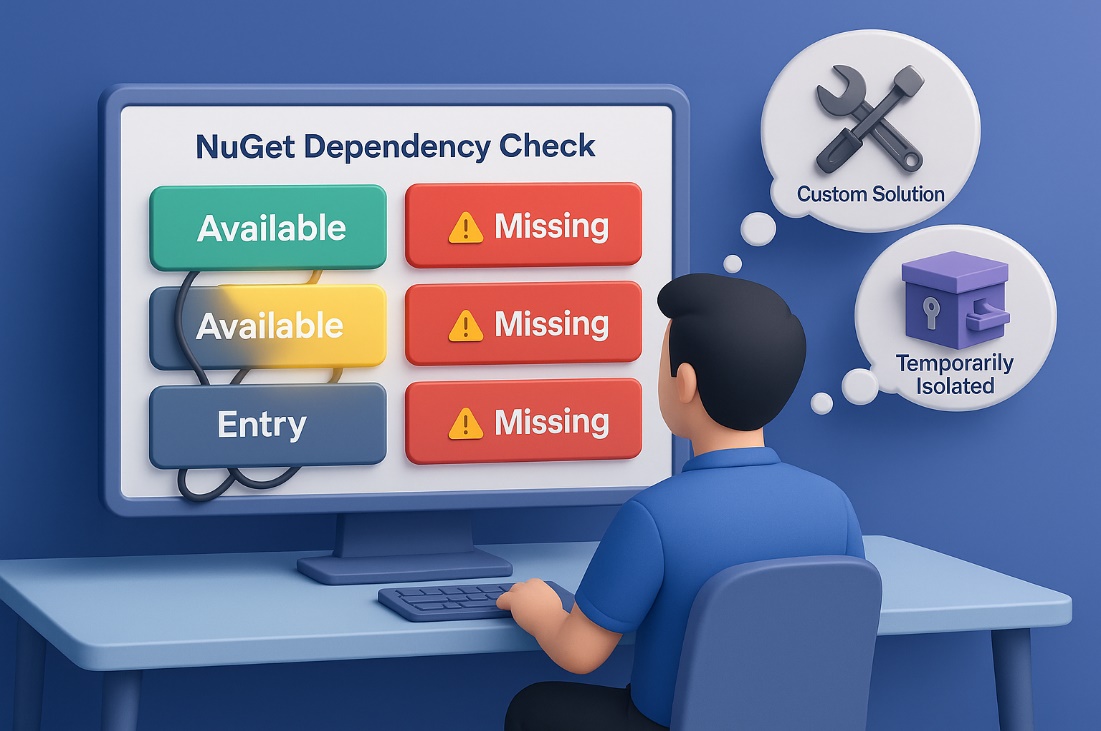
Third-party library gaps
Challenge: Not all Xamarin.Forms libraries have migrated to .NET MAUI.
Tip: Check your NuGet dependencies early. If replacements aren’t available, consider writing custom solutions or temporarily isolating such features.
Platform-specific code rework
Challenge: Code using Xamarin’s platform APIs, like DependencyService, might not port directly.
Tip: Leverage #if directives carefully for any unavoidable platform code.
Performance wins that make it worthwhile
Despite the hurdles, moving to .NET MAUI delivers significant runtime and developer productivity gains:
Faster app launch time
.NET MAUI supports Ahead-of-Time (AOT) compilation, resulting in significantly faster cold and warm starts than Xamarin.Forms.

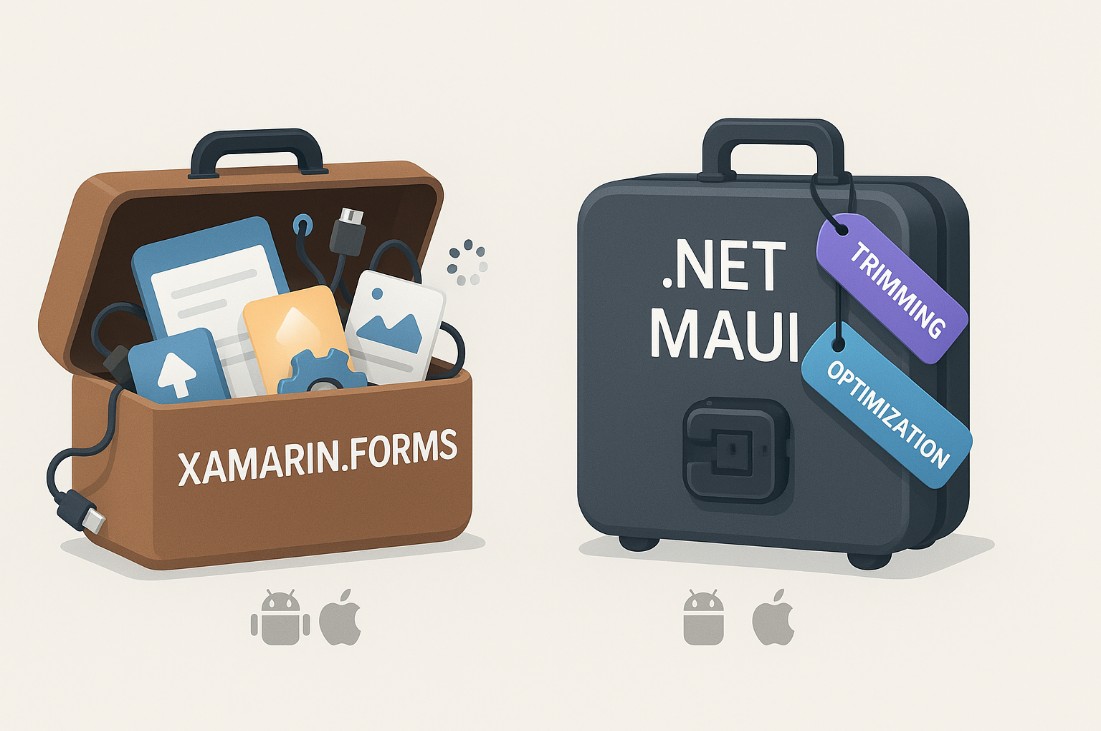
Smaller app size
Thanks to .NET MAUI optimization and trimming features, .NET MAUI apps often ship with a reduced footprint across all platforms.
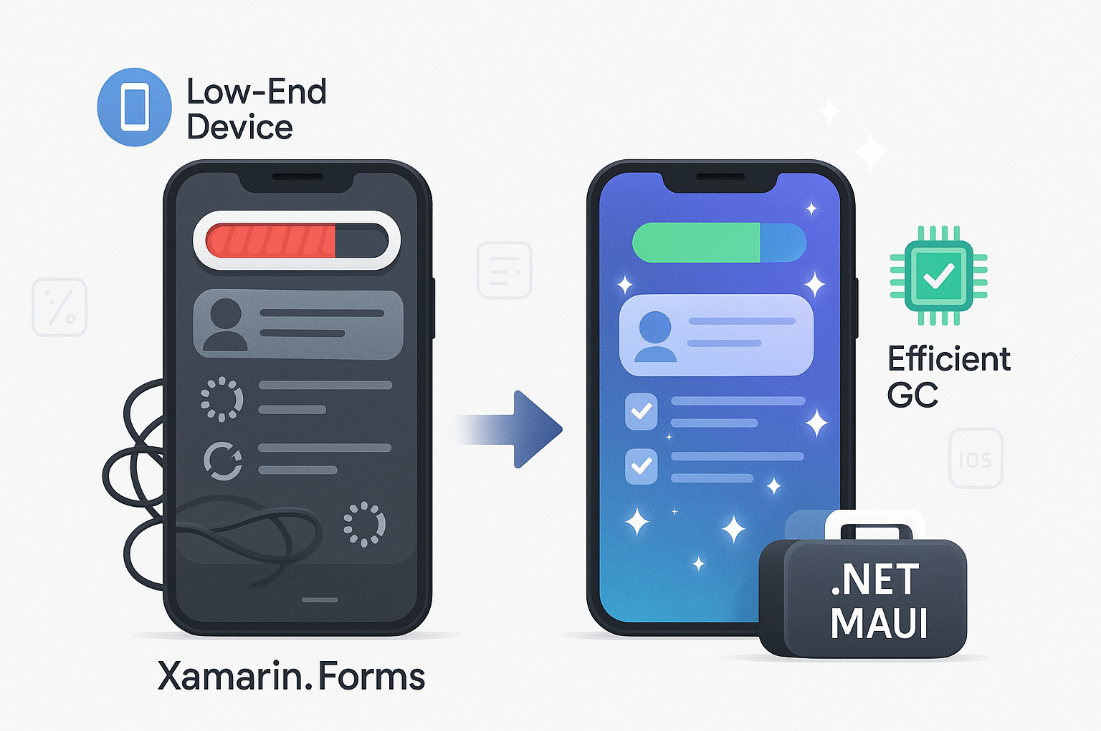
Better memory management
.NET MAUI apps show improved memory usage, leading to smoother performance on lower-end devices.
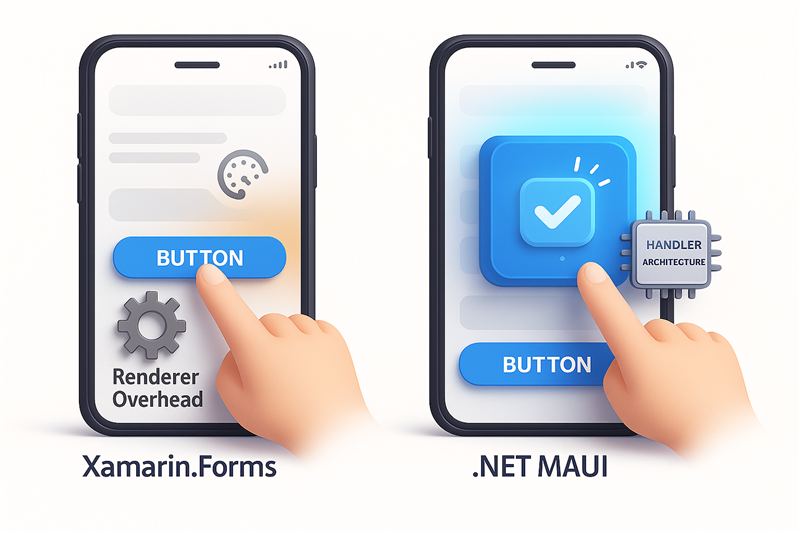
Smoother UI interactions
The new handler architecture removes renderer overhead and improves responsiveness in touch, animation, and transitions.
Best practices for a successful migration
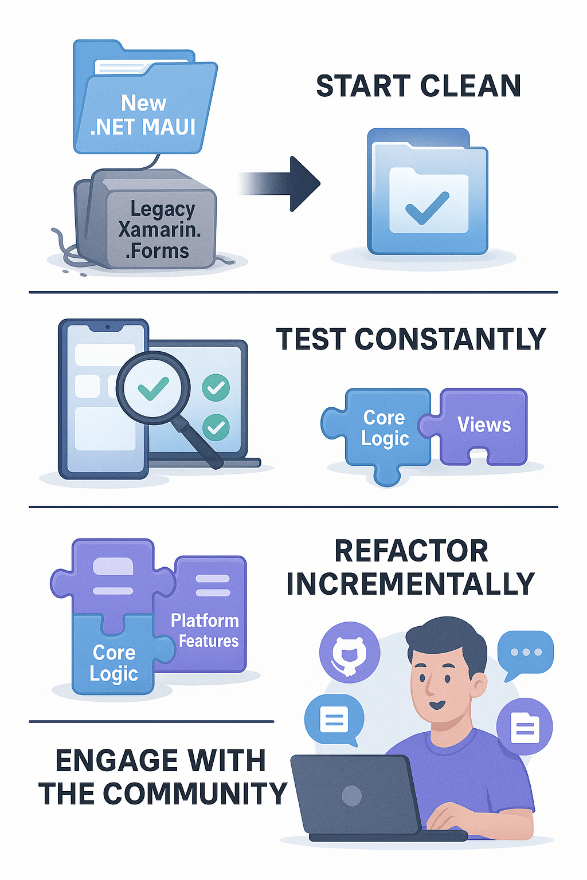
- Start clean: Don’t try to “upgrade in place.” Create a new .NET MAUI project and migrate components selectively.
- Test constantly: Use physical devices across platforms and form factors to catch behavioral inconsistencies early.
- Refactor incrementally: Begin with core logic, then bring views and platform features.
- Engage with the .NET MAUI community: Microsoft’s GitHub, Discord, and .NET MAUI documentation are active and resourceful.
Testing strategy for .NET MAUI migration
Migrating an application to .NET MAUI is a strategic move that enables cross-platform development using a unified codebase. However, this transition introduces complexities that require a well-defined testing strategy to ensure the application remains stable, performant, and consistent across devices and operating systems. This document outlines a practical approach to automated testing during and after migration, covering unit testing, UI testing, and best practices for continuous quality assurance.
Unit testing with xUnit/NUnit
Purpose
Unit testing is essential for validating the core logic of your applications such as services, data models, and business rules without relying on the user interface. This ensures that the foundational components behave as expected and remain maintainable over time.
Recommended tools
- xUnit and NUnit are both mature and widely supported frameworks in the .NET ecosystem. They offer flexibility in test structuring and integration with various development environments.
- Moq is commonly used to mock dependencies, allowing you to isolate the unit under test and simulate external behaviors.
Migration considerations
If you’re migrating from Xamarin, many existing unit tests can be reused with minimal changes. The key is to ensure that your logic is decoupled from platform-specific implementations. Using interfaces and dependency injections helps maintain a clean architecture and improves testability across platforms.
Automation integration
Integrate unit tests into your CI/CD pipeline using tools like:
- GitHub Actions
- Azure DevOps
- GitLab CI
Configure your pipeline to automatically run tests on every commit, pull request, and release build. This helps catch regressions early and ensures that new changes do not break existing functionality.
Best practices
- Keep tests focused, fast, and easy to understand.
- Use mocking frameworks to simulate external services and avoid flaky tests.
- Monitor code coverage and aim for meaningful coverage rather than just high percentages.
UI testing with Appium or MAUI test
Tooling overview
UI testing validates the user interface and interaction flows. It ensures that the application behaves correctly from the user’s perspective across different platforms and devices.
- Test framework: NUnit
- UI testing libraries:
- Appium: A cross-platform automation tool that supports Android, iOS, Windows, and macOS.
- Xamarin UI test and Plugin.MAUI.UITestHelper: Tailored for mobile platforms and MAUI controls.
Appium:
- A cross-platform UI automation tool supporting Android, iOS, Mac, and Windows.
- Enables Test-Driven Development (TDD) with NUnit and Behavior-Driven Development (BDD) with SpecFlow.
- TDD with NUnit is mostly used in .NET applications.
- Ideal for:
- Regression testing
- Gesture simulation
- Real user interaction scenarios
- Supports integration with cloud device farms like BrowserStack and Sauce Labs for broader device coverage.
- Plugin.MAUI.UITestHelper facilitates migration of existing Xamarin scripts to Appium, offering flexibility and reduced rework.
Xamarin UI test / MAUI test:
- Tailored for mobile platforms and MAUI controls.
- Allows direct interaction with UI elements using predefined test APIs.
- Effective for validating:
- Layout consistency
- Navigation flows
- Control behavior and responsiveness
- Xamarin UI Test framework supports Android and iOS platforms only, but enables hassle-free migration with minimal script changes.
Best practices
- Use consistent automation IDs and selectors to simplify test scripting.
- Design tests around user journeys and critical workflows.
- Organize tests using attributes to improve maintainability and reporting.
Testing best practices
Device coverage
To ensure reliability across platforms, test on both emulators/simulators and physical devices. Include a diverse mix of:
- Operating system versions
- Screen sizes and resolutions
- Hardware configurations
Incremental testing
Run tests after each migration milestone, example:
- Bug fixing
- Platform-specific feature implementation
- Regular automation with framework updates.
This approach helps detect regressions early and ensures that functionality remains consistent throughout the migration process.
Key focus areas
- Navigation: Validate transitions and back-stack behavior.
- Data binding: Ensure UI updates reflect changes in the underlying model.
- Responsiveness: Test input handling, animation smoothness, and performance under load.
- Performance: Benchmark launch time and memory usage across platforms to identify bottlenecks.
Continuous monitoring
Post-deployment, use telemetry tools like App Center and Azure Monitor to track:
- Crash reports
- Usage patterns
- Performance metrics
Implement structured logging to capture runtime issues and user feedback. This data is invaluable for diagnosing problems and improving future releases.
A successful .NET MAUI migration depends not only on code refactoring but also on a disciplined testing strategy. By combining robust unit testing, thorough UI validation, and continuous monitoring, development teams can ensure a smooth transition and deliver a high-quality, cross-platform experience to users.
FAQs
Q: Why migrate from Xamarin to .NET MAUI?
A: .NET MAUI offers faster app launches, smaller sizes, better memory management, and a unified codebase for cross-platform development.
Q: What are the main challenges when migrating from Xamarin to .NET MAUI?
A: Developers often face issues with project structure, custom renderers, and third-party library compatibility.
Q: How can I ensure a smooth migration to .NET MAUI?
A: Start with a clean project, test frequently, and engage with the .NET MAUI community for support.
Q: What performance benefits does .NET MAUI offer over Xamarin?
A: .NET MAUI provides faster app launch times, smaller app sizes, better memory management, and smoother UI interactions.
Q: What platforms does .NET MAUI support?
A: .NET MAUI supports Android, iOS, macOS, and Windows from a single codebase.
Q: Is .NET MAUI production-ready for enterprise applications?
A: Yes, .NET MAUI is supported by Microsoft and is suitable for building robust, enterprise-grade applications.
Q: Can I reuse my existing Xamarin.Forms code in .NET MAUI?
A: Yes, especially business logic and view models. However, UI and platform-specific code may need adjustments.
Q: How does .NET MAUI handle platform-specific functionality?
A: It uses a unified API supporting platform-specific code via partial classes and dependency injection.
Q: How is the community and support ecosystem for .NET MAUI?
A: .NET MAUI is open source, actively updated on GitHub, and supported by Microsoft through Microsoft Learn, Q&A, and official documentation.
Conclusion
Ready to Transform Your Mobile Development Strategy? The migration from Xamarin to .NET MAUI isn’t just about staying current; it’s about giving your apps a competitive edge with faster performance, smaller footprints, and streamlined development. Don’t let this opportunity slip by. While your competitors struggle with outdated Xamarin apps, you can build the next generation of cross-platform applications.
Ready to build high-performance apps with ease? Explore Syncfusion’s .NET MAUI components, built to help developers like you deliver smooth, fast, and modern cross-platform experiences.








 No spam, just valuable updates.