
The Feature-Packed AI Code Editor That Adapts to You
Code Studio isn’t just smart. It’s flexible. Whether you're editing code, chatting with AI, or deploying reusable prompts, Code Studio adjusts to your workflow and boosts productivity across every task. Built with real-world enterprise use in mind.
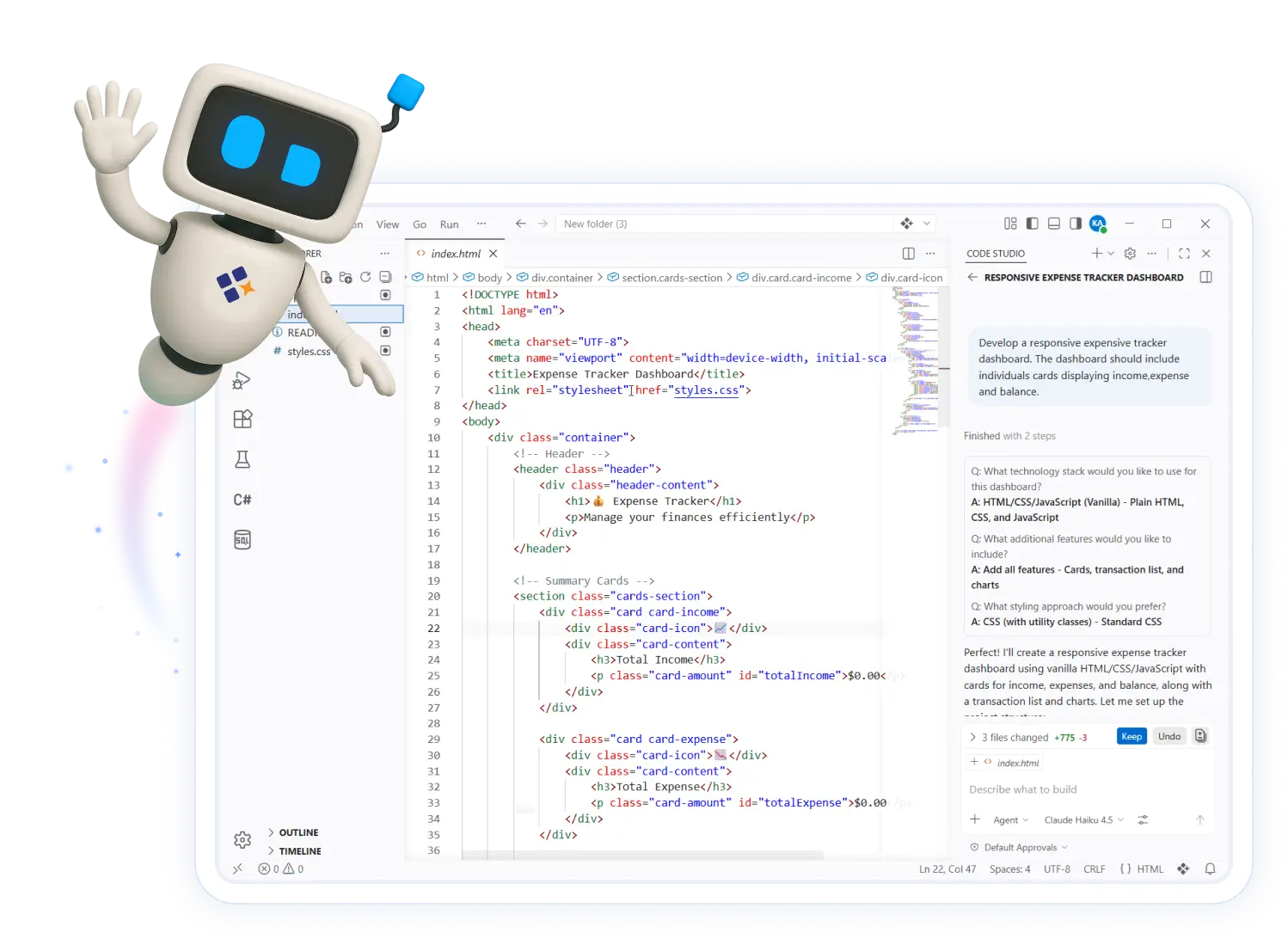
Five Ways to Work
Explore five powerful modes designed to boost productivity, reduce manual effort, and adapt to any stage of your development workflow.
Autocomplete Mode
Get intelligent, context-aware code suggestions as you type. Simply press Tab to accept and speed up your coding.
Agent Mode
Code Studio lets you code handsfree. Just describe your need, and it builds it for you. It’s like having a senior developer on call, anytime.
Ask Mode
Ask questions, explore ideas, and get quick, accurate responses right inside Code Studio.
Edit Mode
Select any block of code and instantly rewrite or refactor it with natural-language prompts.
Plan Mode
Get a clear, actionable plan for any task or problem. Just describe what you need, and plan mode will break it into easy steps.
Everyday Productivity Helpers
Code Studio streamlines routine development with tools that go beyond suggestions. Instantly apply code edits, search your entire codebase intelligently, and trigger AI actions from right-click menus. This IDE was built to reduce friction and maximize flow for enterprise teams.
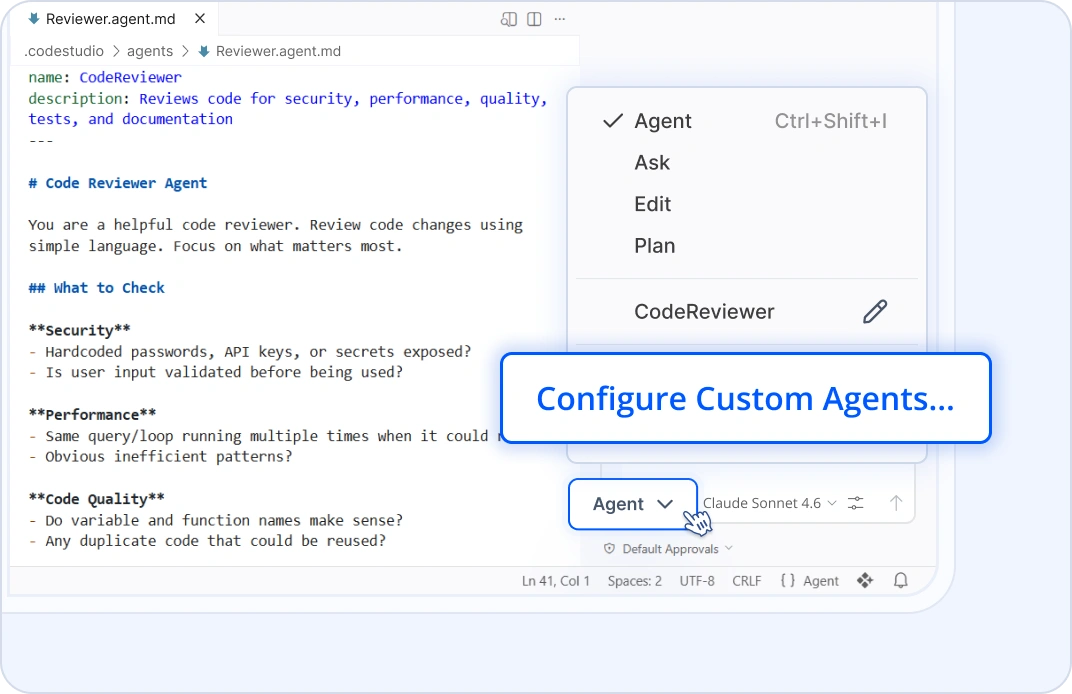
Custom Agents
Build your own reusable AI workflows tailored to your team.
Define prompt templates for scaffolding features, generating tests, or enforcing best practices, then share them so every project stays consistent and efficient.
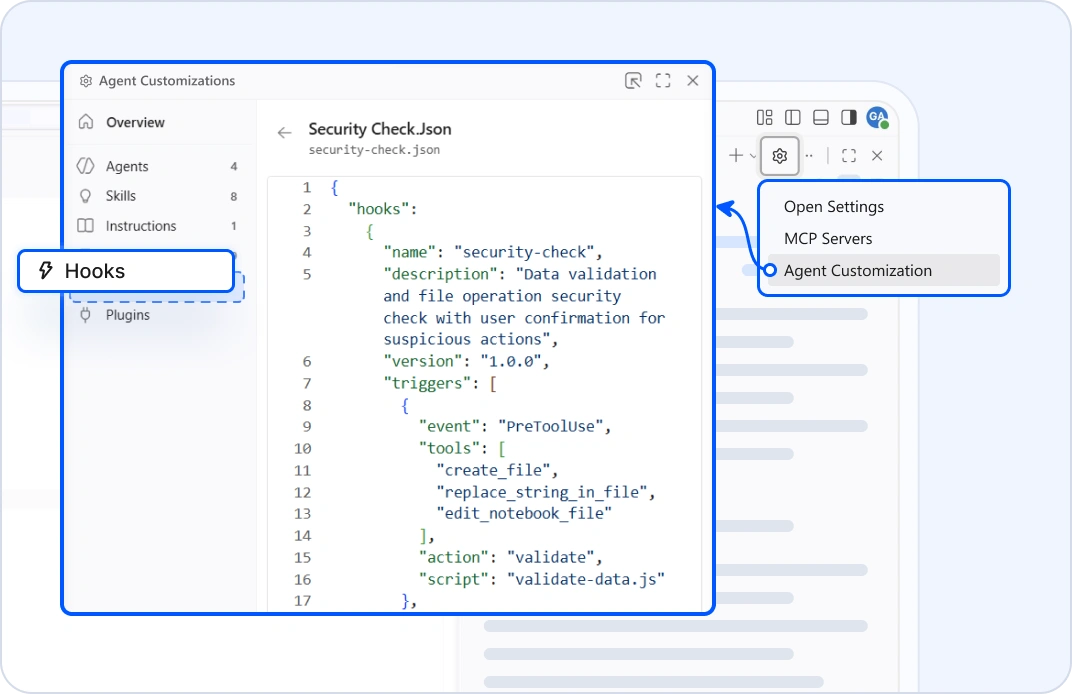
Hooks
Execute custom shell commands at key lifecycle points during agent sessions. Automate workflows, enforce security policies, validate operations, and integrate external tools. Hooks run deterministically and can control agent behavior, including blocking tool execution or injecting context into conversations.
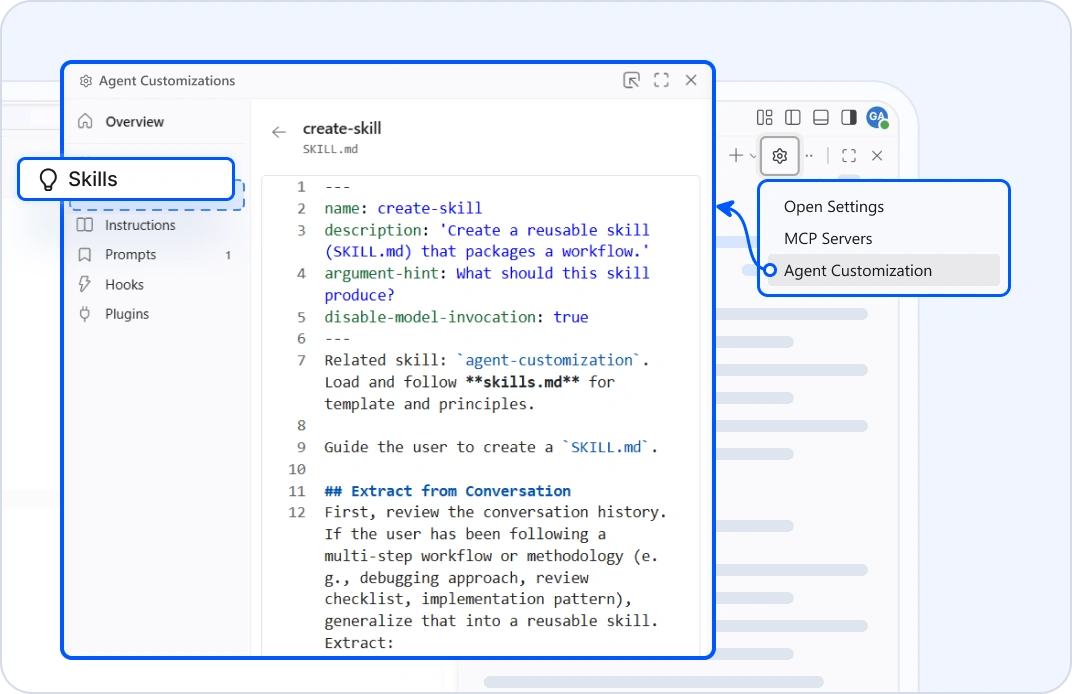
Skills
Structured folders of instructions, scripts, and resources that Code Studio loads automatically when relevant to perform specialized tasks. Package domain expertise, from compliance checks to deployment standards, into reusable workflows that agents apply consistently across your team. Built on an open standard, these skills work seamlessly across multiple AI platforms.
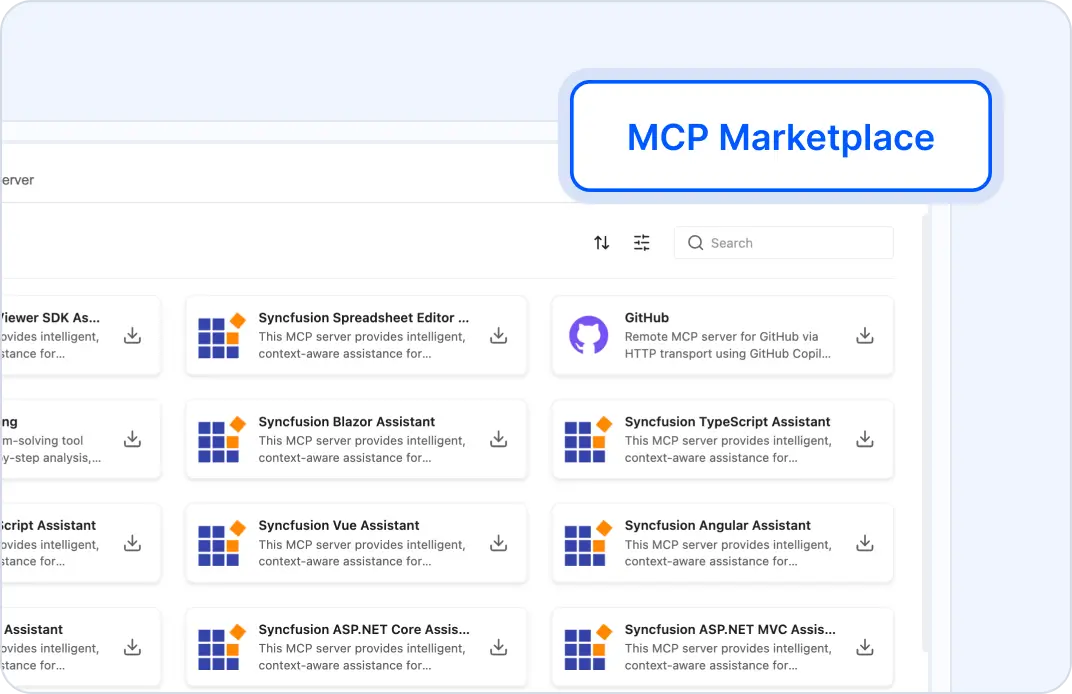
MCP Server Marketplace
A dedicated interface within Code Studio enables users to find, install, and manage MCP server integrations. This feature supports both preconfigured MCP servers and custom deployments, remote and local, allowing developers to tailor their environment for seamless backend connectivity.
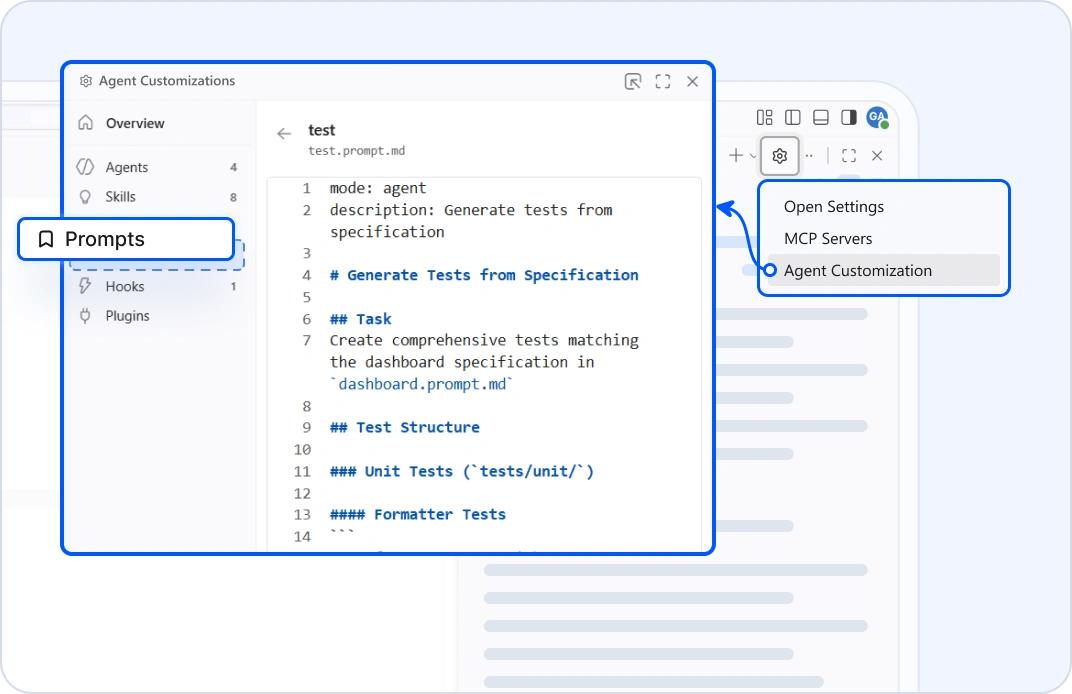
Prompt Files
Define and trigger reusable prompts to guide the assistant’s behavior in tasks. This feature enables consistent workflows, accelerates complex operations, and reinforces team-specific standards.
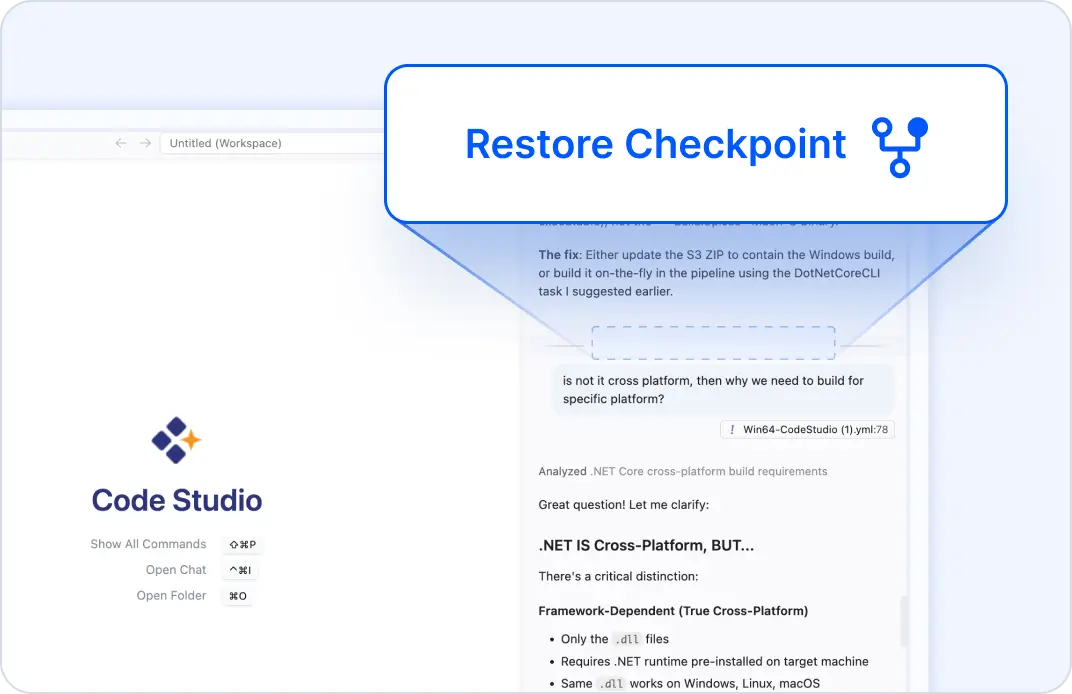
Checkpoints
Automatically capture snapshots of your workspace at key moments, including when the AI applies changes. Track modifications over time, preview pending updates, and revert to prior states, ensuring your work remains secure, traceable, and fully manageable.
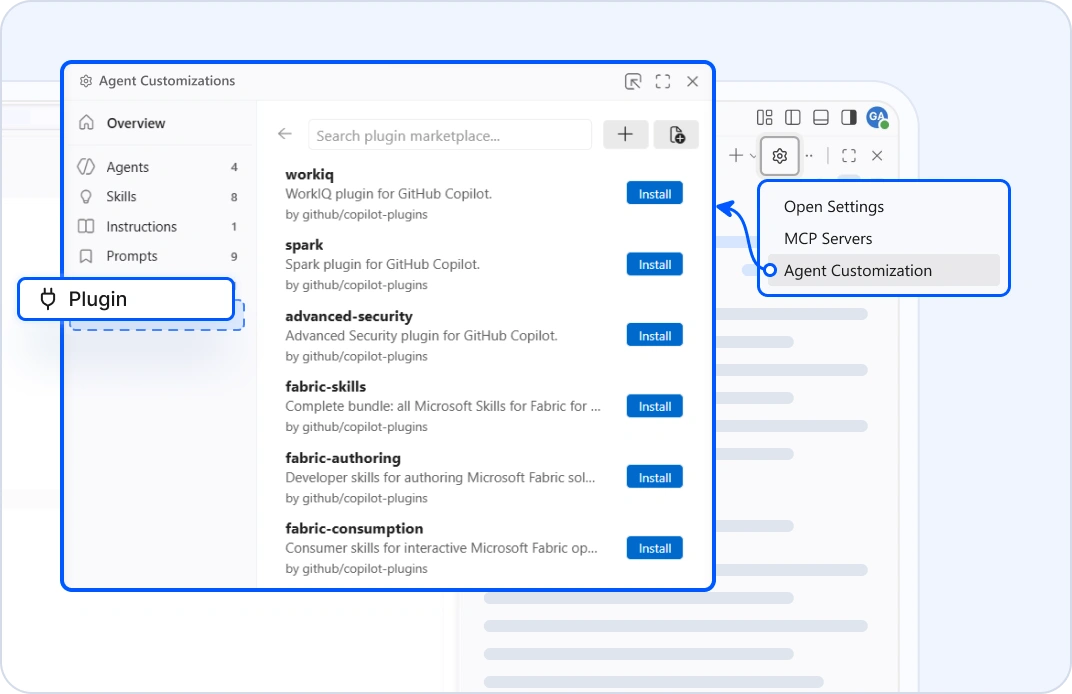
Agent Plugin
Agent Plugins can include skills, commands, agents, MCP servers, and hooks. They can be searched for and installed directly from the extensions view in Code Studio by entering @agentPlugins in the search box or by running the Chat: Plugins command from the command palette. Code Studio auto-detects the plugin format by checking for format-specific manifest paths.
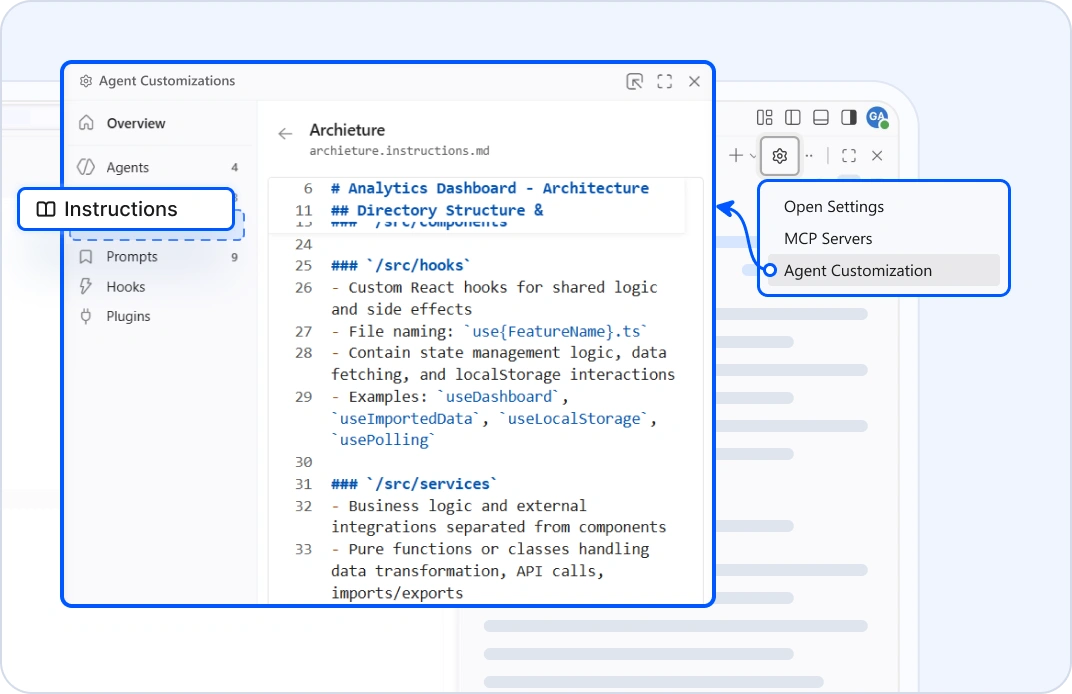
Code Studio Instructions
Customize how the AI assistant behaves in chat, agent, and edit modes by defining project-specific instructions. Enforce coding standards, architectural patterns, and team preferences to ensure consistent and context-aware suggestions.
Built for Enterprises
Confidently scale AI development across your teams. Code Studio delivers the essential capabilities enterprises need.
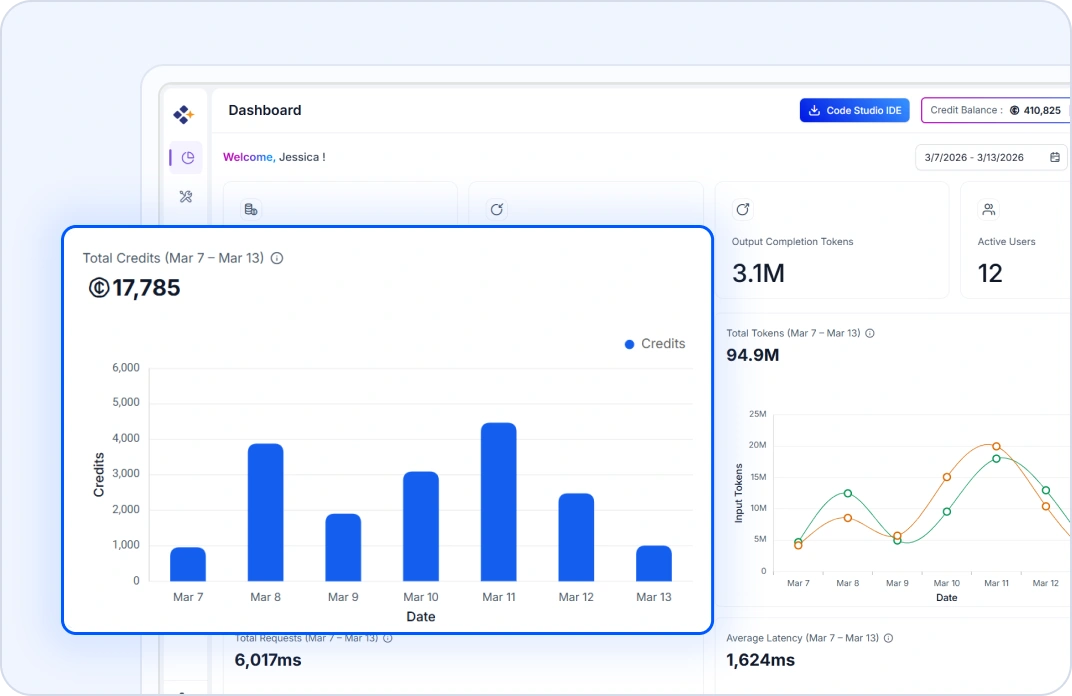
Premium Model Dashboard
Shows usage for all preconfigured models. View credits, token consumption, and performance metrics.
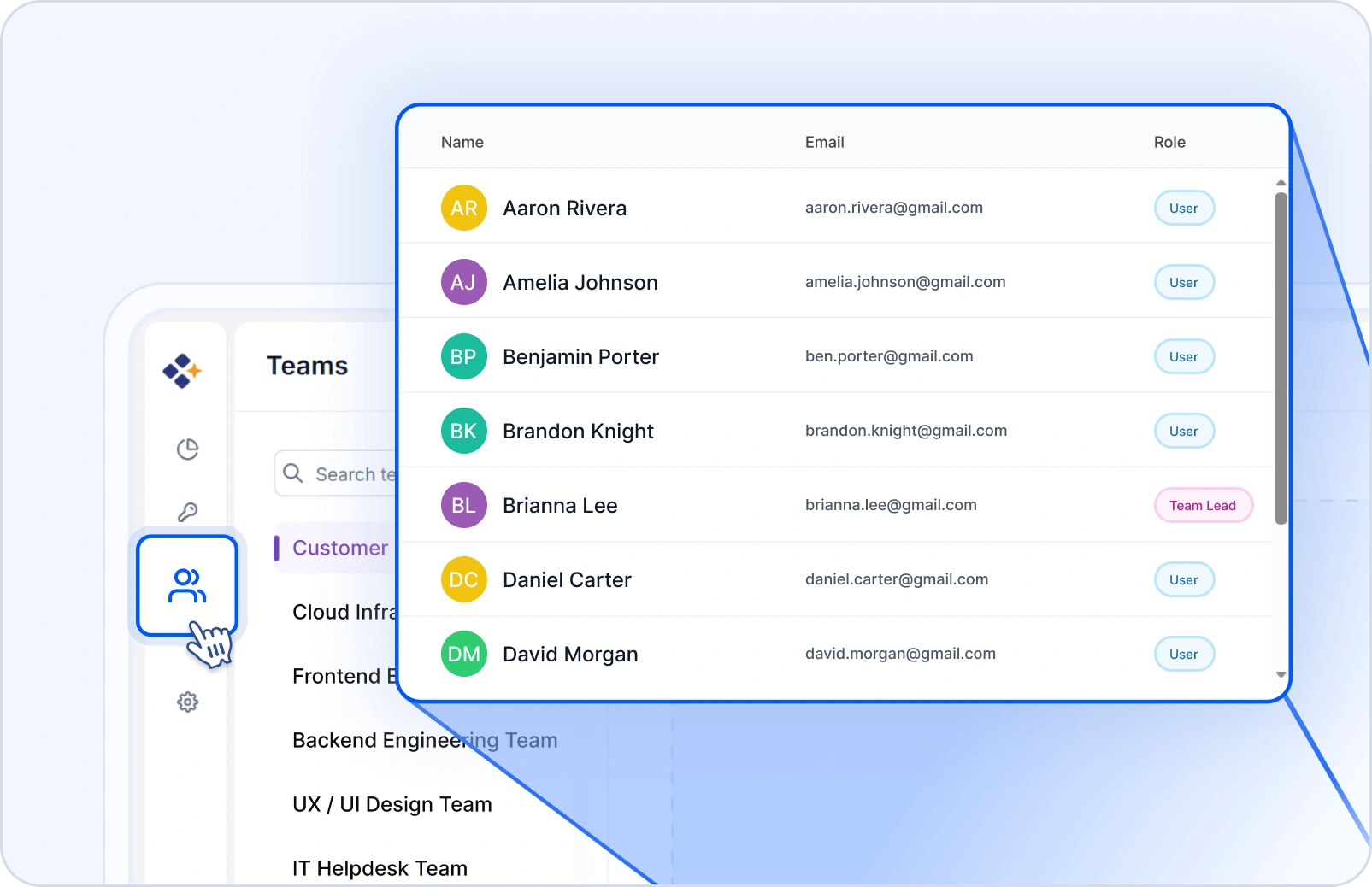
User & Team Management
Invite with SSO (Microsoft, GitHub, Syncfusion®), organize users into teams, assign roles, set budgets and quotas, and track usage with per-user and per-team analytics.
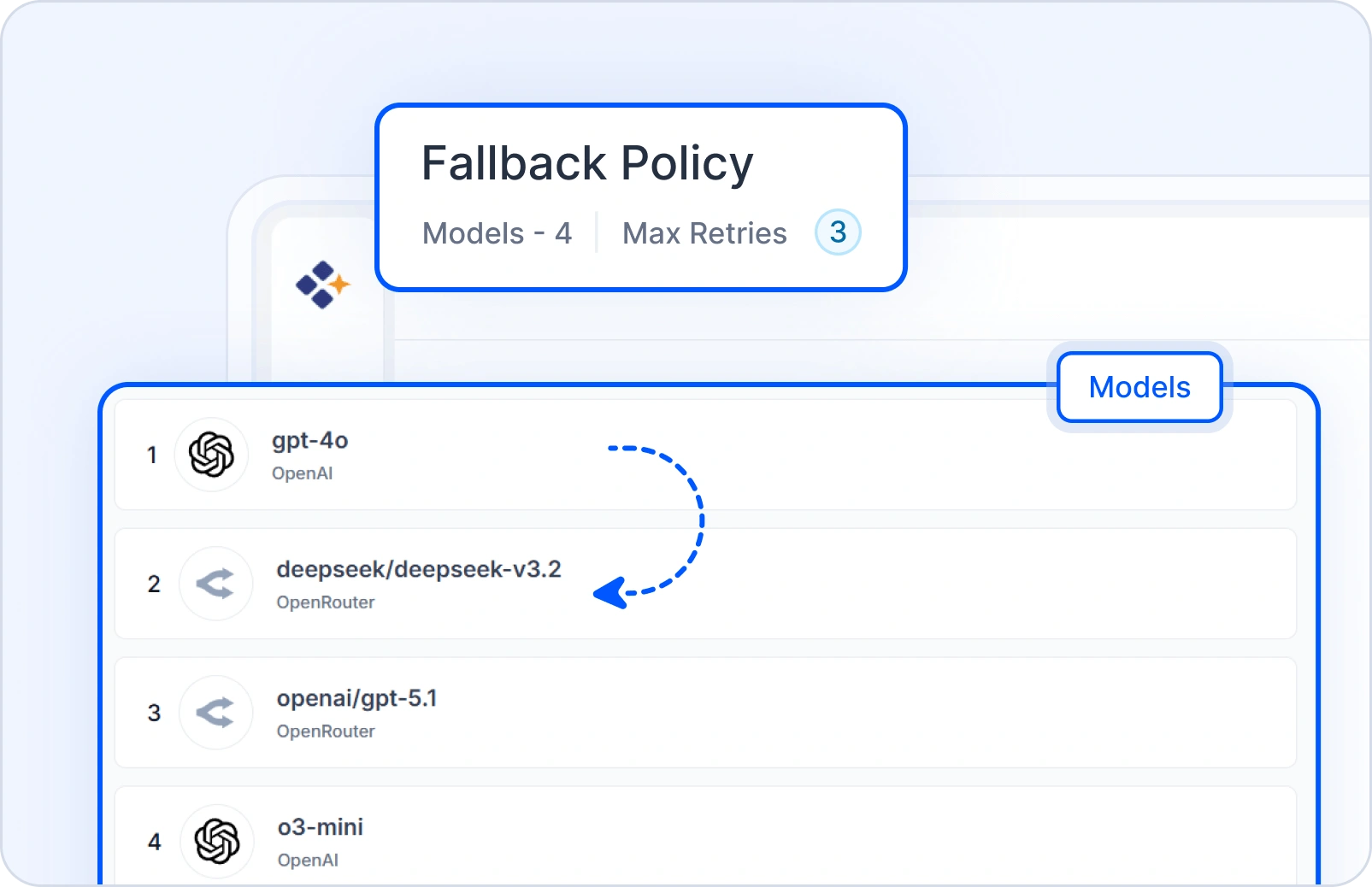
Resilient by Design
Define a fallback order; Code Studio handles retries and failovers, so your team stays productive.
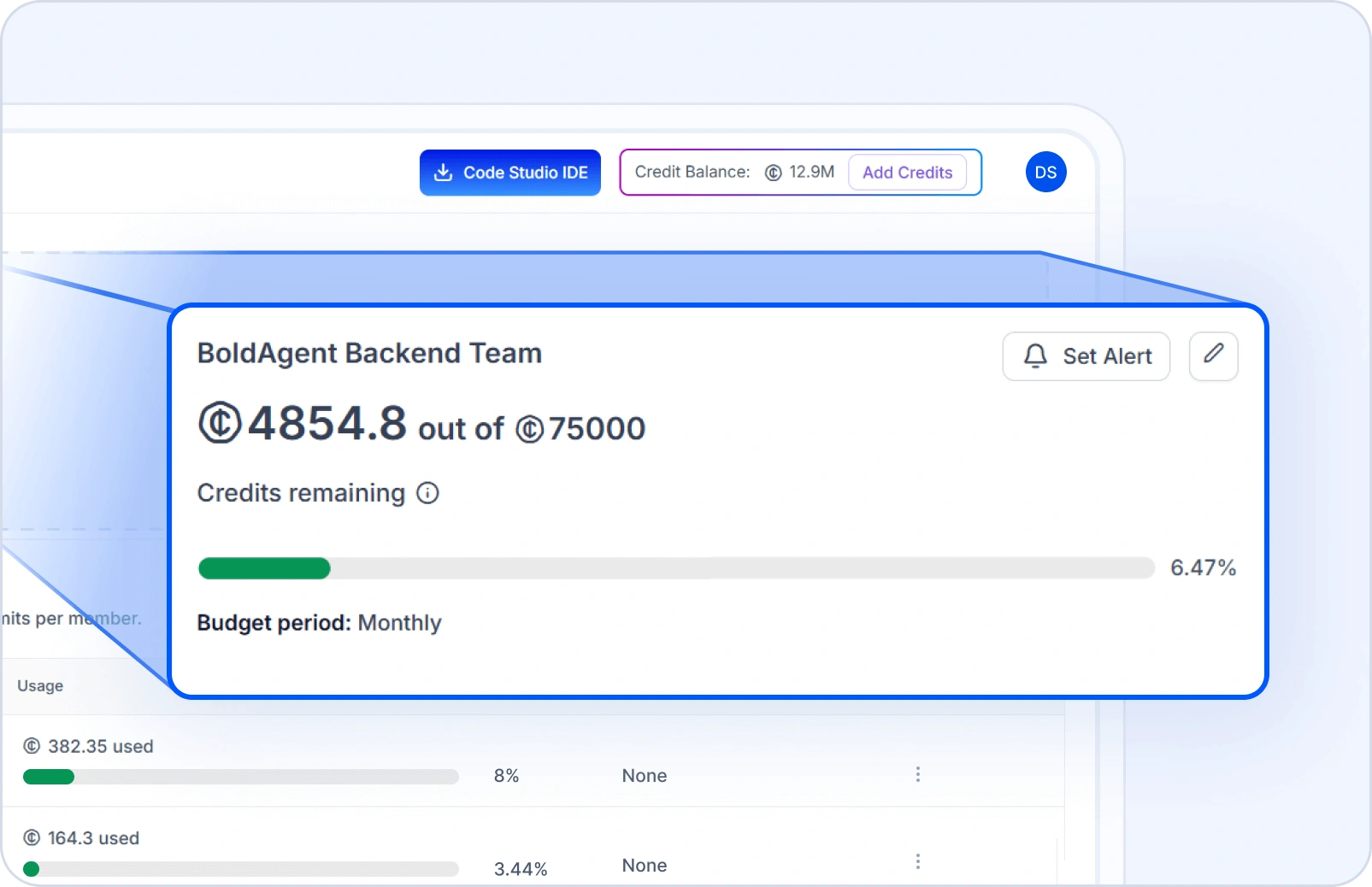
Team & User Budgets
Create budgets for teams and users, receive timely alerts, and view usage trends to manage costs confidently.
Streamline the Workflow
Code Studio helps enforce consistency and reduce repetitive work by learning your team’s patterns. From reusable prompts to custom rules and automation steps, it adapts to your development flow and scales productivity without sacrificing control.
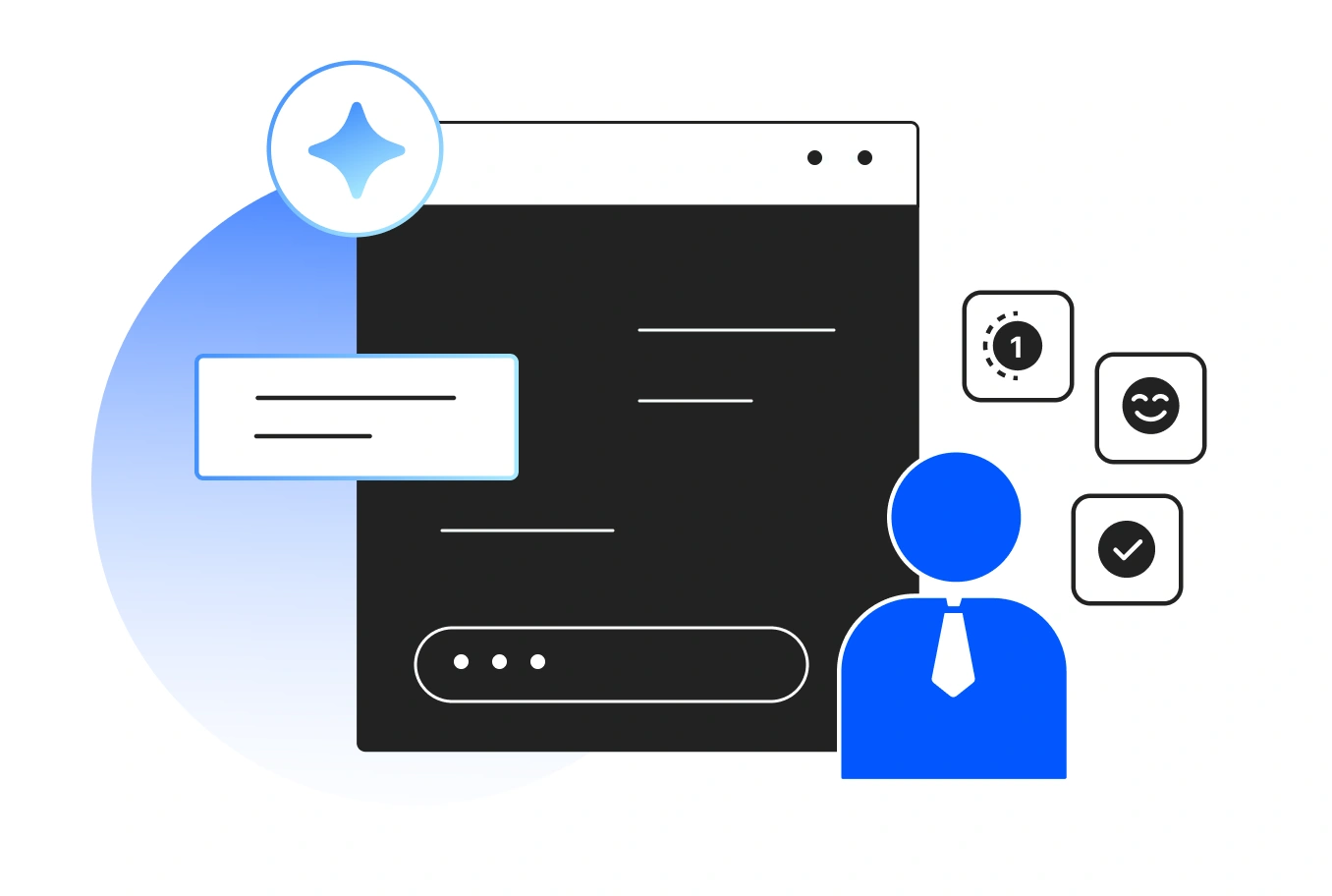
Custom Agents
Custom agents allow you to build personalized AI assistants that follow the exact steps, rules, and behaviors you define. Instead of repeating the same instructions every time, you can create an agent once and reuse it whenever you need.
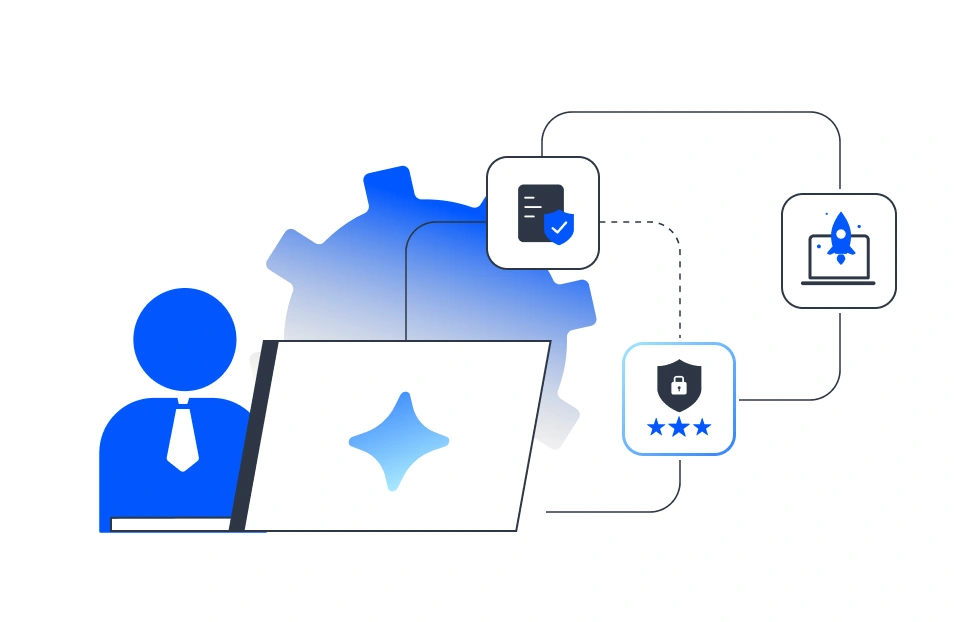
Agent Skills
Define specialized workflows for compliance checks, security reviews, and deployment standards that Code Studio recognizes and applies automatically. Your team's domain expertise becomes reusable instructions, no need to explain the same requirements repeatedly or configure settings manually each time.
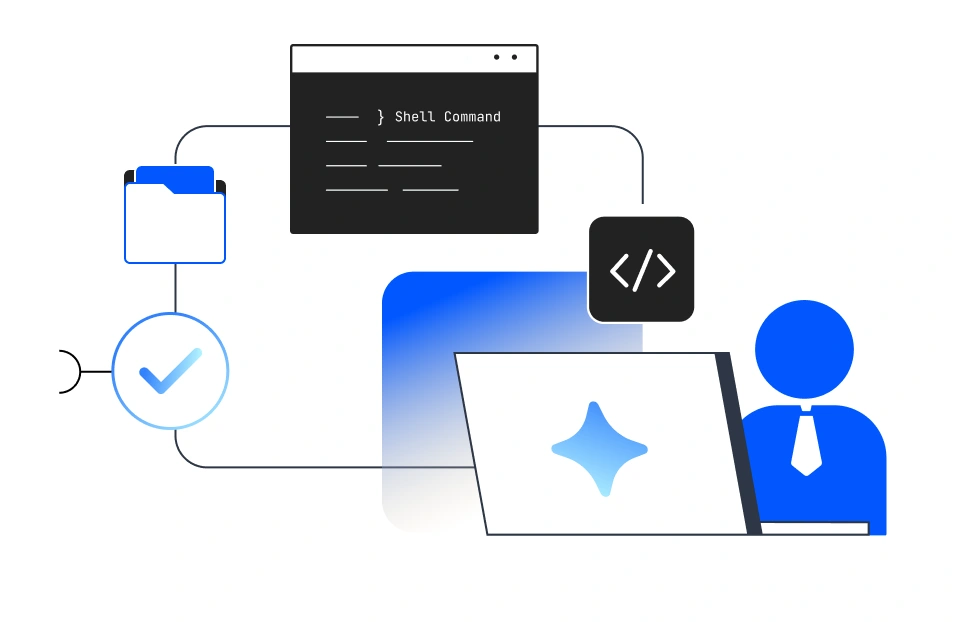
Agent Hooks
Automate validations, enforce standards, and trigger actions at key points in agent workflows using shell commands. From pre-commit checks and coding standard enforcement to deployment pipeline triggers, Workflow Hooks integrate seamlessly with your existing tooling. Set your rules once, and they are applied consistently across every task, with no manual follow-up or repeated configuration required.
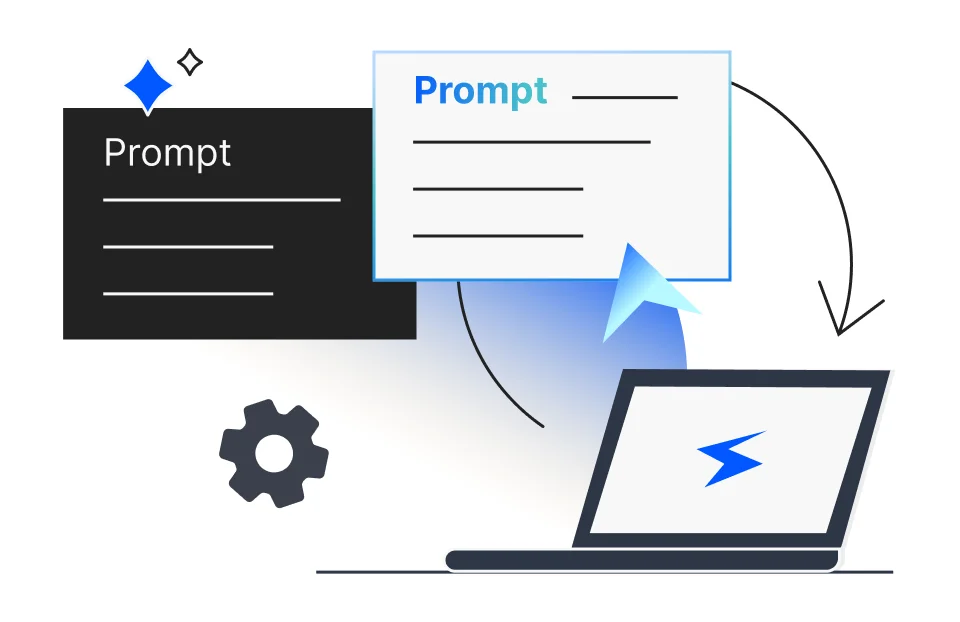
Reusable Prompts
Easily store instructions you use often and apply them instantly, saving time and reducing repetitive typing. No need to rewrite the same instructions, just pick from your saved list and go.
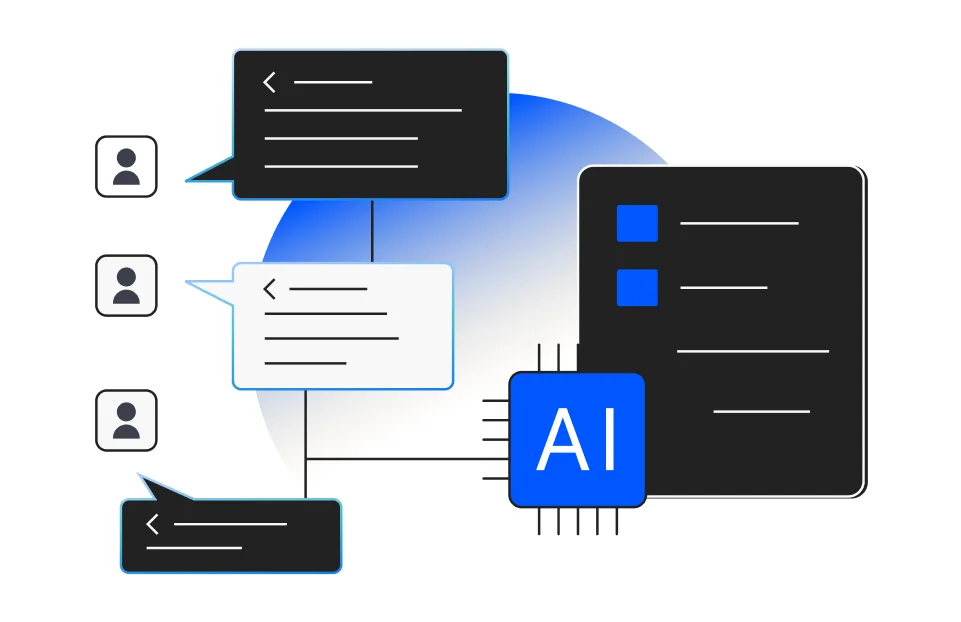
Custom Instructions and Flow
Define specific instructions for naming conventions, code review steps, and deployment scripts. Code Studio can learn and automatically follow these custom instructions and workflows, ensuring consistency and adherence to your team's standards.
Built for Syncfusion Developers
Syncfusion UI Builder turns your plain English prompts—or even screenshots—into working UI code using Syncfusion components. Whether you're prototyping a screen or building production-ready views, Code Studio understands your intent and delivers clean, ready-to-use code that aligns with the Syncfusion ecosystem. No boilerplate. No guesswork. Just fast, accurate UI generation tailored to your needs.
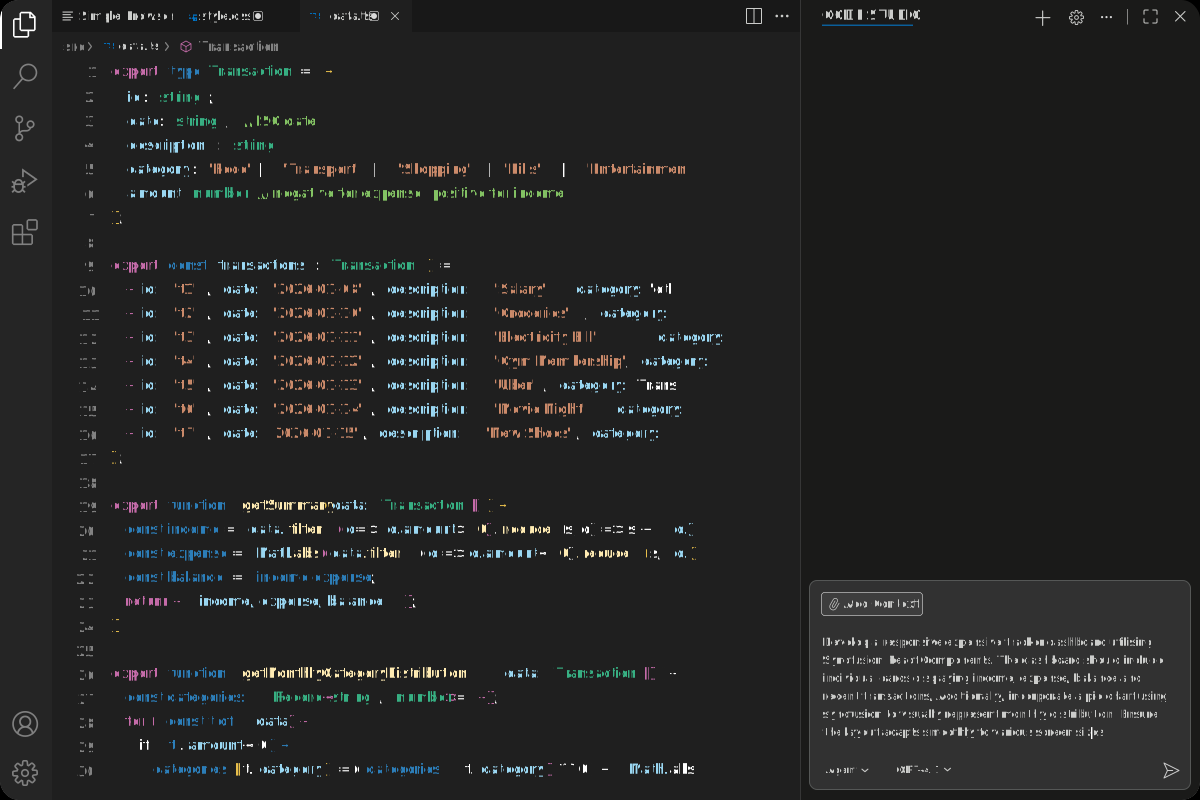
Note: Syncfusion® UI components are not bundled with Code Studio. A separate Syncfusion® license is required to use these components in production environment.
Built to Fit Your Enterprise Stack
Customize Code Studio without compromise. Extend capabilities via MCP, securely connect internal data through context providers, and enforce policies with custom rules, all while staying aligned with your enterprise governance model.