Model Context Protocol: Connect AI to Your Code, Tools, and Context

Model Context Protocol (MCP) helps Syncfusion Code Studio connect AI Coding Assistants with your codebase, tools, and project context for more accurate code and faster development.

Model-context-protocol


    Built by Syncfusion. Trusted by 41,000+ enterprises.

    25+ years of developer tools, now reimagined for the agent first era.

    Enterprises
    0 K+

    Enterprises

    UI Components
    0 +

    UI Components

    Years in Business
    0 +

    Years in Business

    Fortune 500Companies
    0 %

    Fortune 500 Companies

    Why modern AI development needs MCP

    Without MCP, AI works with limited context. MCP connects your code, documentation, and tools to deliver more accurate assistance and reduce rework.

    • With MCP
    • Access to project context and resources
    • Context-aware code generation
    • Connected tools and documentation
    • Integrated development workflows
    • Reliable, grounded assistance
    • Without MCP
    • Limited project awareness
    • Generic code suggestions
    • Manual information gathering
    • Isolated AI interactions
    • Inconsistent results

    Build with AI that understands your project

    The MCP-powered AI Coding Assistant transforms the way developers build applications by combining contextual awareness, agent intelligence, and real-project integration—all delivered seamlessly within Code Studio.

    project context

    Persistent project context

    Reduce repeated prompts by giving AI access to project knowledge, dependencies, and development patterns.

    More Reliable Software

    Reliable code generation

    Generate code grounded in real project context for more accurate and consistent results.
    Smarter development workflows

    Accelerate feature development, debugging, reviews, and refactoring with context-aware AI assistance.

    Less rework, faster delivery

    Reduce manual effort, avoid repetitive tasks, and deliver applications with greater confidence.

    How it works

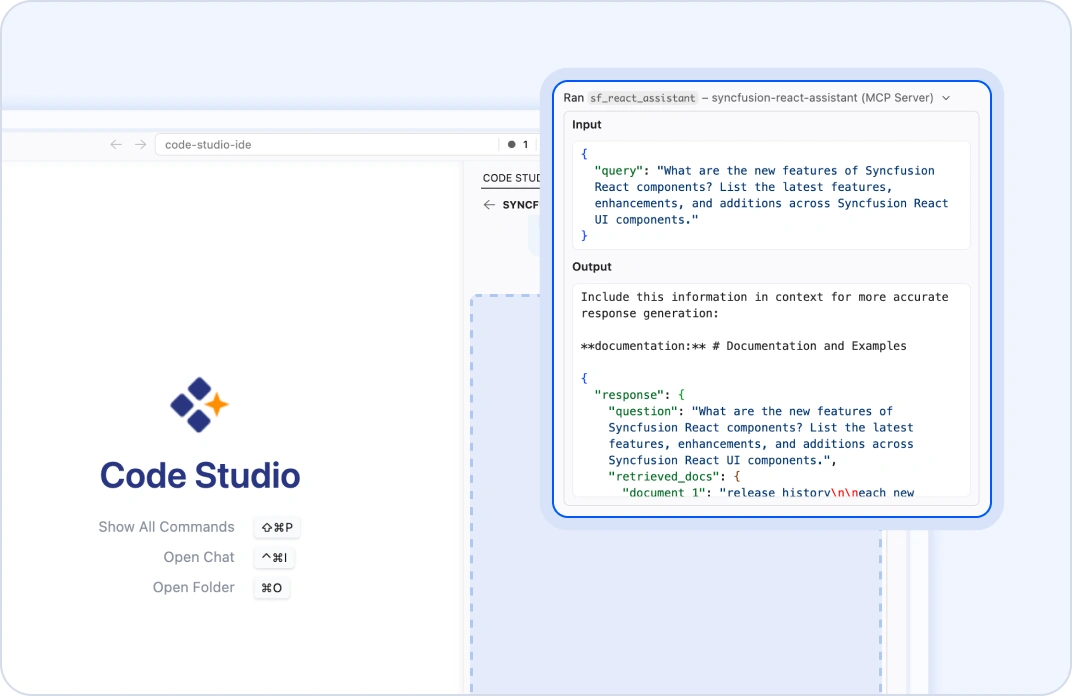
    Connect MCP servers, provide your development task, and let Code Studio generate context-aware solutions grounded in your tools, resources, and project data.

    Develop frameworks with MCP-powered AI assistance

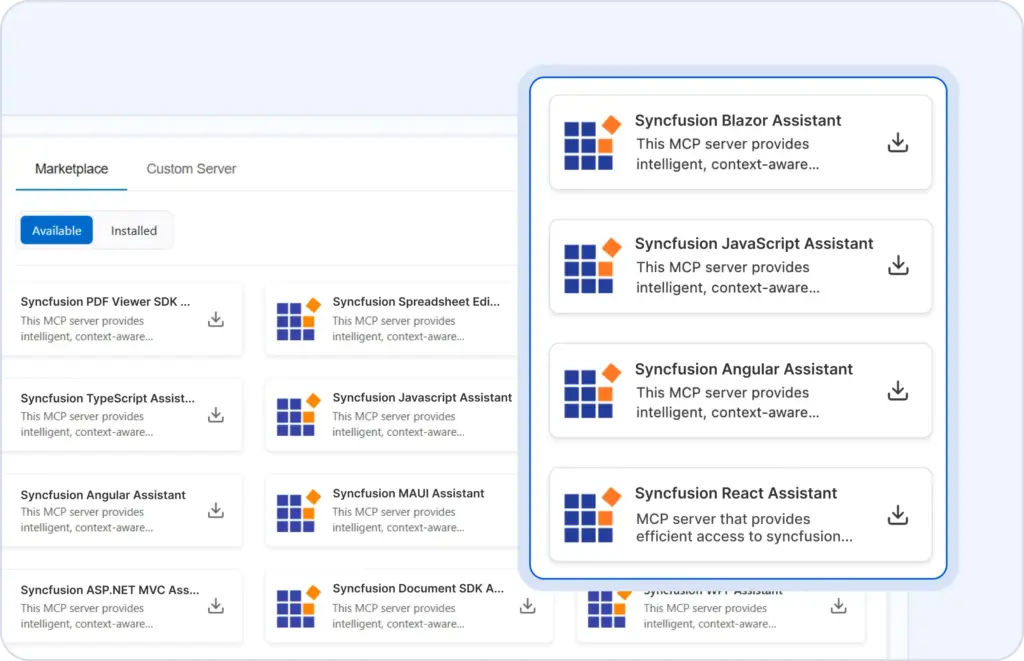
    Build faster across web and desktop platforms with AI assistance that understands your framework, components, and project requirements, helping streamline development workflows.

    Across platforms
    Agent Skills

    Make AI coding smarter with Agent Skills

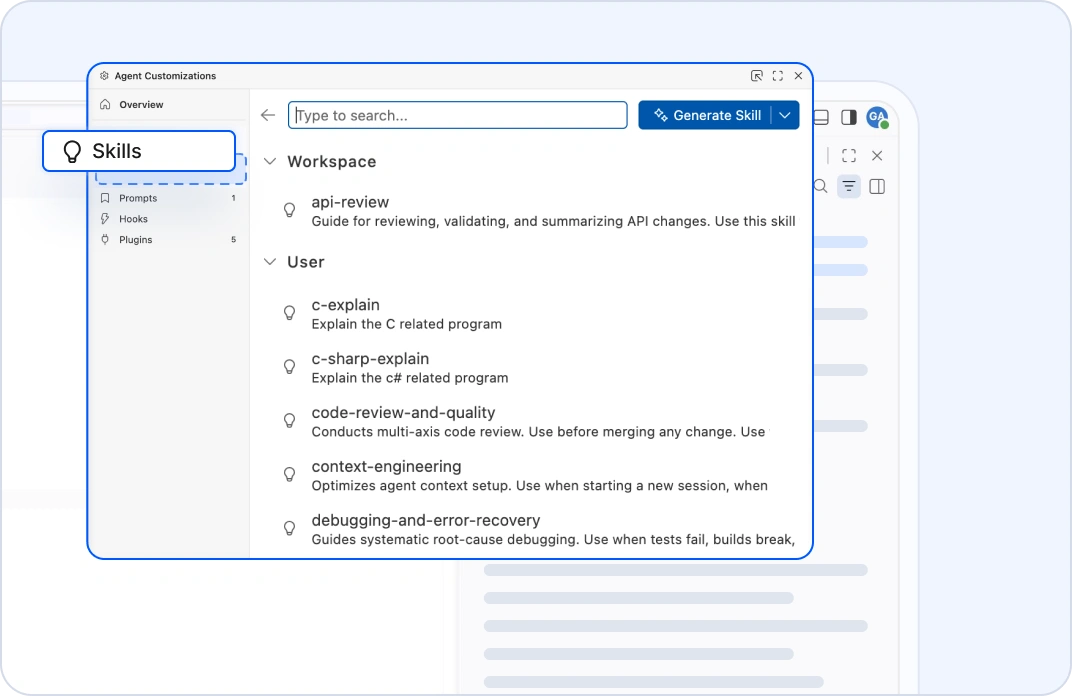
    Agent skills give AI Coding Assistants specialized expertise for common development tasks. Combined with MCP context, they help teams deliver consistent results faster.

    Why MCP makes Code Studio different

    MCP connects AI to your project context, helping Syncfusion Code Studio deliver more reliable results with less rework and greater development confidence.

    Why MCP

    Start building with Code Studio for free

    Experience context-aware AI development with MCP, persistent project understanding, and powerful developer workflows—all included with your free trial.

    Frequently Asked Questions

    Model Context Protocol (MCP) enables Syncfusion Code Studio to connect AI Coding Assistants with external tools, documentation, APIs, project resources, and development systems through MCP servers. As an MCP host, Code Studio can discover available capabilities, retrieve relevant context, and help developers generate, modify, and analyze code using information grounded in real project data.

    Agent Skills in Code Studio are reusable sets of instructions, scripts, and resources that Copilot loads when needed to perform specialized tasks or workflows. They help reduce unnecessary context by loading only what is relevant.

    Yes, Code Studio supports web and desktop development, including React, Angular, Blazor, JavaScript, WPF, WinForms, and .NET MAUI.

    Yes, it is designed for enterprise use with AI governance, consistent coding standards, MCP‑based context grounding, and scalable agent workflows.

    MCP servers expose capabilities through tools, resources, and prompts. Tools perform actions, resources provide contextual information, and prompts offer reusable workflows. Together, they help AI coding assistants deliver more accurate, context-aware development assistance in Syncfusion Code Studio.