ESSENTIAL STUDIO® 2025 VOLUME 4
What's New in Essential Studio® for WPF
In 2025 Volume 4, developers can enjoy card tooltips and ascending/descending sorting in Kanban, events before and after predecessor changes in the Gantt control, and customizable templates for displaying uploaded files in the AI AssistView.
What’s New
 What's New in Essential Studio® for WPF
Common
- Added support for .NET 10 via dedicated assemblies.
- Added support for Visual Studio 2026.
Performance boosts
-
TreeGrid: Loads 10K records in under 2 seconds (down from 30 seconds).
-
TileView: Loads 2,500 cards in under 5 seconds (down from 5 minutes).
AI AssistView
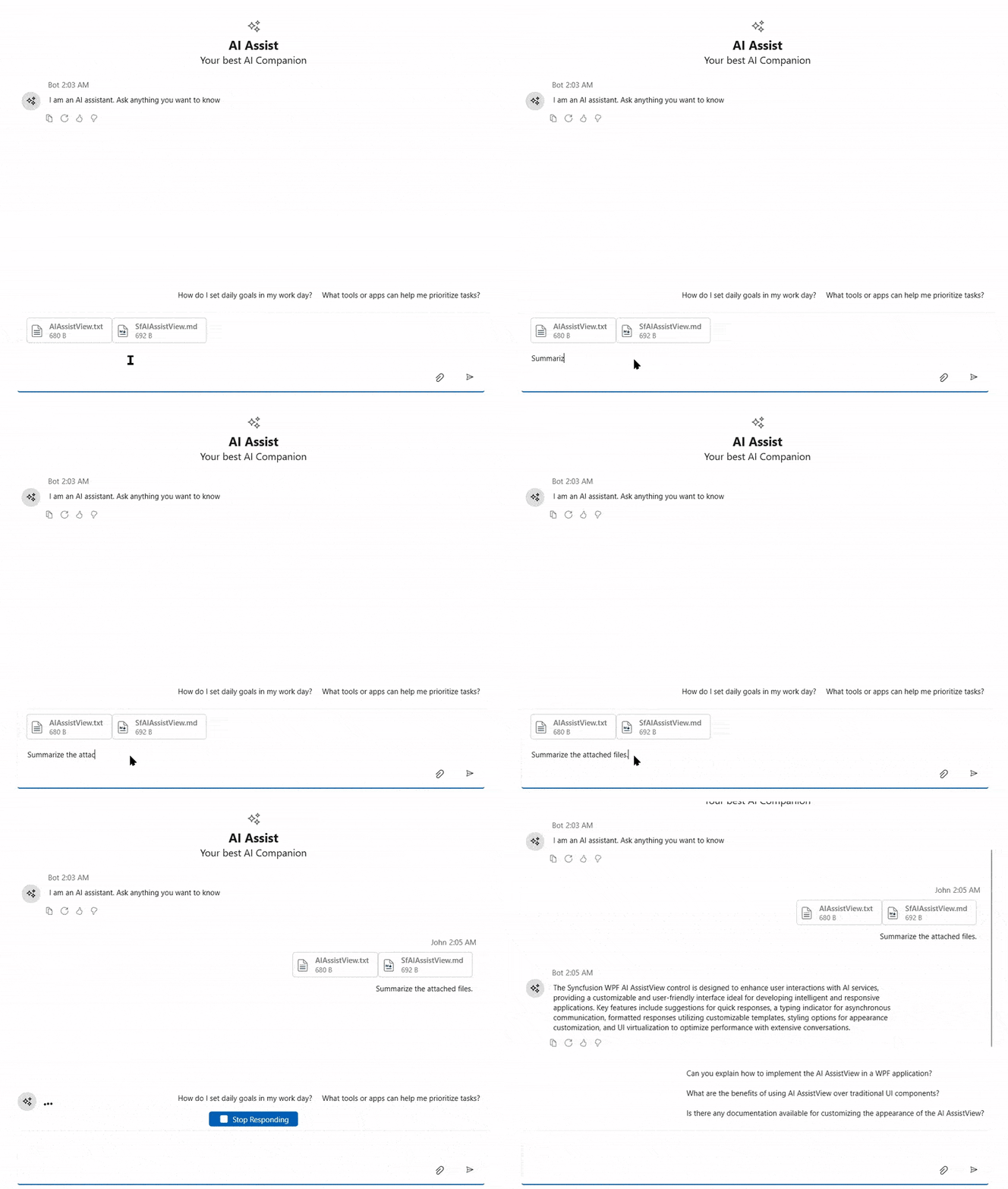
Input toolbar header template
This feature supports customizing the header section of the input area using a flexible template. The layout and styling of the header can include elements such as file upload information, error details, notifications, or other custom components to display relevant information.
PromptRequest event
This event notifies users when a prompt is submitted in the control. It can be used to validate user input before processing or trigger custom actions based on the prompt content.
DataGrid
Improved stacked header alignment
The Stacked header width now adjusts correctly during scroll interactions when it contains a frozen column, ensuring a clean and consistent header layout.
Gantt Control
Predecessor changing event
An event is raised when a predecessor relationship is about to be added, updated, or removed.
Predecessor changed event
An event is raised after a predecessor relationship has been added, updated, or removed.
Kanban Board
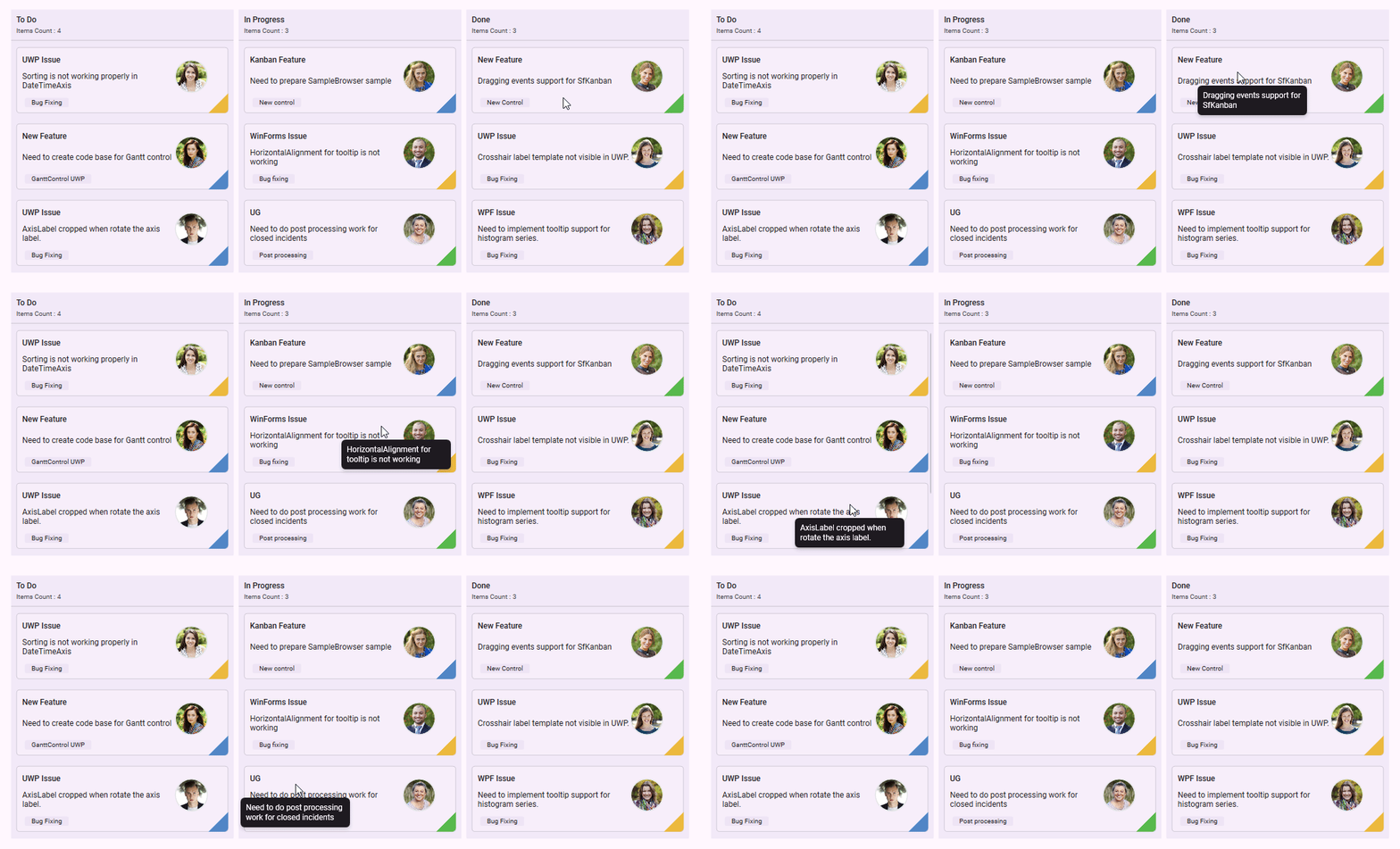
Tooltips
Users can view additional details about kanban cards when hovering over them through interactive tooltips.
Card item sorting
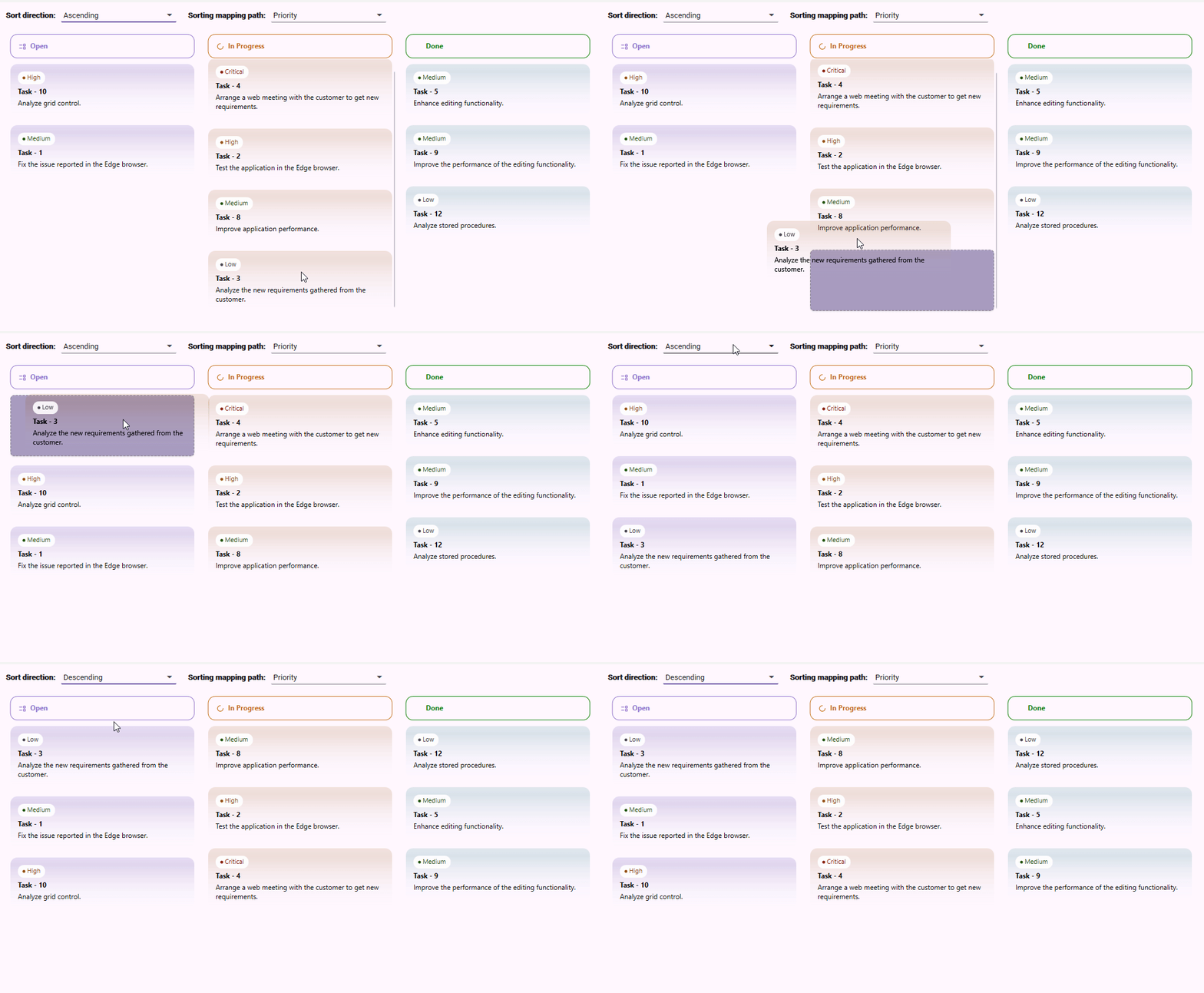
Users can sort card items in ascending and descending order within kanban columns.