The Feature-Packed AI Code Editor That Adapts to You
Code Studio isn’t just smart—it’s flexible. Whether you're editing code, chatting with AI, or deploying reusable prompts, Code Studio adjusts to your workflow and boosts productivity across every task. Built with real-world enterprise use in mind.
Four Ways to Work
Explore four powerful modes designed to boost productivity, reduce manual effort, and adapt to any stage of your development workflow—whether you're typing, exploring, editing, or delegating entire tasks.
-
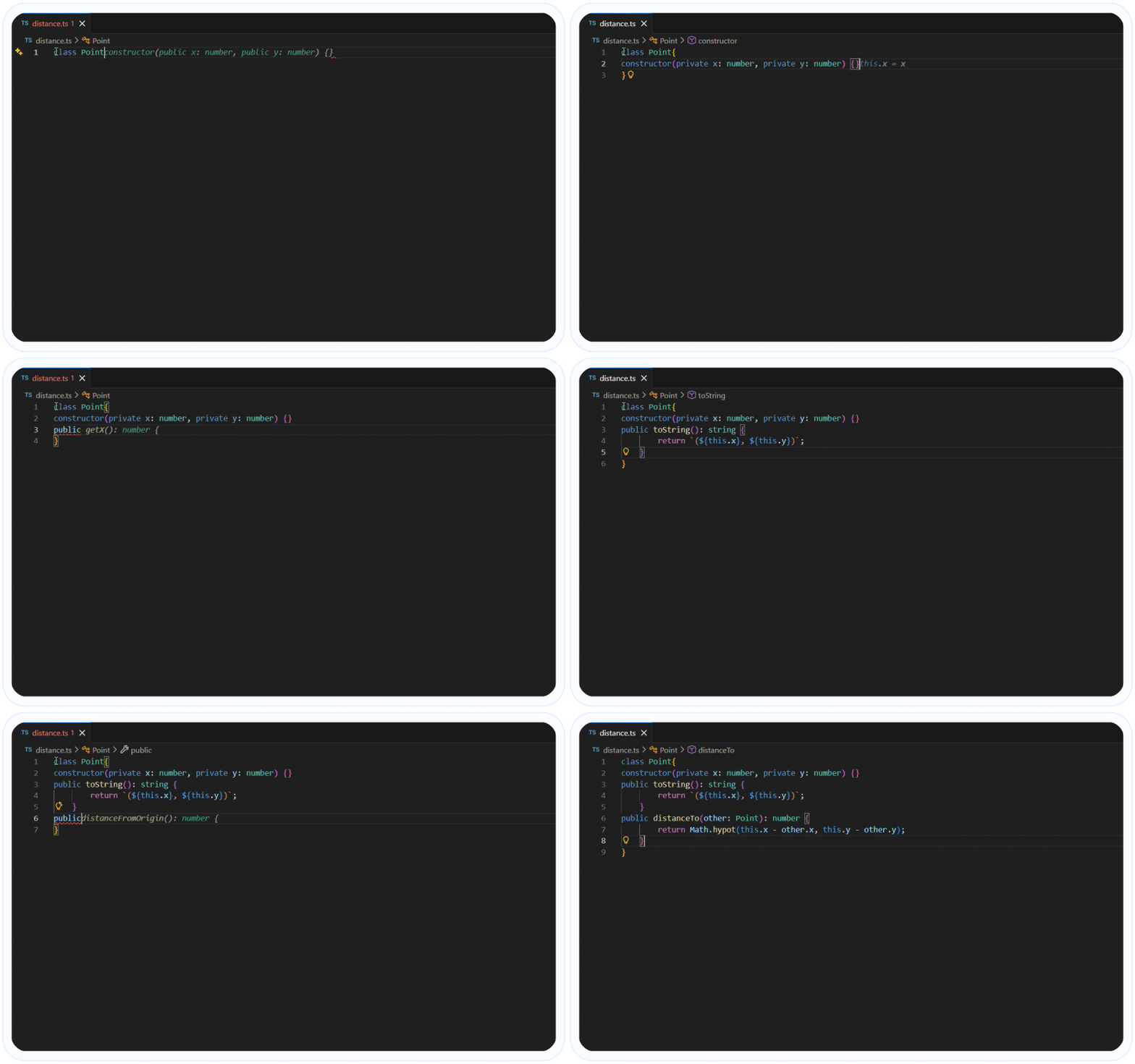
Get intelligent, context-aware code suggestions as you type. Simply press Tab to accept and speed up your coding.
Autocomplete mode -
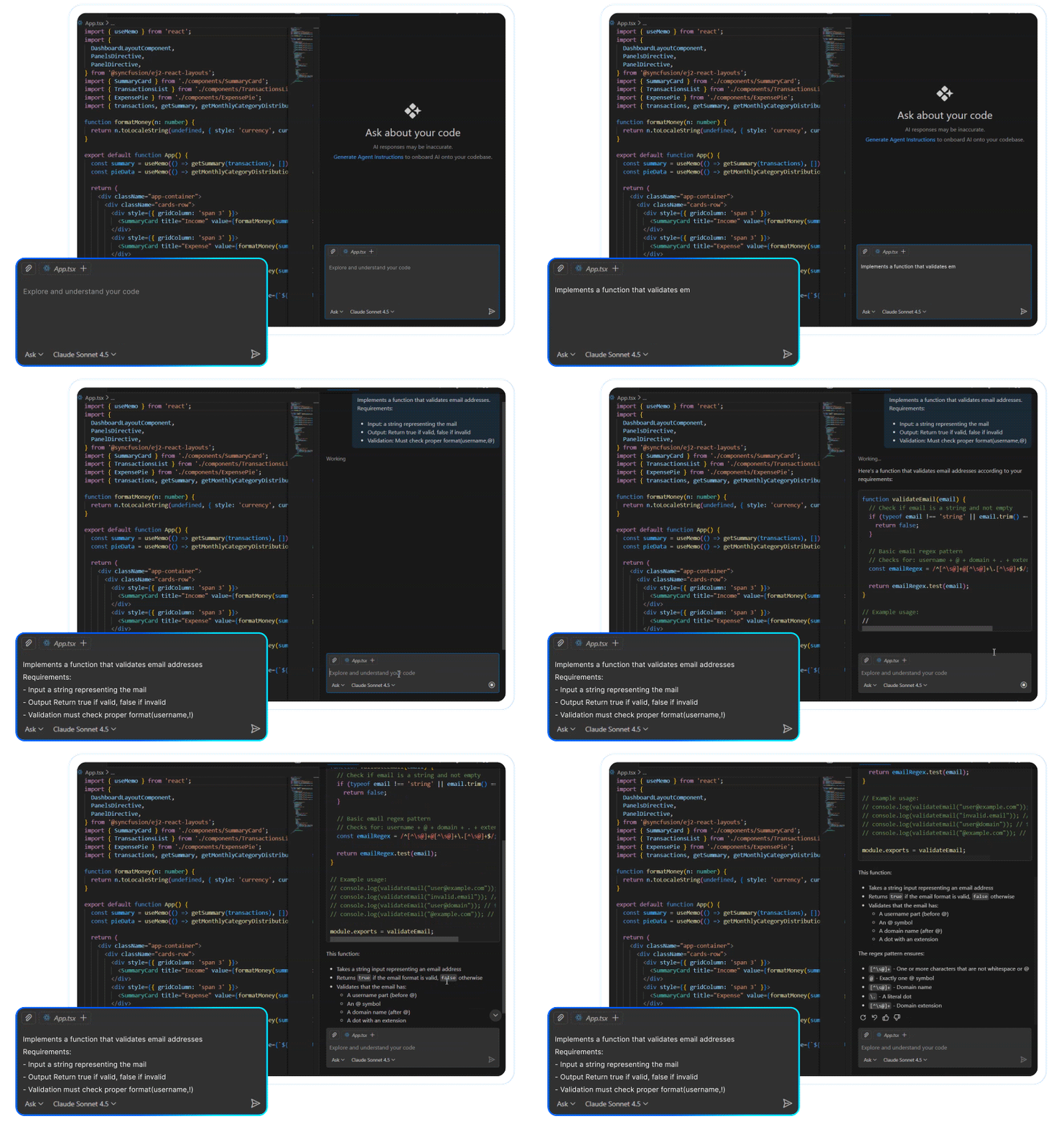
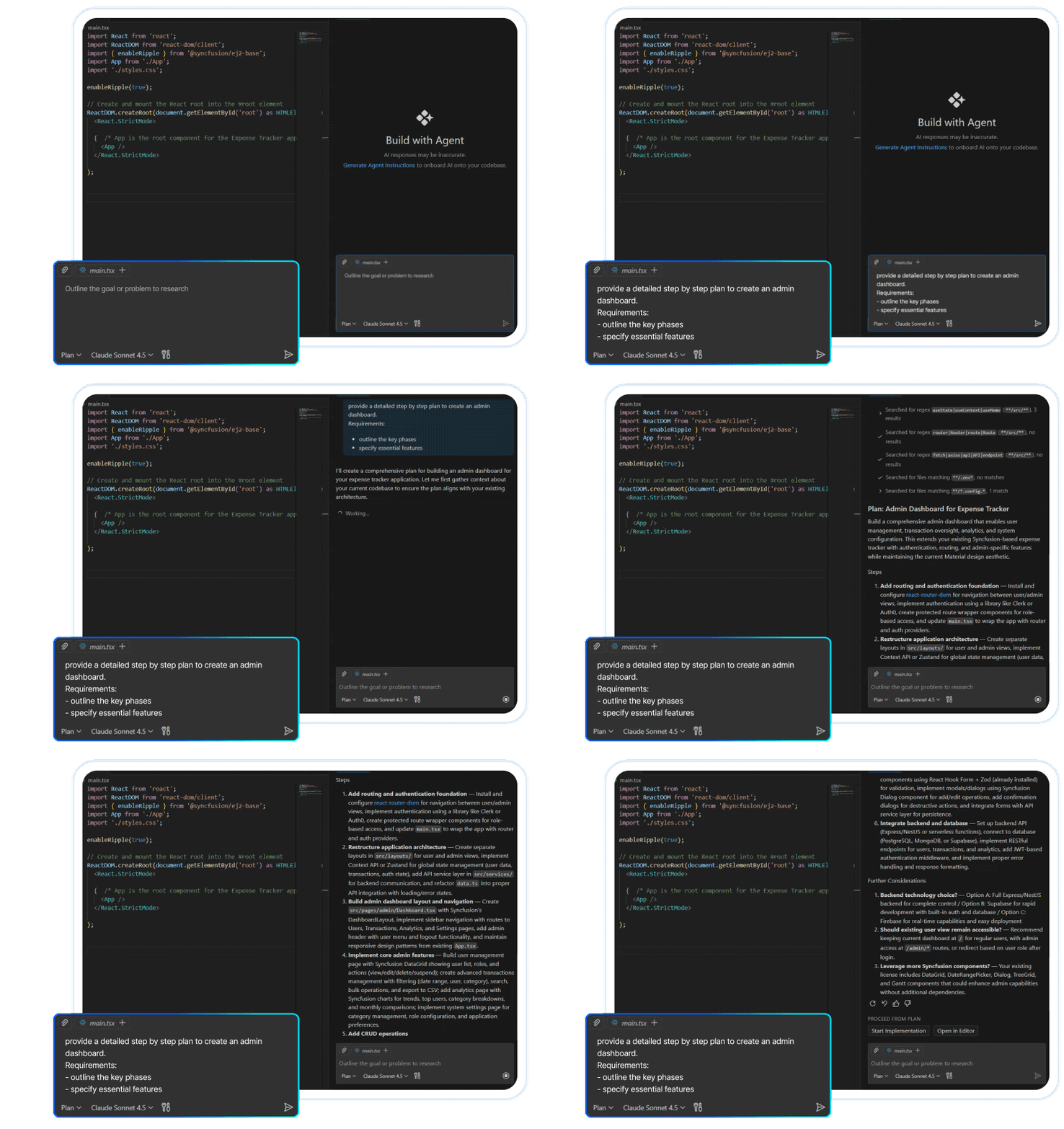
Ask questions, plan tasks, or generate code snippets in natural language—without touching your codebase.
Chat Mode -
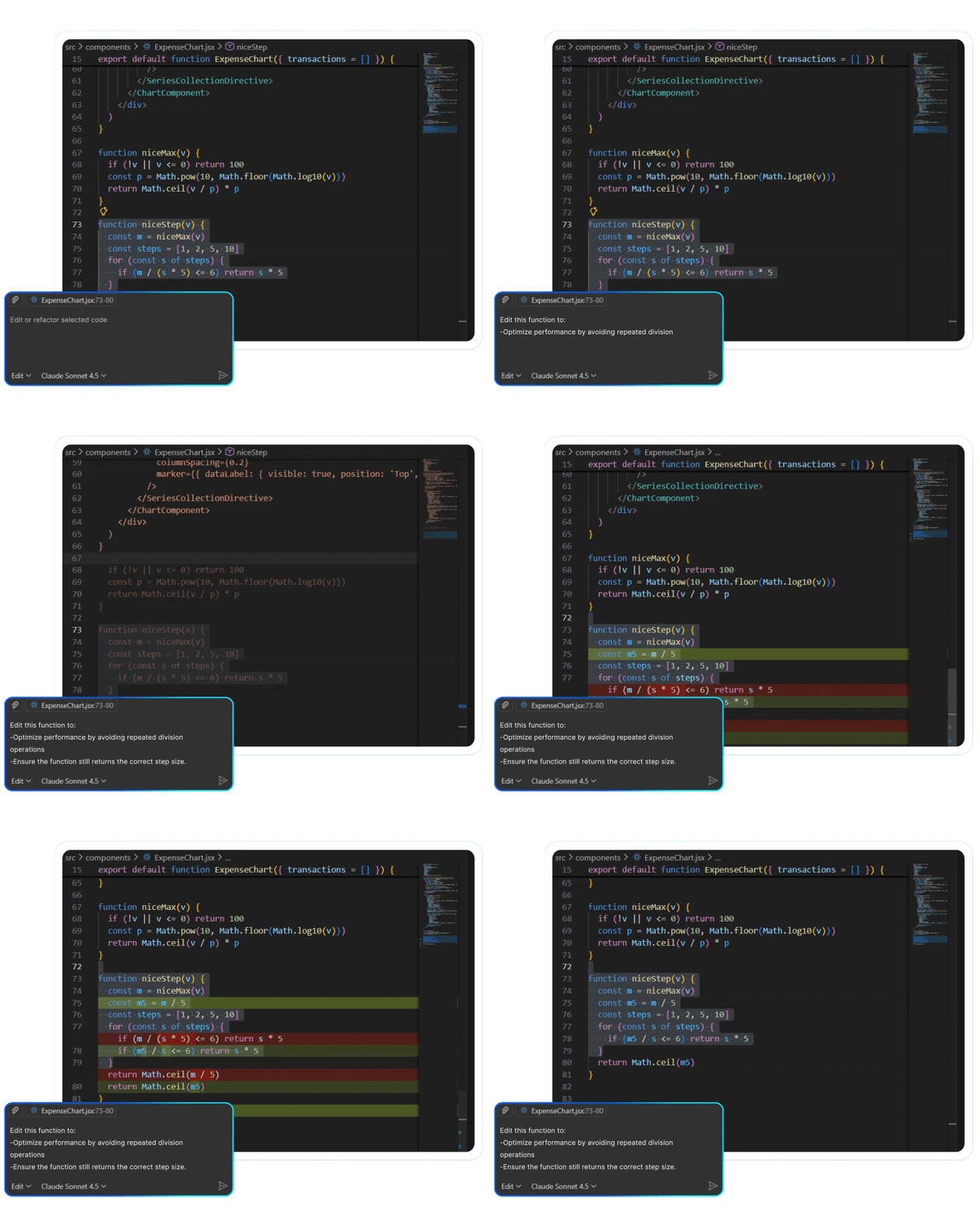
Select any block of code and instantly rewrite or refactor it with natural prompts.
Edit Mode -
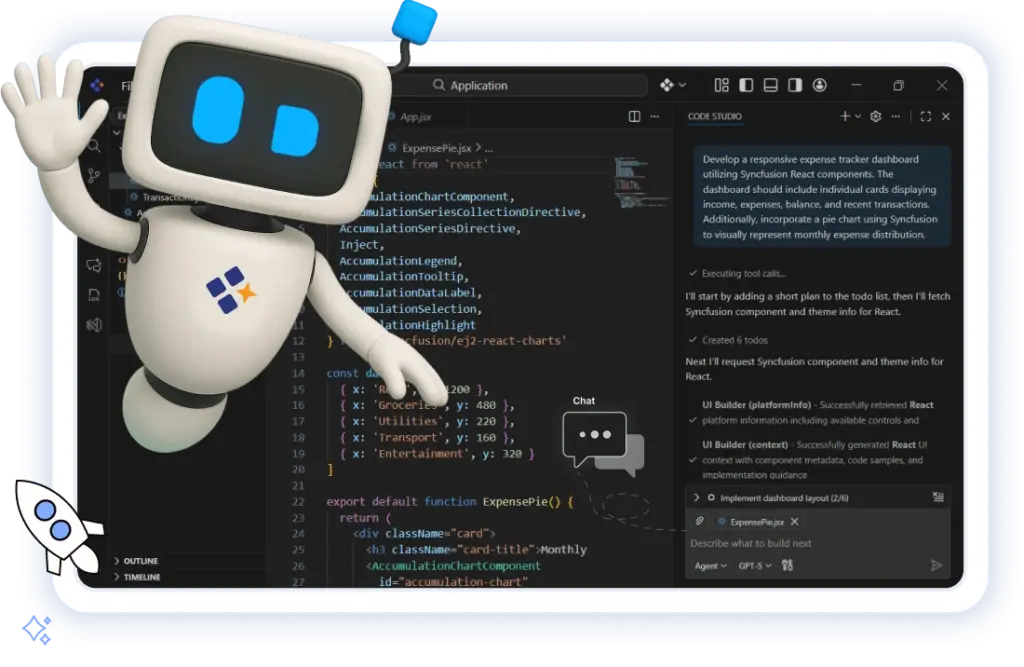
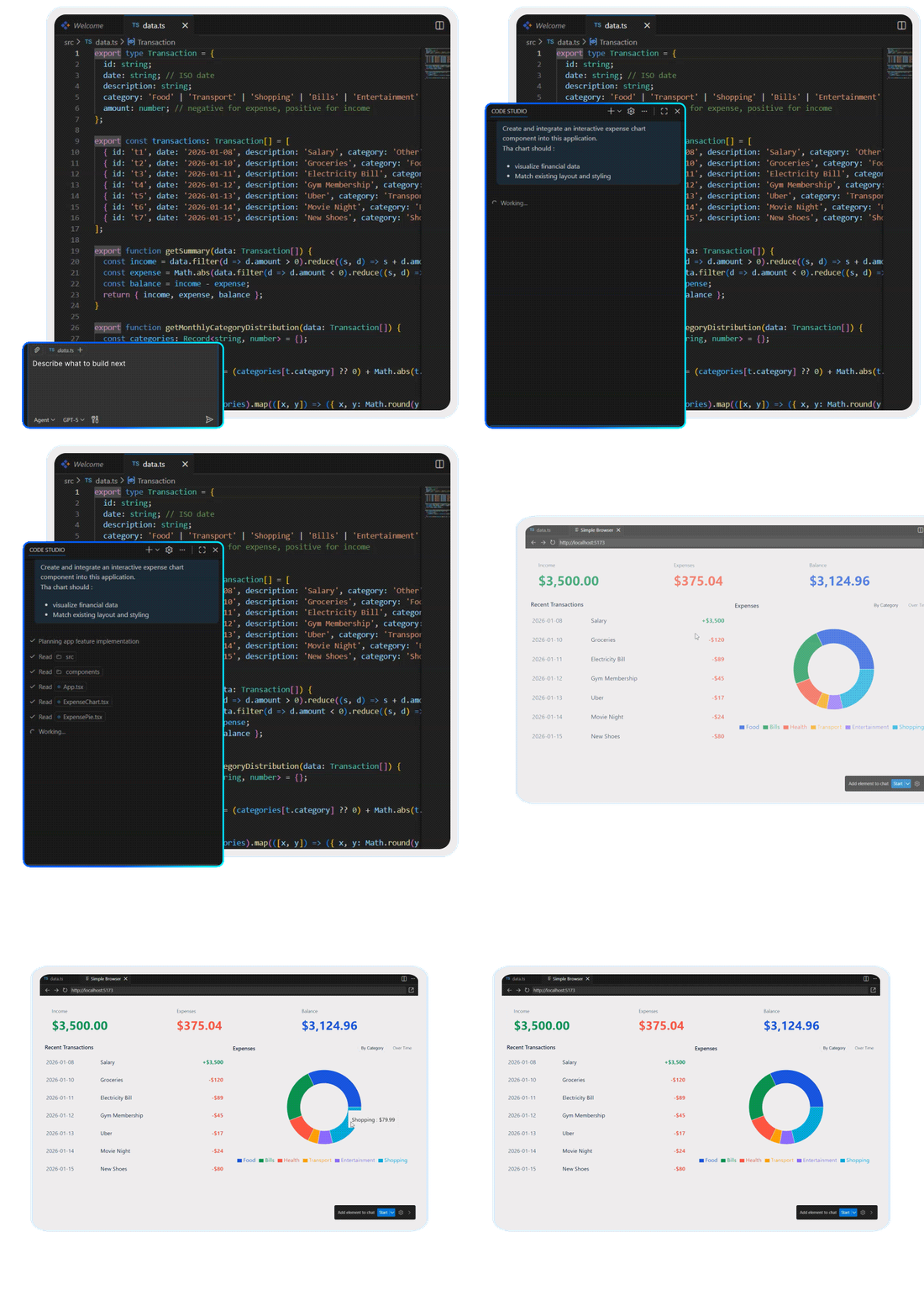
Code Studio lets you code hands-free—just describe your need, and it builds it for you. It’s like having a senior developer on call, anytime.
Agent Mode
Everyday Productivity Helpers
Code Studio streamlines routine development with tools that go beyond suggestions—instantly apply code edits, search your entire codebase intelligently, and trigger AI-powered actions from right-click menus. Built to reduce friction and maximize flow for enterprise teams.
Apply From Chat
Seamlessly integrate Code Studio's suggestions. With a single click, insert code snippets or entire solutions directly into your active file at the correct line.
Quick Action
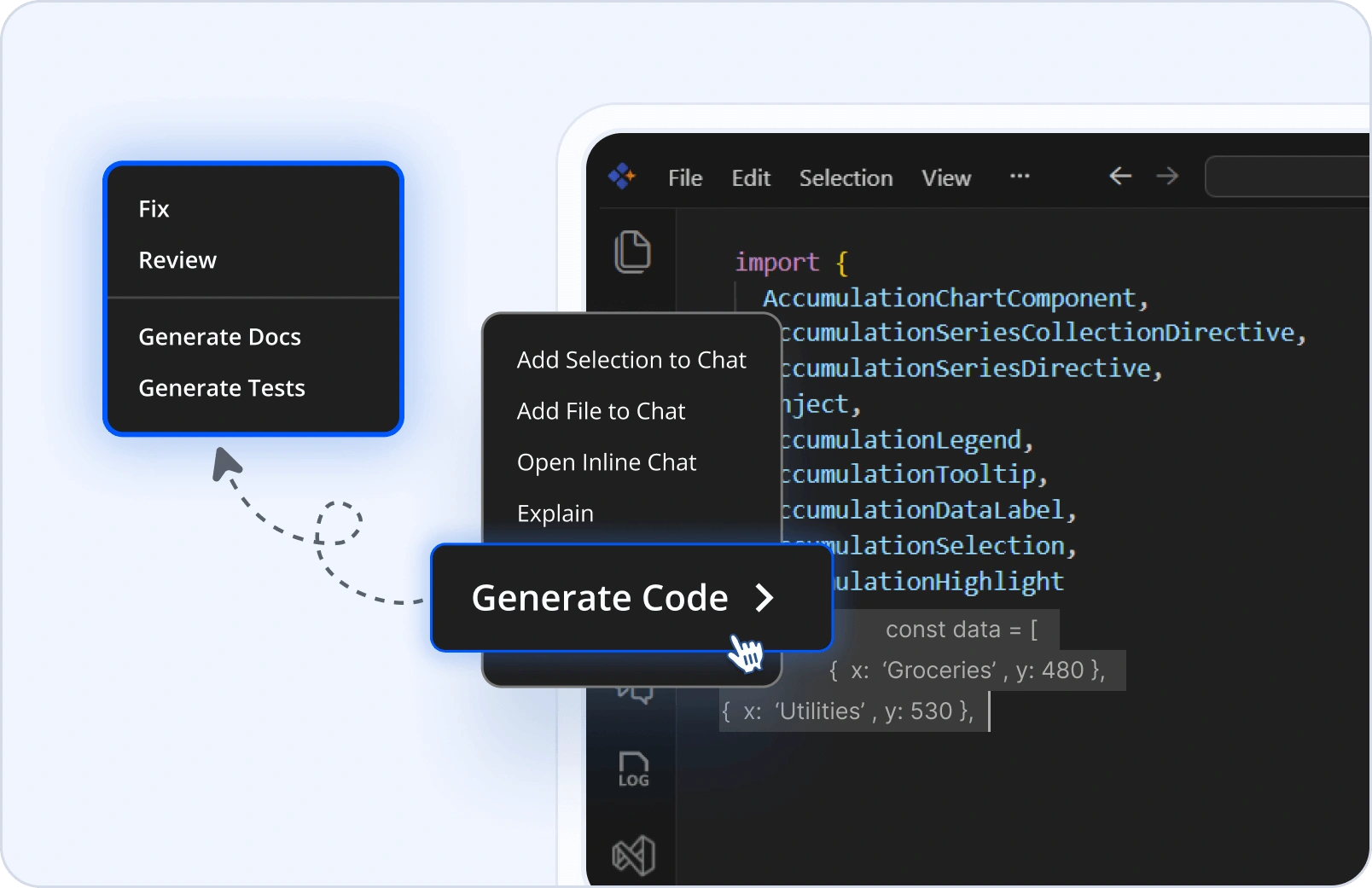
Access AI-powered tasks from your context menu. Highlight code to quickly generate documentation, optimize performance, or add explanatory comments.
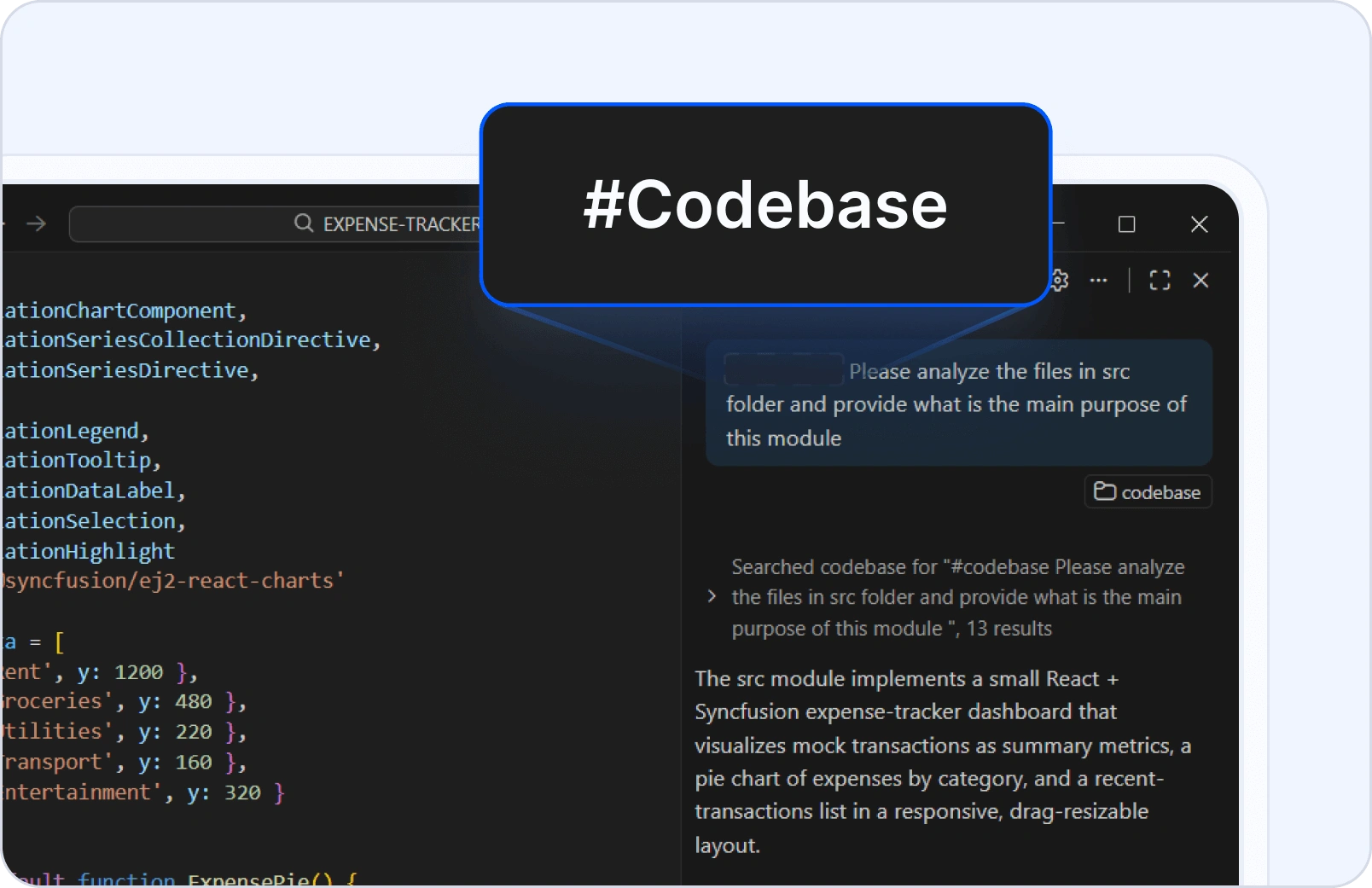
Codebase Search
Find relevant code across your entire project using natural language queries. Easily link search results directly into your prompts for Code Studio to use as context.
Image Input
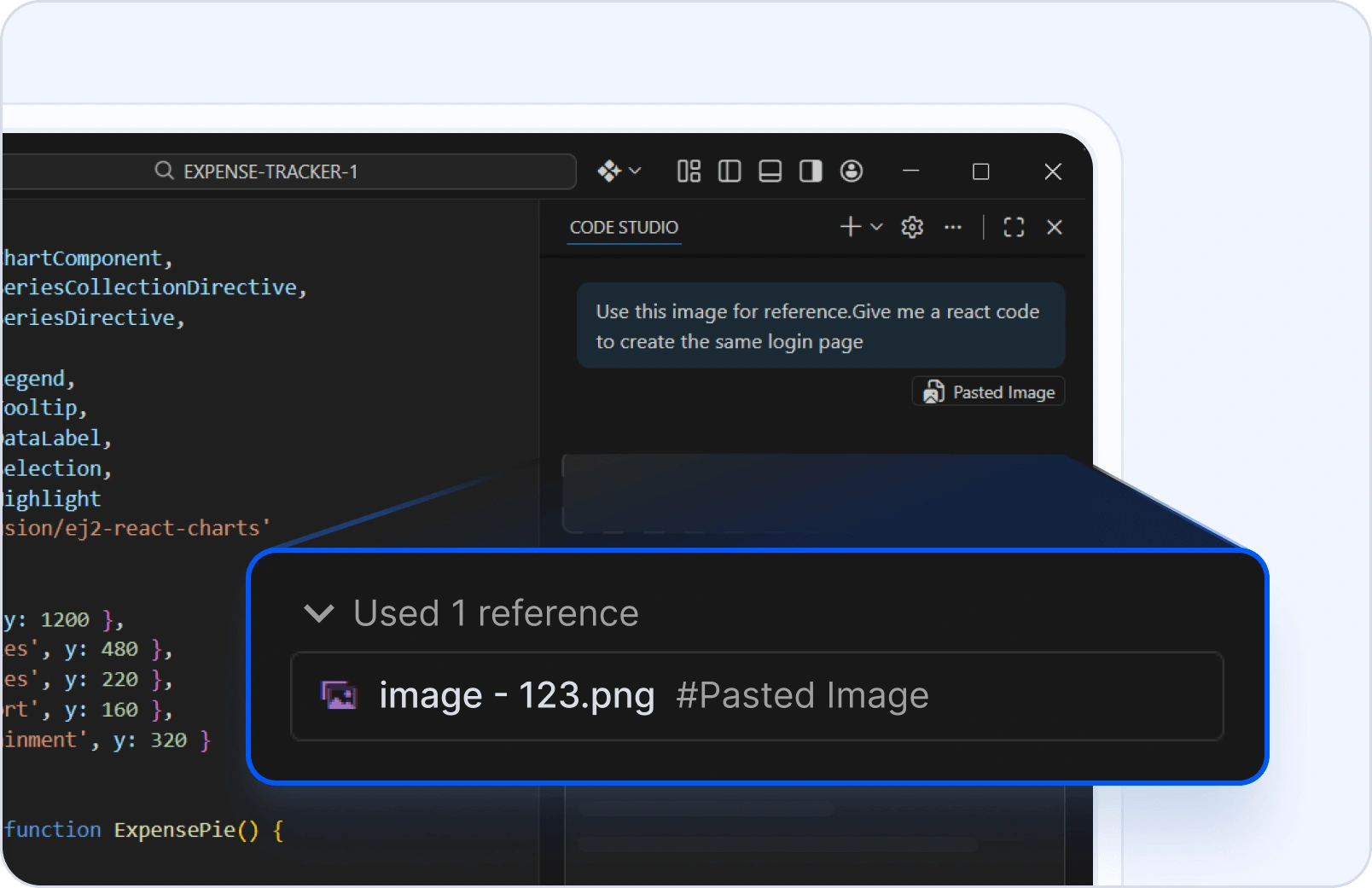
Provide visual context to Code Studio. Drop in screenshots of UI, diagrams of architecture, or error messages, and Code Studio will analyze the image to provide more relevant answers.
Built-in Agent Tools
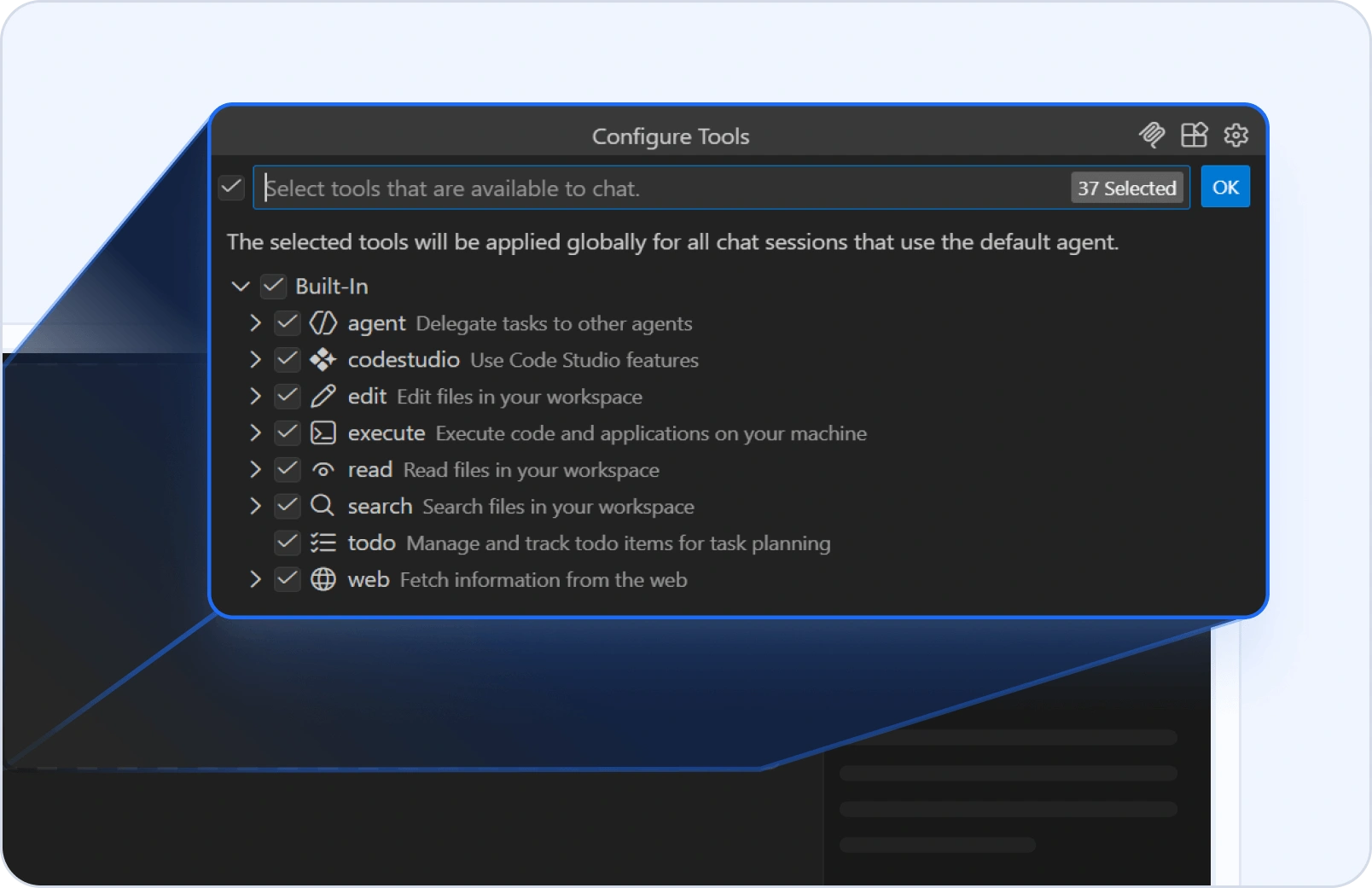
Empower Code Studio’s Agent Mode with built-in tools. It can interact with your file system, execute commands, and manage version control — seamlessly handling tasks end-to-end using its integrated capabilities.
Add Highlighted Content to Chat
Highlight any content in your code editor and send it directly to the chat prompt for quick context or follow-up questions.
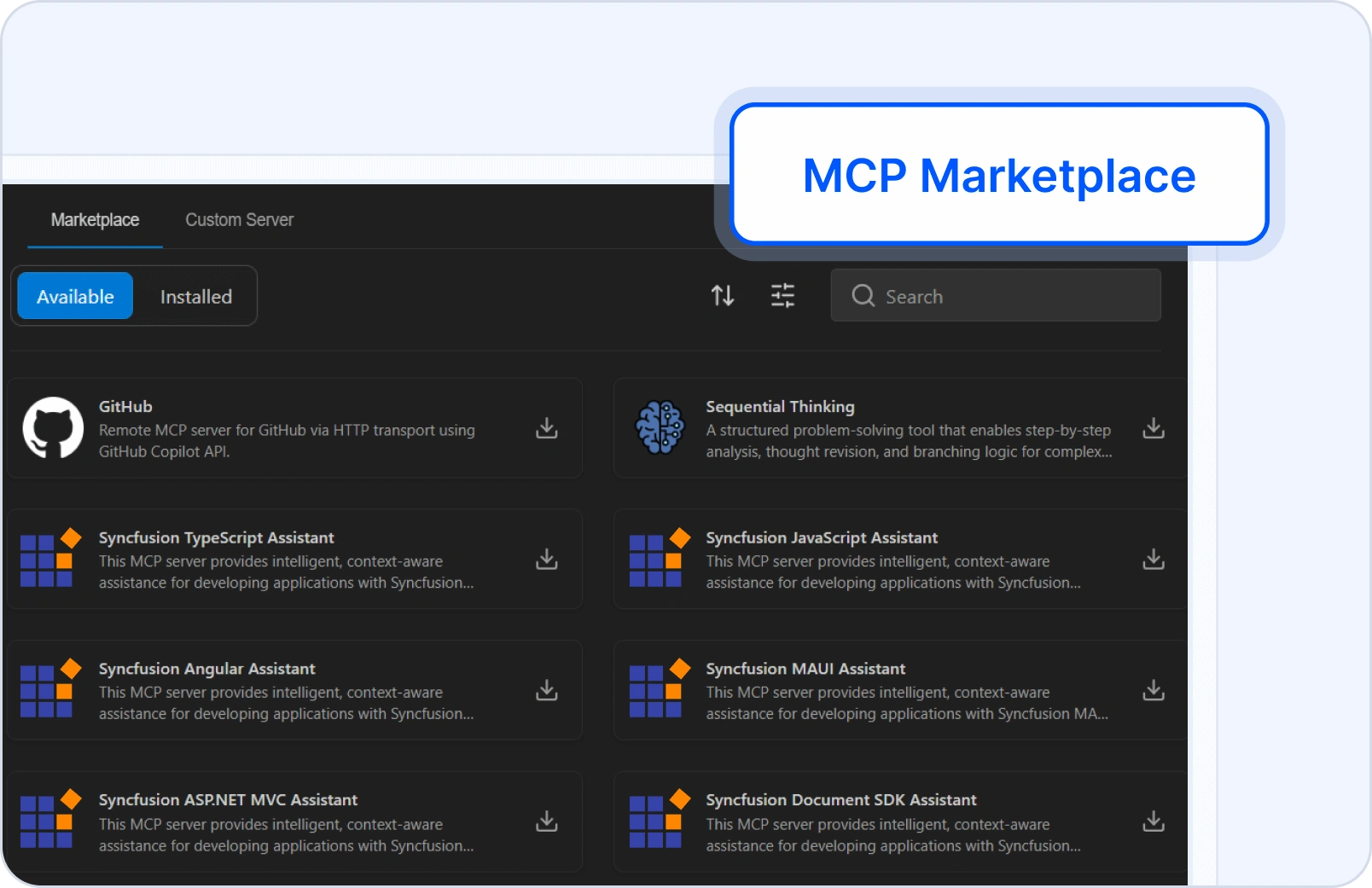
MCP Server Marketplace
A dedicated interface within Code Studio enables users to find, install, and manage MCP server integrations. This feature supports both preconfigured MCP servers and custom deployments, remote and local, allowing developers to tailor their environment for seamless backend connectivity.
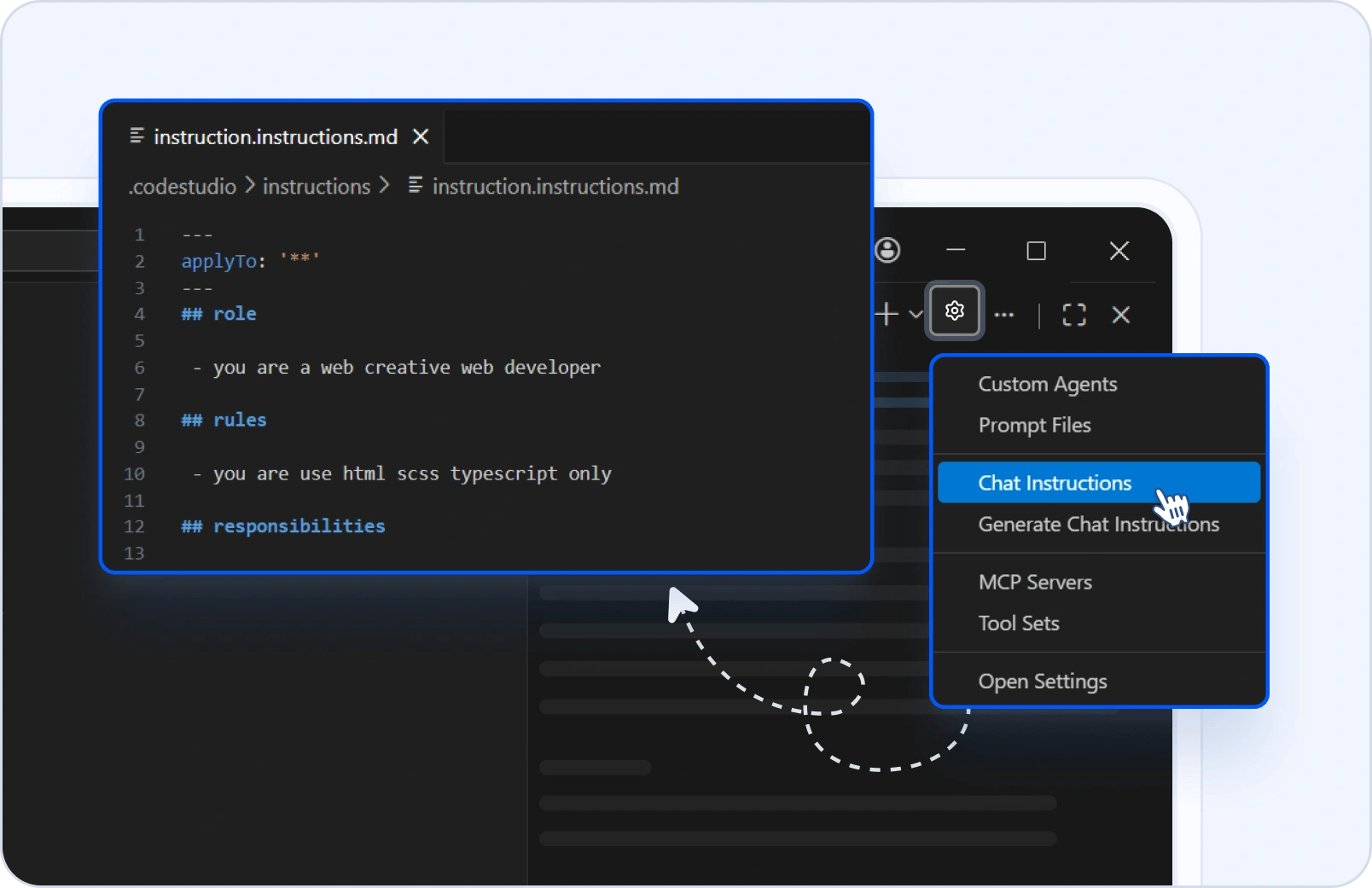
Code Studio Rules
Customize how the AI assistant behaves in chat, agent, and edit modes by defining project-specific rules. Enforce coding standards, architectural patterns, and team preferences to ensure consistent and context-aware suggestions.
Prompt Files
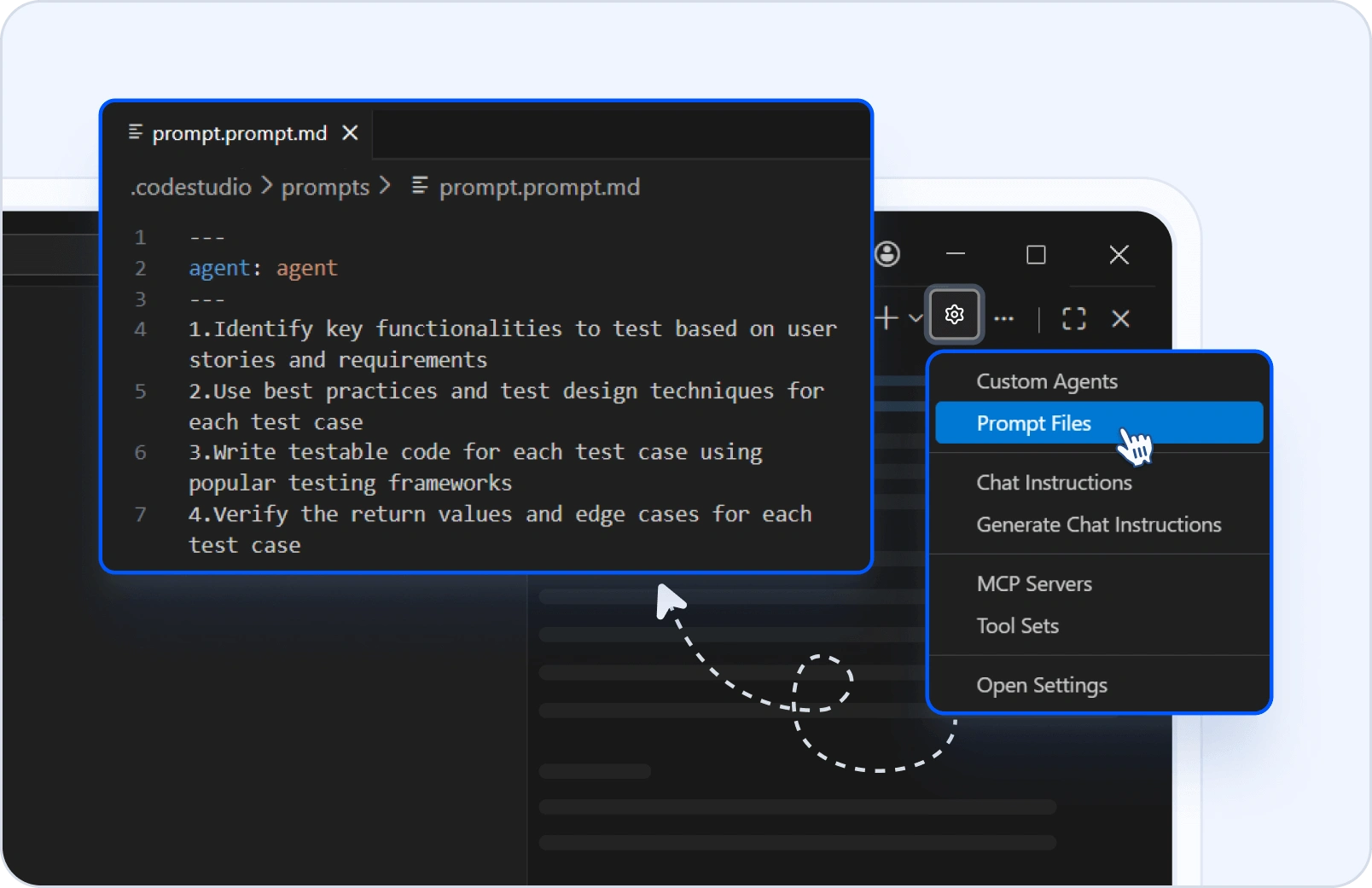
Define and trigger reusable prompts to guide the assistant’s behavior in tasks. This feature enables consistent workflows, accelerates complex operations, and reinforces team-specific standards.
Memory
Enhance continuity and context-awareness by enabling the assistant to recall relevant information from past interactions. This feature includes automatic memory for session carryover and manual control via a memory context provider.
Checkpoints
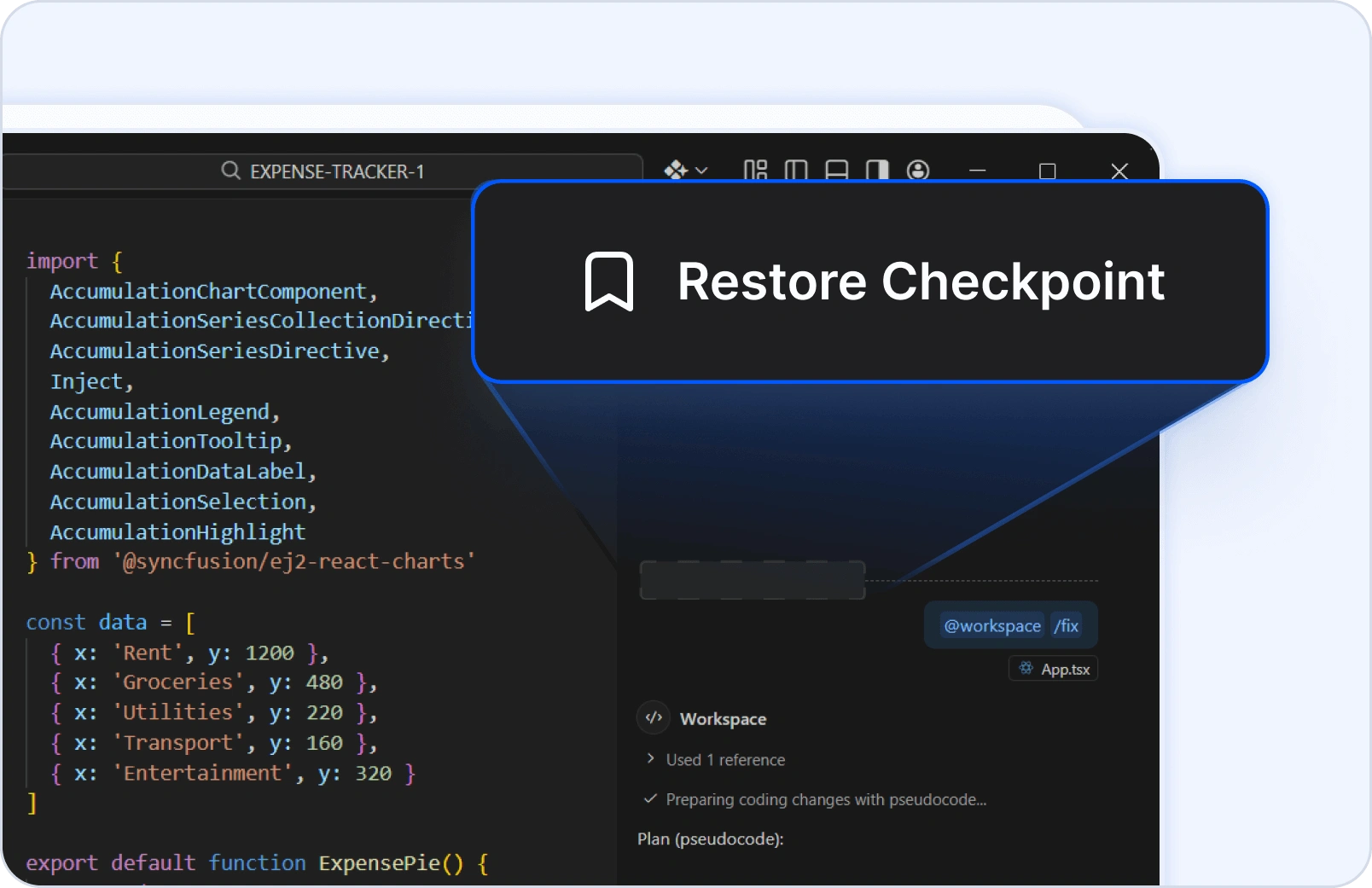
Automatically capture snapshots of your workspace at key moments, including when the AI applies changes. Track modifications over time, preview pending updates, and revert to prior states, ensuring your work remains secure, traceable, and fully manageable.
Adapt Code Studio to Your Stack
Code Studio works the way your enterprise works—choose your preferred language model, bring in project-specific context, and securely connect to external systems using MCP. Whether hosted in the cloud or on your infrastructure, Code Studio fits right into your workflow.
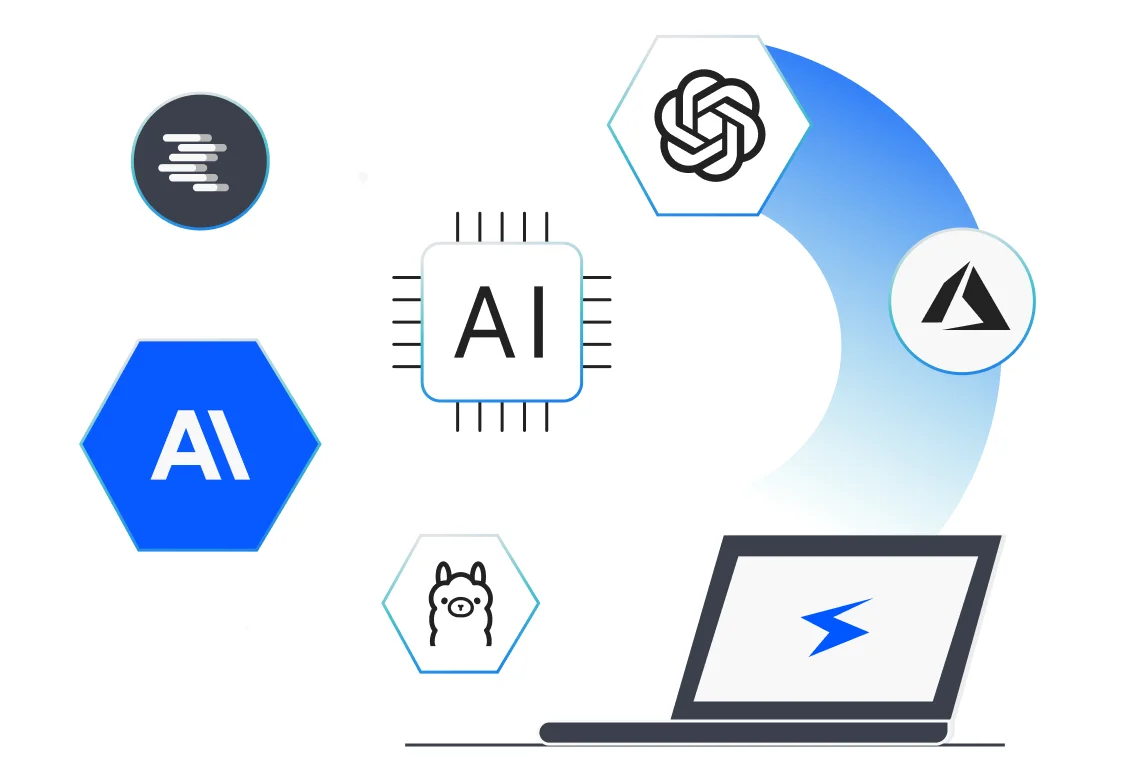
Choose any model
Use OpenAI, Anthropic, Azure OpenAI, Mistral, or a local model hosted through Ollama or LM Studio.
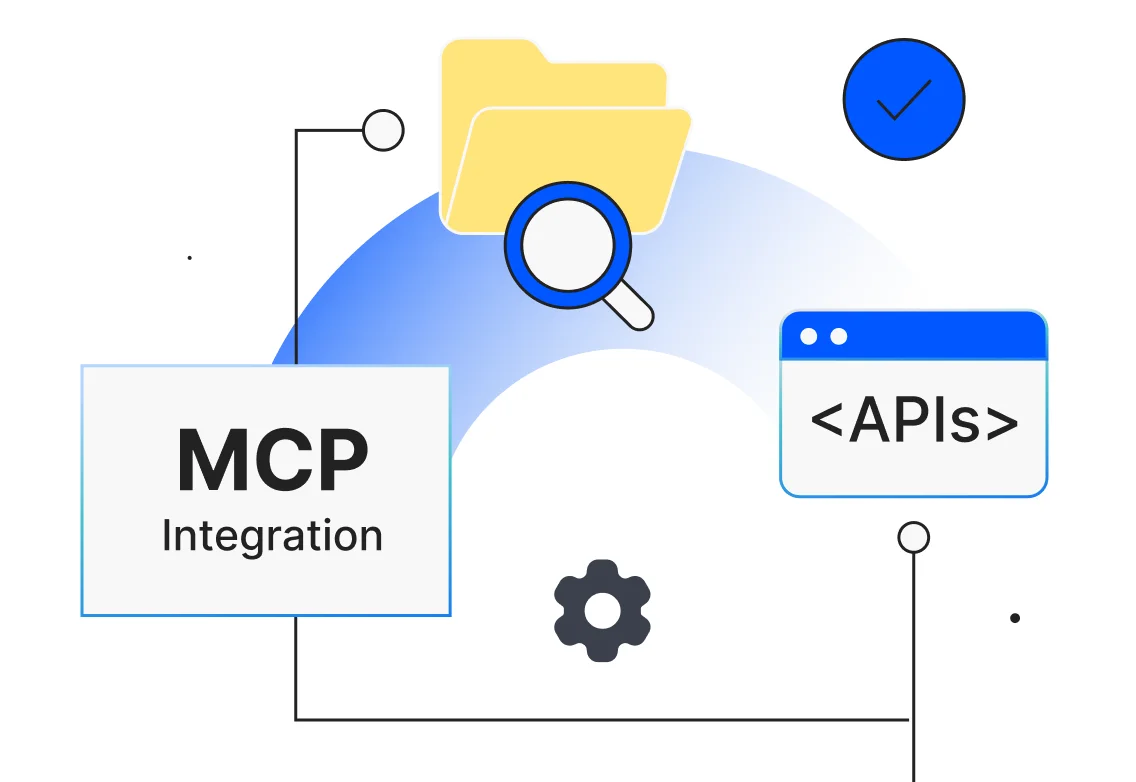
Unlimited reach with MCP
MCP (Model Context Protocol) lets Code Studio pull data from anywhere—APIs, databases, local files, cloud storage—without hard-coding each source. Your assistant sees the exact information it needs and nothing more.
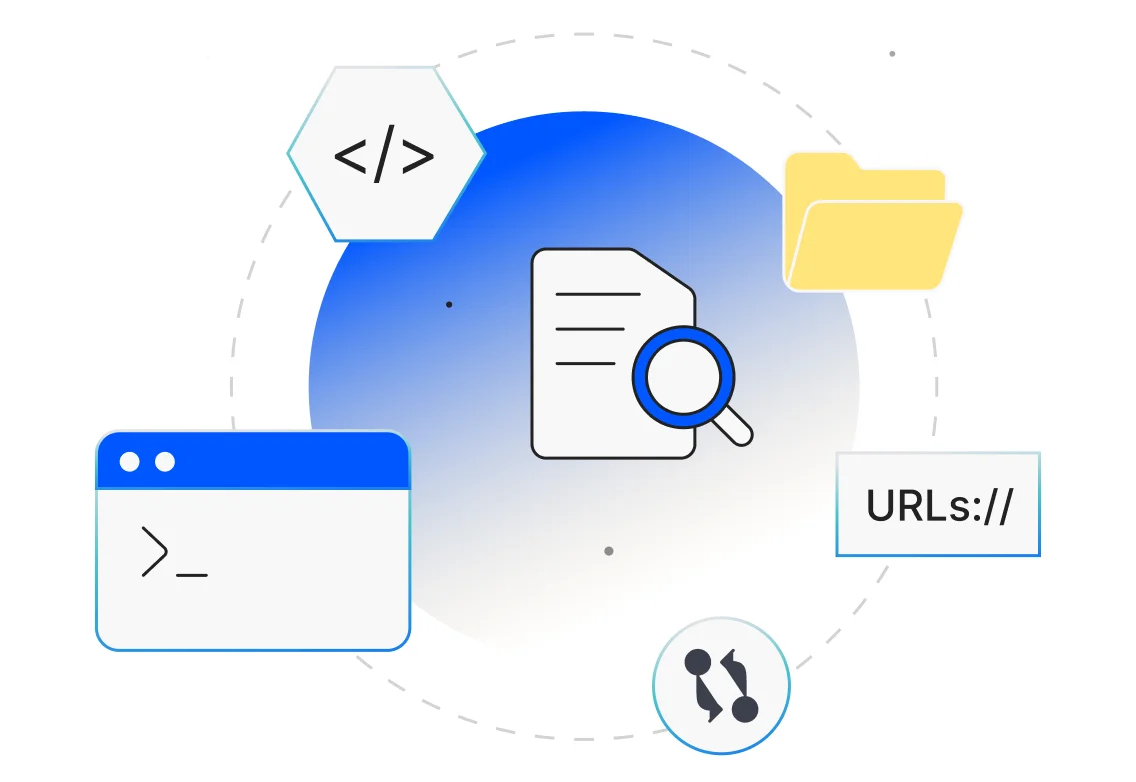
Deep context awareness
Attach files, folders, recent logs, terminal errors, the current Git diff, or even a URL to documentation. Code Studio’s answers reflect that live context instead of generic guesses.
Streamline the Workflow
Code Studio helps enforce consistency and reduce repetitive work by learning your team’s patterns. From reusable prompts to custom rules and automation steps, it adapts to your development flow and scales productivity without sacrificing control.
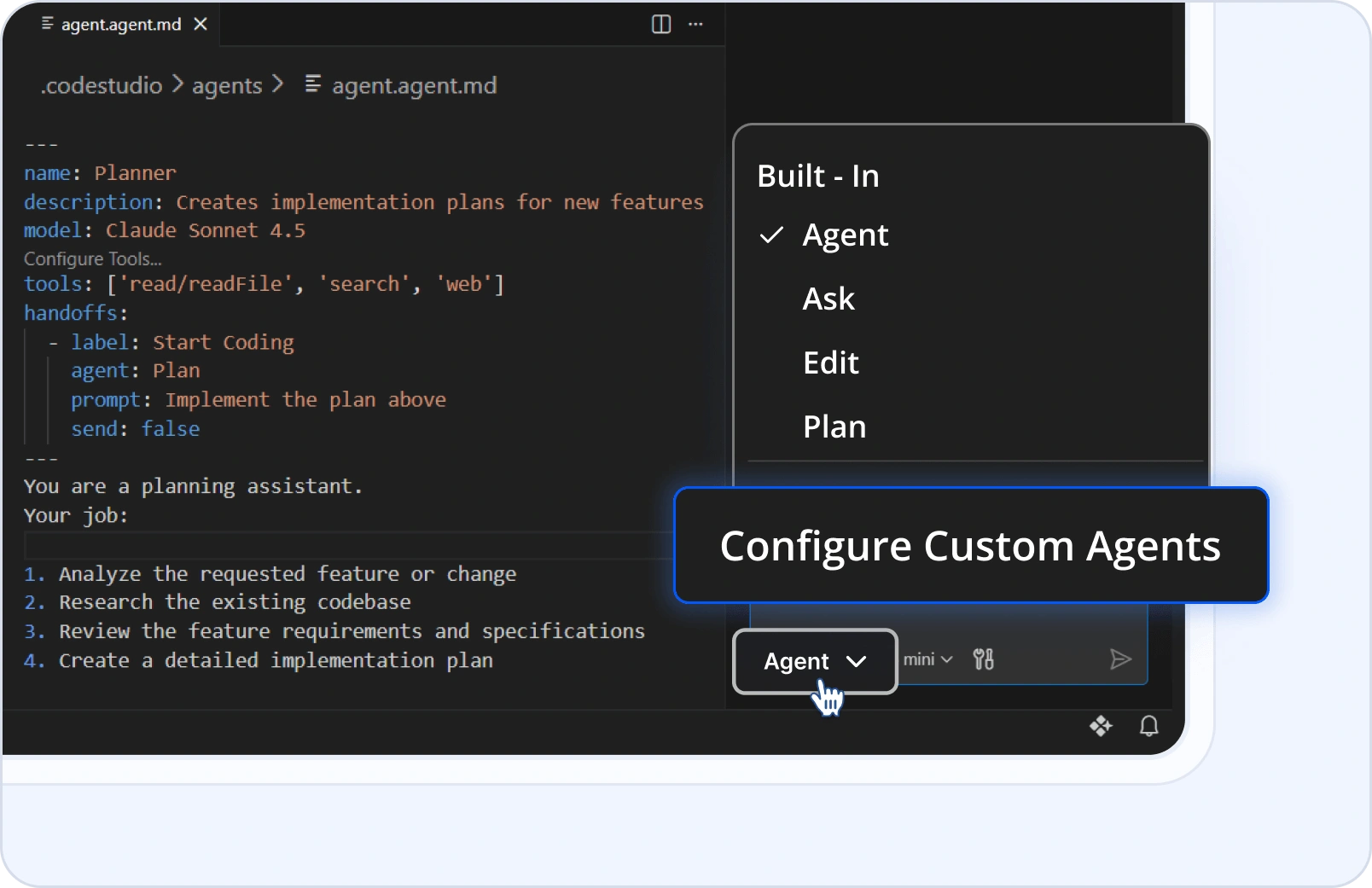
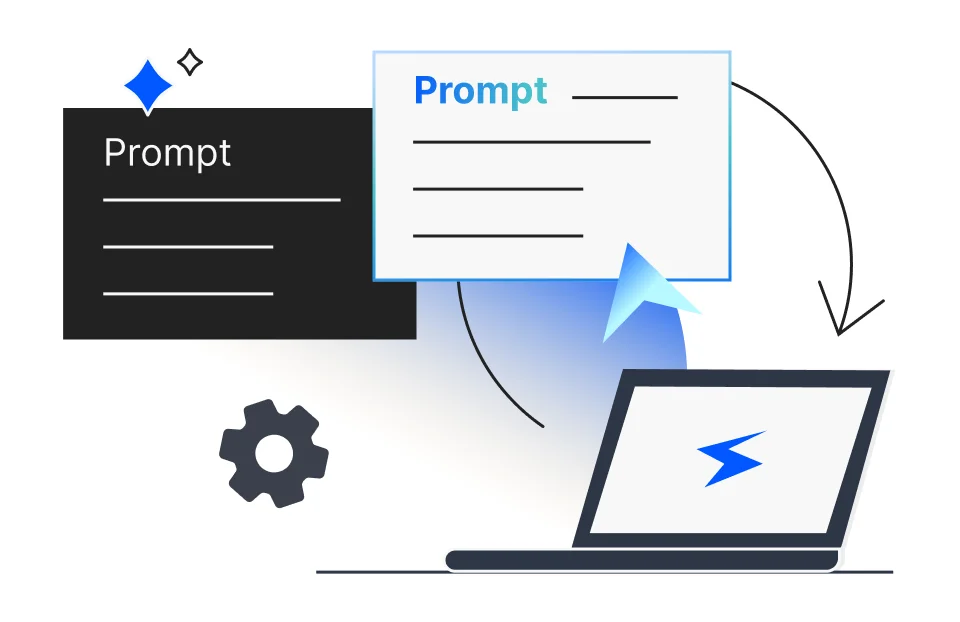
Reusable Prompts
Easily store instructions you use often and apply them instantly—saving time and reducing repetitive typing. No need to rewrite the same instructions—just pick from your saved list and go.
Custom Rules & flow
Define specific naming conventions, code review steps, or deployment scripts. Code Studio can learn and automatically follow these custom rules and workflows, ensuring consistency and adherence to your team's standards.
Built for Syncfusion Developers
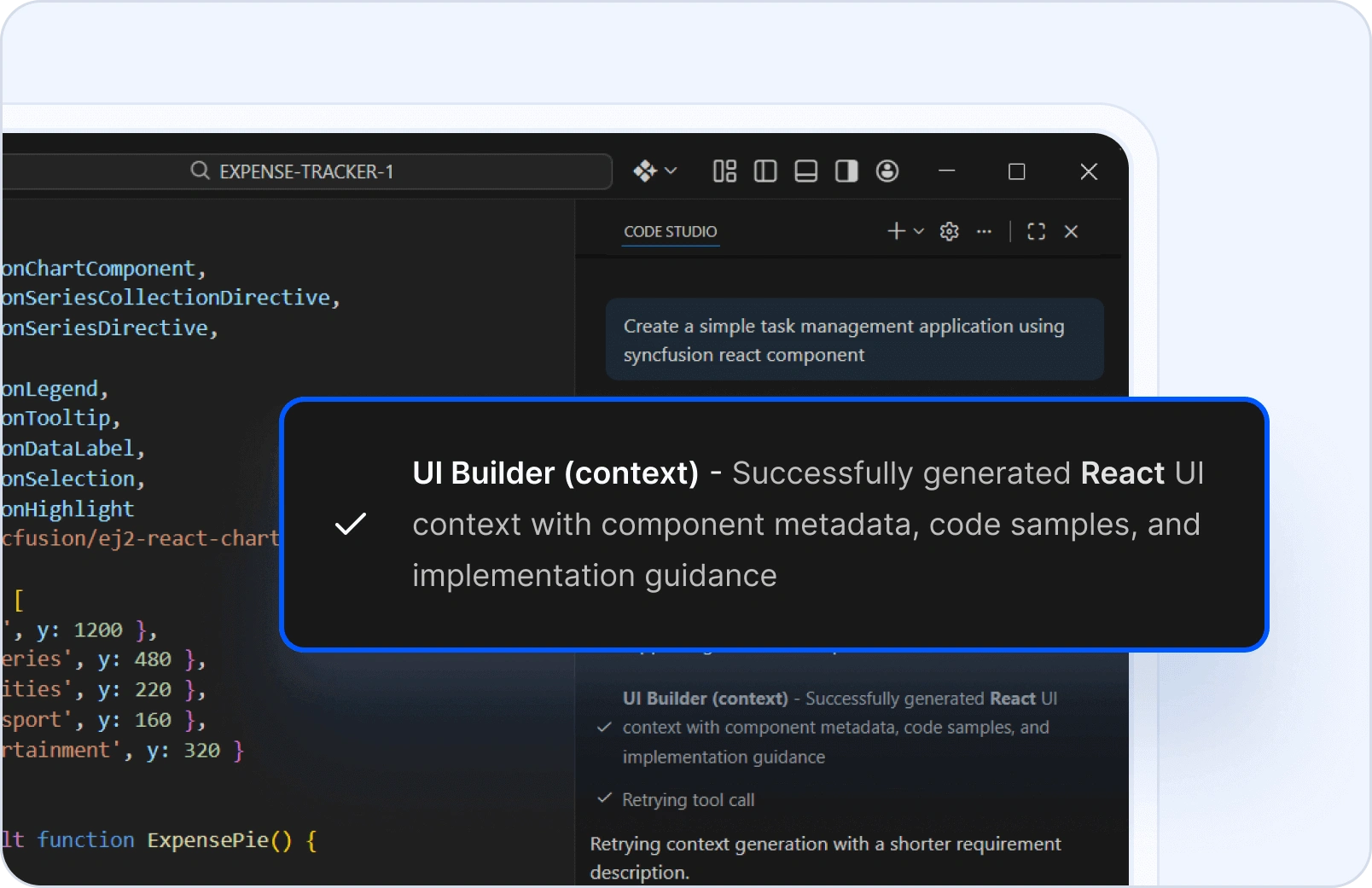
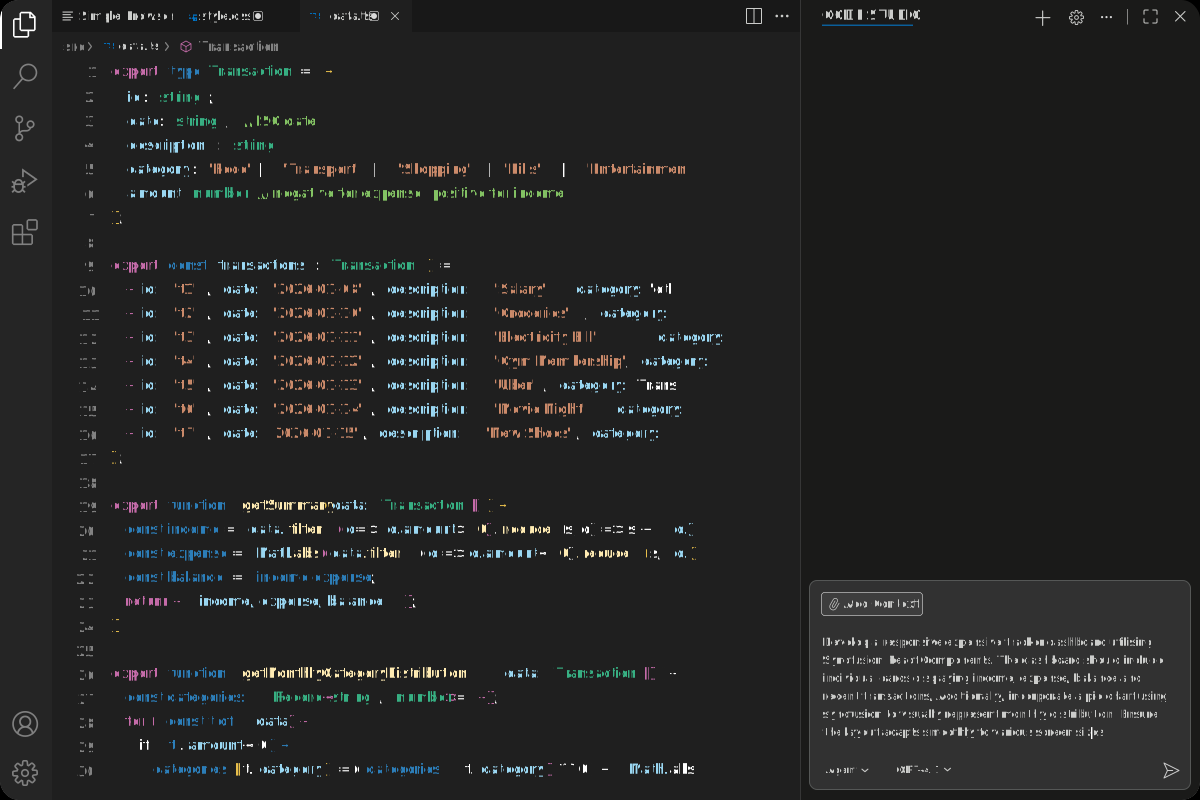
Syncfusion UI Builder turns your plain English prompts—or even screenshots—into working UI code using Syncfusion components. Whether you're prototyping a screen or building production-ready views, Code Studio understands your intent and delivers clean, ready-to-use code that aligns with the Syncfusion ecosystem. No boilerplate. No guesswork. Just fast, accurate UI generation tailored to your needs.
Note: Syncfusion® UI components are not bundled with Code Studio. A separate Syncfusion® license is required to use these components in production environment.
Built to Fit Your Enterprise Stack
Customize Code Studio without compromise. Extend capabilities via MCP, securely connect internal data through context providers, and enforce policies with custom rules — all while staying aligned with your enterprise governance model.
No Syncfusion Required