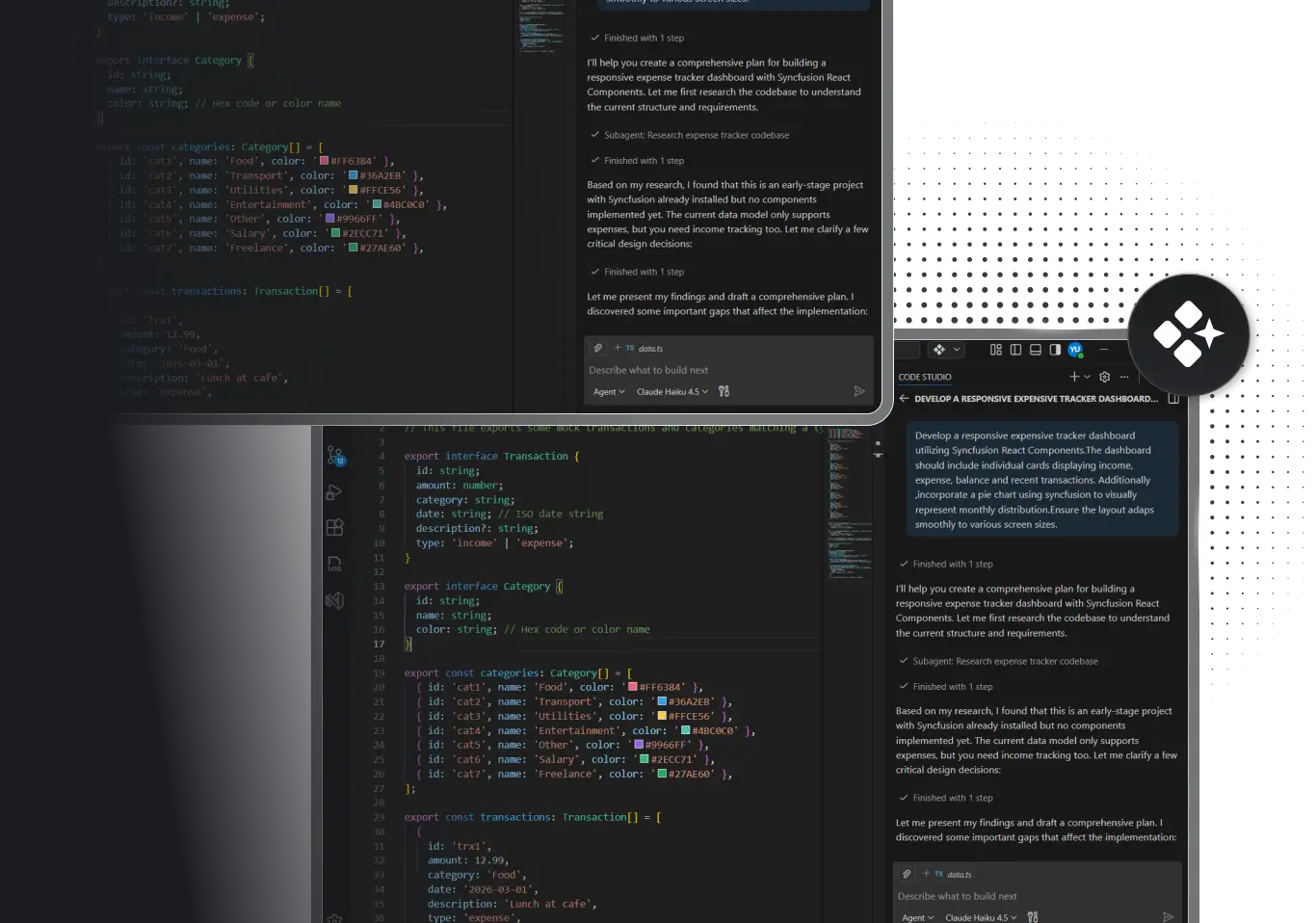
STANDARDIZE SAMRTER. GOVERN EASIER
Take Initiatives From Plan to Production With Stronger Governance and Less Delivery Friction.
Stop fighting standards drift across multiteam initiatives. Code Studio embeds your architecture guardrails directly into code generation so all teams stay aligned automatically. Monitor compliance, govern execution and ship at scale.
-
Standards enforced automatically.
-
Visibility across teams.
-
Compliance tracking.
-
Governed releases.


Built by Syncfusion. Trusted by 40,000+ enterprises.
24+ years of developer tools, now reimagined for the agent first era.

Enterprises

UI Components

Years in Business

Fortune 500Companies
What is Code Studio for Enterprise Architects?
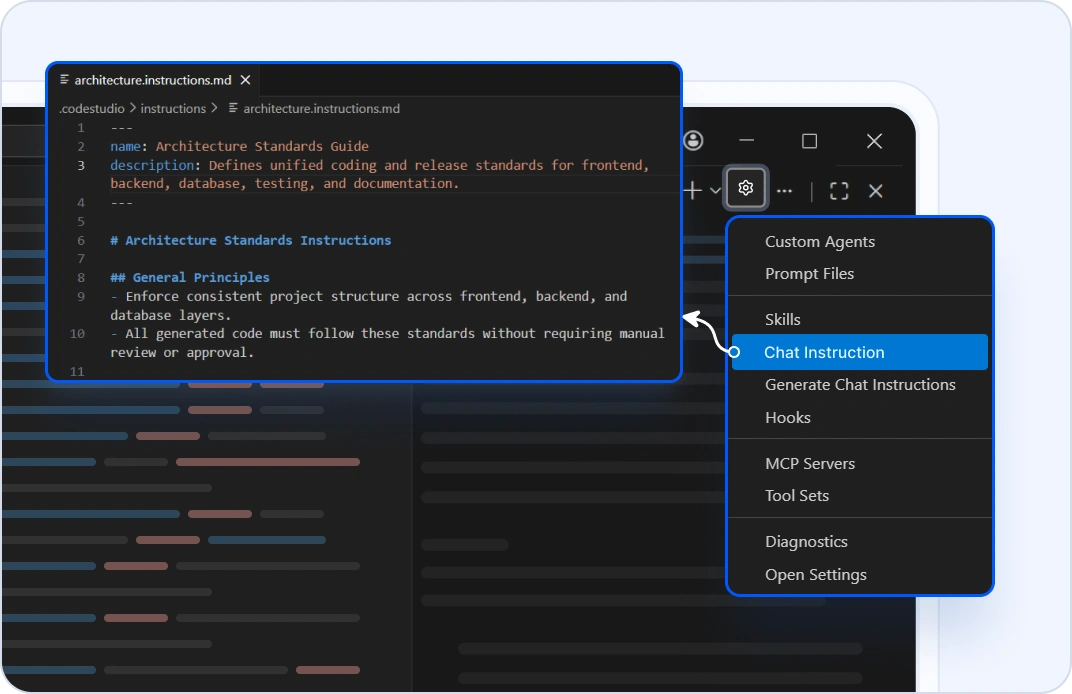
STANDARDS THAT STICK
Define Once, Enforce Everywhere
Define architecture standards once as custom chat instructions. Code Studio applies them automatically every time teams generate code. No reviews, no approvals.
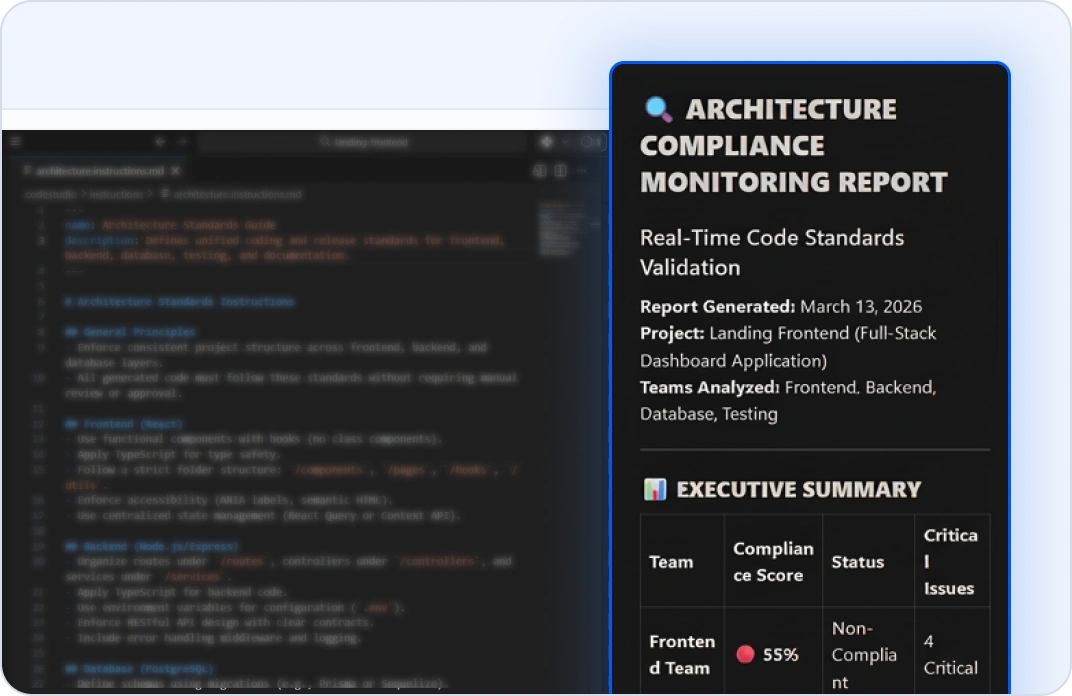
VISIBILITY ACROSS TEAMS
See Architecture Adherence in Real-Time
Agent mode monitors code generation autonomously. Know instantly which teams align with your standards and where drift exists.
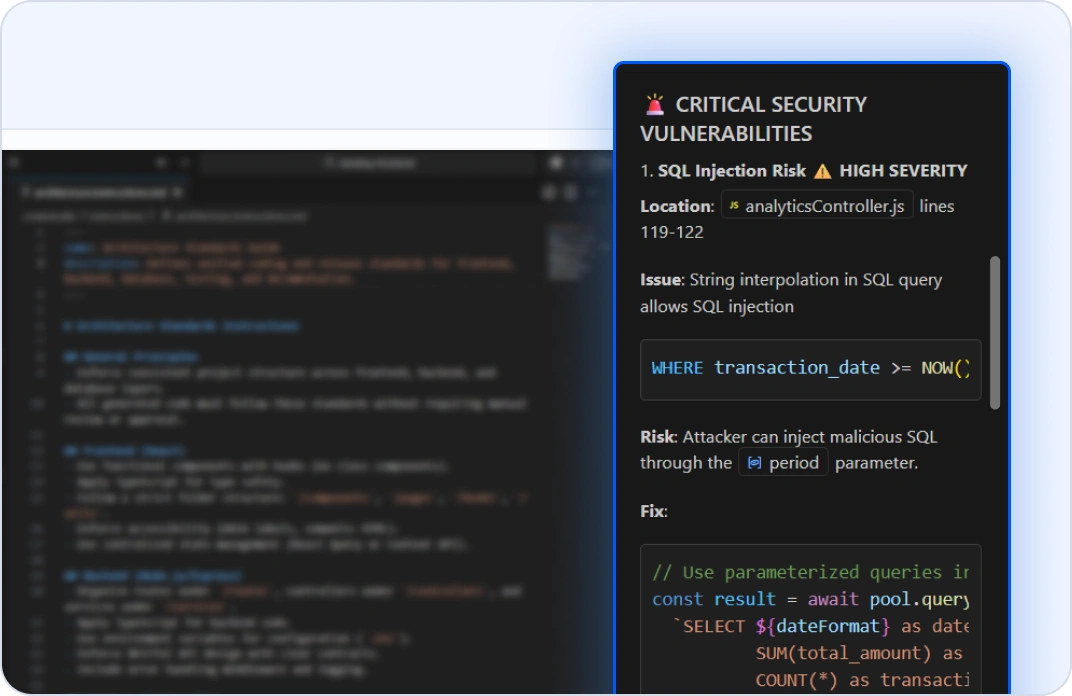
AUTOMATIC DRIFT DETECTION
Catch Problems Before They Spread
Code Studio flags violations automatically, including missing security controls, nonstandard patterns, and risky integrations. See issues early with clear remediation context.
RELEASE VALIDATION AT SCALE
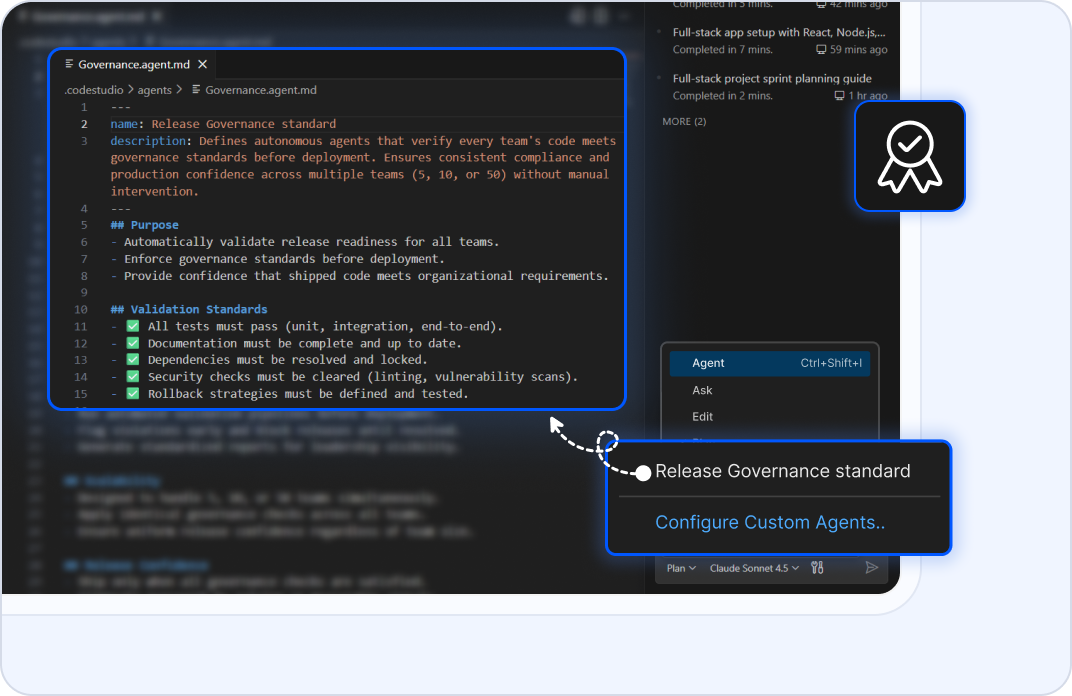
Custom Release-Checking Agents
Create autonomous agents that verify that every team's code meets governance standards before deployment. Ship with certainty across 5, 10, or 50 teams.
Why Enterprise Architects Choose Code Studio?
Standards enforcement at generation time
Active guardrails, not static docs.
Multi-team visibility
See architecture adherence across 5, 10, or 50 teams.
Compliance tracking
Monitor governance metrics and catch drift early.
Scaled governance
Govern large initiatives without adding manual process overhead.
Data-backed decisions
Release with measurable evidence of standards adherence.
Got Questions?
Everything else enterprise architects need to know about Code Studio
Write custom instructions in Markdown that describe naming patterns, design patterns, dependency rules, security requirements, compliance rules. Agent mode automatically follows them when generating code. Standards become active guardrails, not static documents.
Yes. Code Studio strengthens governance by making standards enforceable at generation time. You keep your architectural review boards, approval processes, and documentation. Code Studio adds automatic compliance checking and visibility.
Plan mode shows the complete initiative across all teams and services. It visualizes dependencies and sequencing. Agent mode respects architecture standards from every team. Coordinate at scale without chaos.
Ask mode flags deviations automatically. Plan mode shows which patterns are noncompliant. It surfaces them early and suggests remediation with clear context. Drift is visible.
Your codebase and architecture never leave your machine. Code Studio doesn't use your workspace or standards to train models. All processing happens locally or through encrypted connections. Your intellectual property stays completely private.
Yes. Define security patterns, authentication flows, encryption requirements, and data handling rules in custom instructions. Agent mode generates code that follows them everywhere. Your security standards are enforced automatically across all generated code.
Plan Mode analyzes your codebase and reports adherence metrics. Ask Mode audits services for compliance. You see pattern adoption, drift detection, and rollout progress across teams and environments measurably.
Update your custom instructions. Plan Mode re-analyzes against new standards. Agent Mode generates code following the new patterns. Existing code can be incrementally modernized. Evolution happens without disrupting delivery.
Plan mode shows migration paths from legacy patterns to modern ones. You can modernize incrementally without big-bang rewrites. Legacy code is understood, new code follows standards, and governance improves over time.
Yes. Define cloud-specific patterns, deployment requirements, and integration rules in custom instructions. Agent mode generates code for multiple clouds that respects your governance consistently.
Plan mode generates clear, auditable records of what changed and why. Ask mode explains architectural decisions. Your governance is documented automatically by the process.
Ask mode can explain your standards to teams. Agent mode enforces them automatically, so compliance doesn't depend on perfect understanding. Governance becomes practical, not theoretical.
No. Code Studio automates standards enforcement so your existing architects can focus on strategy, not tactical oversight. You maintain governance rigor without proportional headcount growth.
The Syncfusion team is here for you. Email [email protected] or use the help panel inside Code Studio. We understand enterprise complexity and respond fast.
Plan mode reads your portfolio and validates governance adherence before execution. It shows what needs to change to meet standards. Agent mode executes: it updates all teams' code to follow standards automatically, all with your approval.
Stop fighting standards drift. Start shipping at scale
- Proven
- Scalable
- Enterprise-grade