
How To Center Align The Background Image In A Cell In Winforms Gridcontrol?


backgroundimage
center-align
imagemode
In WinForms GridControl, a background image can be applied to a specific cell. To align the background image to the center, set the BackgroundImageMode property to CenterImage. This helps ensure the image is properly centered within the cell.
 private void OnAddImage(object sender, EventArgs e)
 {
     var img = Image.FromFile(@"..\..\Images\img.png");
     this.gridControl1[2, 2].CellType = "Image";
     this.gridControl1[2, 2].BackgroundImage = img;
     this.gridControl1[2, 2].BackgroundImageMode = GridBackgroundImageMode.CenterImage;
 }
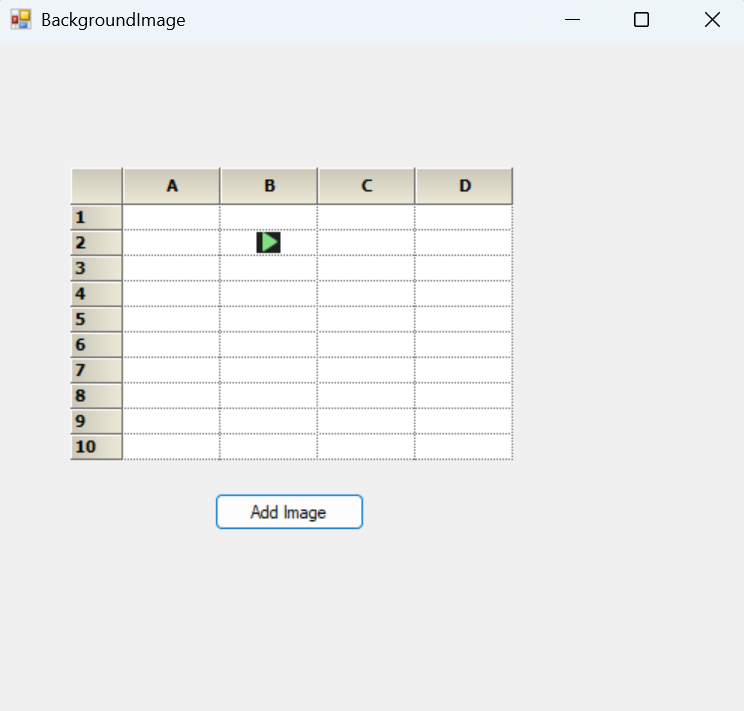
Take a moment to peruse the WinForms GridControl - BackgroundImage documentation, where you can find about background image with code examples.

