
React Scheduler Crud Django Mysql


crud
django
django-framework
django-rest-framework
mysql
python
react
react-scheduler
reactjs
scheduler
syncfusion
syncfusion-react-schedule
Syncfusion React Scheduler CRUD Application with Django and MySQL database.
Pre-requisites
- Python 3.6 or above
- Django 3.0 or above
- MySQL 5.7 or above
- React 16.8 or above
- Node 16.17 or above
Steps to run the project
- Clone the repository
- Run the following command to install the required packages
pip install django-cors-headers pip install djangorestframework pip install pymysql pip install dj-database-url pip install mysqlclient - Go to the backend directory
- Need to configure your database in the
backend/scheduler/settings.pyfileDATABASES = { 'default': { 'ENGINE': 'django.db.backends.mysql', 'NAME': 'Your database', 'USER': 'Your username', 'PASSWORD': 'Your password', 'HOST': 'localhost', # Or an IP Address that your DB is hosted on 'PORT': '3306', } } We need to create table in the mysql database. Run the following command to create the table
python manage.py makemigrations

python manage.py migrate
Now lets run the server
python manage.py runserveryou will see the server is running at http://127.0.0.1:8000/
Now open another terminal, on the root directory, run the following command to install the required packages
npm installRun the following command to start the react server
npm run startyou will see the react server is running at http://localhost:3000/
Now you can see the scheduler application running in the browser, and you can able to perform crud operations in the scheduler.
Output Preview
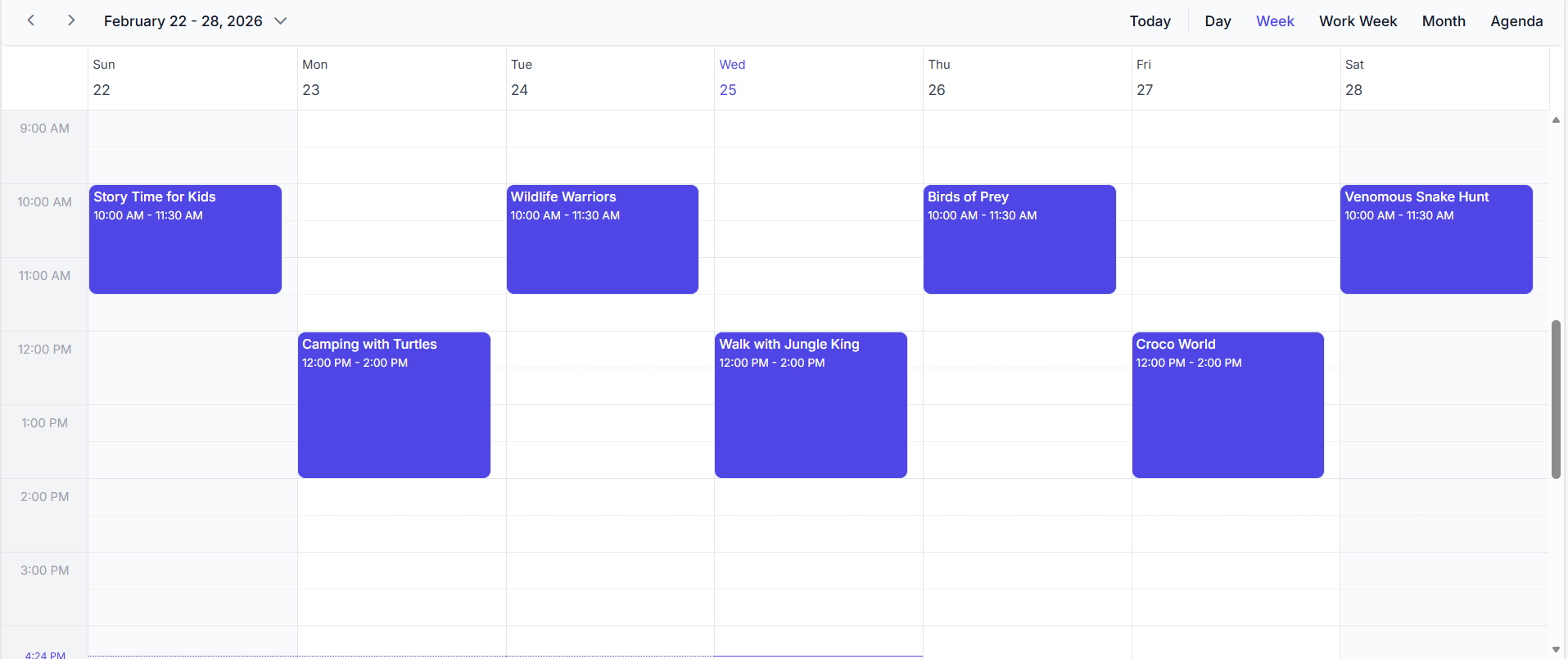 Image illustrating the Syncfusion React Scheduler
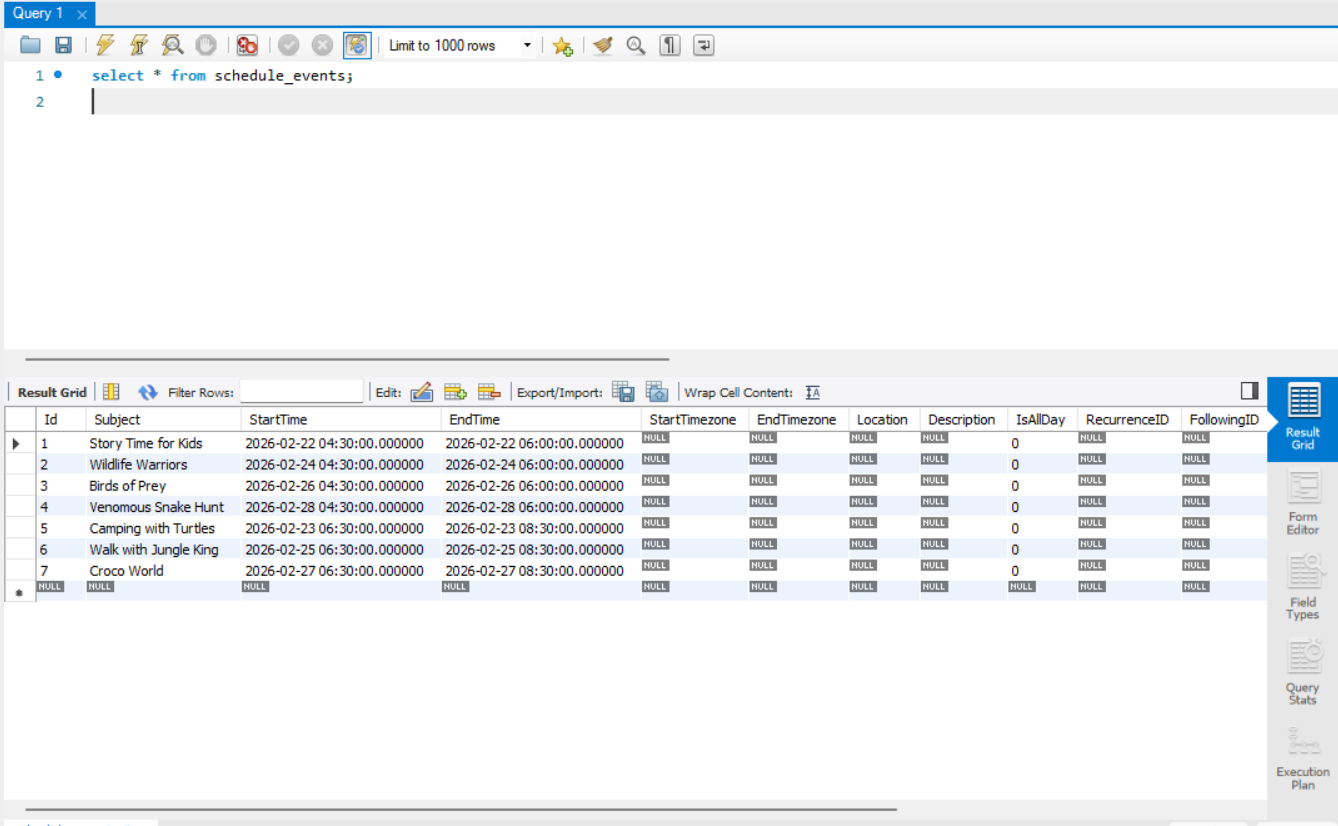 Image illustrating the events of Syncfusion React Scheduler in MYSQL
Troubleshooting
- 401 Unauthorized: Check
NAMEUserandPassword. - CORS errors: Ensure the backend’s CORS configuration explicitly allows the frontend origin (e.g., http://localhost:3000).

