React Data Grid Integration With Sharepoint


datagrid
ej2
grid
react
sharepoint
sharepoint-react-grid
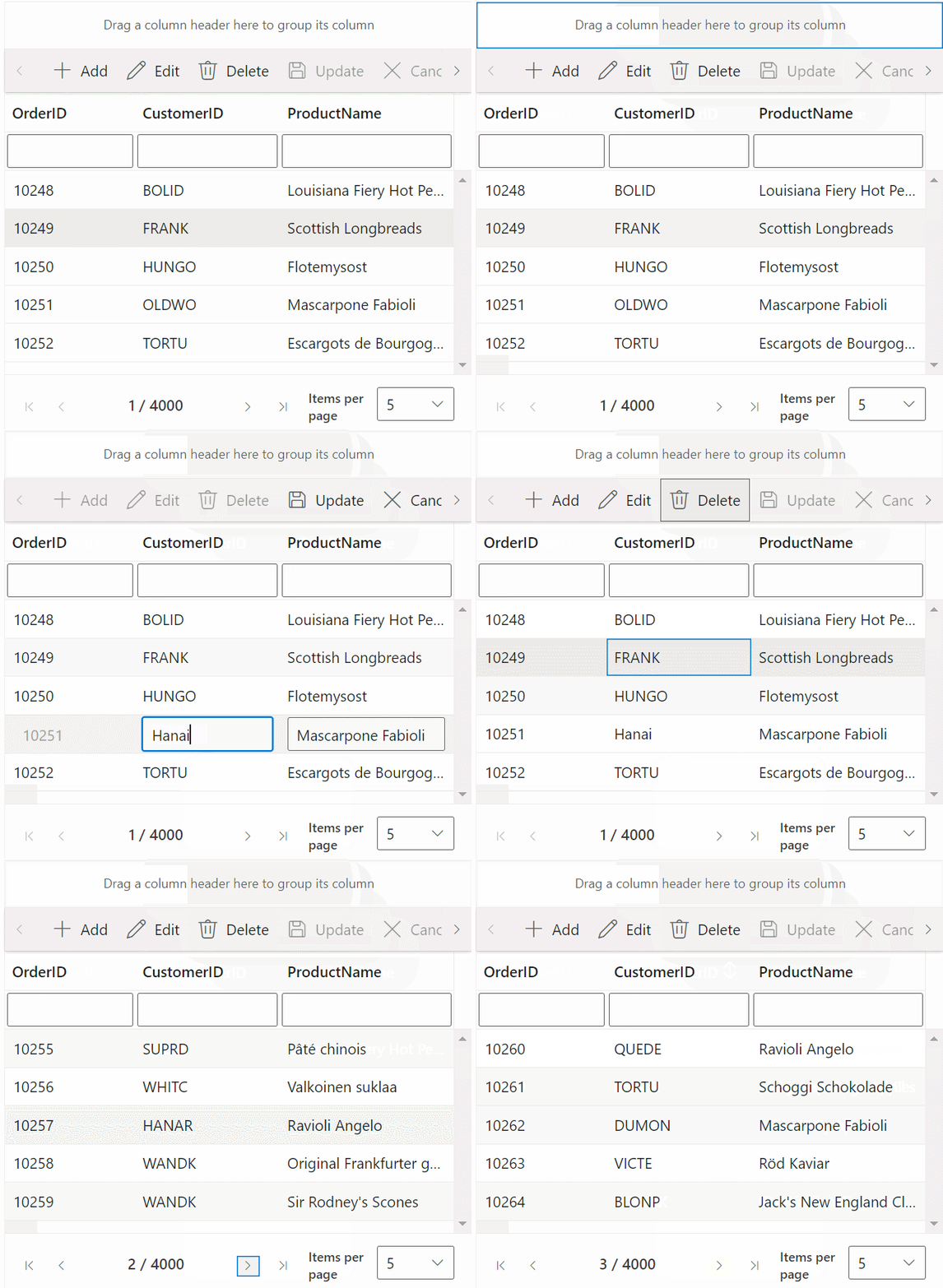
The repository contains a professional demonstration of a SharePoint Framework application featuring a React Grid control. This application showcases essential functionalities such as filtering, searching, grouping, editing, and paging actions, all implemented using custom binding with the Redux concept.
- Execute the following command to install Glup globally,
npm install -g gulp - Execute the following command to install the necessary dependencies,
npm install - Change the initial path of the config/serve.json to your sharepoint site instead of {tenantDomain}
- To prevent certificate-related issues, use the following command,
gulp trust-dev-cert - Run the project using following command,
gulp serve - Click the Add a new web part in column one button.
- Select the ReactGridComponent web part.
Finally, the Syncfusion React Grid control is rendered in your SharePoint Framework client-side web part.