
How To Programmatically Expand Or Collapse Grouped Rows One At A Time In WPF Sfdatagrid


datagrid
grouping
showgroupdroparea
wpf
In WPF DataGrid (SfDataGrid), by default, the ExpandGroupsAtLevel and CollapseGroupsAtLevel methods expand or collapse all group rows at the specified level.
To expand or collapse a specific group, you can use the ExpandGroup and CollapseGroup methods. If you need to expand or collapse all groups at a specific level individually (one at a time), you can iterate through the groups collection and apply the customization for the group.
C#
//Expanding the grouped row.

private static void ExpandGroupToChild(SfDataGrid grid, Group start)
{
    var current = start;
    while (current != null)
    {
        grid.ExpandGroup(current);
        if (current.Groups == null || current.Groups.Count == 0)
            break;

        current = current.Groups[0] as Group;
    }
}


//Collapsing the grouped row.

private static void CollapseGroupToChild(SfDataGrid grid, Group start)
{
    var current = start;
    var chain = new List<Group>();
    while (current != null)
    {
        if (current.Groups == null || current.Groups.Count == 0)
        {
            chain.Add(current);
            break;
        }
        chain.Add(current);
        current = current.Groups[0] as Group;
    }

    for (int i = chain.Count - 1; i >= 0; i--)
        grid.CollapseGroup(chain[i]);
}
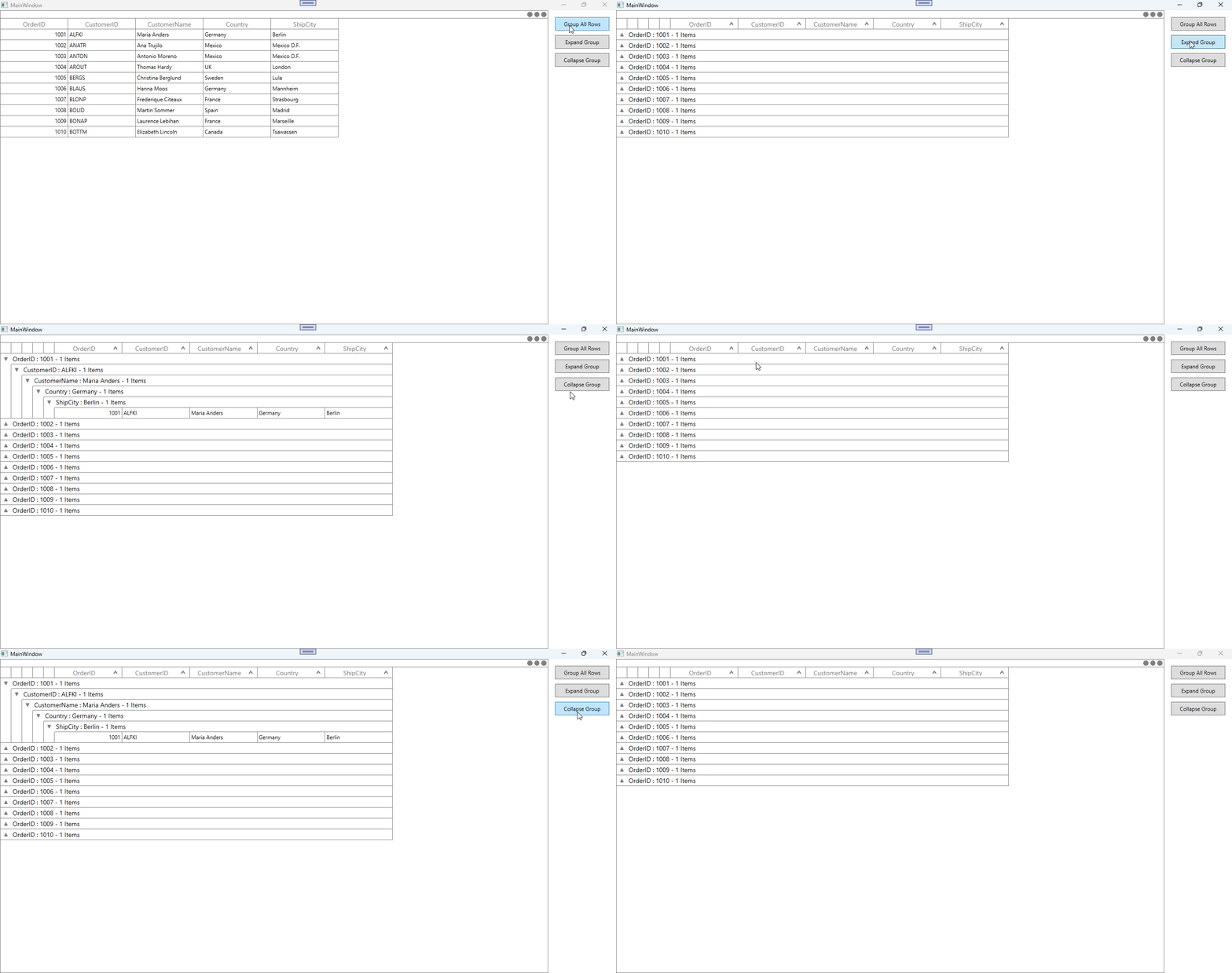
Take a moment to peruse the WPF DataGrid - Grouping documentation, to learn more about grouping with examples.

