How To Maintain The Detailsview Expanded State When Sorting And Grouping The WPF Datagrid?


detailsview
expandstate
grouping
sorting
wpf
wpf-application
wpf-datagrid
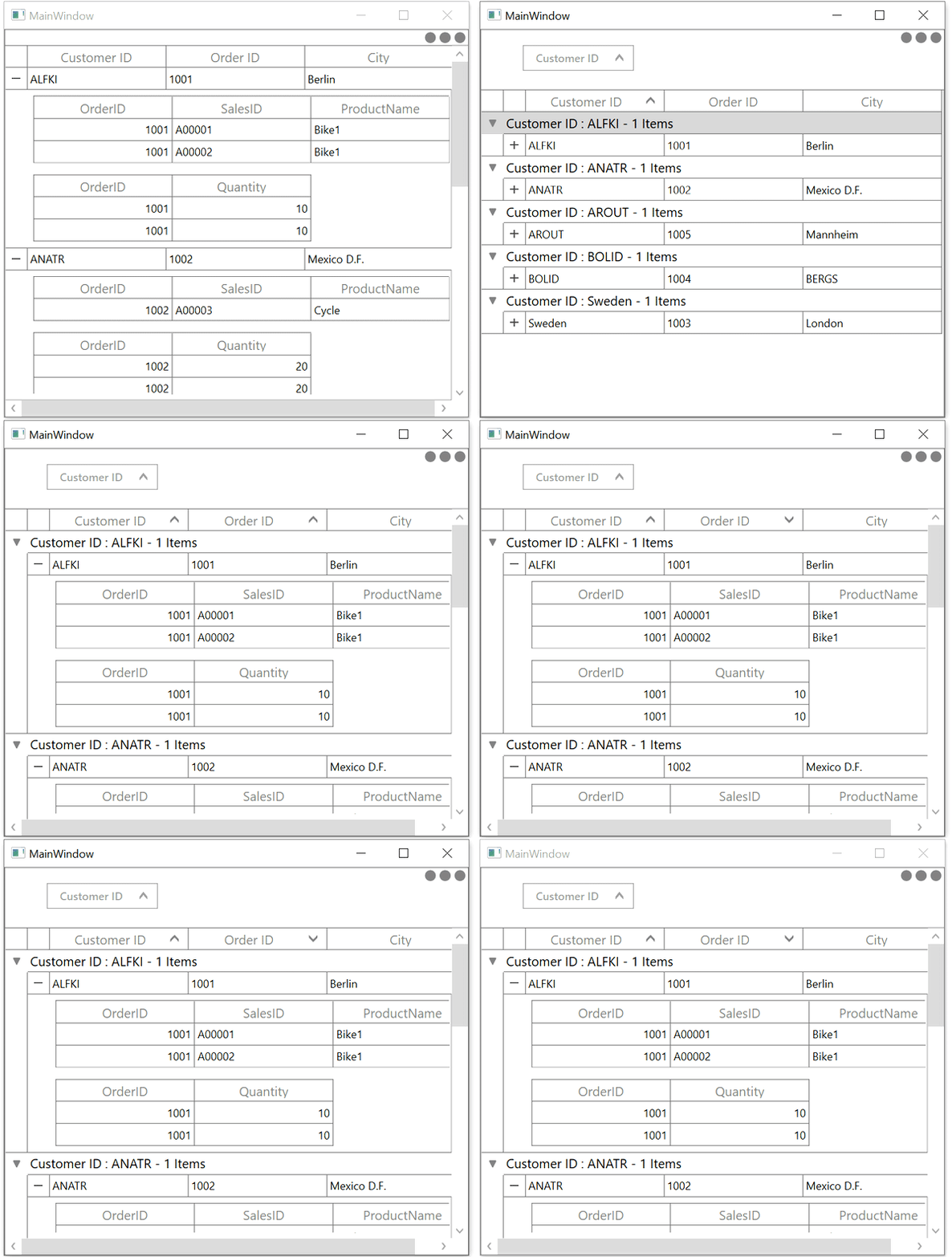
This sample show cases how to maintain the DetailsView expanded state when Sorting and Grouping the WPF DataGrid (SfDataGrid).
When you are processing the data operation (Grouping, Sorting) the expanded DetailsViewDataGrid is collapsed in DataGrid.
Grouping
You can expand all the DetailsViewDataGrid when processing the grouping in SfDataGrid.GroupColumnDescriptions.CollectionChanged event.
this.dataGrid.GroupColumnDescriptions.CollectionChanged += GroupColumnDescriptions_CollectionChanged;

private void GroupColumnDescriptions_CollectionChanged(object sender, System.Collections.Specialized.NotifyCollectionChangedEventArgs e)
{
    dataGrid.Dispatcher.BeginInvoke(System.Windows.Threading.DispatcherPriority.ApplicationIdle,
        new Action(() =>
        {
            this.dataGrid.ExpandAllDetailsView();
        }));
}
Sorting
You can expand all the DetailsViewDataGrid when processing sorting in SfDataGrid.SortColumnsChanged event.
this.dataGrid.SortColumnsChanged += DataGrid_SortColumnsChanged;

private void DataGrid_SortColumnsChanged(object sender, GridSortColumnsChangedEventArgs e)
{
    dataGrid.Dispatcher.BeginInvoke(System.Windows.Threading.DispatcherPriority.ApplicationIdle,
        new Action(() =>
        {
            this.dataGrid.ExpandAllDetailsView();
        }));
}