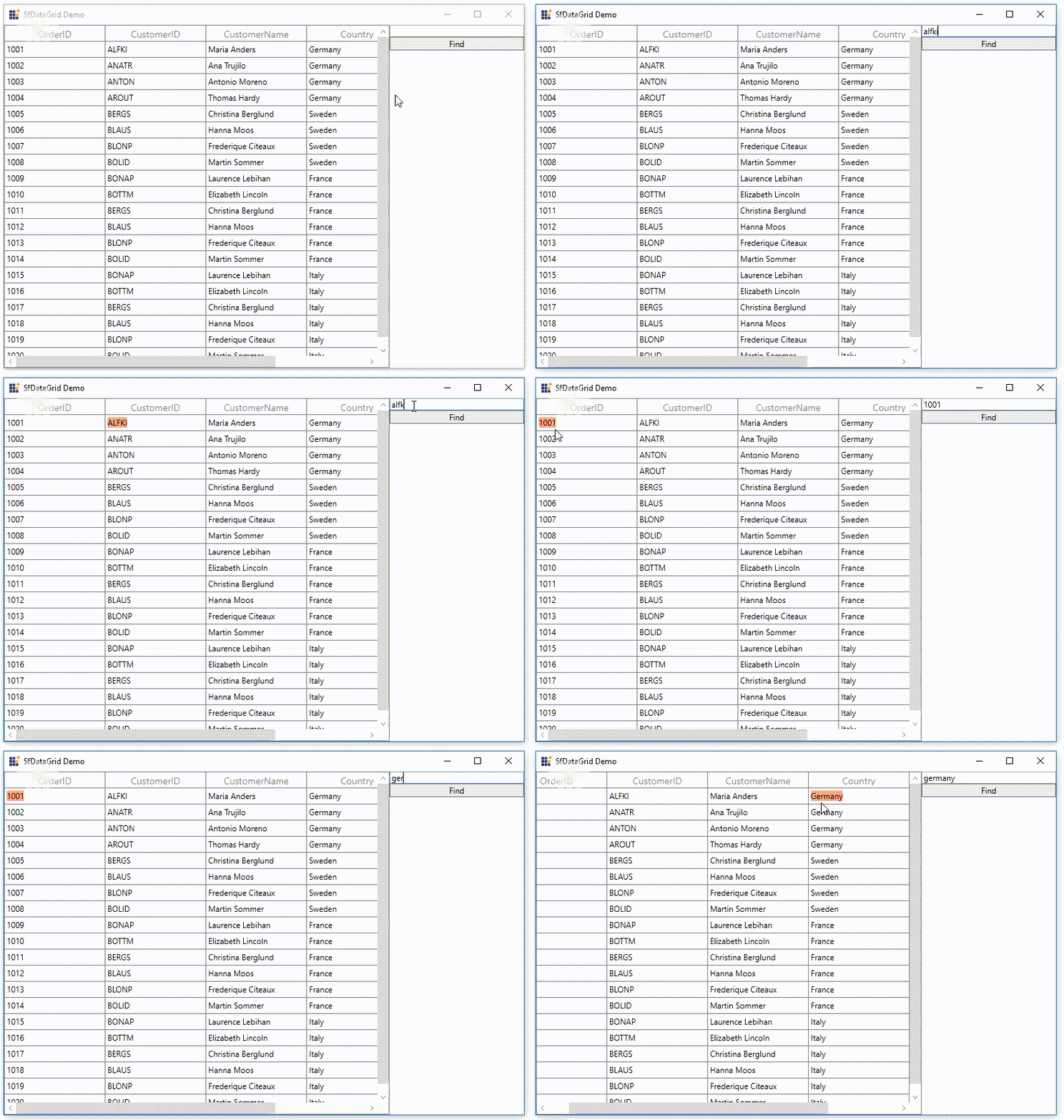
How To Implement Equals Search Type In Searchcontroller In WPF Datagrid?


search
searchcustomfield
wpf
wpf-application
wpf-datagrid
This example illustrates how to implement Equals Search type in SearchController in WPF DataGrid (SfDataGrid).
DataGrid does not provide the support for SearchType property as Equals in SearchHelper. You can achieve this by override the MatchSearchText method in SfDataGrid.SearchHelper.
btnFind.Click += BtnFind_Click;

private void BtnFind_Click(object sender, RoutedEventArgs e)
{
    this.sfDataGrid.SearchHelper.ClearSearch();
    this.sfDataGrid.SearchHelper.FindNext(txtSearch.Text);
    this.sfDataGrid.SearchHelper = new SearchHelperExt(this.sfDataGrid);
}

public class SearchHelperExt : SearchHelper
{
    public SearchHelperExt(SfDataGrid datagrid) : base(datagrid)
    {

    }

    protected override bool MatchSearchText(GridColumn column, object record)
    {
         var cellvalue = Provider.GetFormattedValue(record, column.MappingName);

         if (!AllowCaseSensitiveSearch)
            return cellvalue != null && cellvalue.ToString().ToLower().Equals(SearchText.ToString().ToLower());
         else
            return cellvalue != null && cellvalue.ToString().Equals(SearchText.ToString());
    }
}