How To Get The Target Record When Drop The Row In WPF Datagrid?


draganddrop
row
wpf
wpf-application
wpf-datagrid
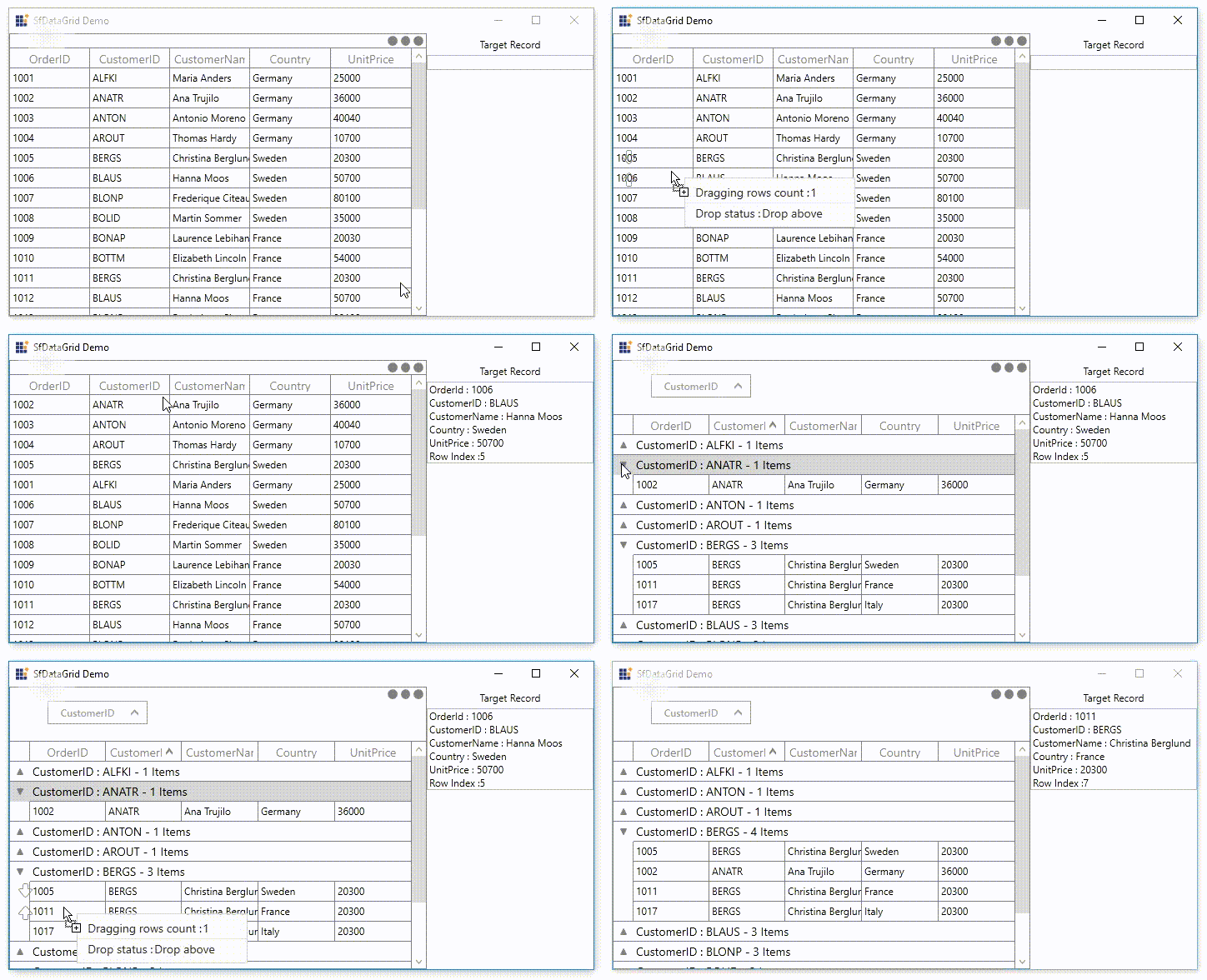
This example illustrates how to get the target record when drop the row in WPF DataGrid (SfDataGrid).
DataGrid does not provide the direct support to get the target record which is going to drop. You can get the target record which is going to drop by using SfDataGrid.RowDragDropController.Drop event.
sfDataGrid.RowDragDropController.Drop += RowDragDropController_Drop;

private void RowDragDropController_Drop(object sender, GridRowDropEventArgs e)
{
    var droppedIndex = (int)e.TargetRecord;
    var rowIndex = this.sfDataGrid.ResolveToRowIndex(droppedIndex);
    NodeEntry recordEntry = null;

    if (this.sfDataGrid.View.TopLevelGroup != null)
        recordEntry = this.sfDataGrid.View.TopLevelGroup.DisplayElements[this.sfDataGrid.ResolveToRecordIndex(rowIndex)];
    else
        recordEntry = this.sfDataGrid.View.Records[this.sfDataGrid.ResolveToRecordIndex(rowIndex)];

    var targetRecord = ((recordEntry as RecordEntry).Data as OrderInfo);

    txtDisplayRecord.Text = "OrderId : " + targetRecord.OrderID + "\nCustomerID : " + targetRecord.CustomerID + "\nCustomerName : " + targetRecord.CustomerName + "\nCountry : " + targetRecord.Country + "\nUnitPrice : " + targetRecord.UnitPrice + "\nRow Index :" + droppedIndex;
}