
How To Disable The Chart Template Saving Alert Window In Winforms Chart


chart
chart-template
charts
winform
winforms
winforms-chart
This article explains how to avoid the following pop-up window while showing up for saving the chart template at load time.

If your requirement is to save the chart template (series properties and the point properties, which was saved in XML file) without getting that pop-up then, please refer the following code sample instead of saving like this. C#
..
var template = new ChartTemplate(typeof(ChartControl));
template.Scan(this.chartControl1);
template.Save("TemplateName.xml");
..
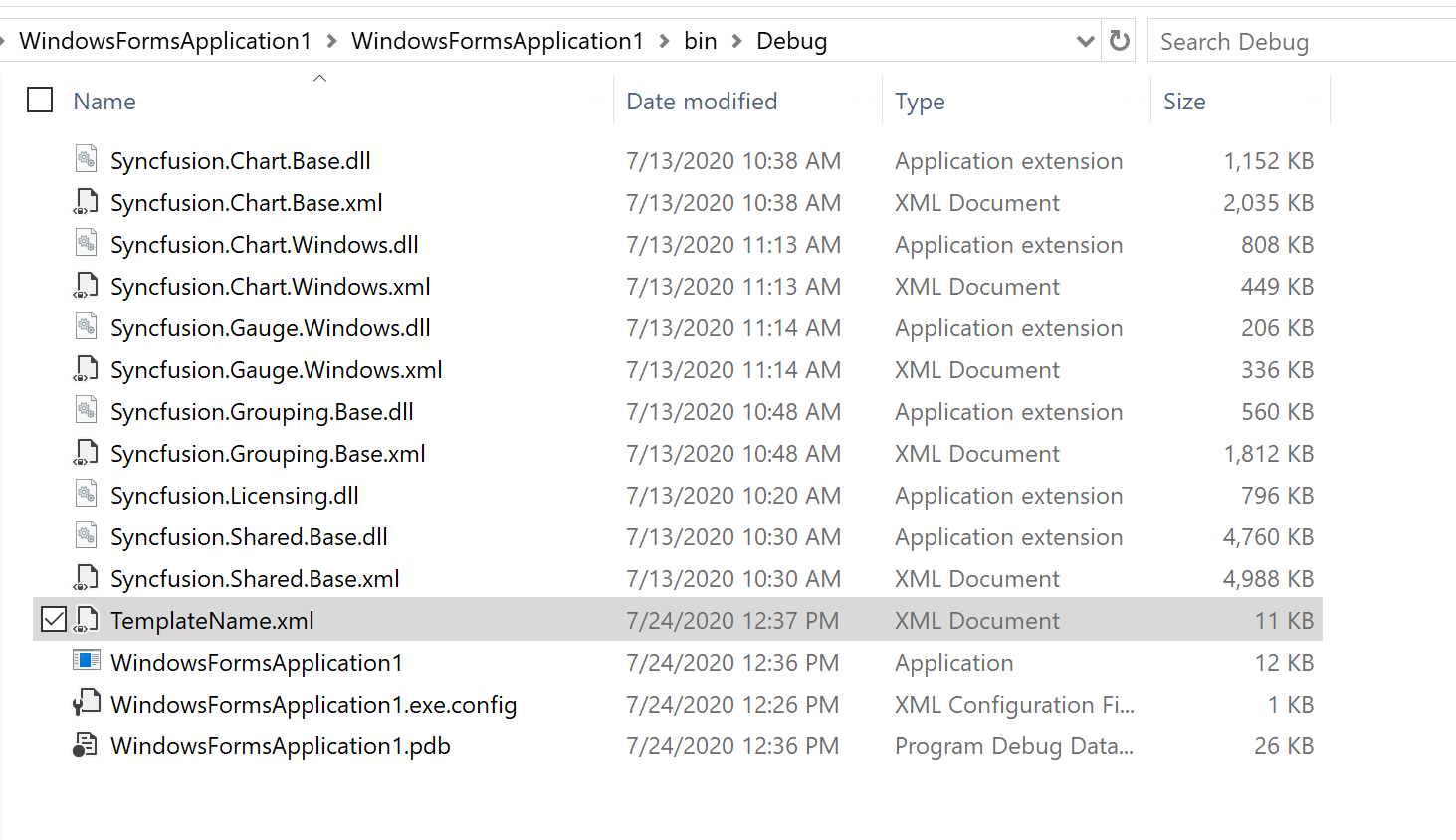
Chart Template saving location is bin->debug->FileName.xml
See Also
How to bind the data source via chart wizard

