How To Collapse The Detailsviewdatagrid Inside The Groups In Winforms Datagrid?


collapse
detailsviewdatagrid
grouping
windows-forms
winforms
winforms-datagrid
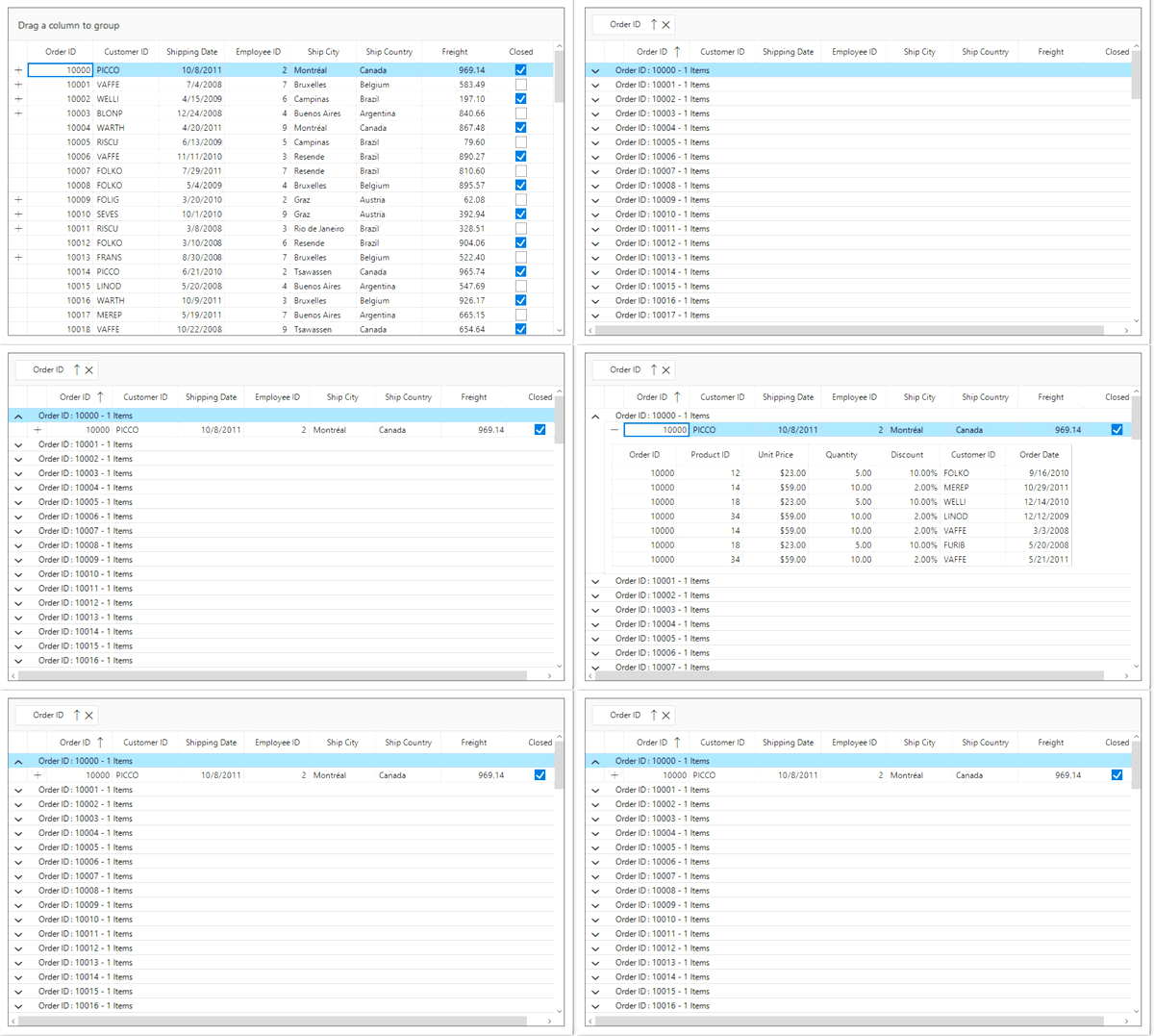
This sample show cases how to collapse the DetailsViewDataGrid inside the groups in WinForms DataGrid (SfDataGrid).
By default, DetailsViewDataGrid expanded state is maintain when group of DataGrid is collapsed. If we need to collapse the DetailsViewDataGrid when group of DataGrid is collapsed, this can be achieved by disabling the IsExpanded of DetailsViewDataGrid in SfDataGrid.GroupExpanding event.
this.sfDataGrid1.GroupExpanding += SfDataGrid1_GroupExpanding;

private void SfDataGrid1_GroupExpanding(object sender, Syncfusion.WinForms.DataGrid.Events.GroupChangingEventArgs e)
{
    CollapseAllNestedGrids(e.Group);
}

void CollapseAllNestedGrids(Group group)
{
    if (group != null && group.Records != null)
    {
        foreach (var item in group.Records)
        {
            if (item.IsGroups == false)
                item.IsExpanded = false;
        }
    }

    if (group.Groups != null)
    {
        foreach (var item in group.Groups)
            CollapseAllNestedGrids(item);
    }
}