
How To Change The Fontsize Edit Mode In UWP Treegrid (Sftreegrid)?


About the sample
This example illustrates how to change the FontSize edit mode in UWP TreeGrid (SfTreeGrid)?
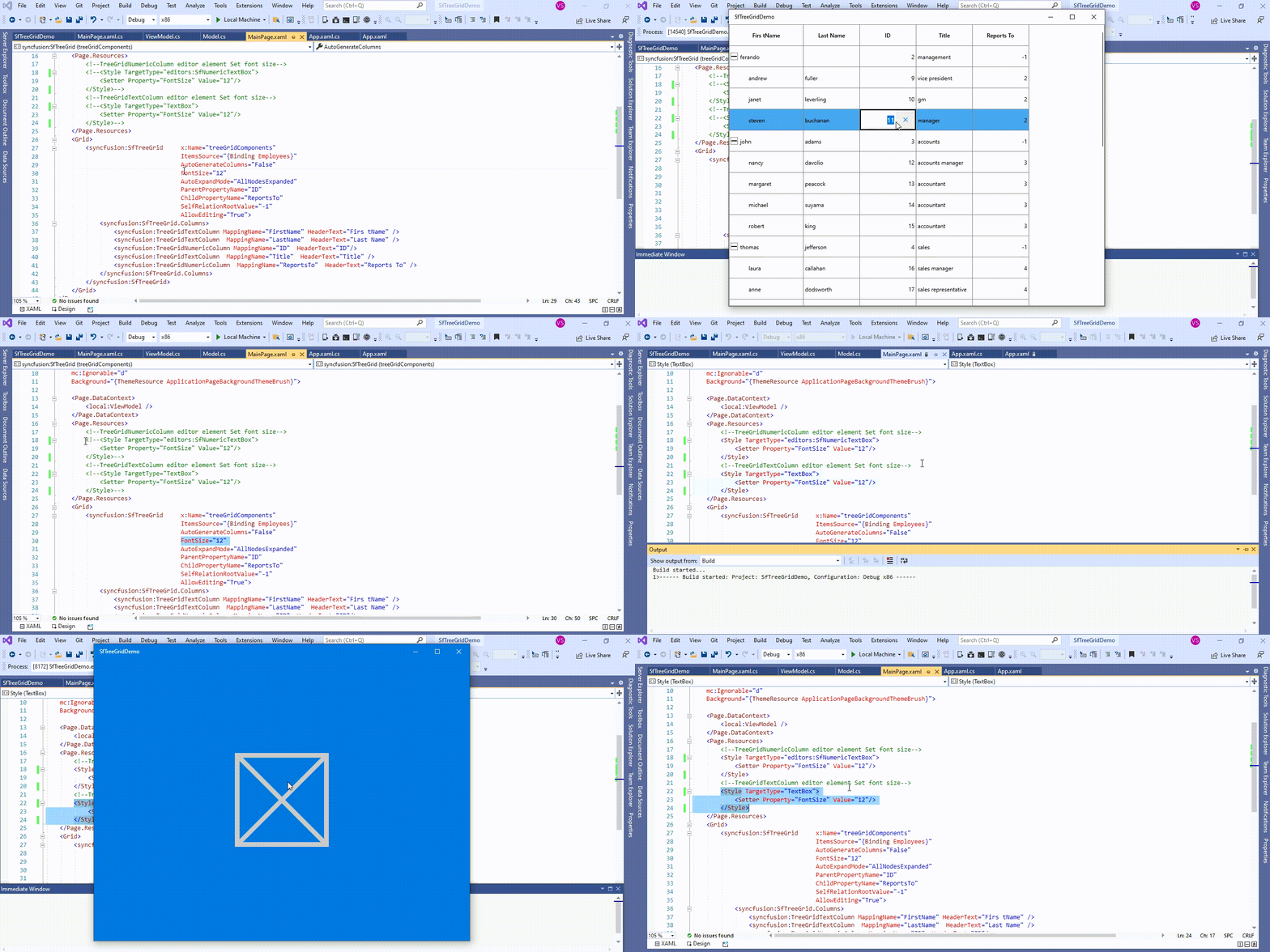
UWP TreeGrid (SfTreeGrid) FontSize changed only applied in the display text. TextBox loaded as editor element in TreeGridTextColumn when enter into edit mode FontSize not changed. You can change the FontSize in edit mode by setting the FontSize for TextBox.
<Page.Resources>
        <!--TreeGridNumericColumn editor element Set font size-->
        <Style TargetType="editors:SfNumericTextBox">
            <Setter Property="FontSize" Value="12"/>
        </Style>
        <!--TreeGridTextColumn editor element Set font size-->
        <Style TargetType="TextBox">
            <Setter Property="FontSize" Value="12"/>
        </Style>
</Page.Resources>
UWP TreeGrid (SfTreeGrid) provides support for various built-in column types. Each column has its own properties and renderer for more details please refer the below documentation link.
Documentation Link: https://help.syncfusion.com/uwp/treegrid/columntypes
Take a moment to peruse the UWP TreeGrid - Editing documentation, where you can find about editing with code examples.
Requirements to run the demo
Visual Studio 2015 and above versions

