
Getting Started With React Scheduler Component Using MERN Stack (Mongodb, Express, React, Node)


crud
express
mern
mongodb
nodejs
react
rest-api
scheduler
syncfusion
syncfusion-react
syncfusion-react-schedule
syncfusion-scheduler
Description
This repository showcases a full-stack sample application that demonstrates how to integrate the Syncfusion React Scheduler component into a React application with a Node.js and MongoDB backend.
The backend provides REST API endpoints for managing calendar events, which are stored in MongoDB. The React frontend delivers a responsive scheduling interface, enabling users to create, update, view, and delete events seamlessly using Syncfusion’s Scheduler component.
Prerequisites
- Use Node Version >= 20.19.0 (for better performance with MongoDB driver 7.0)
- Use Latest MongoDB Software.
- Make sure there is nothing running on the ports 5000, 3000.
Setup
- Clone the repository to your local machine.
Backend Setup
MongoDB
- Create a Database named
mydbin the default connectionlocalhost:27017in MongoDB Compass. - Create a Collection named
ScheduleDatain the above created database. - Make sure this connection is in connected state in MongoDB Compass.
Frontend Setup
- In a new terminal, navigate to the project folder:
- Install application dependencies:
npm install
Running the Application
- Start the backend server:
npm run server (runs the server.js file) - Backend server started running on
http://localhost:5000 - Open another terminal from the same path, start the frontend:
npm start - Access the application by navigating to http://localhost:3000 in your web browser to view the output.
Output Preview
Syncfusion React Scheduler
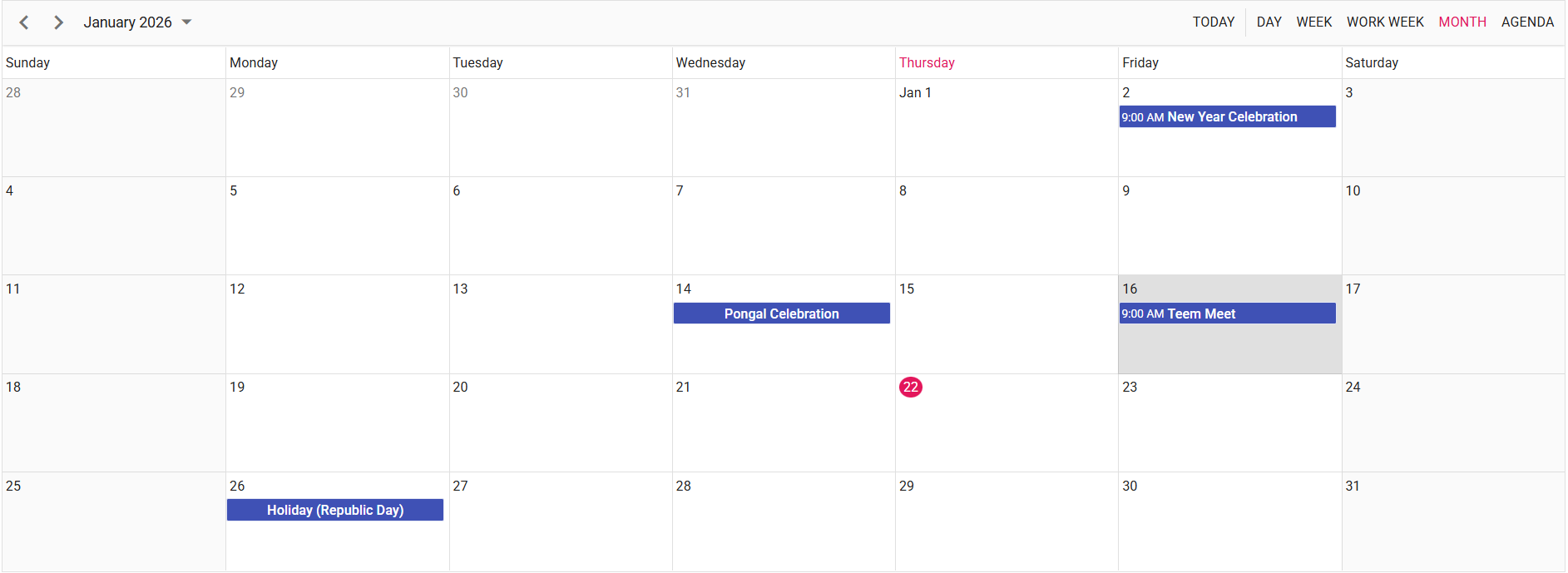 Image illustrating the Syncfusion React Scheduler
Troubleshooting
- 404 PageNotFound: Ensure the backend server running on
localhost:5000. - CORS errors: Ensure the frontend running on
localhost:3000.
Learn More
To learn more about integrating Syncfusion React Scheduler Syncfusion Documentation.

