
Angular Firebase Scheduler


angular-schedule
angular-scheduler
crud
firebase
firebase-database
firestore
schedule
scheduler
syncfusion
syncfusion-scheduler
This project is an Angular application that integrates a Syncfusion Scheduler component with Firebase Firestore for data storage and real-time updates.
Prerequisites
Before you begin, ensure you have the following installed:
- Node.js (v14.x or later)
- npm (v6.x or later)
- Angular CLI (v15.x or later)
Setup
- Clone the repository:
git clone https://github.com/SyncfusionExamples/ej2-angular-scheduler-with-firebase.git - Install dependencies:
npm install Firebase Configuration:
Create a new Firebase project at https://console.firebase.google.com/
- Enable Firestore in your Firebase project
- In the Firebase console, go to Project Settings and copy your web app's Firebase configuration
Open
src/main.tsand replace thefirebaseConfigobject with your configuration:const firebaseConfig = { apiKey: "YOUR_API_KEY", authDomain: "YOUR_AUTH_DOMAIN", projectId: "YOUR_PROJECT_ID", storageBucket: "YOUR_STORAGE_BUCKET", messagingSenderId: "YOUR_MESSAGING_SENDER_ID", appId: "YOUR_APP_ID", measurementId: "YOUR_MEASUREMENT_ID" };Firestore Setup:
- In the Firebase console, go to Firestore Database
- Create two collections:
DataandResourceData - The
Datacollection will store scheduler events - The
ResourceDatacollection will store resource information for the scheduler
Running the Application
- Start the development server:
ng serve
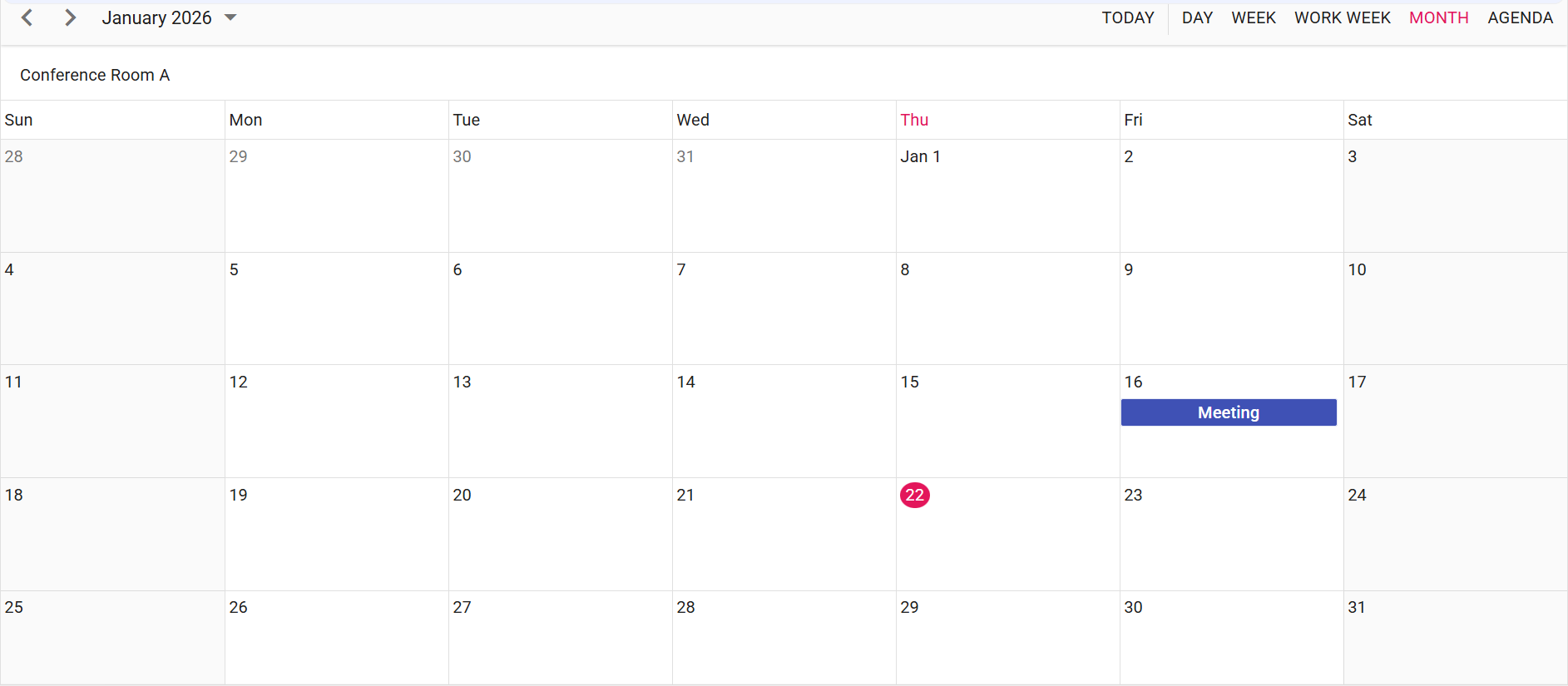
Output Preview
Troubleshooting
License banner: Obtain and register a Syncfusion license key Link.

