
How To Integrate EJ2 Angular Scheduler With CRUD Using Graphql Adaptor.


angular
angular-scheduler
crud
graphql
graphql-server
nodejs
scheduler
syncfusion
syncfusion-ej2
This repository contains a sample full-stack application demonstrating how to show events in Syncfusion Angular Scheduler component using GraphQL. The Angular frontend provides a responsive UI for viewing and managing calendar events.
Prerequisites
- Node.js (>= 20.19)
- npm (>= 7.0)
- Angular CLI (== 17.0.0)
Setup
Cloning the repository
- Clone the repository to your local machine
GraphQL Server setup
Installation
- Open a terminal and navigate to the GraphQLServer folder
cd GraphQLServer - Install dependencies
npm install
Frontend Setup
Installation
- Open another terminal and navigate to the SchedulerApp folder
cd SchedulerApp - Install the required packages
npm install
Running the Application
- Open a terminal and navigate to GraphQLServer folder
cd GraphQLServer - Start the GraphQL server:
npm run dev - Server started running on
http://localhost:4400 - Open another terminal and Navigate to SchedulerApp folder
cd SchedulerApp - Start the Schedule Frontend:
npm start Navigate to
http://localhost:4200in your browser.You can perform CRUD operation on the events that will be reflected in the Scheduler.
Output Preview
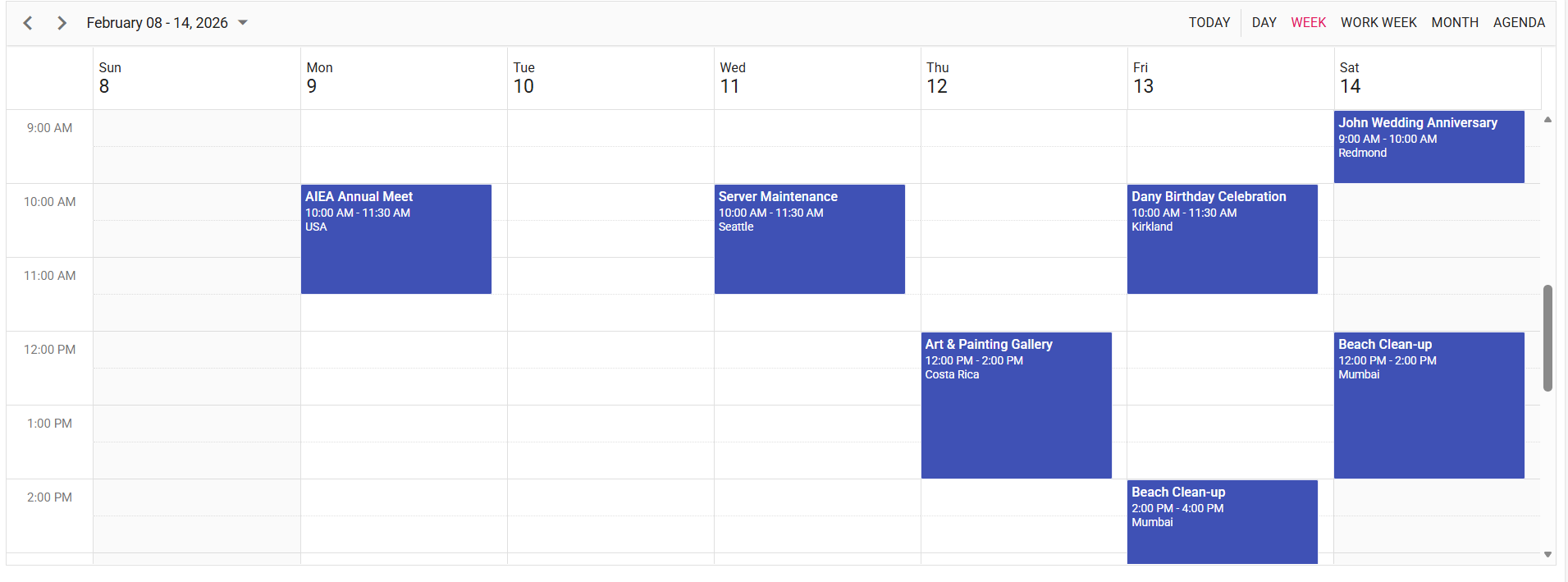 Image illustrating the Syncfusion Angular Scheduler
Troubleshooting
- npm install stuck or fails: Delete node_modules + package-lock.json, restart system, and reinstall using npm install.
- Karma/Jasmine version errors: Install matched versions: [email protected], [email protected], [email protected].

