
How To Customize Material And Office2019 Themes Using WPF Theme Studio Application?


custom-theme
customize
datagrid
material
materialdark
materialdarkblue
materiallight
materiallightblue
office
office2019
office2019black
office2019colorful
themes
themestudio
wpf
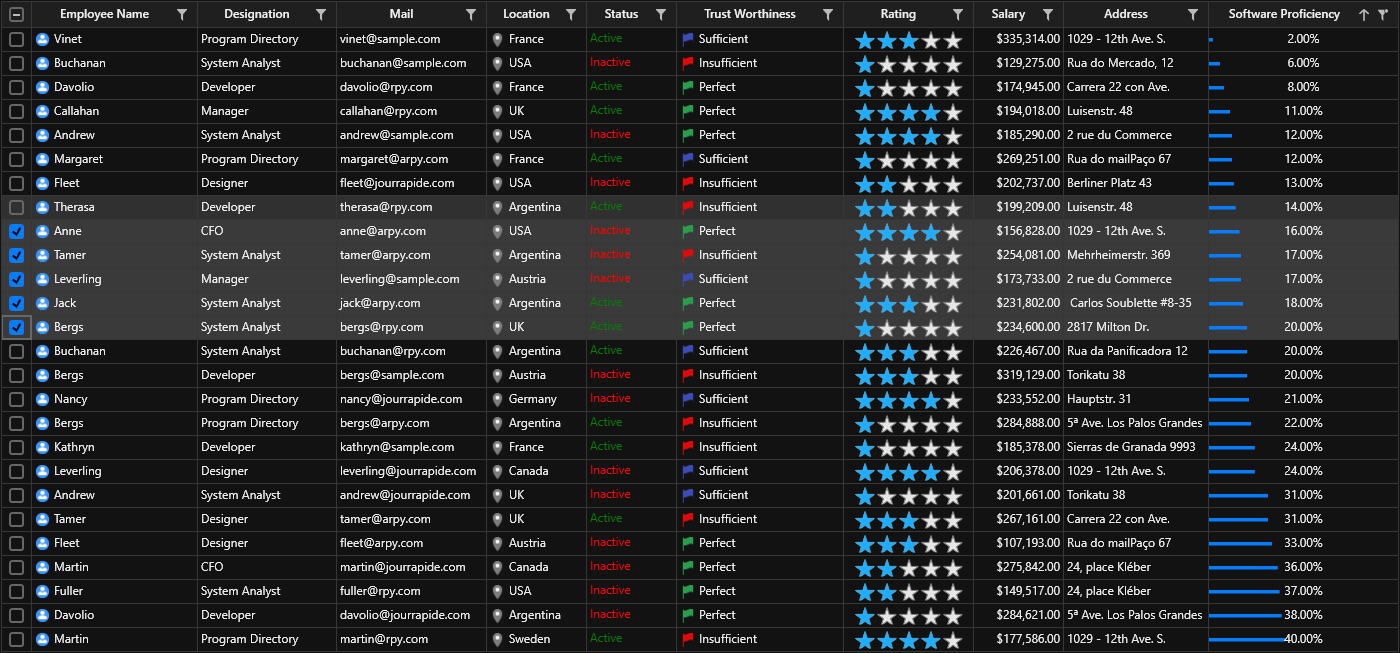
This sample demonstrates how to customize Material and Office2019 themes using the WPF Theme Studio application.
Overview
The project contains a customized theme assembly exported from ThemeStudio, showcasing custom themes applied to:
- Syncfusion DataGrid - A powerful grid control with custom styling
- Chromeless Window - Modern borderless windows with custom appearance
The themes are loaded using SkinManager's VisualStyle support for consistent application styling.
Prerequisites
- Visual Studio 2019 or later
- .NET Framework 4.5 or higher / .NET 8.0+
- Syncfusion WPF controls (Essential Studio)
- WPF Theme Studio application
Getting Started
- Clone or download this repository
- Open the solution in Visual Studio
- Restore NuGet packages
- Build and run the application
Features
- Custom Material theme variants
- Custom Office2019 theme variants
- Pre-configured DataGrid with custom styling
- Chromeless Window implementation
- Easy theme switching via SkinManager
Customization
Use WPF Theme Studio to:
- Modify color palettes
- Adjust control appearances
- Export custom theme assemblies
- Apply themes at runtime

