
How To Change Themes At Run Time Using Skinmanager?


chromelesswindow
datagrid
material
materialdark
materialdarkblue
materiallight
materiallightblue
metro
office
office2019black
office2019colorful
skinmanager
themes
visualstyle
wpf
This sample demonstrates dynamic theme switching at runtime using Syncfusion's SkinManager in WPF applications.
Overview
The application showcases:
- Datagrid with MaterialDark theme applied by default
- Chromeless Window for modern borderless UI
- Runtime theme switching via dropdown ComboBox
- Multiple theme options (Material, Office2019, Fluent, etc.)
Themes are applied using SkinManager's VisualStyle property, enabling seamless theme changes without application restart.
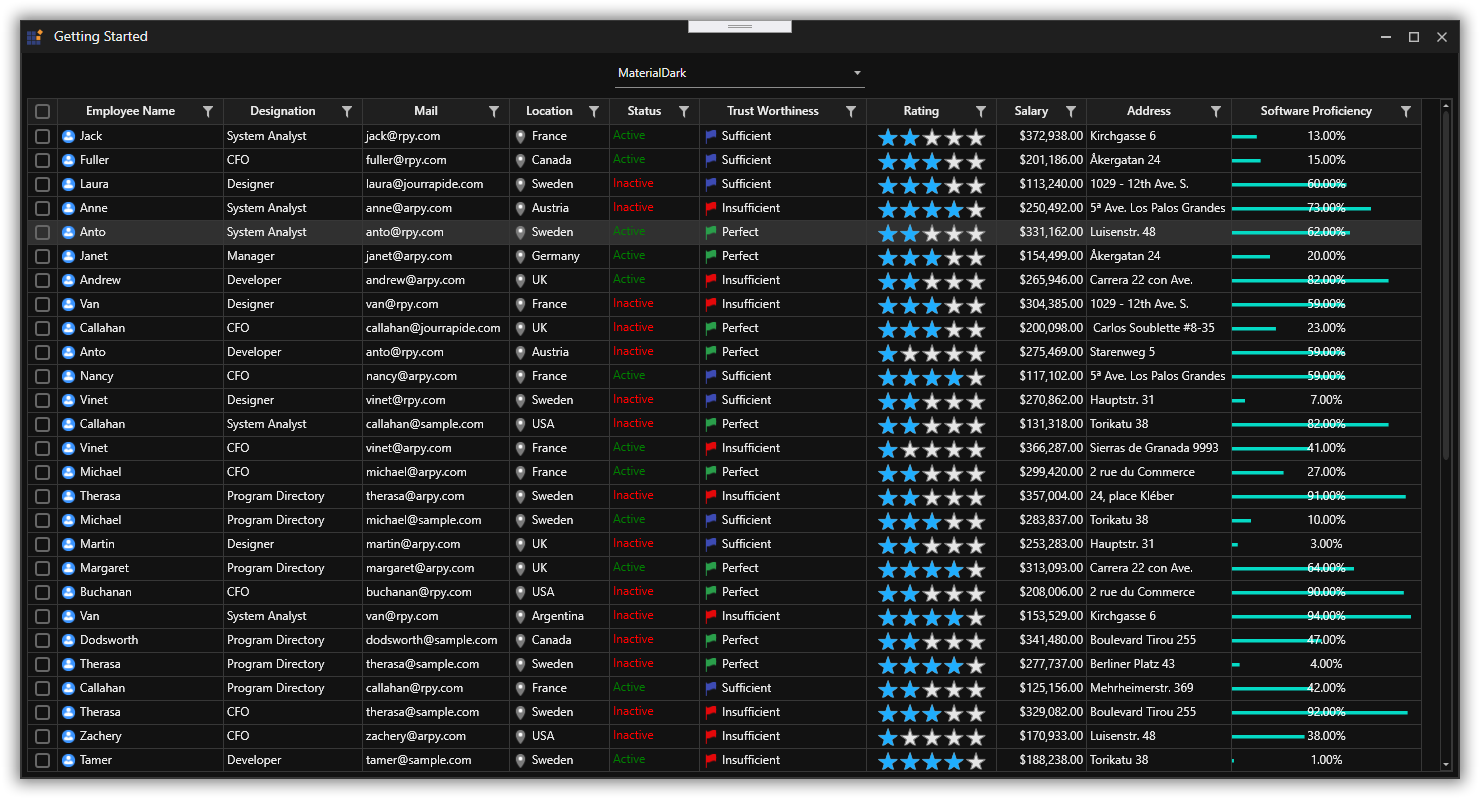
Features
- Pre-loaded MaterialDark theme on startup
- ComboBox control for theme selection
- Instant theme switching across all Syncfusion controls
- Support for multiple built-in themes
- Chromeless window with custom theming
- DataGrid with theme-aware styling
Prerequisites
- Visual Studio 2019 or later
- .NET Framework 4.6+ or .NET 8.0+
- Syncfusion Essential Studio for WPF
Quick Start
- Clone the repository
- Open solution in Visual Studio
- Restore NuGet packages
- Run the application
- Use the dropdown to switch themes
Theme Options
- MaterialLight / MaterialDark
- Office2019Colorful / Office2019Black
- FluentLight / FluentDark

