How To Change Focus Visual Kind Using WPF Skinmanager?


The WPF Skin Manager allows you to apply various keyboard focus visual styles for both Syncfusion® and Framework controls using the FocusVisualKind property.
The FocusVisualKind enum contains the following values:
Default- The default keyboard focus visual style will be applied.HighVisibility- High visibility keyboard visual feedback is an effect that shows a border for focusable elements when the user moves the keyboard focus to that element.
N> The HighVisibility keyboard focus visual is enabled by default in the Fluent theme.
This sample demonstrates how to use the FocusVisualKind property in a WPF application using Syncfusion's SkinManager. It loads a DataGrid and a Chromeless Window with focus visual styles, showcasing the visual differences between modes.
Features
- Configurable keyboard focus visual modes: Default and HighVisibility
- Applies to both Syncfusion controls (e.g., SfDataGrid) and standard WPF controls
- Easy integration with theme applications
- Enhanced accessibility with HighVisibility mode
Configuration
Setting FocusVisualKind in C
To set the FocusVisualKind programmatically, use the SfSkinManager:
using Syncfusion.SfSkinManager;

SfSkinManager.SetTheme(this, new Theme() { ThemeName = "MaterialDark", FocusVisualKind = FocusVisualKind.HighVisibility });
Build and Run
- Clone or download the project.
- Open
DataGrid_Themes.slnin Visual Studio. - Restore NuGet packages.
- Build the solution.
- Run the application to see the DataGrid and Chromeless Window with focus visual styles.
- Use Tab key to navigate and observe keyboard focus visuals.
Ensure Syncfusion licenses are configured if required.
Demos and Examples
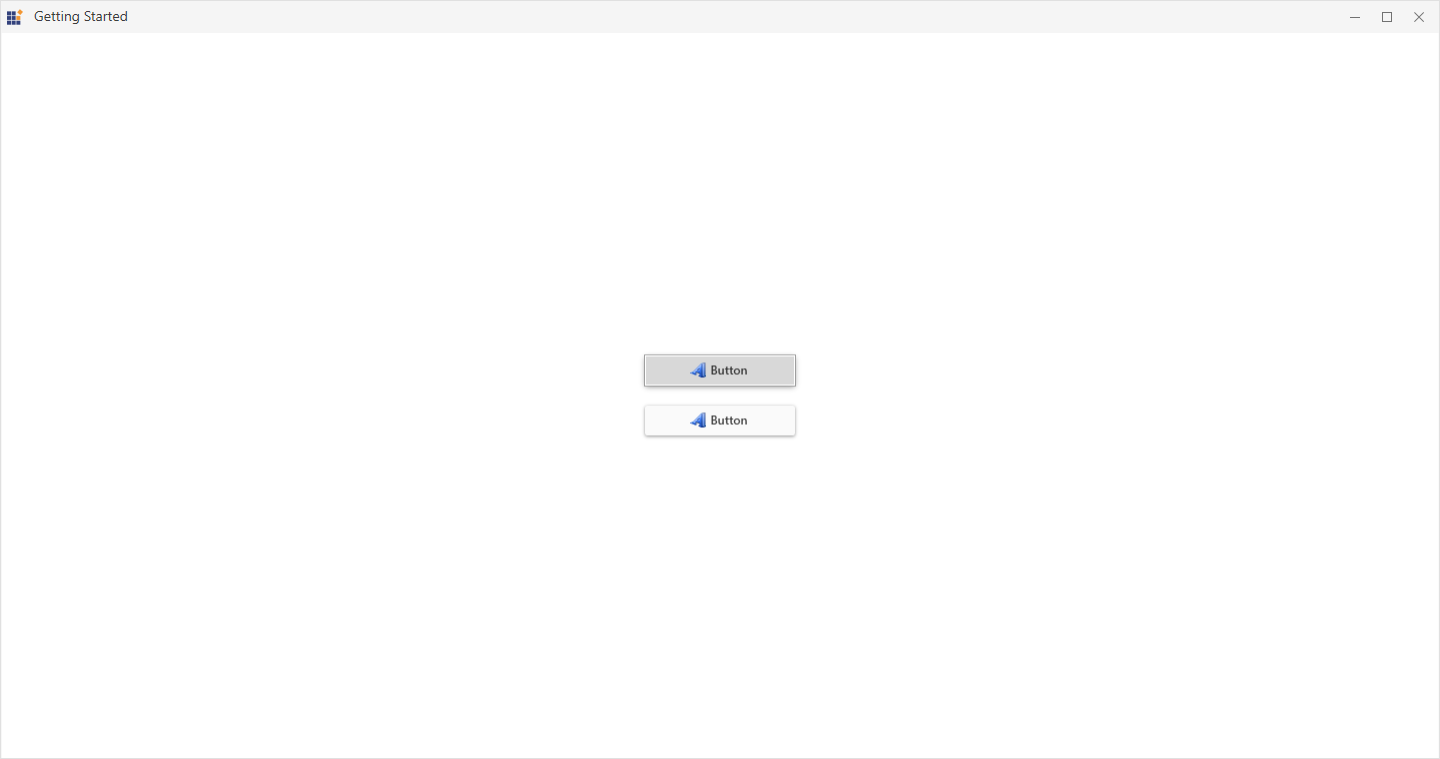
The sample includes a ButtonAdv demonstrating focus visual functionality. Experiment by switching between Default and HighVisibility modes in code.
Screenshots