Welcome to the Blazor feedback portal. We’re happy you’re here! If you have feedback on how to improve the Blazor, we’d love to hear it!

  • Check out the features or bugs others have reported and vote on your favorites. Feedback will be prioritized based on popularity.
  • If you have feedback that’s not listed yet, submit your own.

Thanks for joining our community and helping improve Syncfusion products!

2
Votes

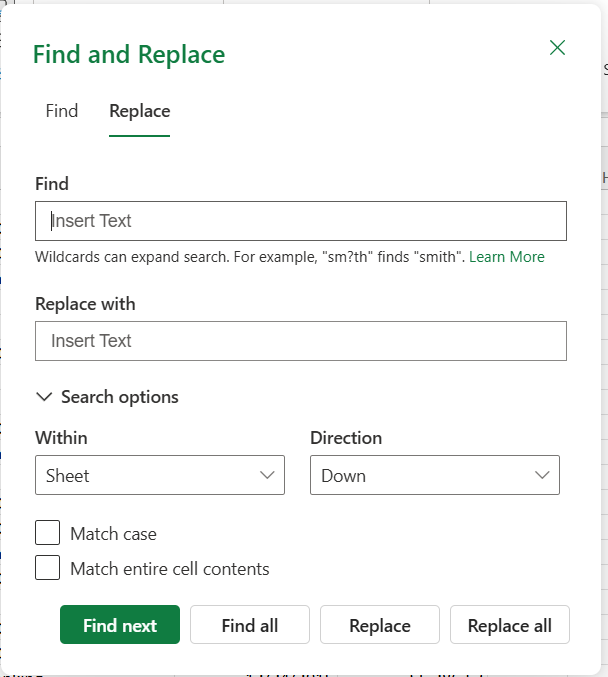
The Find and Replace feature allows users to quickly locate and update text, numbers, or values within a sheet or across the entire workbook. It helps streamline data editing and improves efficiency when working with large datasets.
 

Key Features

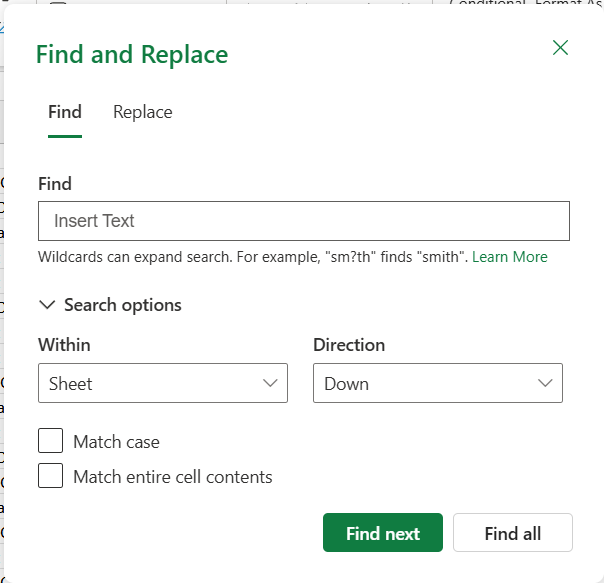
  • Find: Search for specific content and navigate through results using next and previous options
  • Replace: Update matched values individually or replace all occurrences at once
  • Flexible Search: Perform searches within a sheet or across the workbook
  • Search Options:
    • Search by rows or columns
    • Case-sensitive search
    • Match exact cell content
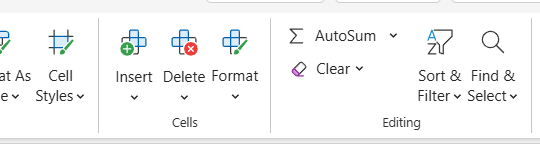
  • Easy Access: Available through the toolbar and keyboard shortcuts
  • Go To: Quickly jump to a specific cell location
Image Reference:
Screenshot 2026-06-03 111424.png

Screenshot 2026-06-03 111340.pngScreenshot 2026-06-03 144954.png