Welcome to the Blazor feedback portal. We’re happy you’re here! If you have feedback on how to improve the Blazor, we’d love to hear it!
Thanks for joining our community and helping improve Syncfusion products!
Hello Syncfusion Team,
I have found the following issue with your SfSplitter component.
Expected behavior
Actual behavior
It's already quite bad UX to have arrows to expand and collapse on hover only especially on a small barely visible target "the splitter handle". However, what is worse is the ability for the customer to not be able to drag the panes anymore after collapse. It leads to a broken feel of the component with little to no context clues (before hover) of how to re-expand the component.
You can see an example of this behavior on your demo here: 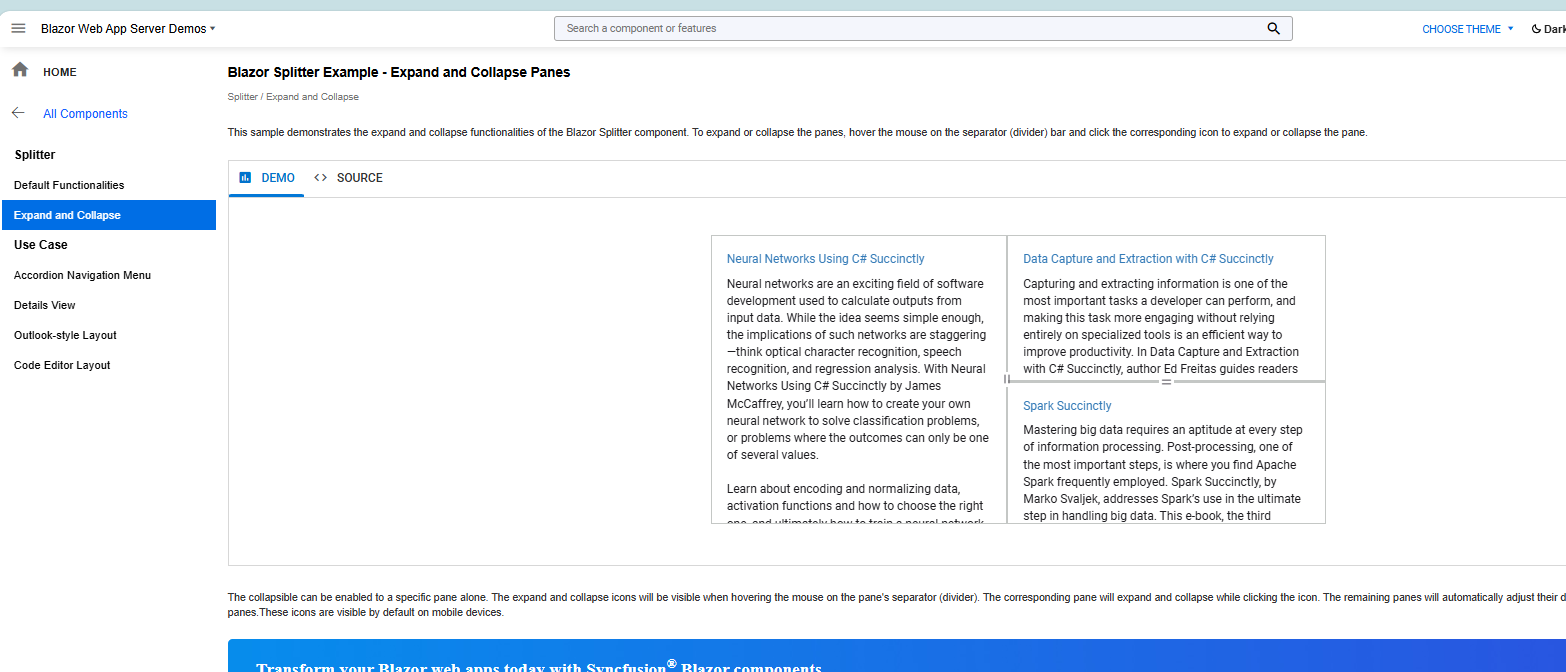
 Bold BI
 Bold Reports
 BoldDesk