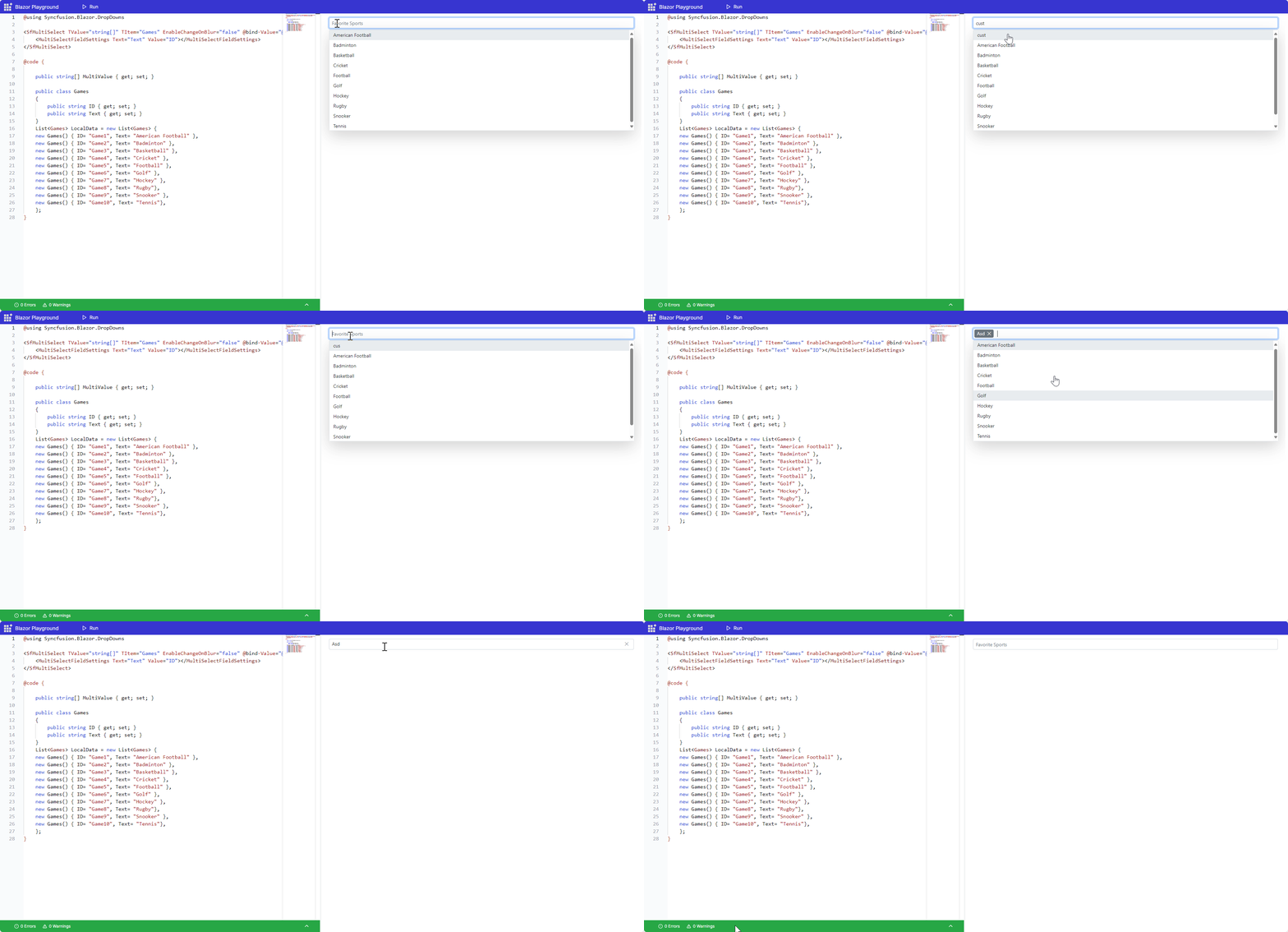
- When the user enters a custom value and presses the Tab key without pressing Enter, the MultiSelect does not update properly. The text remains in the input field after losing focus. If the component is focused again, the text can still be edited.
- If the user enters a custom value and presses the Tab key without pressing Enter, the text remains in the input field after losing focus. If the value is cleared using the clear icon, it gets added to the popup as a custom value.
- When the user enters a custom value and presses the Enter key, the MultiSelect updates correctly and adds the value to the popup.
Expected Output:
- When the user presses the Tab key without pressing Enter, the custom value should be cleared and not added to the popup.
- The input should reset after the component loses focus when Tab is used.
Current Output:
- When the user presses the Tab key without pressing Enter, the custom value remains in the input field after losing focus.
- If the value is cleared using the clear icon, it gets added to the popup as a custom value.
- The text in the input field can still be edited after refocusing the component.
 Bold BI
 Bold Reports
 BoldDesk