Welcome to the Angular feedback portal. We’re happy you’re here! If you have feedback on how to improve the Angular, we’d love to hear it!
Thanks for joining our community and helping improve Syncfusion products!
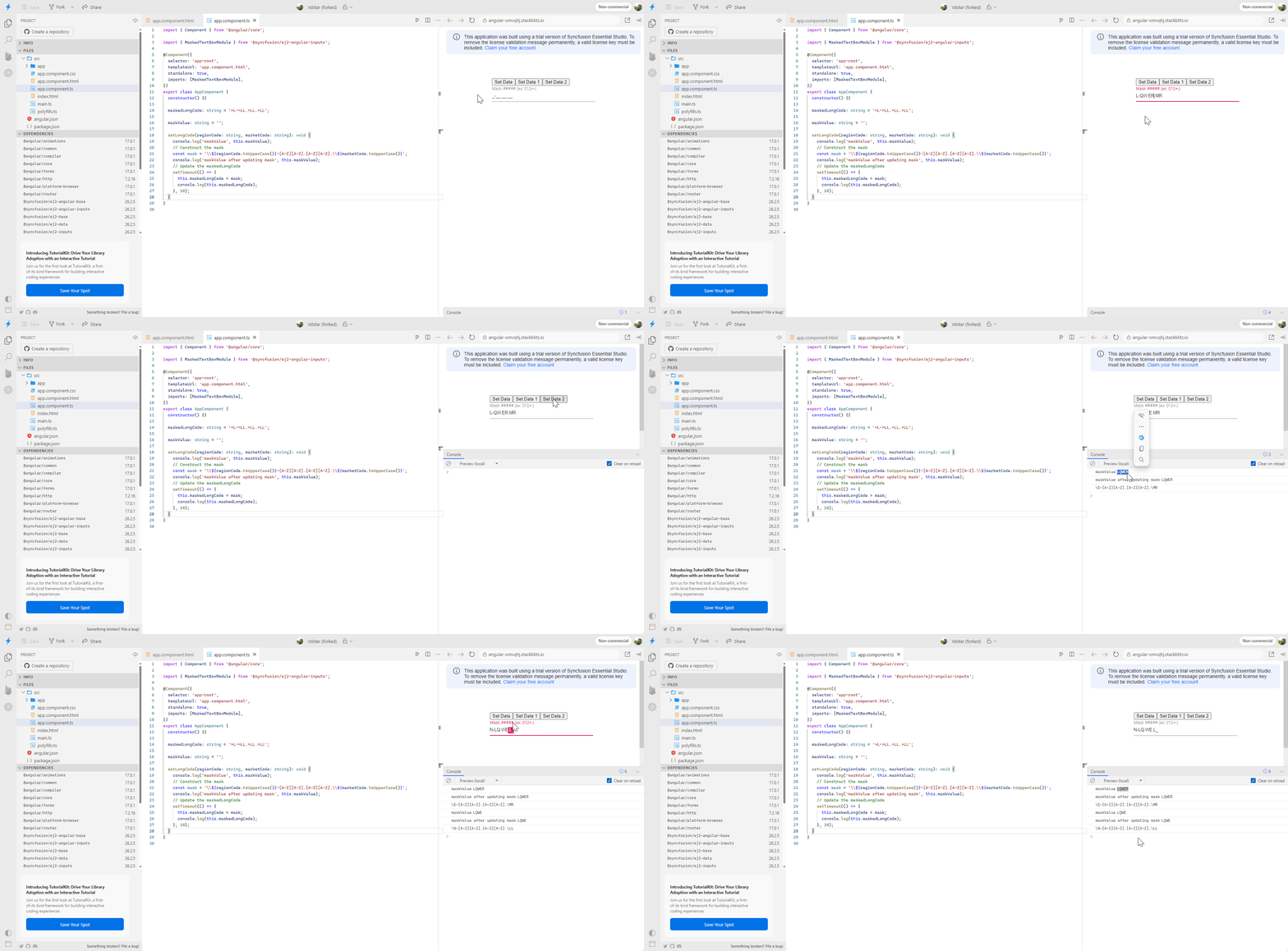
After updating the value, changing the mask will shift the literals to the right and update them to the value of the mask.
Sample: Vdstar (forked) - StackBlitz
Replication procedure:
Expected Output: L-RT.YU.MR
Current Output: E-LR.TY.MR
 Bold BI
 Bold Reports
 BoldDesk