Welcome to the Angular feedback portal. We’re happy you’re here! If you have feedback on how to improve the Angular, we’d love to hear it!

  • Check out the features or bugs others have reported and vote on your favorites. Feedback will be prioritized based on popularity.
  • If you have feedback that’s not listed yet, submit your own.

Thanks for joining our community and helping improve Syncfusion products!

1
Vote

Steps to reproduce
open syncfusion demo page
- delete base content
- (optional) Change font to Calibri, 96px
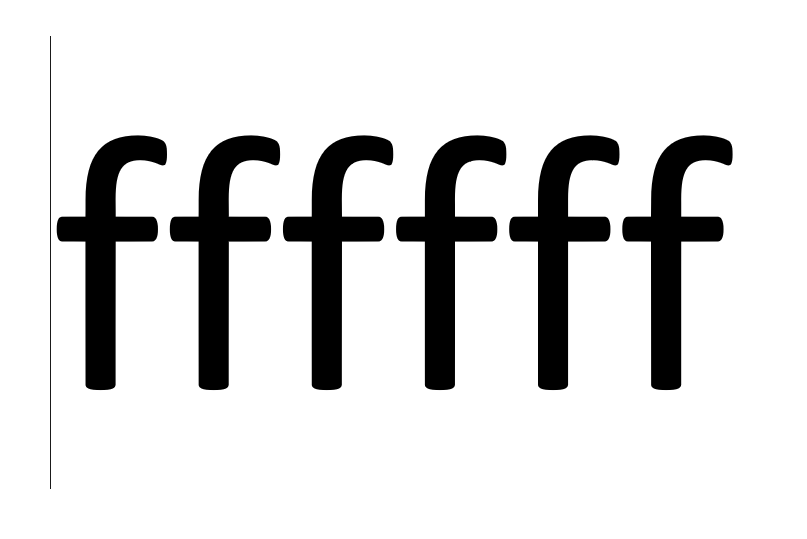
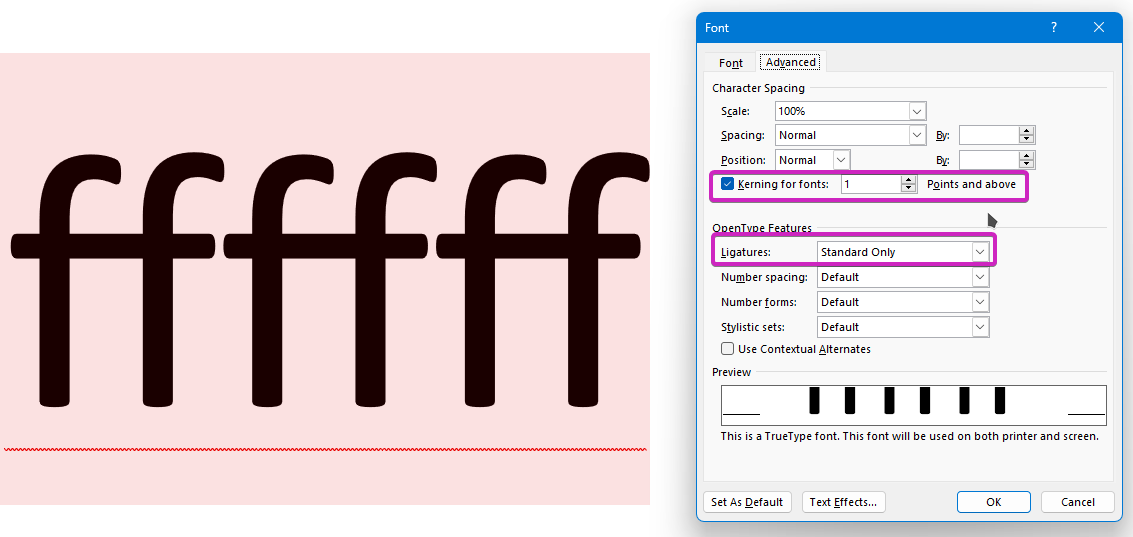
- enter "ffffff"
- notice each ff gets replaced with it's respective ligature
Empty
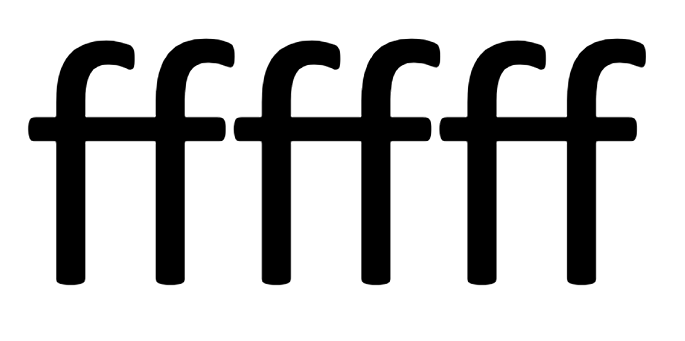
- copy everything into a blank word document, notice that the f don't get rendered as doubles anymore
Empty
- In the webeditor: export the file as a docx and open it - notice the seperate f again
Empty
Expected result: 
The exported / copied word document should look the same as in the Webeditor

Fix when editing document:
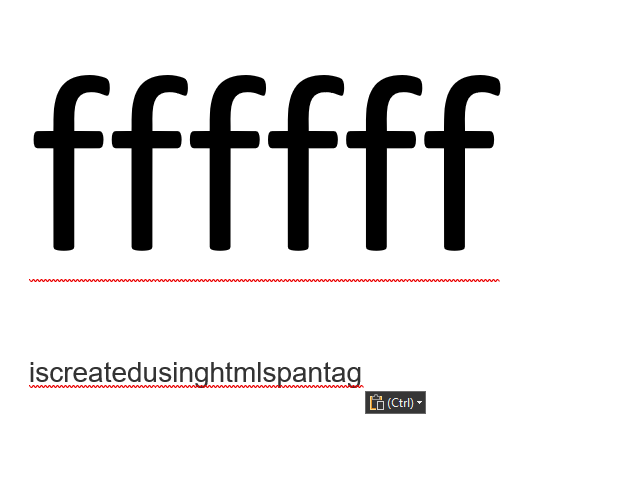
- select text, rightclick, font, advanced: check "Kerning for fonts" and set it to 1 pt and above; Enable OpenType feature: "Ligature: Standard only"
Empty