Welcome to the Blazor feedback portal. We’re happy you’re here! If you have feedback on how to improve the Blazor, we’d love to hear it!
Thanks for joining our community and helping improve Syncfusion products!
Description:
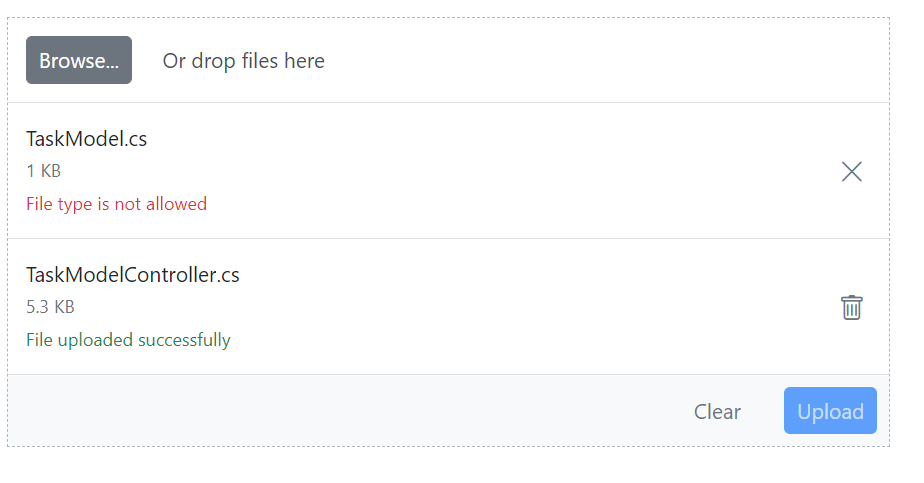
File Type is not allowed error message thrown when AutoUpload is set as false while selecting the file individually.
Sample: https://blazorplayground.syncfusion.com/VjLJZKXFVbqCJppp
Customer’s sample: https://blazorplayground.syncfusion.com/BtVJjqXvhbdmAOdl
Validation Details:
This issue doesn’t occur for AutoUpload true, with Async setting and uploading multiple files at a time.
Note: This issue is occurring with the combination of AutoUpload false and selecting file individually.
Replication Procedure:
Expected: File should upload properly.
Actual: File type is not allowed error message thrown for first file.
 Bold BI
 Bold Reports
 BoldDesk