Welcome to the Blazor feedback portal. We’re happy you’re here! If you have feedback on how to improve the Blazor, we’d love to hear it!
Thanks for joining our community and helping improve Syncfusion products!
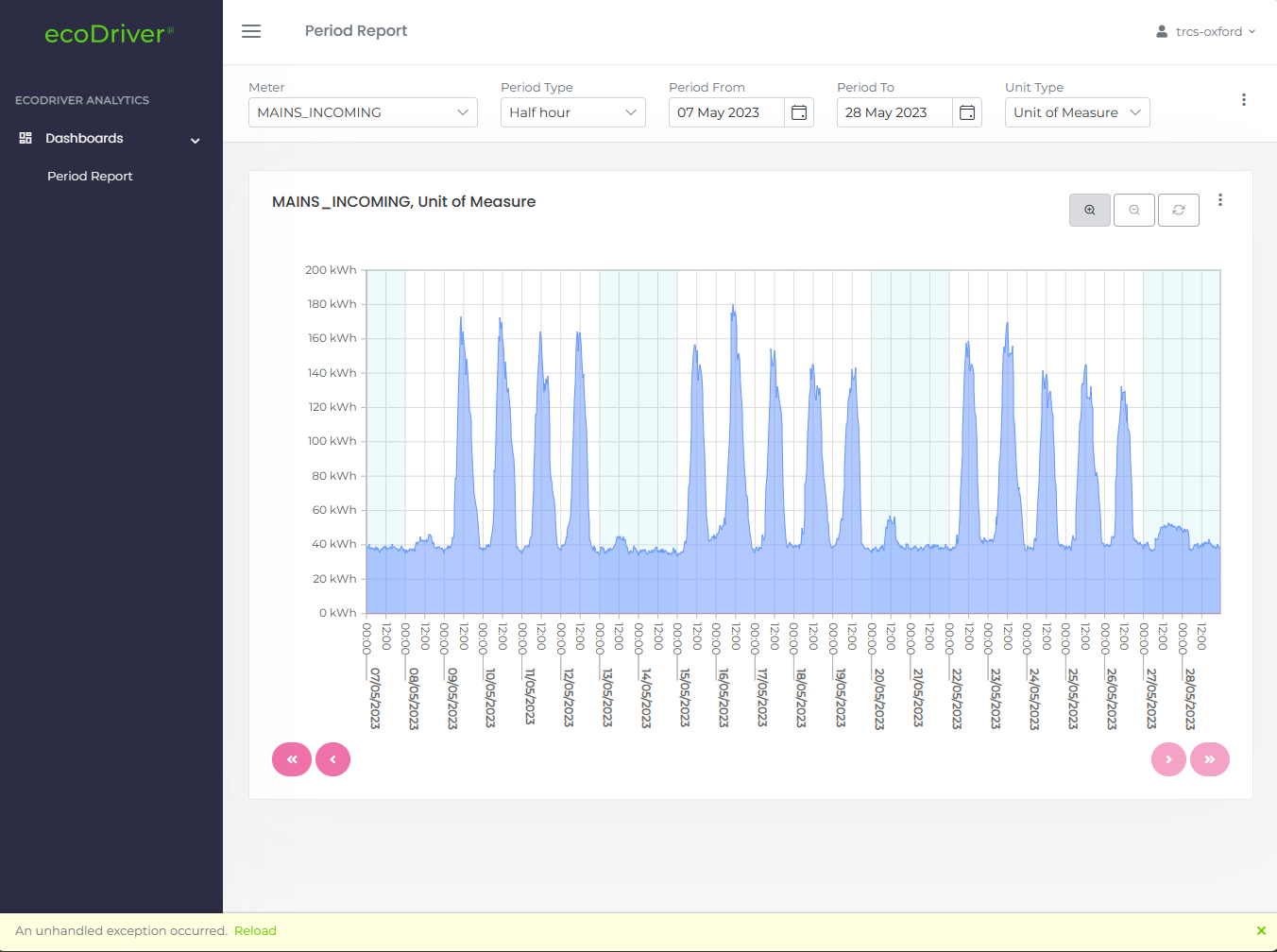
I have a column chart which I can switch to another source of data and change the chart type to area based on user input. The project is .NET 8 Blazor with the component in 'InteractiveAuto' for production.
I can switch from column chart to area chart with new data locally. This is working well when in debug, if I manually set the component to InteractiveServer or InteractiveWebAssembly, it works fine locally.
On a release build however, the webassembly is breaking and showing the following in the console, an error coming from the area series renderer, setting the border line on the area:
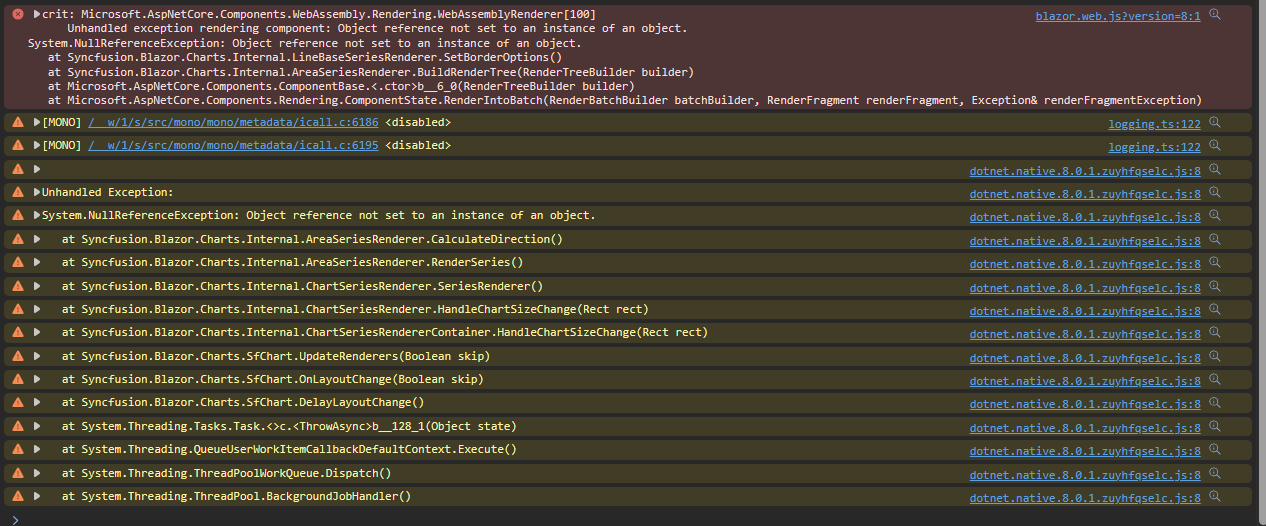
crit: Microsoft.AspNetCore.Components.WebAssembly.Rendering.WebAssemblyRenderer[100]
Unhandled exception rendering component: Object reference not set to an instance of an object.
System.NullReferenceException: Object reference not set to an instance of an object.
at Syncfusion.Blazor.Charts.Internal.LineBaseSeriesRenderer.SetBorderOptions()
at Syncfusion.Blazor.Charts.Internal.AreaSeriesRenderer.BuildRenderTree(RenderTreeBuilder builder)
at Microsoft.AspNetCore.Components.ComponentBase.<.ctor>b__6_0(RenderTreeBuilder builder)
at Microsoft.AspNetCore.Components.Rendering.ComponentState.RenderIntoBatch(RenderBatchBuilder batchBuilder, RenderFragment renderFragment, Exception& renderFragmentException)
 Bold BI
 Bold Reports
 BoldDesk