Welcome to the Blazor feedback portal. We’re happy you’re here! If you have feedback on how to improve the Blazor, we’d love to hear it!
Thanks for joining our community and helping improve Syncfusion products!

The code sample and screen log in the attched file.
This is a about 4 level tree.
Almost the same code.
The different is if using the[WebAssembly]. the same code takes almost 5s to show the data.
I have take many test about it.
If I using id,parentid,desczh, 3 fileds(a new class to build the sample) to show the tree, it can show quickly.
I have the see the same question in the forum.
There is no satisfactory answer.
https://www.syncfusion.com/forums/154398/performance-treegrid
I have update the code.
Nothing about the levels.
It may show very slow in blazor frame work.
The below code show if using 4 lelels.
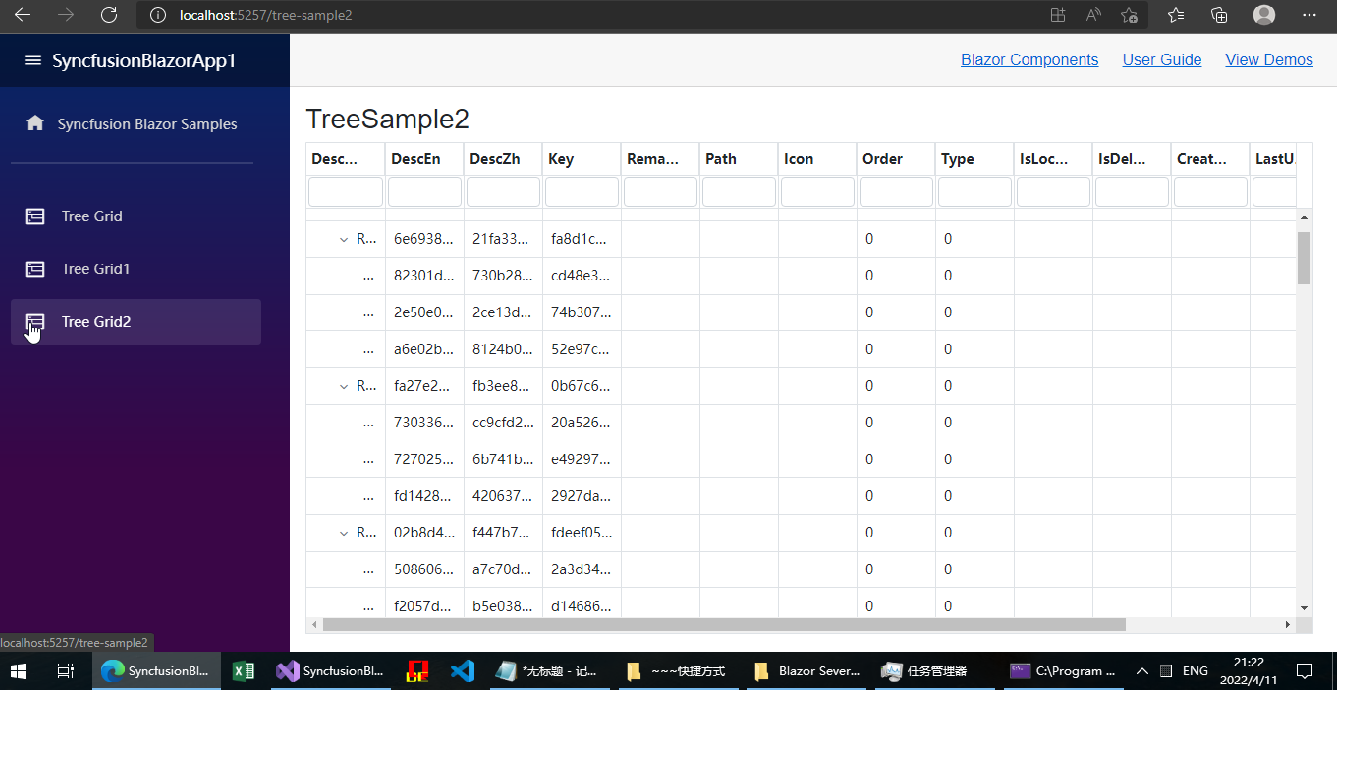
I have add a page [tree grid 2]
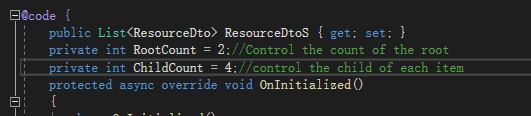
It can control the counts of the items to generate.
 Bold BI
 Bold Reports
 BoldDesk