Welcome to the Metro Studio feedback portal. We’re happy you’re here! If you have feedback on how to improve the Metro Studio, we’d love to hear it!
Thanks for joining our community and helping improve Syncfusion products!
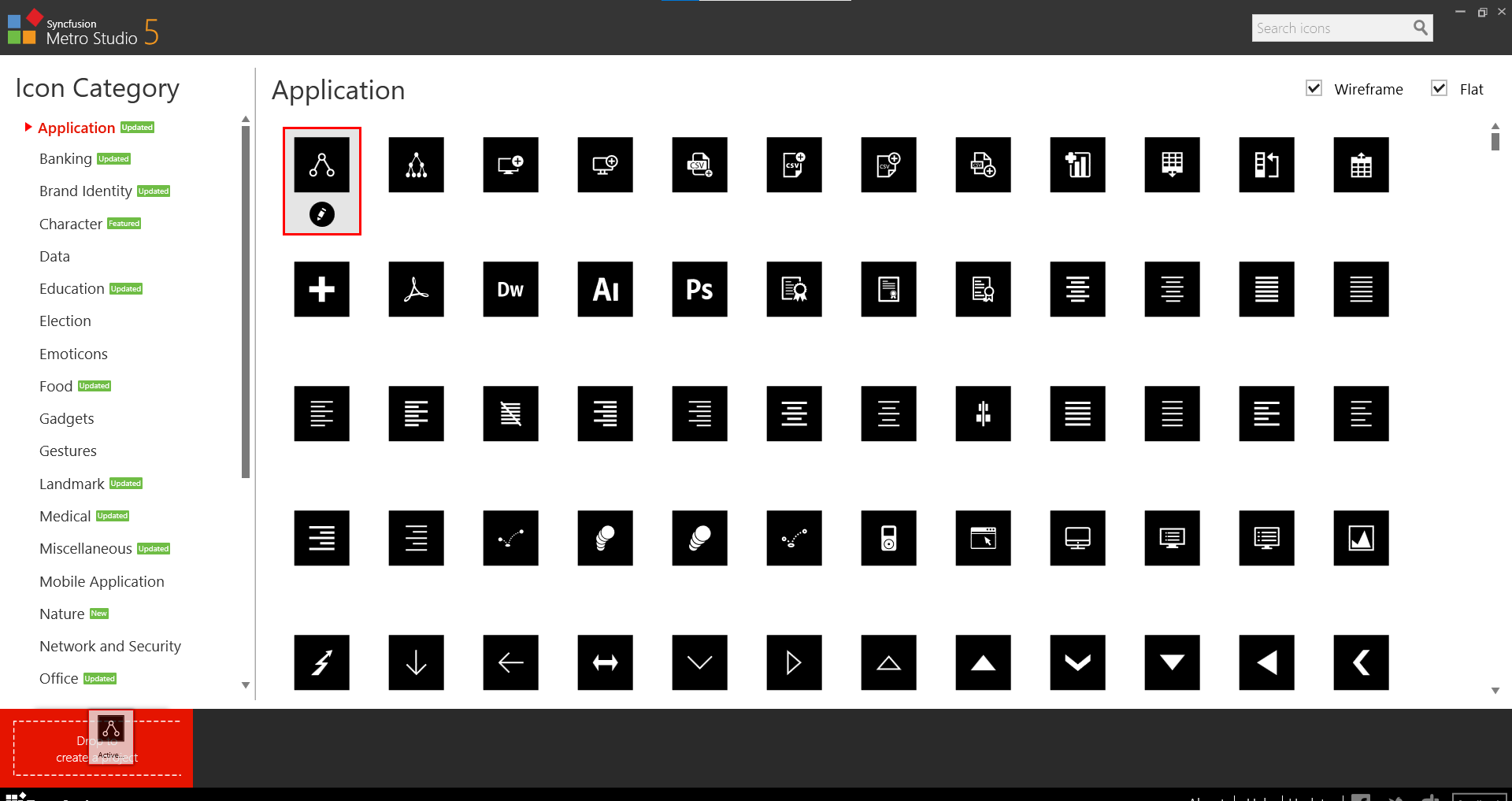
Cannot create a new project in the latest version of Metro Studio.
Note: we've found a workaround for the problem. Please create a new folder "MetroStudio" in your machine document directory, and please find the attached screenshots. After creating the folder you can run the metro studio and do the drag and drop
Replication procedure:
Step 1: Run the Application
Step 2: Select the icon and drag and drop the create new project area.
Step 3: Icons are still displayed on top of the drop area
Screenshots
 Bold BI
 Bold Reports
 BoldDesk