Welcome to the Angular feedback portal. We’re happy you’re here! If you have feedback on how to improve the Angular, we’d love to hear it!
Thanks for joining our community and helping improve Syncfusion products!
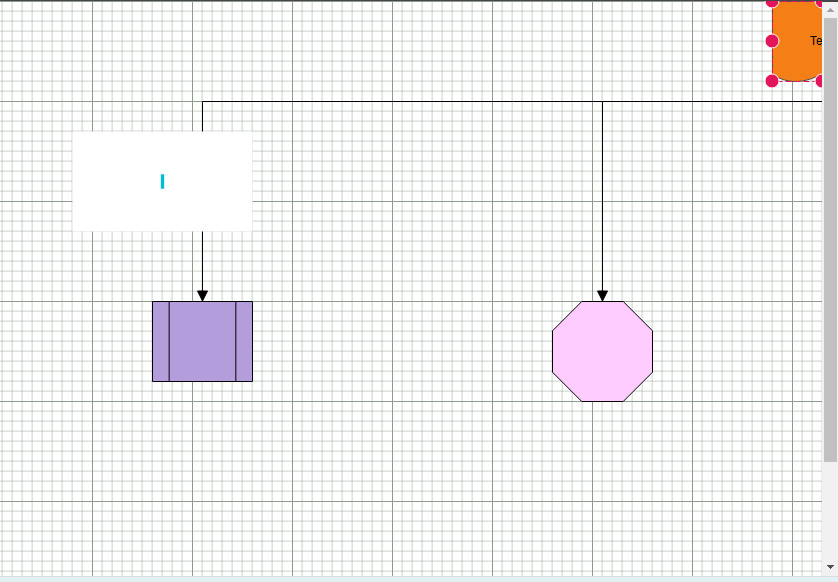
If we click and drag any shape inside diagram at the corner of grid, the grid should expand automatically. But it was placed on the corner and scroll not available after that width. Is that option available .
When I drag and drop a shape at the corner of the diagram grid, half of the shape was hided and scroll not available after that particular width unless until I change width manually. It should expand automatically.
Refer : draw.io
 Bold BI
 Bold Reports
 BoldDesk