Welcome to the Blazor feedback portal. We’re happy you’re here! If you have feedback on how to improve the Blazor, we’d love to hear it!
Thanks for joining our community and helping improve Syncfusion products!
Hi
The Dashboard sets the size of its cells using the size of its parent container. This means that the cells become automatically smaller when the parent container becomes smaller. This is typically the case when a user reduces the width of the browser. During this process, the Dashboard maintains its CellAspectRatio; i.e. the width and the height of the cells get smaller.
However, there are many scenarios where this behaviour does not produce nice results. Please have a look this structure in its initial state:
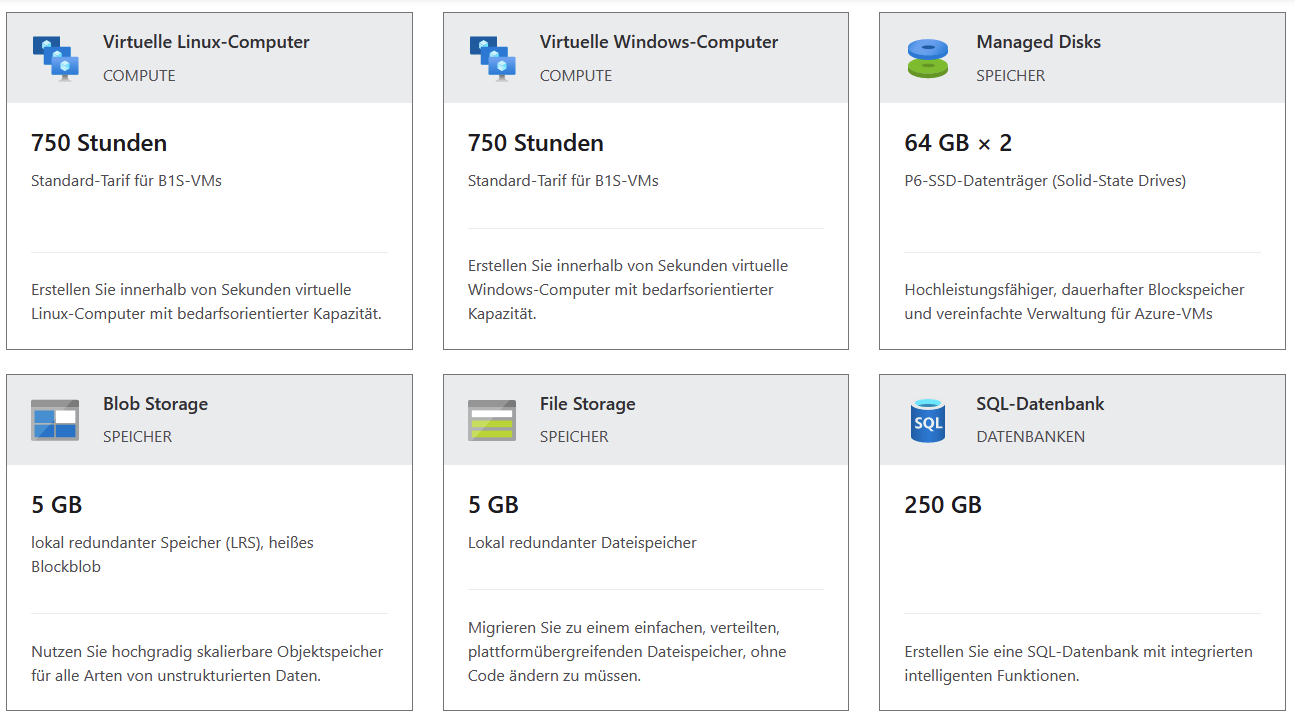
If the browser's width is reduces, the cell aspect ratio changes:
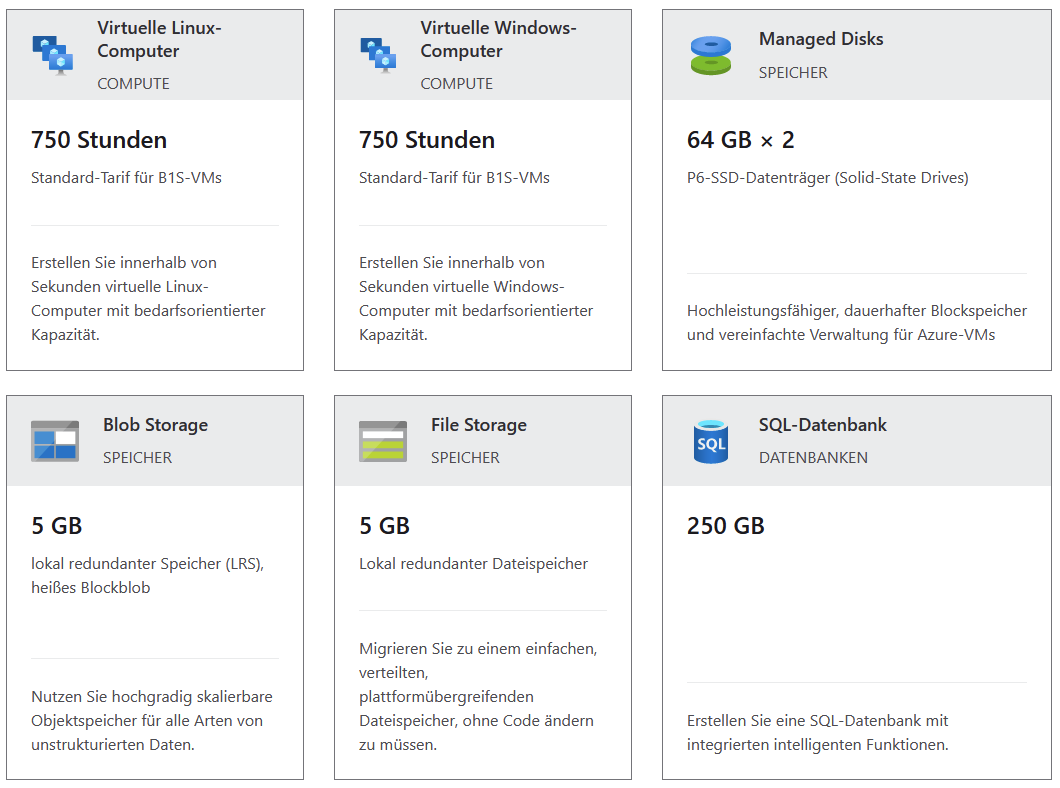
The content of the cells is still readable. The height of the cells does not change, but the cell aspectio ratio is modified. The height of the cell is constant.
This kind of behaviour would be very useful for a dashboard since the content resembles very often to this example. Another argument is the size of the user's monitor which is very variable. There are many different sizes used. Especially the width of the monitors are very different.
So, if the Syncfusion Dashboard component would be able to define a constant height of the cells (or more precisely, the height of the underlying rectangles building the grid), the dashboard could be used in many more scenarios!
Thank you for having a look at my suggestion.
Best regards
Roman
 Bold BI
 Bold Reports
 BoldDesk