Welcome to the Blazor feedback portal. We’re happy you’re here! If you have feedback on how to improve the Blazor, we’d love to hear it!
Thanks for joining our community and helping improve Syncfusion products!
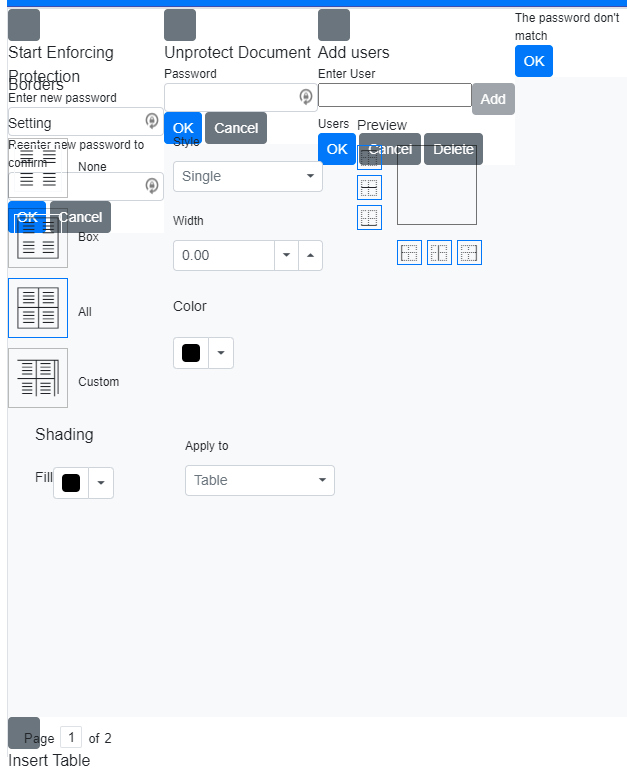
The screenshot below appears when leaving a Word Processor (SfDocumentEditorContainer) document. The document displays correctly. I just pops for a split second up when going to a different web page.
You can reproduce it by going to your "Example of Default Functionalities in Blazor Word Processor Component" at:
It does the same thing when you try any of the document editor examples on your web site.
 Bold BI
 Bold Reports
 BoldDesk